PCL 3D reconstruction VTK DELANAY point cloud grid
The three -dimensional reconstruction of Dianyun mainly includes:
delaunay
- MC
- Poisson
- Stich
- Level set
The grid is mainly used in computer graphics, including triangle and four -corner grids.
Most of the grid processing in computer graphics is based on the triangular grid. Triangular grids are widely used in graphics and three -dimensional modeling. You can see that the rabbits, balls and other models in the figure below are based on the triangular grid -based grid
Triangle indicates that the grid is also called triangular section. It has the following advantages:
Triangular grid stability is strong.
The triangle grid is relatively simple (main reason). In fact, the triangle grid is one of the simplest grid types. It can be very convenient and quickly generated. The most common in non -structured grids. And compared to the average polygon grid, many operations are easier to the triangle grid.
At present, point clouds are generally divided into two categories:
-
Insert method. As the name suggests, that is, the curved surfaces of the reconstruction are obtained through the original data point
-
Approaching the law. The linear curved surface or other curved surface is used to approach the original data point.
Dianyun greedy triangle
#include <iostream>

#include <pcl/io/pcd_io.h>
#include <pcl/visualization/pcl_visualizer.h>

#include<vtkRenderWindow.h>
#include<vtkSmartPointer.h>

#include <vtkSmartPointer.h>
#include <vtkPolyDataReader.h>
#include <vtkPolyData.h>
#include <vtkSurfaceReconstructionFilter.h>
#include <vtkContourFilter.h>
#include <vtkVertexGlyphFilter.h>
#include <vtkPolyDataMapper.h>
#include <vtkActor.h>
#include <vtkRenderer.h>
#include <vtkCamera.h>
#include <vtkRenderWindow.h>
#include <vtkRenderWindowInteractor.h>
#include <vtkProperty.h>
#include <vtkPolyDataNormals.h>
#include <vtkSphereSource.h>
#include <vtkPolyDataMapper.h>


#include <vtkRenderWindow.h>
#include <vtkGenericOpenGLRenderWindow.h>
#include <vtkNamedColors.h>
#include <vtkProperty.h>
#include <vtkSmartPointer.h>

#include <vtkRenderWindow.h>
#include <vtkPlanes.h>

#include <vtkProperty.h>

#include <vtkSmartPointer.h>
#include <vtkColorTransferFunction.h>
#include <vtkPiecewiseFunction.h>
#include <vtkRenderer.h>
#include <vtkRenderWindow.h>
#include <vtkTransform.h>
#include <vtkTransformPolyDataFilter.h>
#include <vtkCubeSource.h>

#include <vtkAlgorithmOutput.h>
#include <vtkCleanPolyData.h>
#include <vtkTriangleFilter.h>


#include <vtkStripper.h>
#include <vtkSTLWriter.h>

#include <vtkNew.h>
using namespace std;

//#define FILE_PATH "xiaomianpian.XYZN"
//#define FILE_PATH "2DpointDatas.txt"

#include <vtkStripper.h>
#include <vtkSTLWriter.h>
#include <pcl/point_types.h>
#include <pcl/io/pcd_io.h>
#include <pcl/kdtree/kdtree_flann.h>
#include <pcl/features/normal_3d.h>
#include <pcl/surface/gp3.h>
#include<pcl/io/vtk_lib_io.h>
#include <vtkNew.h>
#include <pcl/io/vtk_io.h>
using namespace std;

#define FILE_PATH "sxiaomianpian.XYZN"

/

 -------------- Read TXT files --------------------------------------------------------------------------------------------------------------------------
void CreateCloudFromTxt(const std::string& file_path, pcl::PointCloud<pcl::PointXYZ>::Ptr cloud, pcl::PointCloud<pcl::Normal>::Ptr normals)
{
	 std :: ifstream file (file_path.c_str ()); // c_Str (): generate a const char*pointer, point to an array termination of empty characters.
	std::string line;
	pcl::PointXYZ point;
	pcl::Normal nPoint;

	int index = 0;
	while (getline(file, line)) {
		std::stringstream ss(line);
		ss >> point.x;
		ss >> point.y;
		ss >> point.z;

		ss >> nPoint.normal_x;
		ss >> nPoint.normal_y;
		ss >> nPoint.normal_z;

		cloud->push_back(point);
		normals->push_back(nPoint);
		//printf("%f,%f,%f\n", point.x, point.y, point.z);

	}
	file.close();
	printf("size %ld\n", cloud->size());
}
int main(int argc, char** argv)
{
pcl::PointCloud<pcl::PointXYZ>::Ptr cloud(new pcl::PointCloud<pcl::PointXYZ>);
//pcl::PointCloud<pcl::PointXYZ>::Ptr cloud(new pcl::PointCloud<pcl::PointXYZ>);
//pcl::io::loadPCDFile(FILE_PATH, *cloud);
PCL :: POINTCLOUD <PCl :: NORMAL> :: Ptr Normals (New PCl :: POINTCLOUD <PCl :: NORMAL>); //
CreateCloudFromTxt(FILE_PATH, cloud, normals);
//CreateCloudFromTxt(FILE_PATH, cloud);
// printf("size %d\n", cloud->size());
//pcl::visualization::PCLVisualizer viewer("viewer");
//viewer.addPointCloud(cloud);
//viewer.spin();
// Normal estimation*
// PCL :: NORMALESTIMATION <PCL :: POINTXYZ, PCL :: NORMAL> N; //
// pCl :: POINTCLOD <PCl :: NORMAL> :: Ptr Normals (New PCl :: PointCloud <pcl :: NORMAL>); //
// PCL :: Search :: kdtree <pcl :: PointXyz> :: Ptr Tree (new pCl :: Search :: kdtree <pCl :: POINTXYZ>)); // Define the KD tree pointer pointer
// Tree-> SetinputCloud (Cloud); /// Use Cloud to build a Tree object
//n.setInputCloud(cloud);
//n.setSearchMethod(tree);
//n.setKSearch(20);
//n.compute (*Normals); It is estimated that the legal line is stored in it
//* normals should not contain the point normals + surface curvatures
printf("normals=========\n");
// Concatenate the XYZ and normal fields*
pcl::PointCloud<pcl::PointNormal>::Ptr cloud_with_normals(new pcl::PointCloud<pcl::PointNormal>);
PCL :: ConcateNatefields ( *Cloud, *NORMALS, *Cloud_with_normals); // Connect the field
//* cloud_with_normals = cloud + normals
printf("111normals=========\n");
// Define the search tree object
pcl::search::KdTree<pcl::PointNormal>::Ptr tree2(new pcl::search::KdTree<pcl::PointNormal>);
Tree2-> SetinputCloud (Cloud_with_normals); // Point Cloud Construction Search Tree
printf("22 normals=========\n");
// Initialize objects
PCL :: GreedyProjectRiangulation <pCl :: Pointnormal> GP3; // Define the triangular object
PCL :: PolygonMesh Triangles; // Storage the final triangular network model
Add vertex information
//std::vector<int> parts = gp3.getPartIDs();
//std::vector<int> states = gp3.getPointStates();
std::cout << "Triangling..." << std::endl;
GP3.Setsearchradius (10); // Set the maximum distance between the connection points (that is, the maximum border length of the triangle) to 0.025
std::cout << "1" << std::endl;
GP3.Setmu (1); // Set the longest distance of the neighboring point of the neighboring point by the sample point, in order to adapt to the change of the density of the cloud
std::cout << "2" << std::endl;
gp3.setmaximumnearestneighbors (100); // Set the number of neighboring domains that can be searched for sample points
std::cout << "3" << std::endl;
GP3.SetmaximumSurfaceangle (m_pi/12); // 45,180/4, set the maximum angle of the direction of a certain method to deviate from the direction of the sample point, 45 degrees
std::cout << "4" << std::endl;
GP3.Setminimumangle (m_pi/18); // 10,180/18, set the triangle inner angle at the smallest angle at 10 degrees
std::cout << "5" << std::endl;
GP3.Setmaximumangle (2 * m_pi/12); // 120,2 * 180/3, set the maximum angle of the triangular inner angle after setting the triangle
std::cout << "6" << std::endl;
gp3.setnormalConsisteency (TRUE); // Set this parameter to ensure that the method line is consistent
std::cout << "7" << std::endl;
gp3.setInputCloud(cloud_with_normals);
std::cout << "8" << std::endl;
gp3.setsearchmedhod (tree2); // Set the search method TREE2
std::cout << "Triangling..." << std::endl;
GP3.ReconStruct (Triangles); //
std::cout << "Finshed..." << std::endl;
pcl::io::saveVTKFile("wenwu_result.vtk", triangles);
//std::cout << "Done..." << std::endl;
std::cout << "Saved..." << std::endl;
pcl::io::savePolygonFile("wenwu_result.stl", triangles);
// std :: vector <int> parts = gp3.getpartids (); // Add fixed information
//std::vector<int> states = gp3.getPointStates();
Boost :: Shared_ptr <pCl :: Visualization :: PClvisualizer> Viewer (New PCl :: Visualization :: PClvisualizer ("visualization")); // 3D visualized window
viewer->setBackgroundColor(0, 0, 0);
viewer->addPolygonMesh(triangles, "my");
viewer->addCoordinateSystem(50.0);
viewer->initCameraParameters();
while (!viewer->wasStopped()) {
viewer->spinOnce(100);
boost::this_thread::sleep(boost::posix_time::microseconds(100000));
}
std::cout << "Done..." << std::endl;
//pcl::io::saveVTKFile("mianpian.vtk", triangles);
//pcl::io::loadPolygonFile(const std::string &file_name, pcl::PolygonMesh& mesh);
printf("saveVTKFile=========\n");
system("pause");
return 0;
}Delaunay
void saveSTL(vtkPolyData* StlPolyData)
{
	vtkNew<vtkSTLWriter> stlWriter;
	stlWriter->SetFileName("./db-out.stl");
	stlWriter->SetInputData((vtkDataObject *)StlPolyData );
	stlWriter->Update();
	stlWriter->Write();
}
int main()
{

	// VtksmartpoIinter <vtkcellarray> vertices = vtksmartpointer <vtkcellarray> :: NEW (); // _ Storing the apex of the cells for rendering (show the point cloud)
	vtkSmartPointer<vtkPolyData> polyData = vtkSmartPointer<vtkPolyData>::New();
	//vtkSmartPointer<vtkPolyDataMapper> pointMapper = vtkSmartPointer<vtkPolyDataMapper>::New();
	//vtkSmartPointer<vtkActor> pointActor = vtkSmartPointer<vtkActor>::New();
	//vtkSmartPointer<vtkRenderer> ren1 = vtkSmartPointer< vtkRenderer>::New();
	//vtkSmartPointer<vtkRenderWindow> renWin = vtkSmartPointer<vtkRenderWindow>::New();
	//vtkSmartPointer<vtkRenderWindowInteractor> iren = vtkSmartPointer<vtkRenderWindowInteractor>::New();
	//vtkSmartPointer<vtkInteractorStyleTrackballCamera> istyle = vtkSmartPointer<vtkInteractorStyleTrackballCamera>::New();

	vtkSmartPointer<vtkPoints> m_Points = vtkSmartPointer<vtkPoints>::New();

	 // _ Read the point cloud data information

	ifstream infile(FILE_PATH, ios::in);
	double x, y, z;
	char line[128];
	int i = 0;
	while (infile.getline(line, sizeof(line)))
	{
		stringstream ss(line);
		ss >> x;
		ss >> y;
		ss >> z;

		 m_points-> INSERTPOINT (i, X, Y, Z); // _ Add point information
		 /// vertices-> InsertnextCell (1); // _ Add the cell vertex information ---- For rendering point set
		//vertices->InsertCellPoint(i);
		i++;
	}
	infile.close();

	 // _ Create the data source to be displayed

	 Polydata-> Setpoints (m_points); // _ Set point set

	// Triangulate the grid points
	vtkSmartPointer<vtkDelaunay2D> delaunay =
		vtkSmartPointer<vtkDelaunay2D>::New();
	delaunay->SetInputData(polyData);
	delaunay->SetAlpha(10);
	//delaunay->SetTolerance(0.1);
	delaunay->Update();

	saveSTL(delaunay->GetOutput());
	// Visualize
	vtkSmartPointer<vtkNamedColors> colors =
		vtkSmartPointer<vtkNamedColors>::New();

	vtkSmartPointer<vtkPolyDataMapper> meshMapper =
		vtkSmartPointer<vtkPolyDataMapper>::New();
	meshMapper->SetInputConnection(delaunay->GetOutputPort());

	vtkSmartPointer<vtkActor> meshActor =
		vtkSmartPointer<vtkActor>::New();
	meshActor->SetMapper(meshMapper);
	//meshActor->GetProperty()->SetColor(colors->GetColor3d("Banana").GetData());
	meshActor->GetProperty()->EdgeVisibilityOn();

	vtkSmartPointer<vtkVertexGlyphFilter> glyphFilter =
		vtkSmartPointer<vtkVertexGlyphFilter>::New();
	glyphFilter->SetInputData(polyData);

	vtkSmartPointer<vtkPolyDataMapper> pointMapper =
		vtkSmartPointer<vtkPolyDataMapper>::New();
	pointMapper->SetInputConnection(glyphFilter->GetOutputPort());

	vtkSmartPointer<vtkActor> pointActor =
		vtkSmartPointer<vtkActor>::New();
	//pointActor->GetProperty()->SetColor(colors->GetColor3d("Tomato").GetData());
	pointActor->GetProperty()->SetPointSize(5);
	pointActor->SetMapper(pointMapper);

	vtkSmartPointer<vtkRenderer> renderer =
		vtkSmartPointer<vtkRenderer>::New();
	vtkSmartPointer<vtkRenderWindow> renderWindow =
		vtkSmartPointer<vtkRenderWindow>::New();
	renderWindow->AddRenderer(renderer);
	vtkSmartPointer<vtkRenderWindowInteractor> renderWindowInteractor =
		vtkSmartPointer<vtkRenderWindowInteractor>::New();
	renderWindowInteractor->SetRenderWindow(renderWindow);

	renderer->AddActor(meshActor);
	renderer->AddActor(pointActor);
	//renderer->SetBackground(colors->GetColor3d("Mint").GetData());

	renderWindow->Render();
	renderWindowInteractor->Start();
}
Show point cloud, non -triangularization
 pcl::PointCloud<pcl::PointXYZ>  cloud;
	 VTKSMARTPOINTER <vtkpoints> Points = VTKSMARTPOINTER <vtkpoints> :: New (); // Point data
	vtkSmartPointer<vtkCellArray> vertices = vtkSmartPointer<vtkCellArray>::New();

	int count = cloud.points.size();
	std::cout << "old point s count : " << count << "  " << std::endl;
	for (int i = 0; i < count; i++)
	{
		 // Define the intermediate variables of the storage vertex index, similar to the int, long type
		vtkIdType pointId[1];
		 // Add the coordinates of each point to VTKPOINTS, insertnextpoint () to return the index number of the addition point
		pointId[0] = points->InsertNextPoint(cloud.points[i].x, cloud.points[i].y, cloud.points[i].z);
		 // Create a vertex for each coordinate point, the vertic
		vertices->InsertNextCell(1, pointId);
	}

	 // Specify the geometric structure of the data (specified by Points) and the topology structure (specified by Vertices)
	polyData->SetPoints(points);
polyData->SetVerts(vertices);Intelligent Recommendation
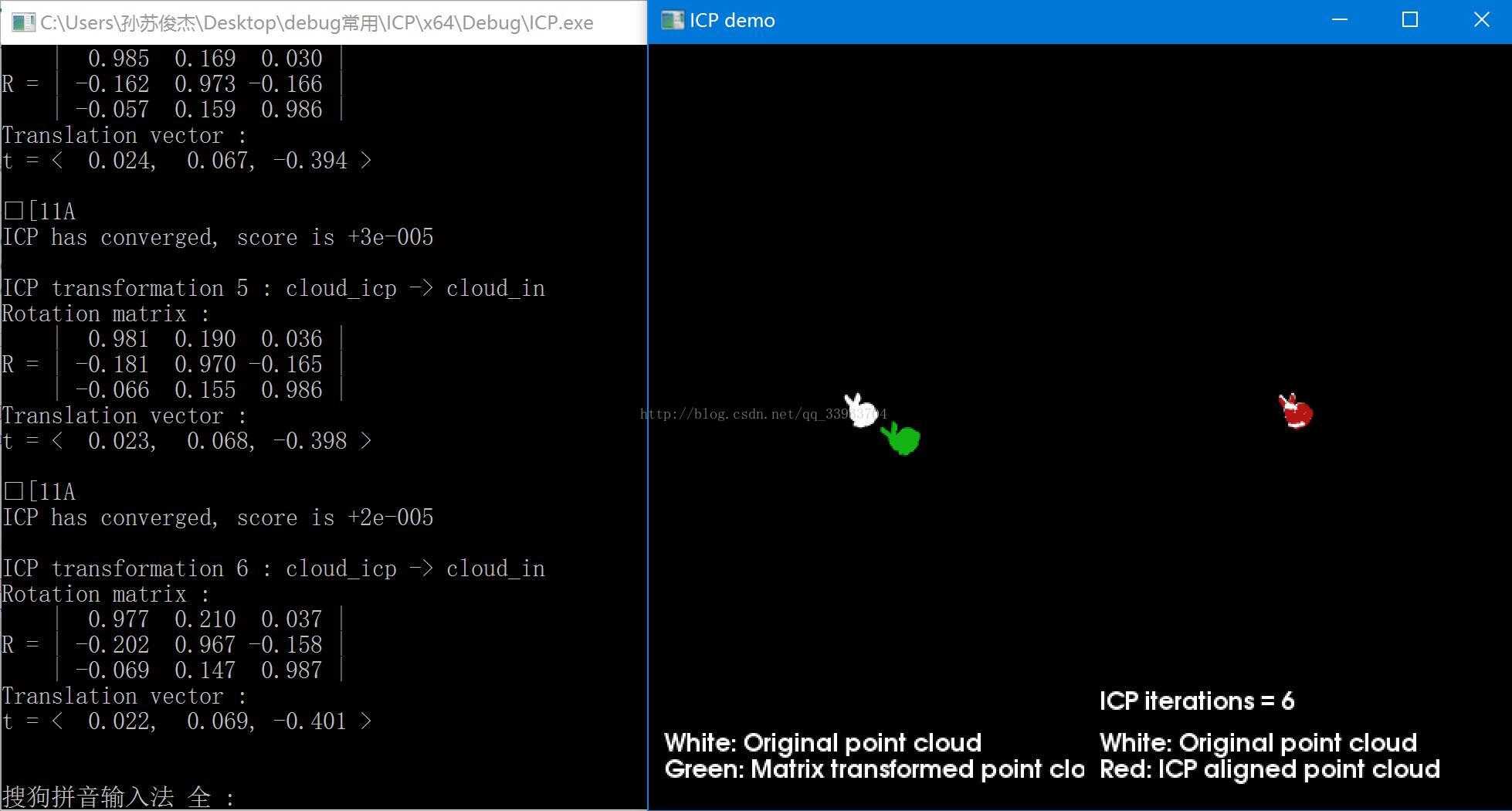
3D reconstruction based on PCL——point cloud registration (1) ICP algorithm implementation
In the fields of reverse engineering, computer vision, digitization of cultural relics, etc., due to the incompleteness of the point cloud, rotational misalignment, translational misalignment, etc., t...
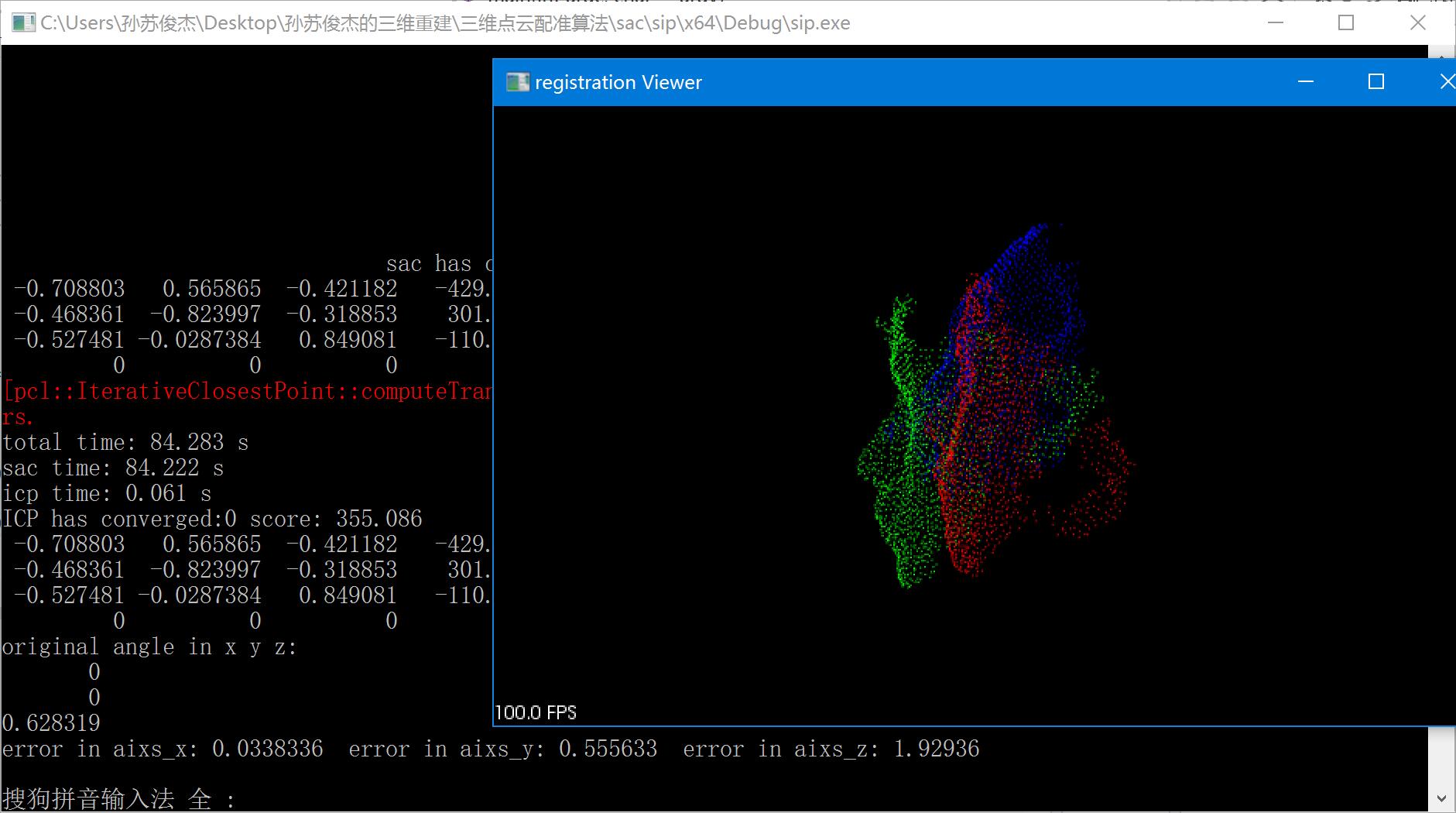
PCL-based 3D reconstruction-point cloud registration (2) SAC-IA+ICP algorithm practice
This time I tried to use the coarse registration of SAC-IA and the fine registration of ICP algorithm. The experimental data was collected by our own depth camera. In the process, the NAN point was re...

Point cloud 3D reconstruction algorithm
Point cloud 3D reconstruction algorithm Point cloud 3D reconstruction process (1) Get of point cloud data 3D Information Acquisitions often use Mobile Mapping Systems, MMS includes mobile laser scanni...
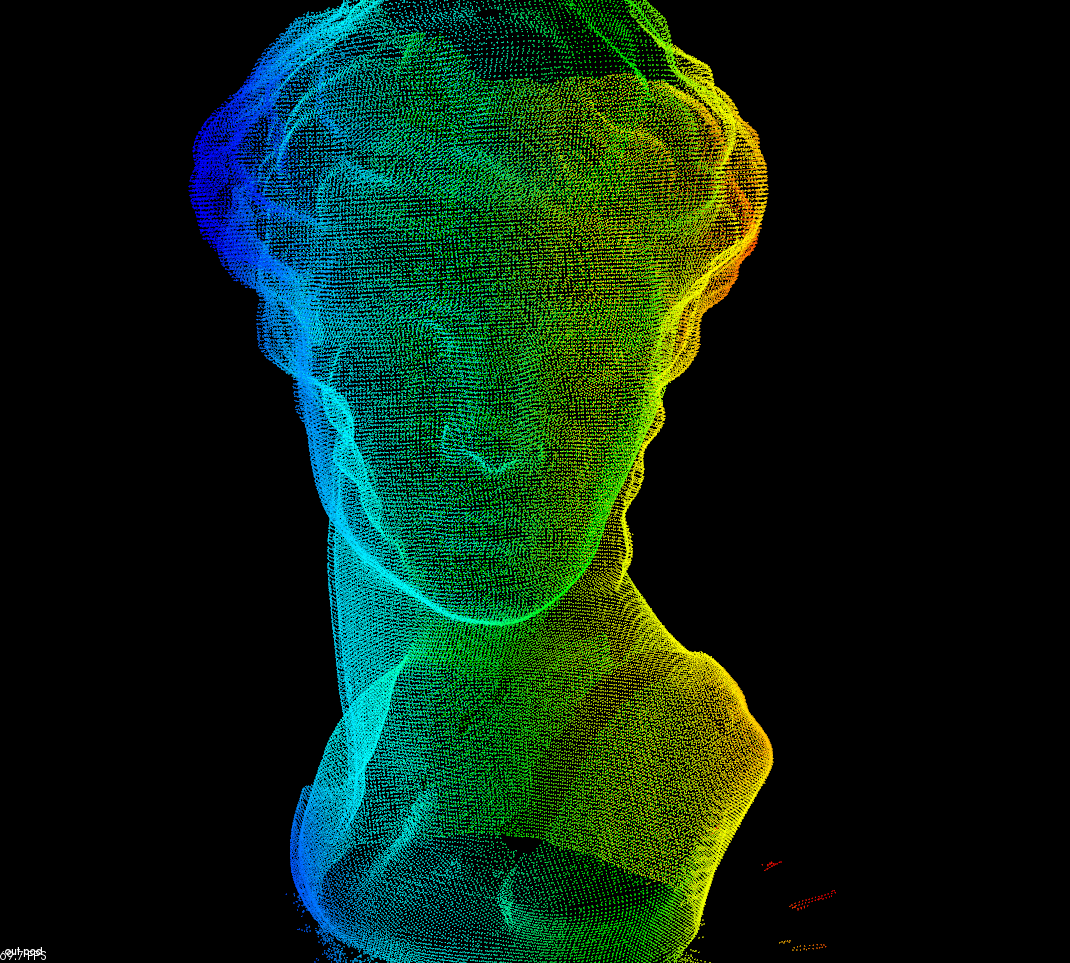
PCL point cloud surface reconstruction--resampling
Some errors are generated when measuring smaller objects. Direct reconstruction will make the surface unsmooth or vulnerable. In order to build a complete model, the surface needs to be smoothed and t...

[Part 4] Compile PCL 1.8.1 from source code on Windows 10, support VTK and QT, visualize 3D point cloud
This article first appeared on a personal bloghttps://kezunlin.me/post/2d809f92/, Welcome to read! Part-4: Compile pcl with vtk qt5 support from source on windows. Series Part-1: Install and Configure...
More Recommendation

3D point cloud to grid map
Open source code is octomap code Advantages of personal solutions: clear boundaries, can distinguish between free and unknown areas, and considering each area conversion, no information outside of poi...
Filtering of 3D camera acquisition point cloud Filtering Downsampling Grid reconstruction ICP registration (I)
Date: 2021/11/26 Preparation knowledge 1. What is multi-threading? How to achieve it? https://blog.csdn.net/beidaol/article/details/89135277 2、new&delete 3. Voxel Grid downsampling The voxelized m...
PCL 3D point cloud stitching and fusion technology
From: https://blog.csdn.net/dcba2014/article/details/71859375?locationNum=2&fps=1 This example uses point cloud files in pcd format for registration: 1. Point cloud coarse registration stitching 2...
Template matching of PCL 3D point cloud
Doc comes from PCL official documenthttp://www.pointclouds.org/documentation/tutorials/template_alignment.php#template-alignment 1 2 3 4 5 6 7 8 9 10 11 12 13 14 15 16 17 18 19 20 21 22 23 24 25 26 27...