VSCode configures Python, PyQt5, QtDesigner environment and creates a ui interface test
tags: Software Installation python visual studio
If it helps, you can like it. Please contact the author before reprinting.
Article Directory
- One, install Python3
- Second, install PyQt5 and PyQt5-tools (there is a designer in it)
- Three, VSCode configure Python
- 1. VSCode installs Python expansion package
- 2. Start VS Code in the project (workspace) folder
- 3. Choose a Python interpreter
- 5. Configure and run the debugger
- Fourth, VSCode configures PyQt5 and designer
One, install Python3
The python version supported by PyQt5 starts from 3.5, so the installed Python3 version must be greater than 3.5.
The location of my installation is C:\Python\Python38.
seeThe installation of Pyhton
Second, install PyQt5 and PyQt5-tools (there is a designer in it)
pip install PyQt5
pip install PyQt5-tools
Three, VSCode configure Python
SeeVSCode configuration Python official tutorial
1. VSCode installs Python expansion package
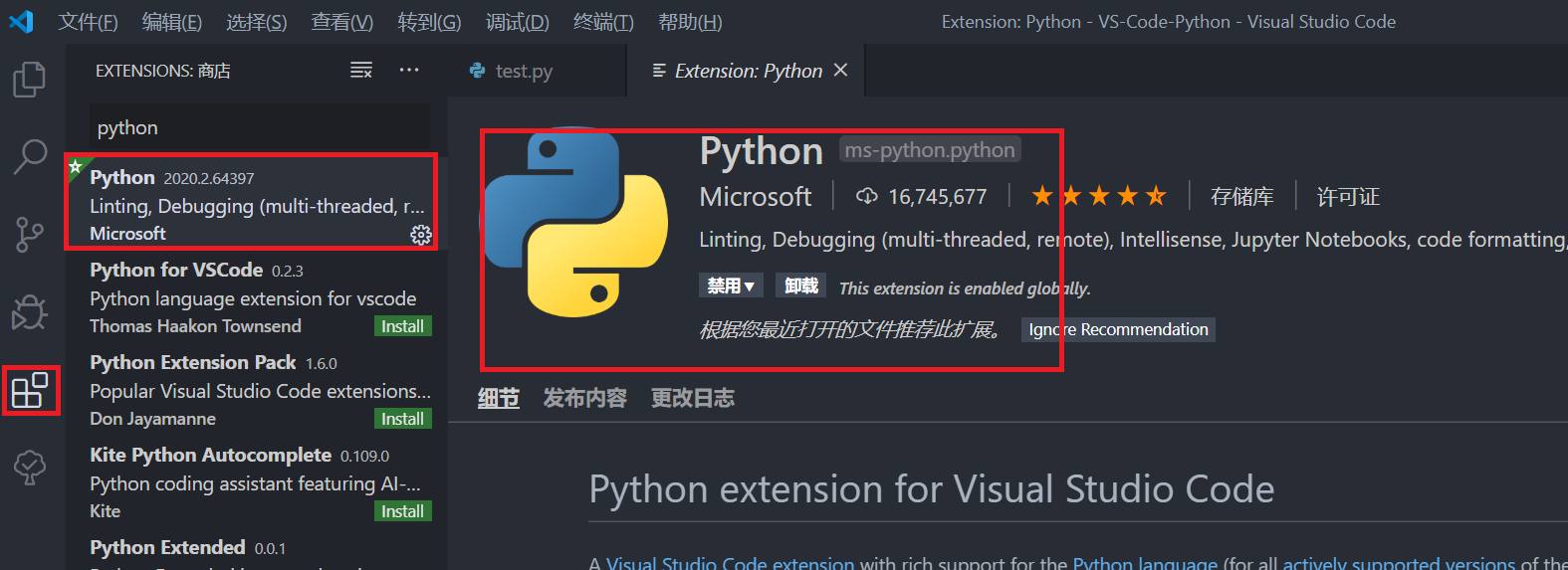
2. Start VS Code in the project (workspace) folder
-
Create a folder corresponding to the Python language in the vscode workspace folder
Create a new vscode->New VS-Code-Python in D driveExplanation: There may be codes in multiple languages under the vscode folder in the future, so it is recommended to generate the corresponding language subfolders. For example, if you plan to write C, create a new VS-Code-C folder, and if you plan to write Python, create a new VS-Code -Python
-
Create a new .vscode folder under the VS-Code-Python folder
Explanation: Because VS needs to configure each folder separately, it is recommended to put the .vscode folder on the top level of your frequently used folders, so that there is no need to repeat the configuration. There is no need for a set of configurations for each new py file. These configurations can be used in all subfolders and files in your configured folder
-
Open vscode, select File->Open Folder, open the VS-Code-Python folder
3. Choose a Python interpreter
Shortcut key ctrl+shift+p, enter python:, select the option shown in the figure below, select the Python interpreter (flip back if you don’t see it), and then an optional interpreter will appear. Selecting an interpreter will set the value in the python.pythonPath workspace setting to the path of the interpreter.


5. Configure and run the debugger
1) Create a new test.py file test in the VS-Code-Python directory and run the code.
msg  = "Hello World!";
print(msg);
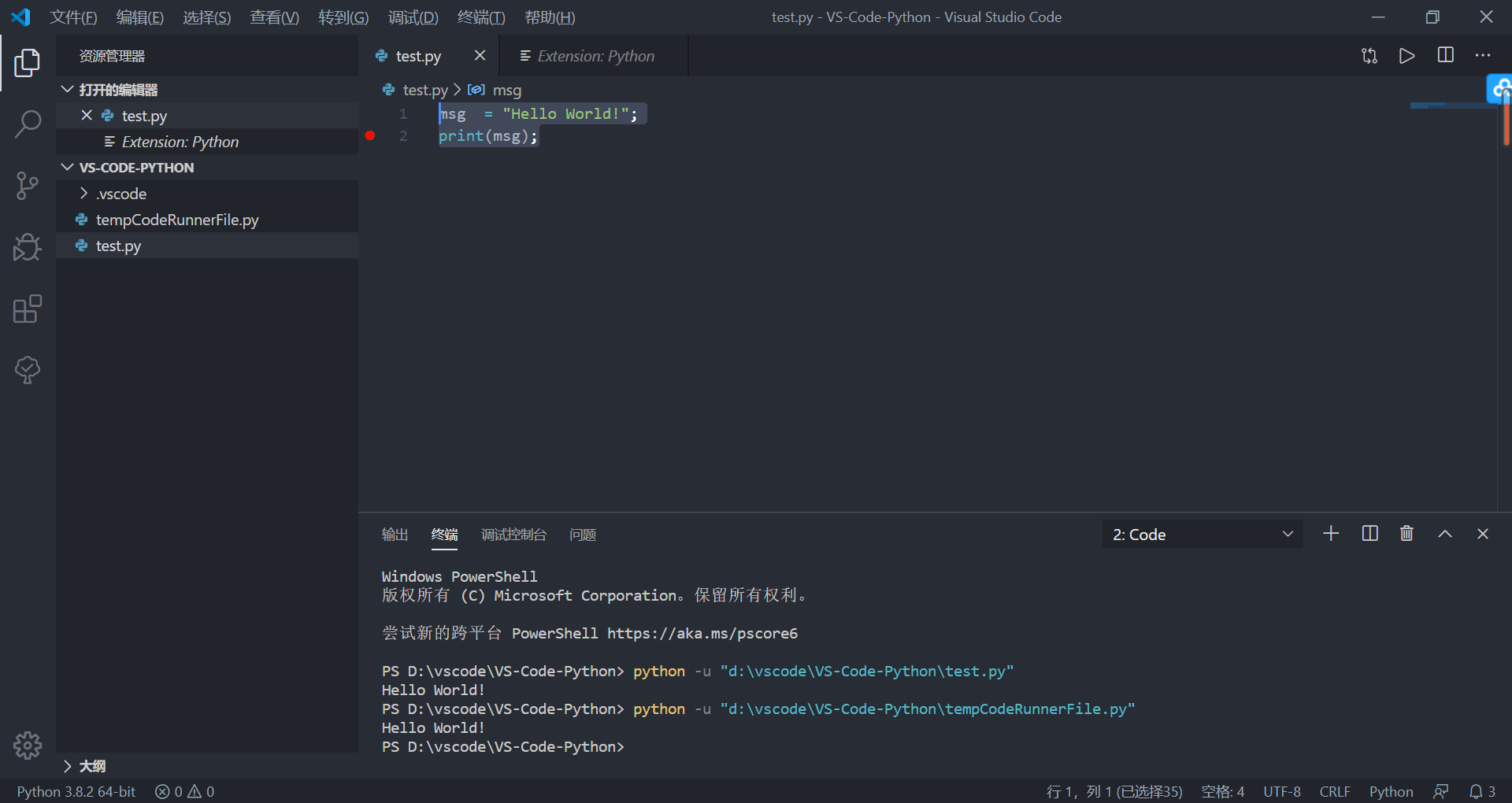
2) Press F5 to debug test.py.
Since this is the first time to debug this file, a configuration menu will be opened from the "Command Panel", and now select Python File, which is to run the editor with the currently selected Python interpreter The configuration of the current file displayed in.

Fourth, VSCode configures PyQt5 and designer
SeePython interface programming: VScode+pyqt+pyqt integration configuration notes
seePyQt5 (designer) introductory tutorial
1. Install pyqt integration extension

2. Configure pyqt integration and draw a simple UI interface test
1) Select File -> Preferences -> Settings, search for pyqt, and set the path of pyuic5 and the path of QT designer. (My pyuic5 is not changed by default, designer is empty, so configure the designer path)
These two files are in the python installation path, search pyuic5 and designer to find the location.
My pyuic5 path is C:\Python\Python38\Scripts\pyuic5
My designer path is C:\Python\Python38\Lib\site-packages\pyqt5_tools\Qt\bin\designer

2) Right-click on the area under VS-Code-Python in the resource manager and select PYQT: New Form, the qt designer interface editor will open.

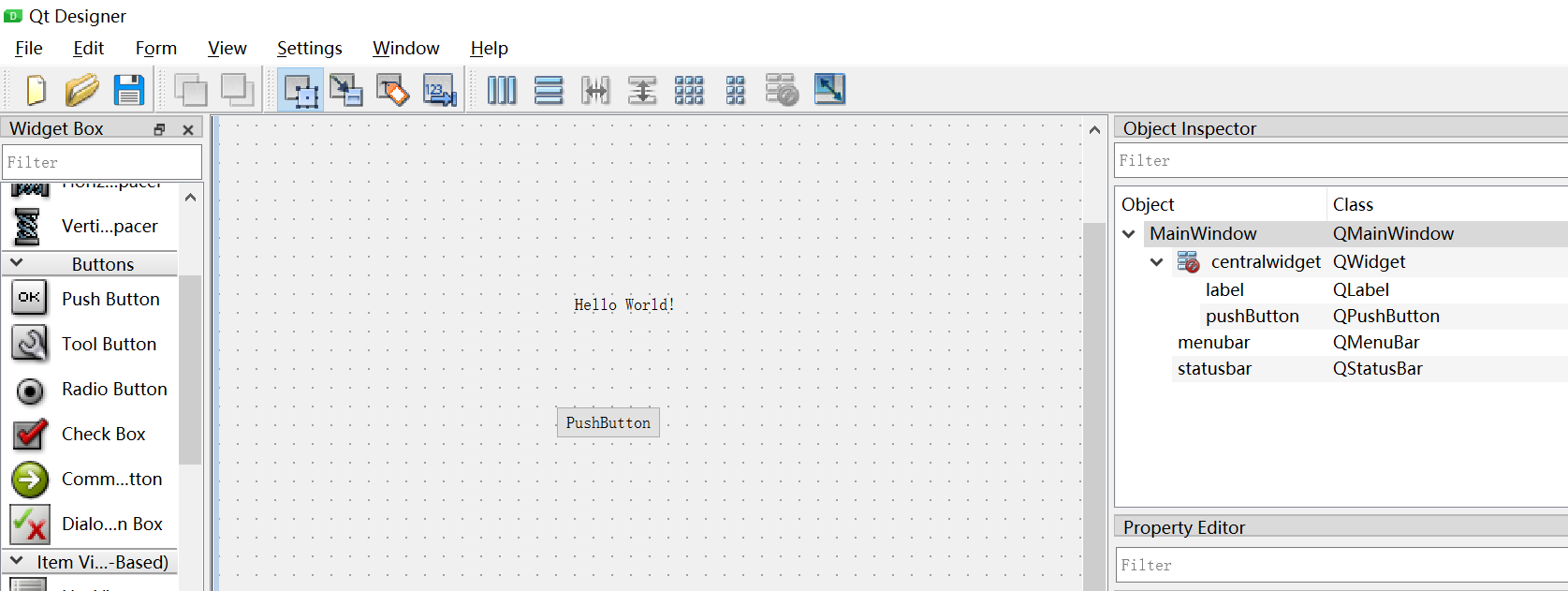
3) This "New Form" window will pop up at the first startup, select "Main Window" and click "Create". Drag several controls on the canvas.
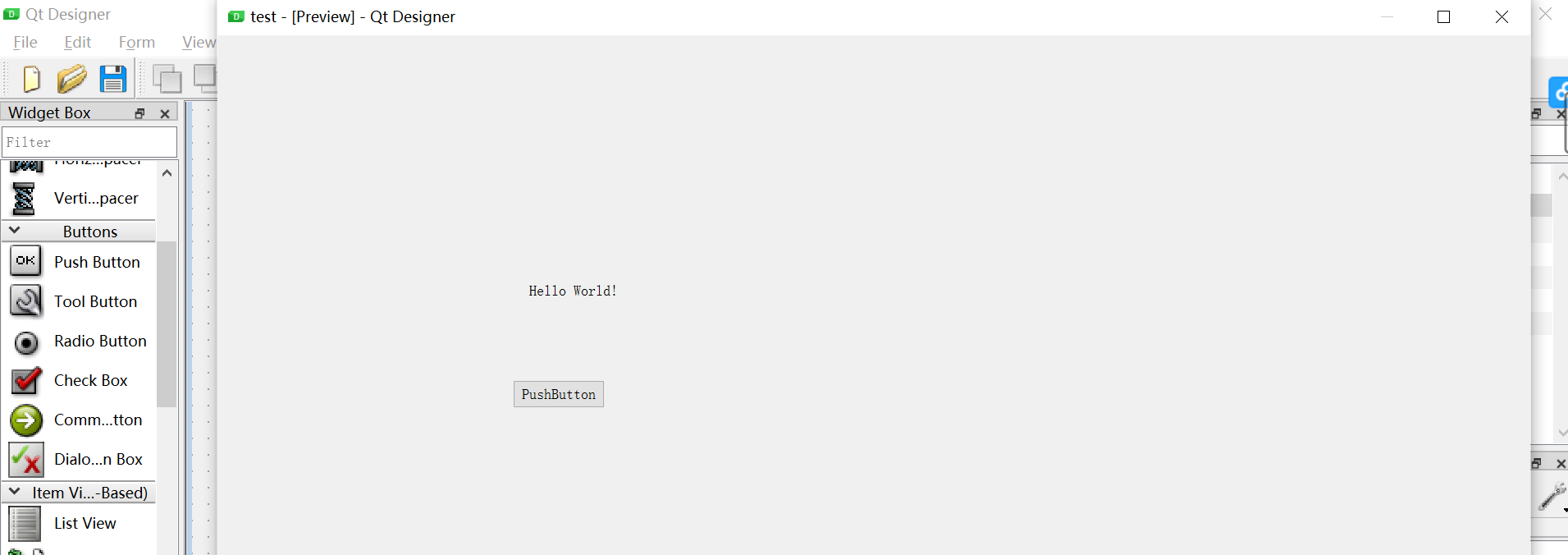
4) Use the shortcut key Ctrl+R to preview the currently written GUI (or enter from Form> Preview / Preview in in the menu bar)
5) After drawing the interface and saving it, the corresponding .ui file will be generated.
6) Right-click the .ui file and select PYQT:compile from.
can compile the untitled.ui file and automatically generate the corresponding py file Ui_untitled.py
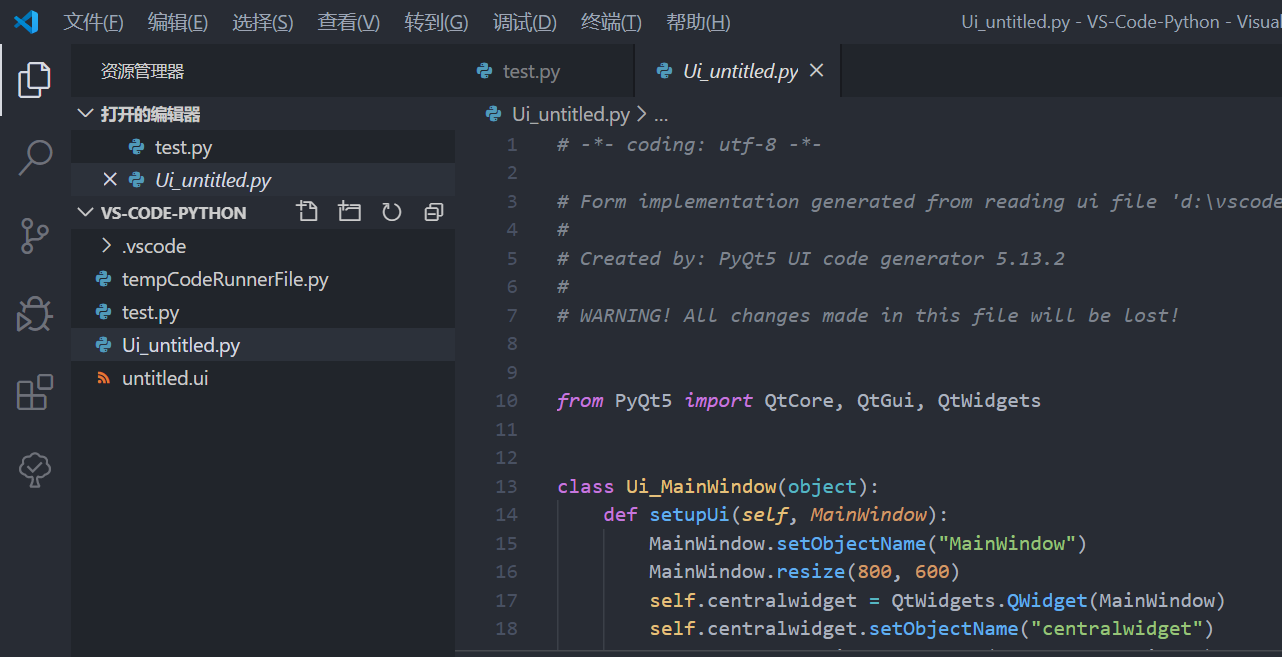
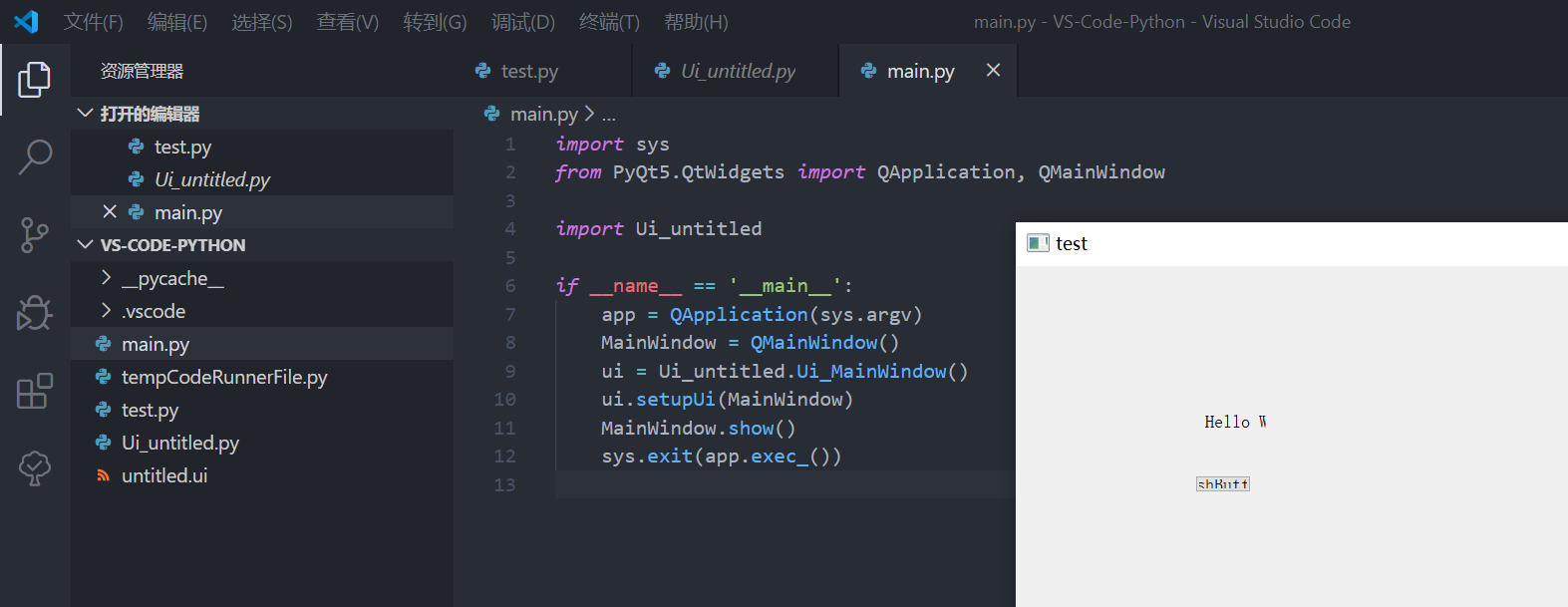
7) Trying to run the "Ui_untitled.py" just generated is useless, because the generated file does not have a program entry. Therefore, we create another program called "main.py" in the same directory, and enter the following content, replacing Ui_untitled with the name of the .py file you generated.
import sys
from PyQt5.QtWidgets import QApplication, QMainWindow

import Ui_untitled

if __name__ == '__main__':
    app = QApplication(sys.argv)
    MainWindow = QMainWindow()
    ui = Ui_untitled.Ui_MainWindow()
    ui.setupUi(MainWindow)
    MainWindow.show()
    sys.exit(app.exec_())
Intelligent Recommendation
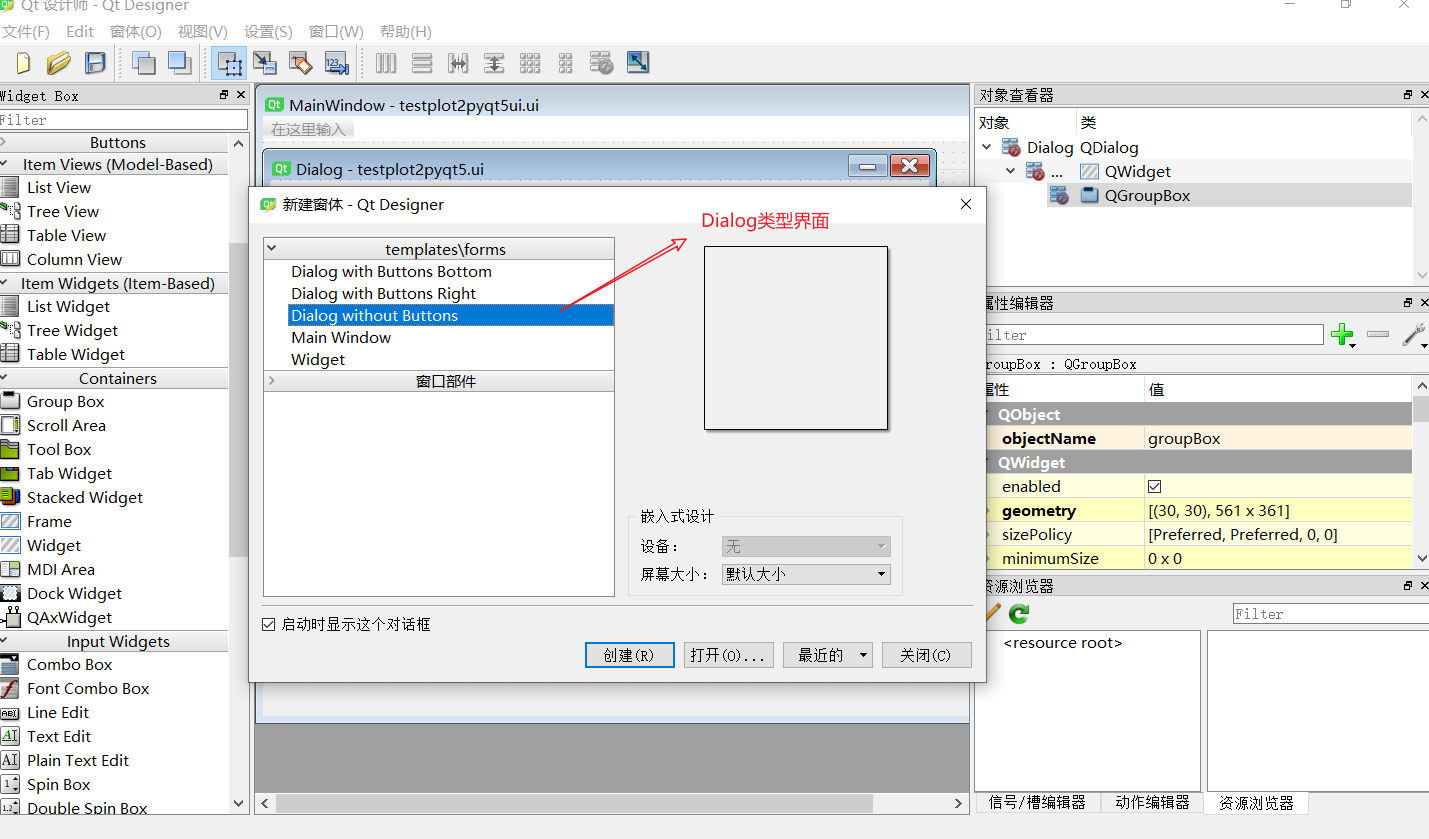
PYQT5 + MATPLOTLIB + QTDesigner Matplotlib is displayed on the control of QTDesigner (dynamically load UI file or using the PY file display interface)
https://blog.csdn.net/panrenlong/article/details/80183519?ops_request_misc=&request_id=&biz_id=102&utm_term=python%20matplotlib%20%E5%9C%A8%E6%8E%A7%E4%BB%B6%E6%98%BE%E7%A4%BA&utm_medi...
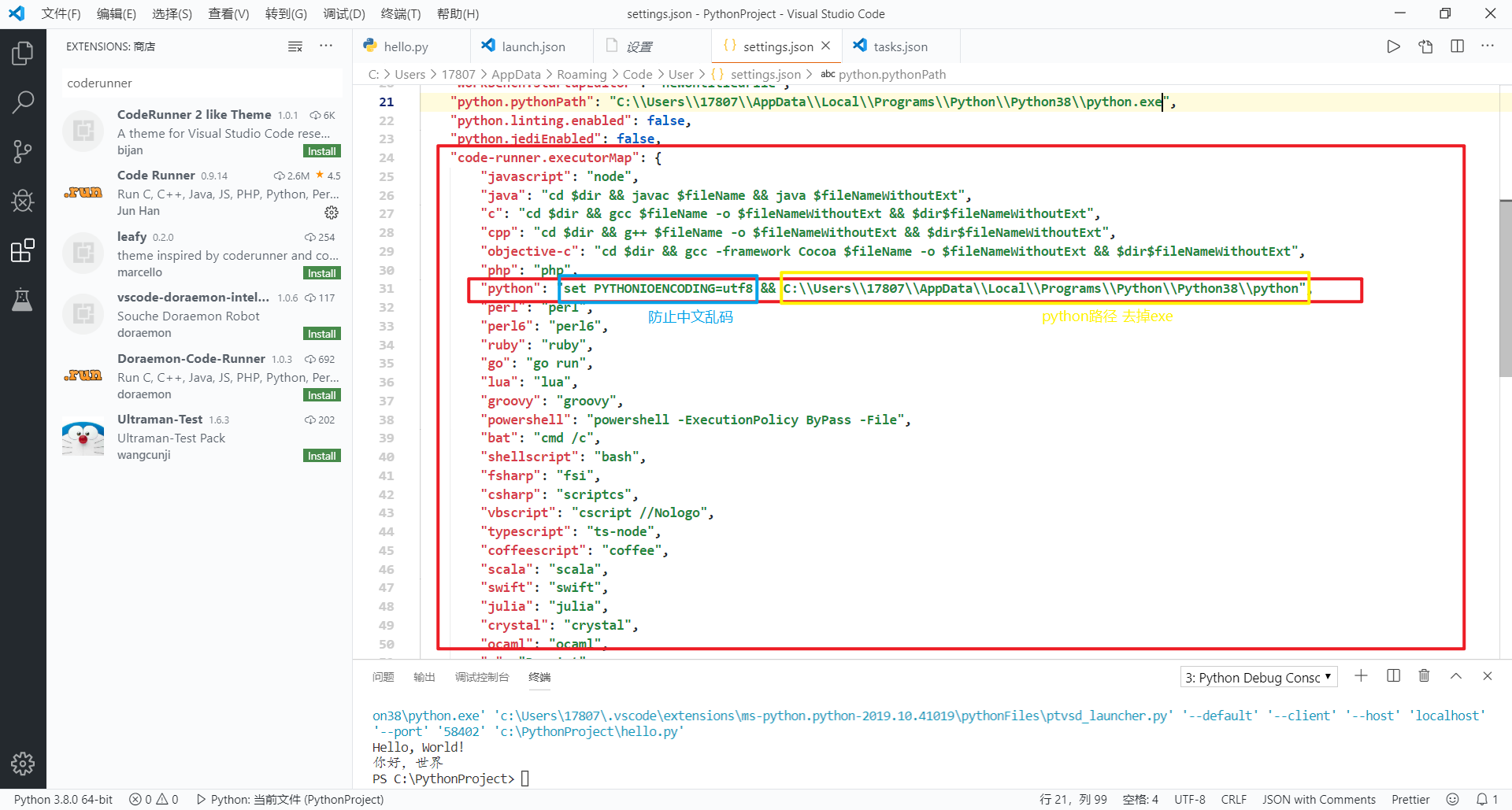
Python configures the environment in VsCode
Configure the Python environment to implement HelloWorld Enter the official website to download and install the Python environment Install Python plugin in VsCode Configure work area Configure python ...

eclipse converts the ui file generated by QtDesigner by pyqt5 into an executable Python file
pyqt5 converts the ui file generated by QtDesigner into an executable Python file Python and pyqt5 installation Please see my blogPython+pyqt5 installation tutorial under Windows Installation of Qt De...
Python Implementation Desktop Program: Pyqt5 + QTDESIGNER -Interface Design and Logic Writing
Python is simple and fast, so my friend wants to write a simple desktop program in Python. The style of QT interface is OK, so this blog. This blog is targeted atDon't understand python at all But I s...
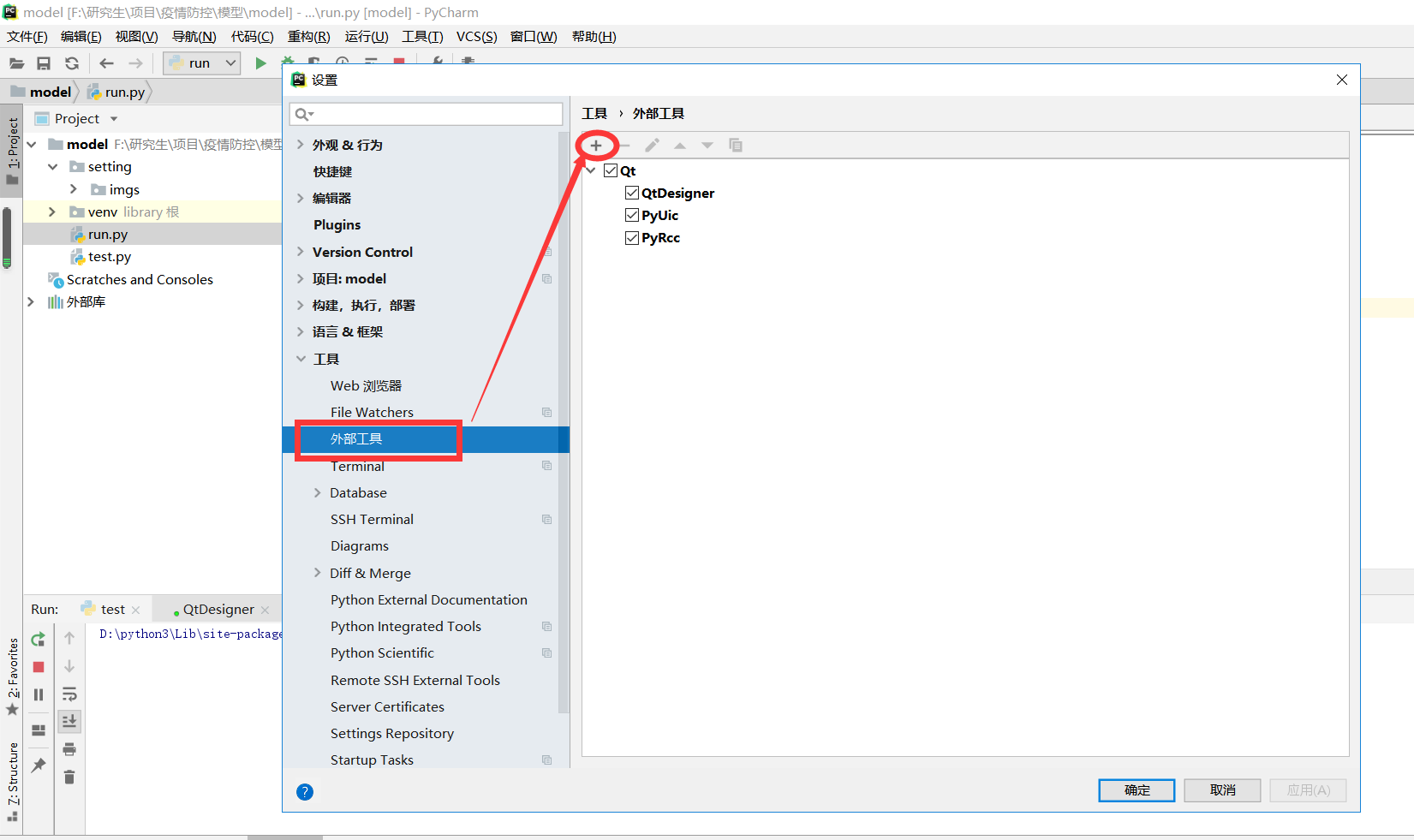
Python + PyQt5 + QtDesigner + PyUic + PyRcc environment Installation and Configuration
Python + PyQt5 + QtDesigner + PyUic + PyRcc environment Installation and Configuration Download and install Configuration Configuration PyQt5 Configuration QtDesigner Configuration pyuic Configuration...
More Recommendation
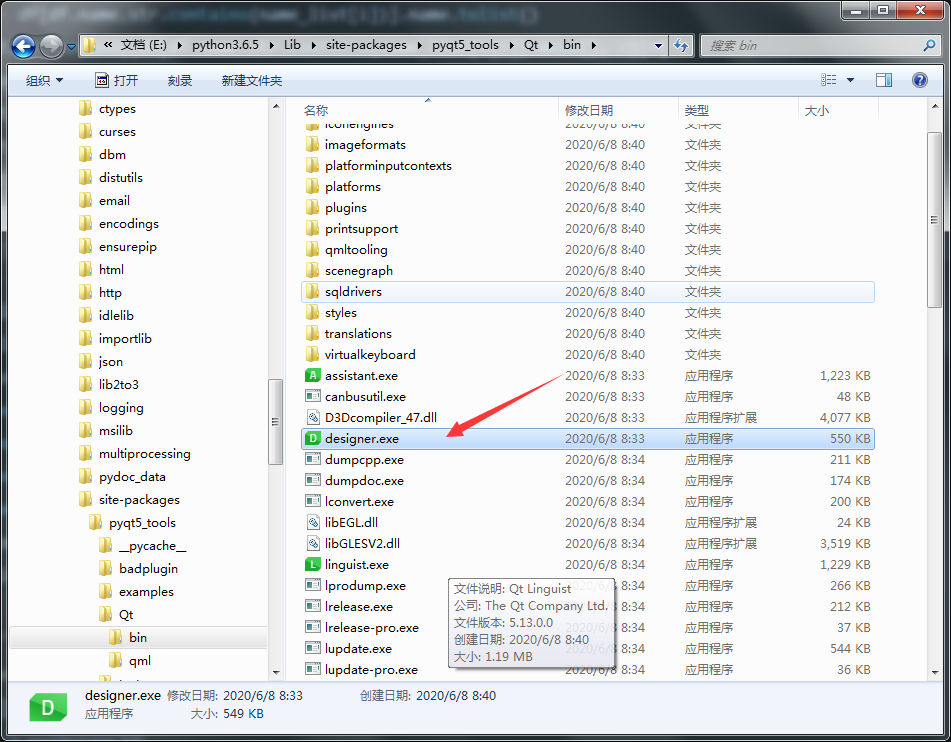
PyCharm configures PyQt5 and QtDesigner extension tools
Foreword I'm really annoyed to get this configuration back and forth. The path is wrong and the function can't be realized. So I sum up the lessons and hope that there will be no more problems. soluti...

PyCharm+PyQt5 (QtDesigner) environment construction
Article Directory Install anaconda Set up pycharm's Project Interpreter Install python3.x separately (you need to install it if you don't plan to install anaconda) About QtCreator and QtDesigner 1. In...
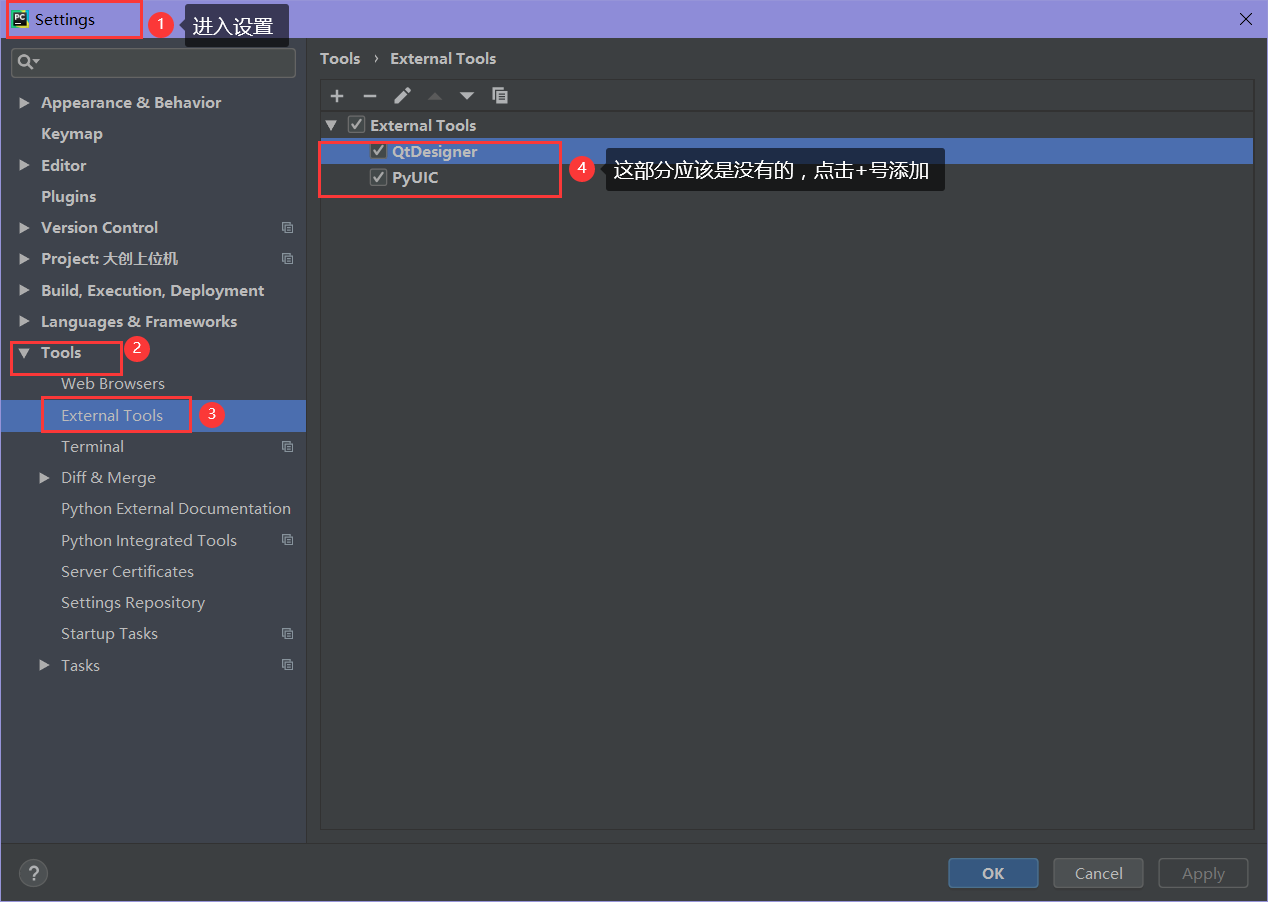
PYQT5 + QTDesigner, Pycharm Environment Configuration
PYQT5 + QTDesigner, Pycharm Environment Configuration Download PYQT5 and PyQt5-Tools Configuring Pycharm Configuring qtdesigner Configuring Pyuic test Download PYQT5 and PyQt5-Tools Download using PIP...

VScode configures Python development environment
concept: VScode, a single script is called a task, and the corresponding configuration file is tasks.json; The entire folder or multiple folders are regarded as a workspace, the configuration file is ...
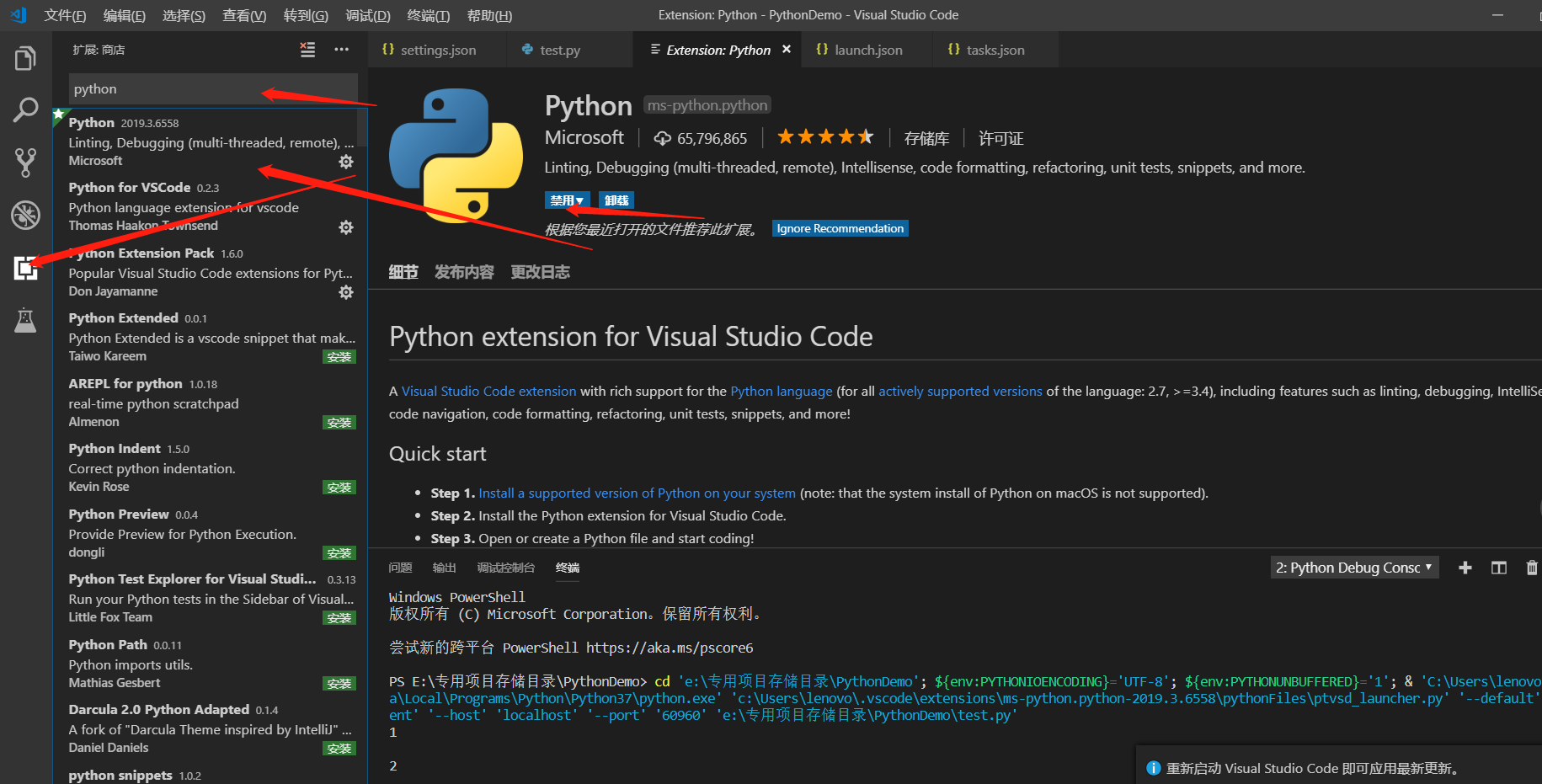
VSCode configures the Python development environment!
VsCode series: VSCode configures Python development environment! Today the blogger will talk to you about how to use the VsCode series: VSCode configures the Python development environment! If you don...