Solve the Apache command systemctl status httpd.service error Unit httpd.service could not be found

The reason for the error is that the Apache installation is compiled and installed, the installation path is not the default path, and the Apache service is not added to the Linux service
The solution is to add the Apache service to the Linux system service
1. Find the Apache installation path find / -name httpd, this is that I have added the Apache service to the Linux system service, so the first path /etc/rc.d/init.d/httpd appears

2. Copy /home/apache2.4/bin/apachectl to the /etc/rc.d/init.d directory and name it httpd

3. Add a link to the corresponding startup level such as 3 and 5

4. Modify the configuration file httpd, add two lines under #!/bin/sh


5. Execute chkconfig --add httpd after saving

6. Query the system service chkconfig --list to see the httpd service

7. Execute the command systemctl status httpd.service in the home directory

Intelligent Recommendation
Linux error: redirecting to / bin / systemctl status iptables.service unit iptables.service could not be fou
CentOS View firewall status An error message: Solution: After downloading, re-run, the following code appears, that is, it can be used....
The server reported an error: Job for httpd.service failed because the control process exited with error code. See
Error message: Job for httpd.service failed because the control process exited with error code. See "systemctl status httpd.service" and "journalctl -xe" for details. ...

HTTPD start (restart) error: Job for httpd.service failed Because The Control Process Exited with error code.
Job for httpd.service failed because the control process exited with error code. See "systemctl status httpd.service" and "journalctl -xe" for details. When the HTTPD service is tu...
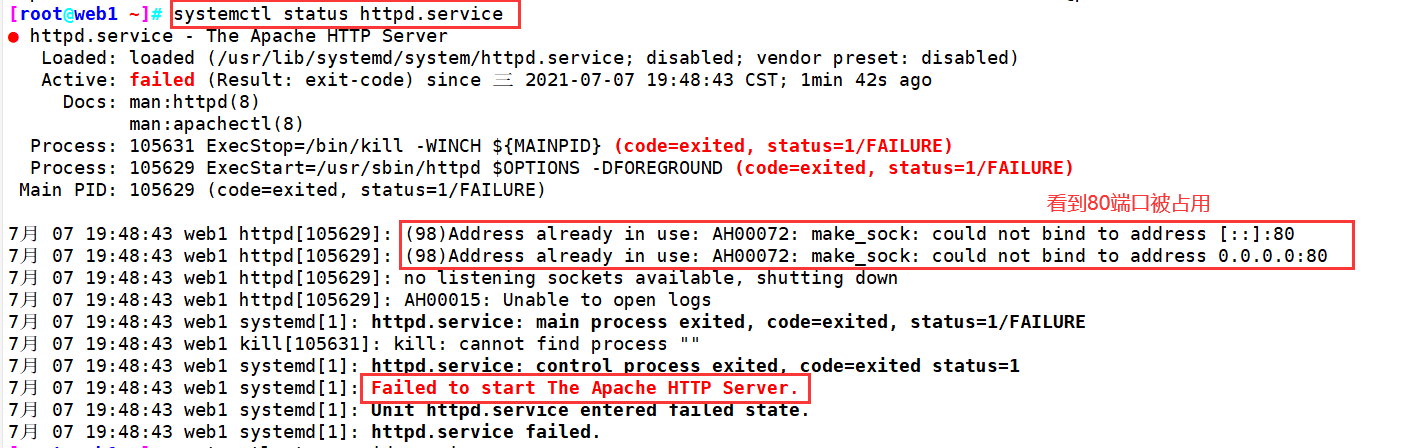
HTTP start (restart) error: Job for httpd.service failed Because The Control Process Exited with error code.
HTTP boot (restart) error: job for httpd.service failed Because The Control Process Exited with error code. See "Systemctl status httpd.service" and "journalctl-xi" for details. 【p...
Start at the Linux environment to start httpd service error: job for httpd.service failed Because the Control Process Exited with Error Code.
I want to open in the Linux environmenthttpd service implement After the command showReport an error It may be the default port of the HTTP service -port 80 is occupied Execute the following command U...
More Recommendation
[Linux | Troubleshoot] Execute "Systemctl Start RedInd" error "Systemctl Command Not Found"
This machine environment: CentOS 6.5 Note: [This article is recorded in personal learning, may contain content from the Internet, intrusion!If there is any mistake, I will communicate together, make p...
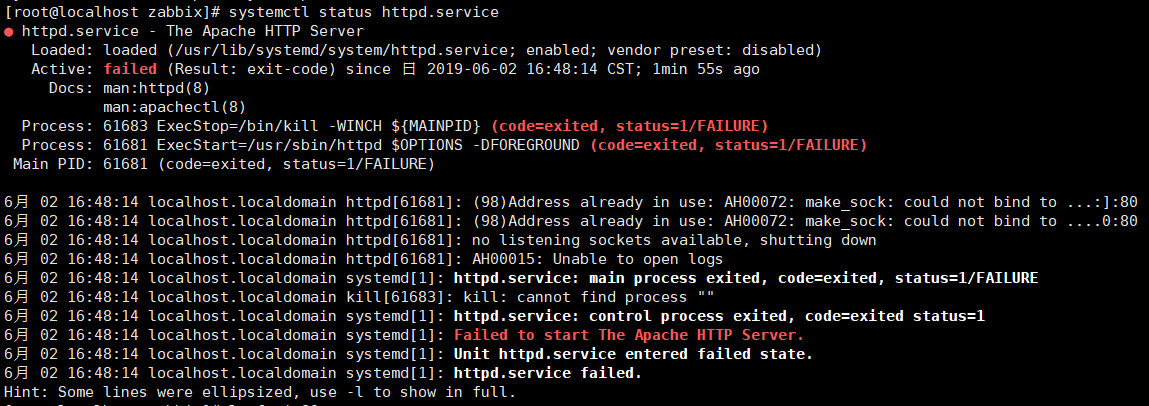
[Zabbix] Job for httpd.service failed because the control process exited with error code. See "sy solution
Error when restarting zabbix (starting httpd service): Follow the prompts to execute: Check that the processes occupying the port are killed: Every startup will be occupied, so the default port of git...
CentOS httpd module Job for httpd.service failed Because The Control Process Exited with error code.
Project scene: Learn Linux's HTTPD module error: Problem Description: After modifying the main configuration file of the HTTPD service, restart the HTTPD service reported the following error: Cause An...
HTTPD startup (restart) error when installing httpd service: job for httpd.service failed before the control process exited with
Table of contents 1. Install httpd 2. Start (restart) httpd 1. Install httpd Yum installs httpd error:Error: Unable to find a match: httpd Solution Modify /etc/yum.conf Note the last line in yum.conf ...
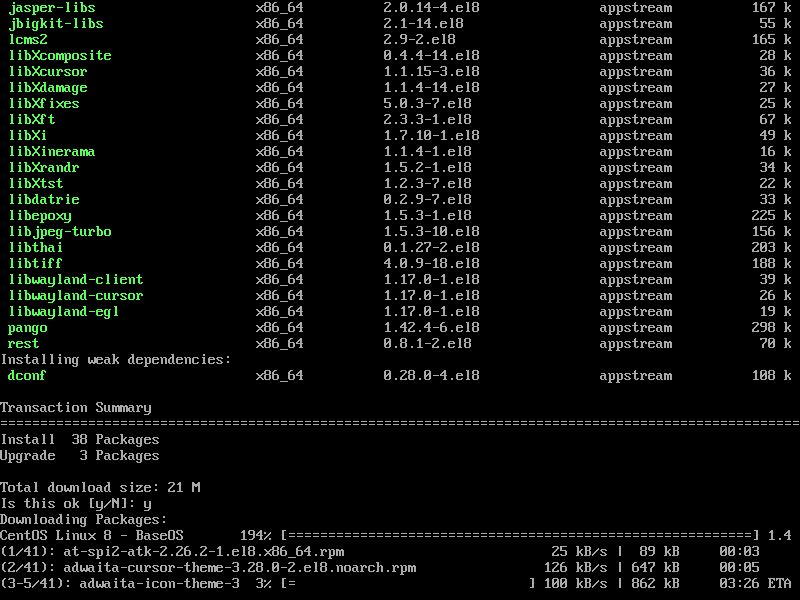
Unit firewalld.service could not be found in CentOS8 error and installation
Centos8 installation Tip: `Unit firewalld.service could not be found. No firewall is installed, you need to install Restart, close, open FireWallD.Service service Add a custom port View FireWall servi...