java read SHP file format, solve the Chinese garbled
Import jar
        <dependency>
			<groupId>org.geotools</groupId>
			<artifactId>gt-shapefile</artifactId>
			<version>19.1</version>
		</dependency>
		<dependency>
			<groupId>org.geotools</groupId>
			<artifactId>gt-swing</artifactId>
			<version>19.1</version>
		</dependency>
		<dependency>
			<groupId>org.geotools</groupId>
			<artifactId>gt-jdbc</artifactId>
			<version>19.1</version>
		</dependency>
		<dependency>
			<groupId>org.geotools.jdbc</groupId>
			<artifactId>gt-jdbc-postgis</artifactId>
			<version>19.1</version>
		</dependency>

		<dependency>
			<groupId>org.geotools</groupId>
			<artifactId>gt-epsg-hsql</artifactId>
			<version>19.1</version>
		</dependency>
Creating Tools
import org.geotools.data.FileDataStore;
import org.geotools.data.FileDataStoreFinder;
import org.geotools.data.shapefile.ShapefileDataStore;
import org.geotools.data.simple.SimpleFeatureCollection;
import org.geotools.data.simple.SimpleFeatureIterator;
import org.geotools.data.simple.SimpleFeatureSource;
import org.opengis.feature.simple.SimpleFeature;
import org.opengis.filter.Filter;

import java.io.File;
import java.io.IOException;
import java.nio.charset.Charset;

/*
 * Read local file shp
 * */
public class ReadShepUtil {
    public static void main(String[] args){
        String path1 = "F:\\test\\test.shp" ;
                 // Read shp
        SimpleFeatureCollection colls1 = readShp(path1);
                 // get all features
        SimpleFeatureIterator iters = colls1.features();
                 // Traverse printout
        while(iters.hasNext()){
            SimpleFeature sf = iters.next();
            System.out.println(sf.getID() + " , " + sf.getAttributes());
        }
    }

    public static SimpleFeatureCollection  readShp(String path ){
        return readShp(path, null);

    }

    public static SimpleFeatureCollection  readShp(String path , Filter filter){
        SimpleFeatureSource featureSource = readStoreByShp(path);
        if(featureSource == null) return null;
        try {
            return filter != null ? featureSource.getFeatures(filter) : featureSource.getFeatures() ;
        } catch (IOException e) {
            e.printStackTrace();
        }
        return null ;
    }

    public static  SimpleFeatureSource readStoreByShp(String path ){
        File file = new File(path);
        FileDataStore store;
        SimpleFeatureSource featureSource = null;
        try {
            store = FileDataStoreFinder.getDataStore(file);
                           // solve the Chinese garbled
            ((ShapefileDataStore) store).setCharset(Charset.forName("GBK"));
            featureSource = store.getFeatureSource();
        } catch (IOException e) {
            e.printStackTrace();
        }
        return featureSource ;
    }
}
Intelligent Recommendation
Solve FileInputStream read ANSI format txt Chinese garbled problem
Solve FileInputStream read ANSI format txt Chinese garbled problem GBK Chinese is converted to bytenegative numberAt the beginning, it is normal for two consecutive negative numbers, and the uncommon ...
SHP file to solve the garbage problem in Chinese
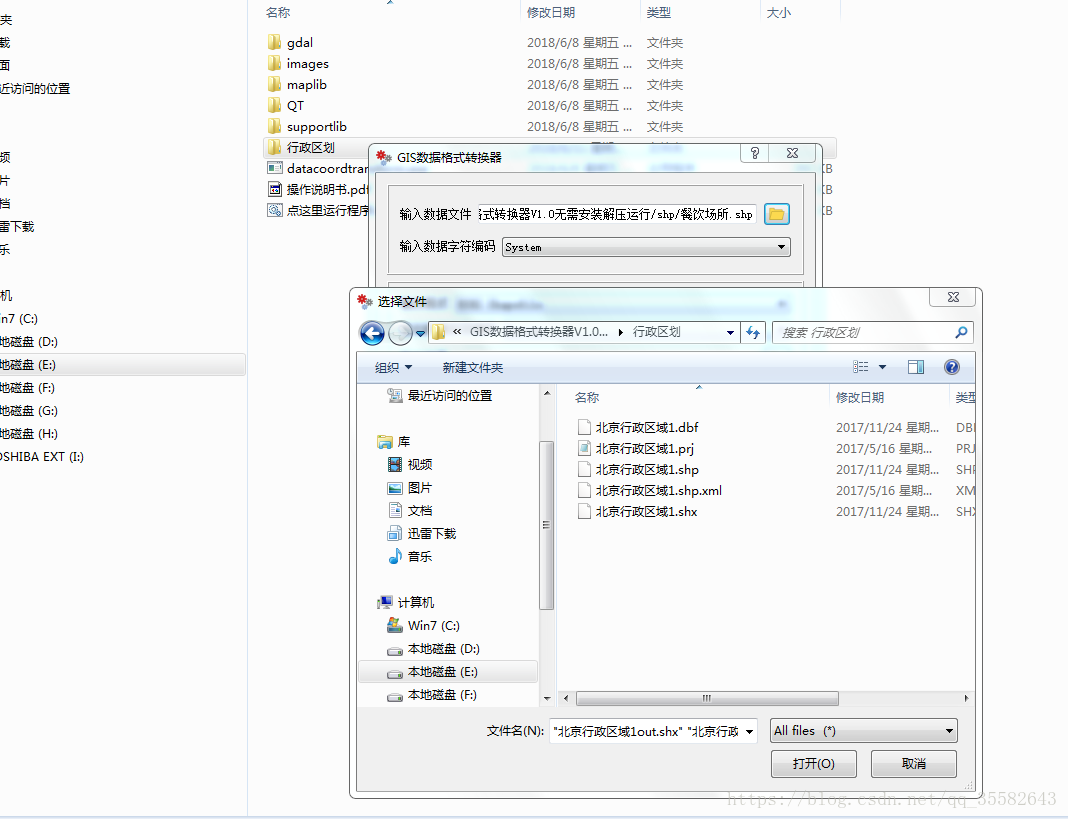
When using the SHP file, if there are Chinese property information, property information often encounter garbled. Especially when the data source for international data or use the international...
Java read txt file appears Chinese garbled
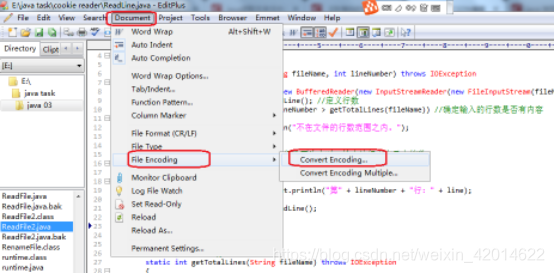
Under the premise that the code is guaranteed to be no problem, the following garbled characters appear in the txt file. Solution: 1. Check if the encoding of the file code is ANSI (I use a text edito...
Java read text file Chinese garbled problem
Java reads text files (such as csv files, txt files, etc.) and becomes garbled when it encounters Chinese. Read the code as follows: Java I / O class processing: The Reader class is the parent class f...
Java read properties file Chinese garbled
The properties file is typically used in projects as a base configuration file to store some fixed constant values. A few days ago, in the maintenance of an old project, it was necessary to add a cont...
More Recommendation

java run read configuration file Chinese garbled
The execution command is to read the external configuration file containing Chinese, garbled characters appear, java -cp “lib/;bin/copyData.jar" com.gh.CopyFilePro Reason: The encoding form...
java read configuration file Chinese garbled
The configuration file is utf-8 encoded, but the Chinese read in this way is still garbled: The reason is that this stream reading method is based on bytes, and the character encoding read is ISO-8859...
Java read file ---- Chinese garbled problem
When reading and writing files with Java, it is found that the read file has garbled in the Chinese section after using the console output. I don't spit it in the Chinese in Chinese so many strange th...
Java read TXT file Chinese output garbled
Question background Read the English words in the TXT file and the key value pair in the TXT file, the Chinese garbled, the English will not analyze First of all, it is found that there is no problem ...