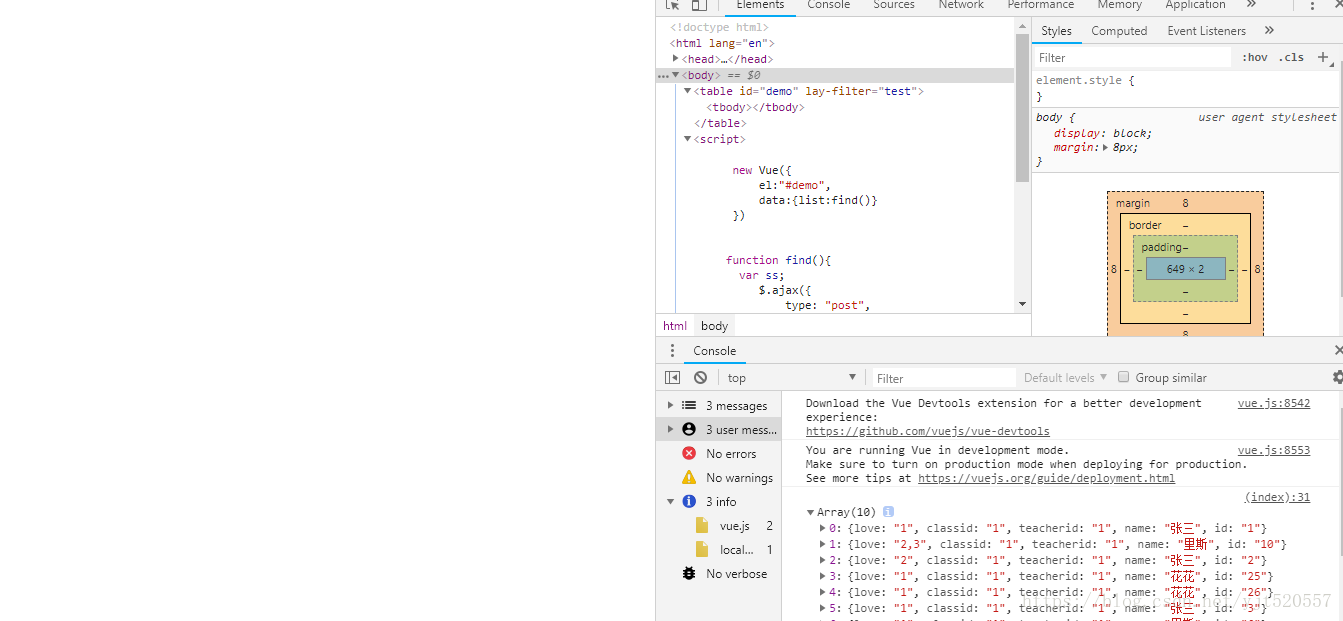
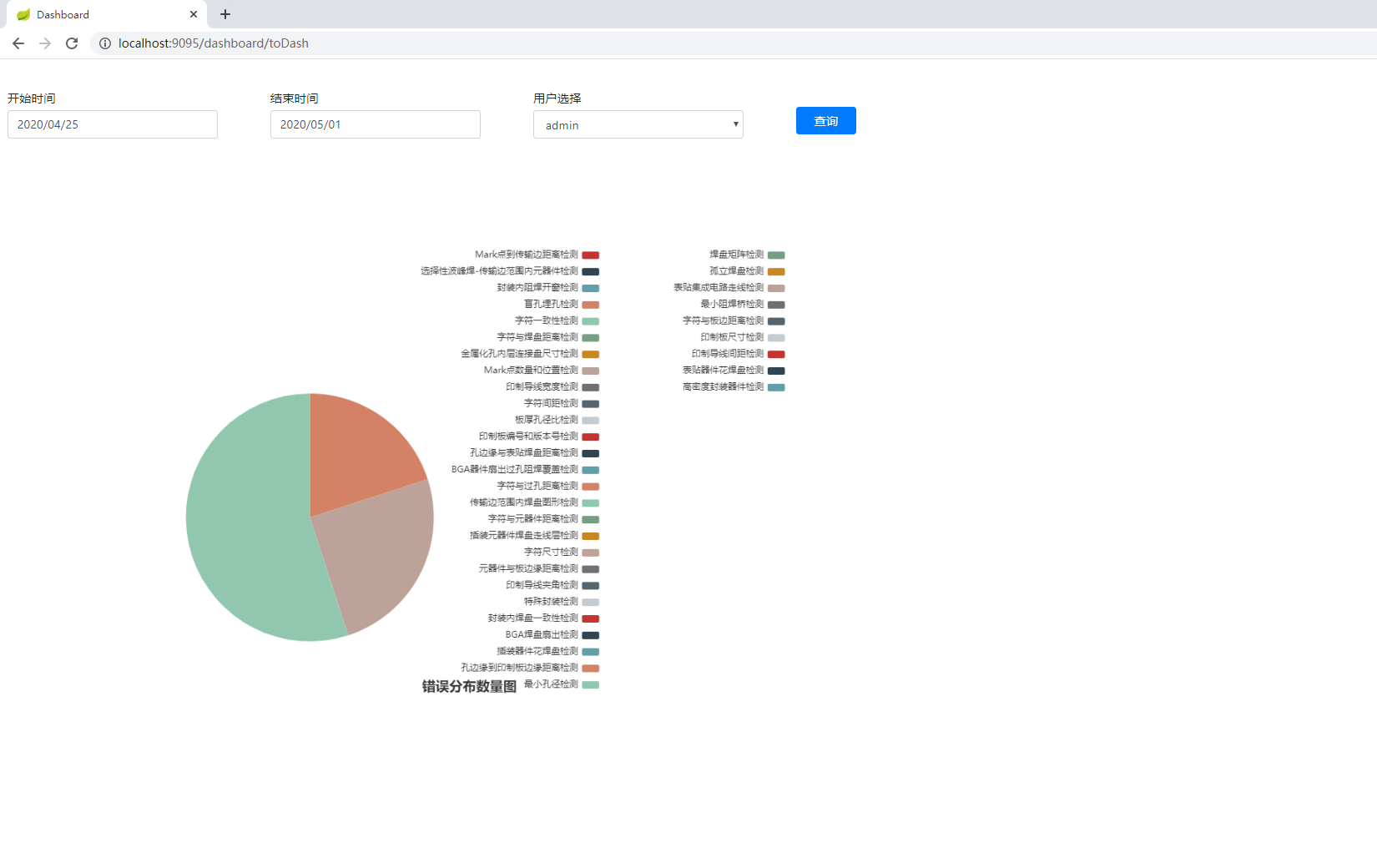
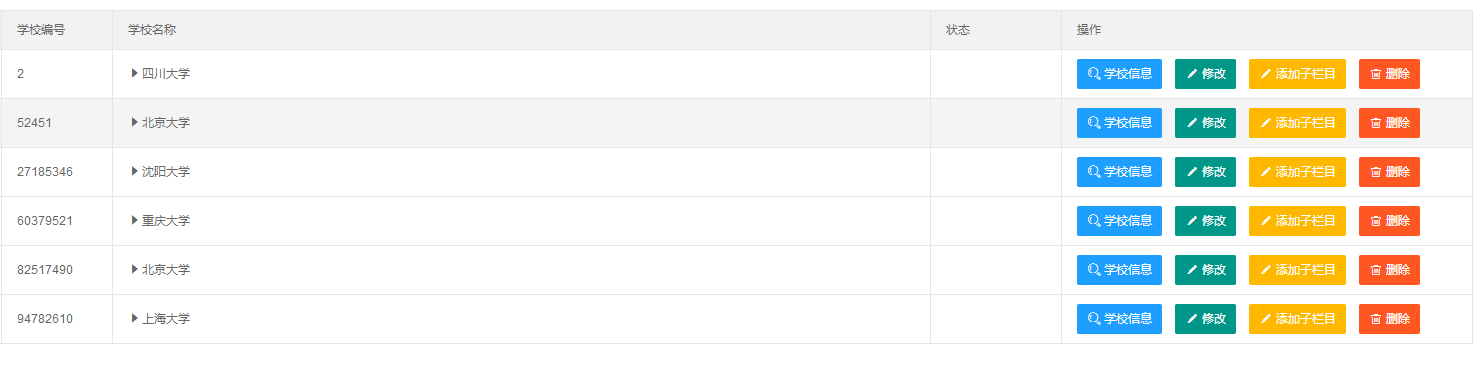
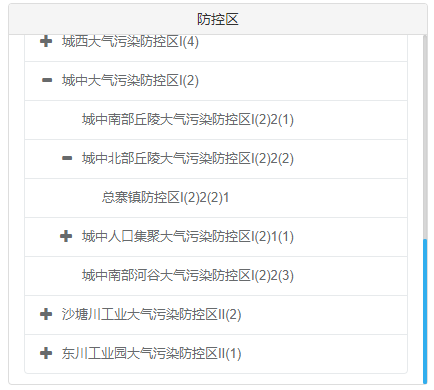
Later, I searched for information and found that although the data was loaded after the new node was added, the style was not loaded, so there are two points to note in the whole process.
1. Use loops to dynamically add json to html
2. Dynamically refresh the style of each node.
server.php
<?php
//todo: get data and convert to json
// try{
//     $pdo=new PDO('mysql:host=localhost;dbname=','root','playboy');
//     $sql="select * from user where username=? and password=?";
//     $stmt=$pdo->prepare($sql);
//     $stmt->execute(array($username,$password));
//     echo $stmt->rowCount();

// }catch(PDOException $e){
//     echo $e->getMessage();
// }
//  $pdo=new PDO('mysql:host=localhost;dbname= test_jilv','root','');
$result = array();
try{
$pdo=new PDO('mysql:host=localhost;dbname=test_jilv','root','playboy');
$pdo->query("set names utf8");

        $sql="select * from my_activity order by id desc";

        $stmt=$pdo->prepare($sql);

        $stmt->execute();

        while($row=$stmt->fetch()){

            $data['title']=$row['title'];
            $data['address']=$row['address'];
            $data['time']=$row['time'];
            //echo json_encode($data);
            $result[] = $data;
            //...
            //...

        }
}catch(PDOException $e){
    echo $e->getMessage();
}
echo json_encode($result);
//echo json_encode($data);

function toUtf($value){
    if($value){
        return icon_to_utf8($value);
    }else{
        return false;
    }
}
?>
2.index,html
<!DOCTYPE html>
<html>
<head>
<meta http-equiv="Content-Type" content="text/html; charset=utf-8" />
<meta name="viewpoint" content="width=device-width,initial-scale=1" />
<link rel="stylesheet" href="http://apps.bdimg.com/libs/jquerymobile/1.4.2/jquery.mobile.min.css">
<script src="http://apps.bdimg.com/libs/jquery/1.10.2/jquery.min.js"></script>
<script src="http://apps.bdimg.com/libs/jquerymobile/1.4.2/jquery.mobile.min.js"></script>
<style>
.ui-bar-f
{
color:#30b4ed;
background-color:#30b4ed;
}
.ui-body-f
{
font-weight:bold;
color:#30b4ed;
}
#img{
    margin-top:11px;
    margin-left:3px;
    border-radius:0;
}
</style>
</head>
<body>
<script type="text/javascript">
            $("document").ready(function() {
                var url ="server.php";
                var data={};
                $.getJSON(url,data,function(res){
                            var htmlStr='';
                            for (var i =0; i<res.length; i++) {
                      var o = res[i];
                      htmlStr += '<li>'
                              +  '  <a href="activity_detail.html" data-transition="flip">'
                              +  '    <img src="RAW.PNG"/>'
                              +  '    <h2 id="" name="">' + o['title'] +'</h2>'
                              +  '    <p id="" name="">' + o['address'] +'</p>'
                              +  '    <p id="" name="">' + o['time'] +'</p>'
                              +  '  </a>'
                              +  '</li>';

                    }
                      $('#list').append(htmlStr);
 $('ul').listview('refresh'); //Refresh the node style
                    });
              });
        </script>
<div data-role="page" >
    <div data-role="header" data-position="fixed" data-theme="f">
        <h1></h1>
    </div>
 <ul id="list"data-role="listview"data-inset="true"><!--Do not use the content column, just add the list to the page-->

    </ul>
</div>
</body>
</html>