Ajax json jquery parse the array returned by the background
<script type="text/javascript">
$(document).ready(function(){
$("button").click(function(){
$.ajax({
url:"testJson",
type:"post",
data:{"username":"zhangsan","age":"18"},
dataType:"json",
error:function(){alert("Error")},
success:function(data){
alert("Success");
$("table").css("display","");
$.each(data,function(i,user){
var row=$("#template").clone();
row.find("#username").text(user.userName);
row.find("#password").text(user.userPass);
row.find("#age").text(user.age);
row.find("#email").text(user.email);
row.find("#sex").text(user.sex);
row.find("#address").text(user.address);
row.find("#postcode").text(user.postcode);
row.appendTo($("#tables"));
});
}
});
});
});
</script>
</head>
<body>
<button>Click me to return to json array</button>
<div>aa</div>
<table border="1" cellspacing="1" style="display:none" id="tables">
<tr>
<td>username</td>
<td>password</td>
<td>age</td>
<td>email</td>
<td>sex</td>
<td>address</td>
<td>postcode</td>
</tr>
<tr id="template">
<td id="username"></td>
<td id="password"></td>
<td id="age"></td>
<td id="email"></td>
<td id="sex"></td>
<td id="address"></td>
<td id="postcode"></td>
</tr>
</table>
</body>
controller:
@ResponseBody
@RequestMapping("testJson")
public List<User> testJson(String username,String age){
System.out.println(username+"---"+age);
List<User> userList=userService.getUsers();
return userList;
}
Note that there is only one button when entering the page for the first time, and the form is hidden when it comes in. When the button is clicked, the list collection is queried from the background and passed to the front end in the form of a json array. The value is displayed in the table and displayed in the front end loop.
var row=$("#template").clone(); means to copy the template, row.find("#username").text(user.userName); means to find a column with id called username in the row Make content assignments. Use $.each(data,function(i,user){}) here. The user here is already a looped object, equivalent to user=data[i], which can be used directly. Finally, pass row.appendTo( $("#tables")); Add the content of the template to the table.
The effect is as follows:

Intelligent Recommendation
Add a new field to the json array returned in the background
Add a new field to the json array returned in the background ...
JQuery --- JQuery parse JSON
The JSON text into a JavaScript object One of the most common use of JSON, read JSON data from the web server (as a file or as an HttpRequest), the JSON data into JavaScript objects, and then use that...
Jquery implements ajax (the phone number is obtained in the background and returned to the front end)
Background code (file nameajax.php) Front-end code (file name ajax.html) Bind the ajax event to the button. When there is no input number or other content, a warning window will pop up, prompting &quo...
Jquery ajax method parsing returned json data read undefined solution
Recently I found a problem when using jquery's ajax method to receive json data, that is, the returned data data, sometimes can be used directly as json data, the specific elements can be obtained wit...
More Recommendation

PHP uses JQUERY to upload and parse JSON data via ajax
Finding reliable information on the Internet is really as difficult as finding a needle in a haystack. Ok, don't talk nonsense, post the code that runs correctly. Prerequisites: apache has been starte...
JQuery uses Ajax to request and parse data in json format on a remote server
Through Ajax to request the json format data on the remote server to be parsed and displayed Enter in the browser: http://localhost/ajaxTest.php Enter Then you can see this rendering:...

Use ajax to dynamically load the background data json array into the list on several pages of the app made in jquery mobile
Later, I searched for information and found that although the data was loaded after the new node was added, the style was not loaded, so there are two points to note in the whole process. 1. Use loops...
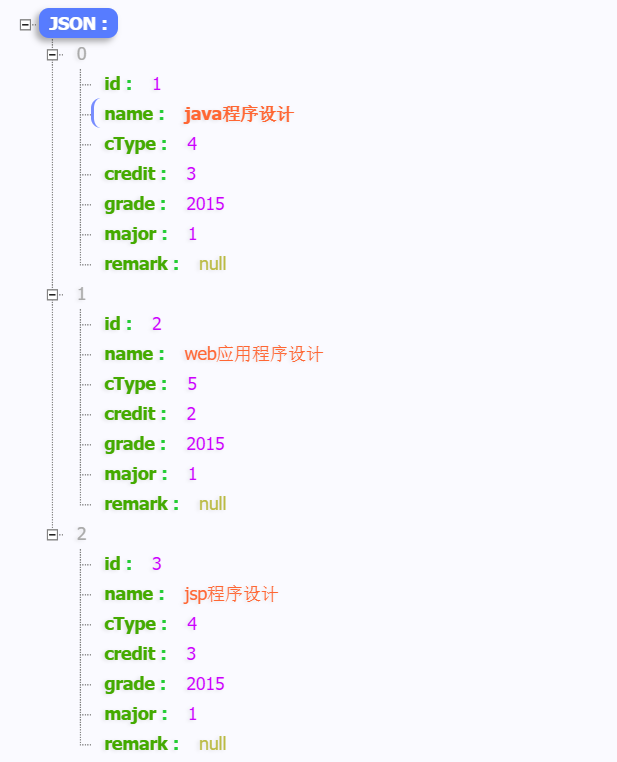
Jquery realizes that the json data returned in the background is filled into the jsp table
Today, when completing the javaweb experiment, the json data returned in the background was filled into the jsp table for a long time. I used the javaex front-end framework, and the method is now reco...
c# parse the returned json data
The format of the content returned by the interface is similar to the following json string. How to parse it with C# and get the value in it?...