LoadRunner use: in-depth understanding of Resource and Non-Recource
tags: loadrunner
Resource in LoadRunner indicates whether the URL is a resource, "Resource=0" is a non-resource, and the URL will always be downloaded during replay; "Resource=1" is a resource, only if the "Download non-HTML resources" option is selected It will be downloaded only in the case.
RecContentType represents the type of the resource. It contains the primary and secondary type values of the resource. The primary type values most frequently appear are text, application, and image, and secondary changes with the resource , Such as: "RecContentType=text/html". When the Resource parameter is set, the RecContentType parameter will be ignored.
The two parameters mentioned above, let's take a look at the settings related to them in LoadRunner.
(1) Specifying Non-Resource Content Types
The configuration is set in Recording Options -> Advanced -> Non Resource. The default setting is shown in Figure 1:

uses the default settings, only the two types of URLs configured in Figure 1 will be marked as Non-Resource.
(2)Non-critical item errors as warnings
The configuration is set in Runtime setting -> Preferences, and the default is enabled. For Resource URL, warning will be reported in the log when an error occurs, instead of error, and for Non-Resource URL, error will be reported.
(3)Download non-HTML resources
The configuration is set in Runtime setting-> Browser Emulation, and the default is enabled, which means the URL for downloading Non-Resource during playback.
In the performance test, we generally use the settings (1) and (2) by default, but in order to avoid unnecessary performance consumption and long-term testing, LoadRunner hard disk space is insufficient Generally speaking, it is the disable option "Download non-HTML resources".
Therefore, when we need some Non-Resource URLs to be downloaded, we can manually modify the attribute Resource value. For example, in a test, you need to use a URL encapsulated by a servlet to delete the data information inserted in the last operation. The operation is recorded into a script as follows:
      web_url(”xxxService.do”,
                  "URL=omitted",
                   “Resource=1″,
                   “Referer=”,
                   “Snapshot=t110.inf”,
                   LAST);
supplement:
If you set "Resource=1", the resource is not downloaded from the server, LR will only report the warn information, and the corresponding transaction status is pass; if you set "Resource=0", the resource is not downloaded from the server, LR will report error information, The corresponding transaction status is fail.
Intelligent Recommendation
In-depth understanding of the use of JDBC
In-depth understanding of the use of JDBC One, JDBC description JDBC (Java DataBase Connectivity) is a bridge between Java and database. It is a specification rather than an implementation, capable of...
In -depth understanding of EEPROM use
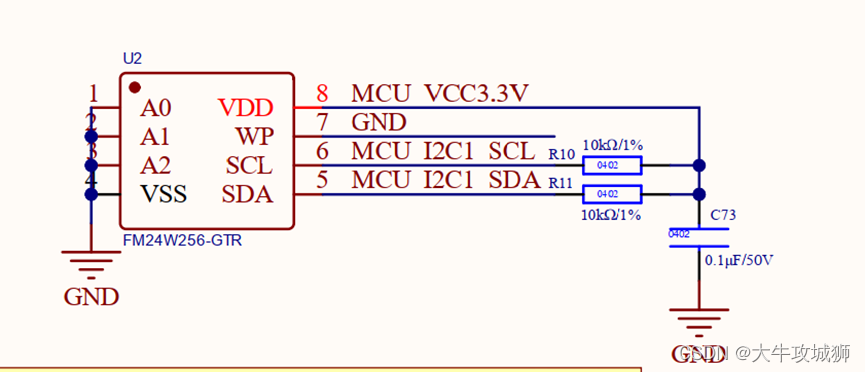
EEPROM, as a processor's storage device, is often mentioned. Daniel has always wanted to explain this device, and analyze it from the perspective of use. The most commonly used EEPROM storage chip int...
SpringBoot in -depth understanding and use
Articles directory SpringBoot's advantages and disadvantages SpringBoot four cores Idea generates SpringBoot project Properties file Configuration files with multi -environment SpringBoot custom confi...
In-depth understanding of c# Chapter 13 Use empty default values to handle non-constant situations Optional parameters
Modify the method and process the value type so that it adds a time-stamped message to the text file. The default value of encoding is UTF-8, time The current time stamp. Solved the problem of version...
In-depth understanding of non-refined construction and construct
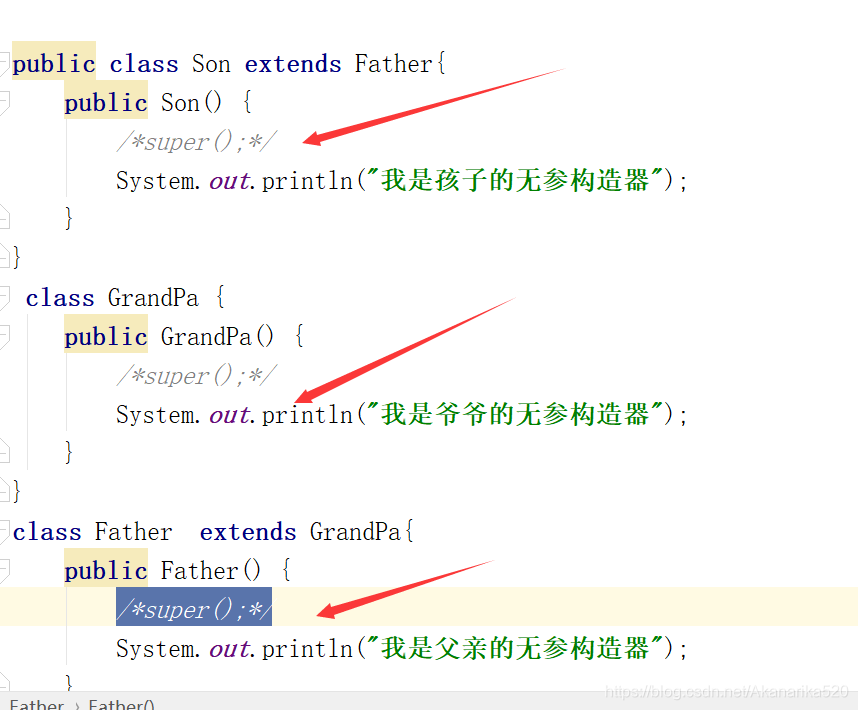
1. When writing a class, if there is no writing constructor, then the editor will automatically construct super (), but if the constructor is written, the editor will not automatically add it, it will...
More Recommendation
In-depth understanding of Linux kernel obstruction and non-blocking
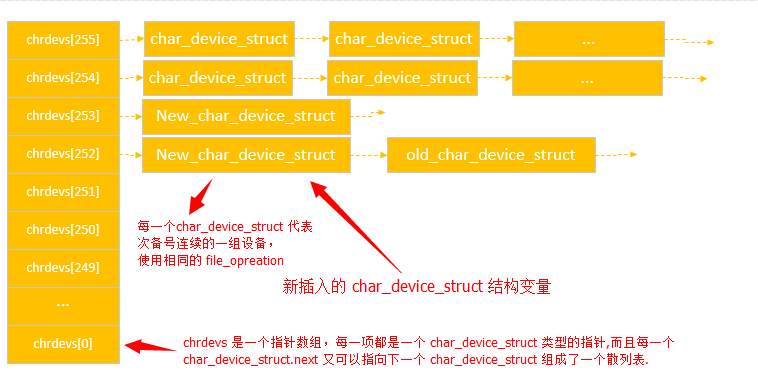
In-depth understanding of Linux kernel obstruction and non-blocking Feeling Here is you still to write a note, review the knowledge point again, review it over and over again, you may not be used in y...
In-depth understanding of cache IO and non-cache IO
In-depth understanding of cache IO and non-cache IO First, the concept of system call First, you must understand the system call. System call, each operating system has some built-in library, these fu...
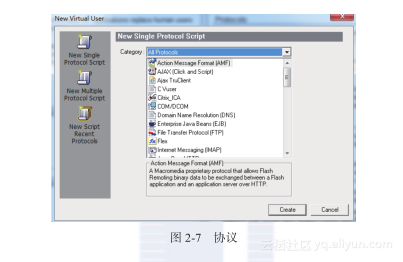
"LoadRunner Performance Test Skilled Craftsman Training Camp"-2.3 in-depth understanding of protocol selection
This section excerpt from the chapter of computer "LoadRunner performance testing craftsman training camp," a book in Chapter 2, Section 2.3, author: Zhao strong Zouwei Wei Ren Jianyong more...

loadrunner in Linux (centos6) resource monitoring
First you need to download and install a package in a Linux environment, the package name rpc.rstatd-4.0.1.tar.gz Turn off the firewall, service iptables stop To use the setup command at the root priv...
loadrunner performance test_server resource monitoring
Monitor server resource performance indicators After the last performance test, you need to monitor the performance indicators of related server resources. There are mainly CPU, memory, I / O, NI / O,...