Docker cannot start (SystemCTL Start Docker failed)
tags: docker
Docker cannot start a fault investigation
Investigation method:
1. Confirm that the SystemCTL Start Docker command process is correct.
	 SystemCTL Start Docker command needs to run after the systemctl Daemon-Reload command.
 2. Use the command to view the SystemCTL Status Docker to see the reason for the error. (Generally speaking, it is useless)
 3. CANTOS uses command Cat/VAR/LOG/MESSAGES | GREP DOCKER to see the real error reasons.
 4. Check the corresponding questions.
daemon.json configuration error
hosts configuration
The hosts configuration in Daemon.json is as follows:
"hosts":[
          "tcp://127.0.0.1:2375",
          "unix:///var/run/docker.sock"
  ],
Report an error
unable to configure the Docker daemon with file /etc/docker/daemon.json: the following directives are specified both as a flag and in the configuration file: hosts: (from flag: [fd://], from file: [tcp://127.0.0.1:2375])
reason:
After modifying the docker.daemon file, it failed to start
Hosts configuration in the Daemon.json configuration file conflicts with Docker's default startup configuration.
Docker's default startup configuration is located in:
/lib/systemd/system/docker.service;ubuntu
/usr/lib/systemd/system/docker.service;centos
vim /usr/lib/systemd/system/docker.service
Conflict position, -H fd: //
ExecStart=/usr/bin/dockerd -H fd:// --containerd=/run/containerd/containerd.sock
Solution
Delete -H fd: //
ExecStart=/usr/bin/dockerd --containerd=/run/containerd/containerd.sock
Intelligent Recommendation
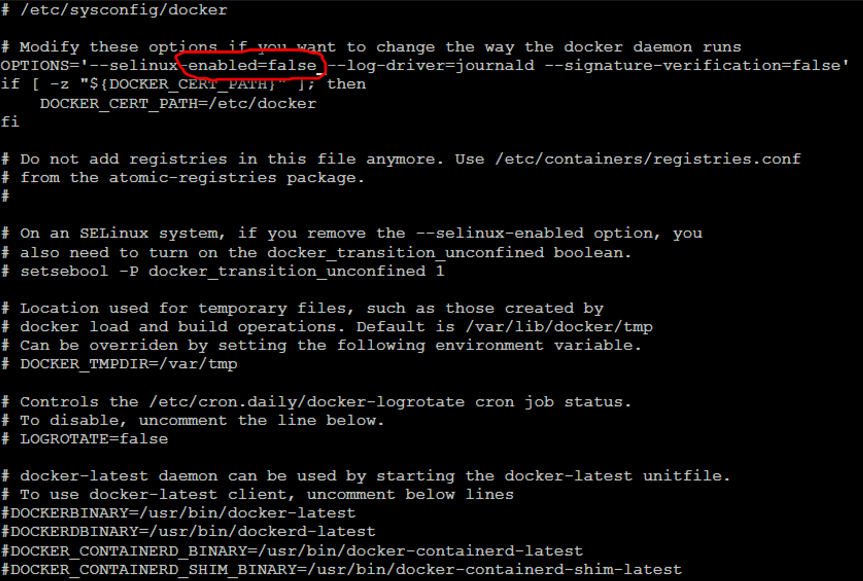
docker failed to start a solution
Before you begin contacting docker, after a successful installation under linux, failed to start, surf the Internet are many ways are not resolved, finally get a solution in a group where. Failed to s...
Docker failed to start,
Docker failed to start error Use "systemctl status docker.service" View docker state, it is not started. solution yum update to the reason You can update the system software ve...
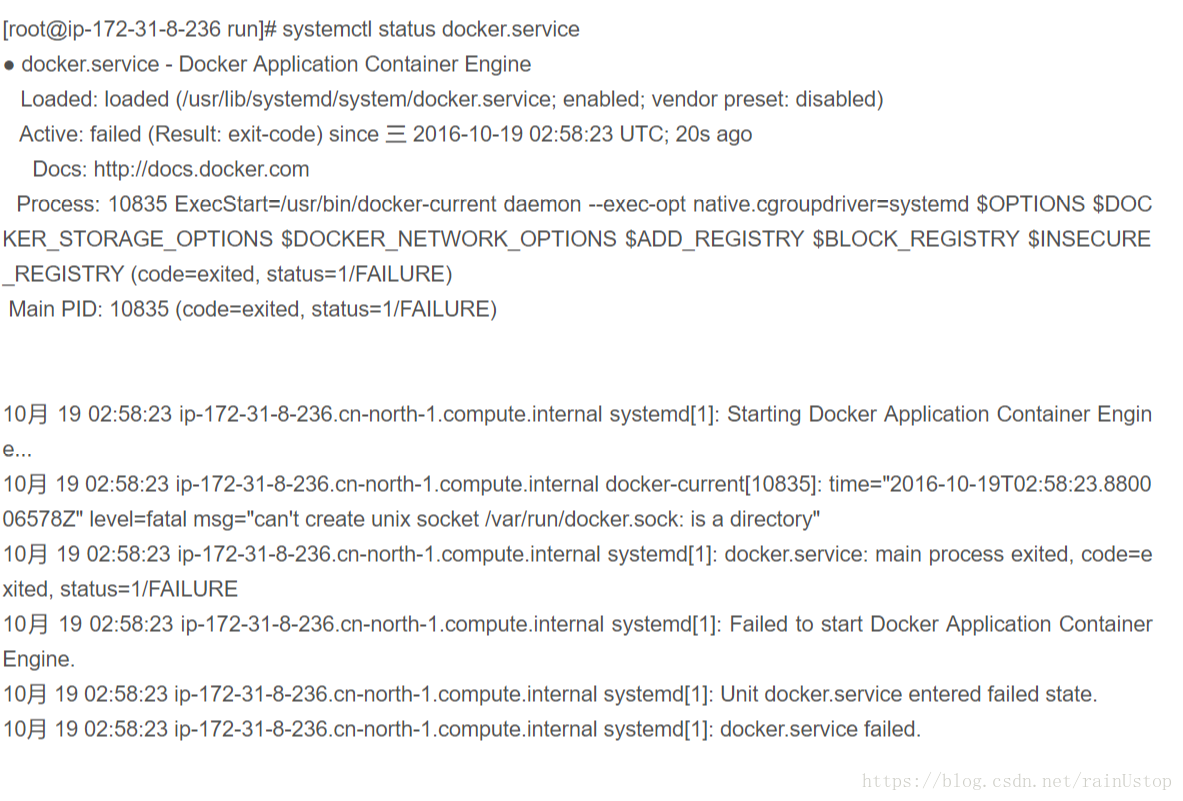
Docker service failed to start
Due to the setting of the image accelerator, the /etc/docker/daemon.json file was modified (daemon.json is the docker configuration file), and it was found that there was a deamon.json under the docke...
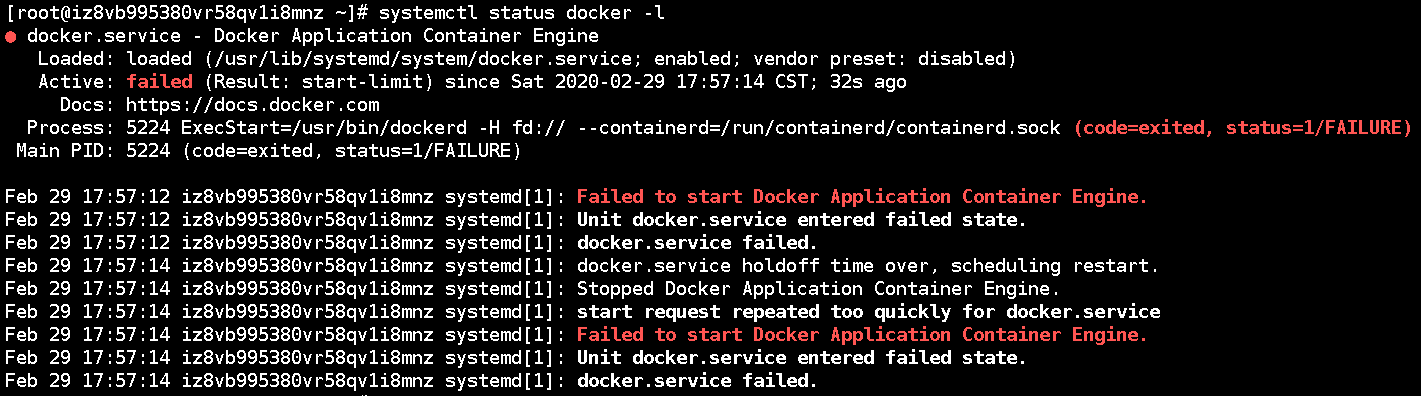
Docker Desktop failed to start
System environment Window10 Docker Desktop Hpyer-V description start up Docker Desktop Time, if checkedExpose daemon on tcp://localhost:2375 without TLS , It will fail to start Check the error log. Yo...
More Recommendation
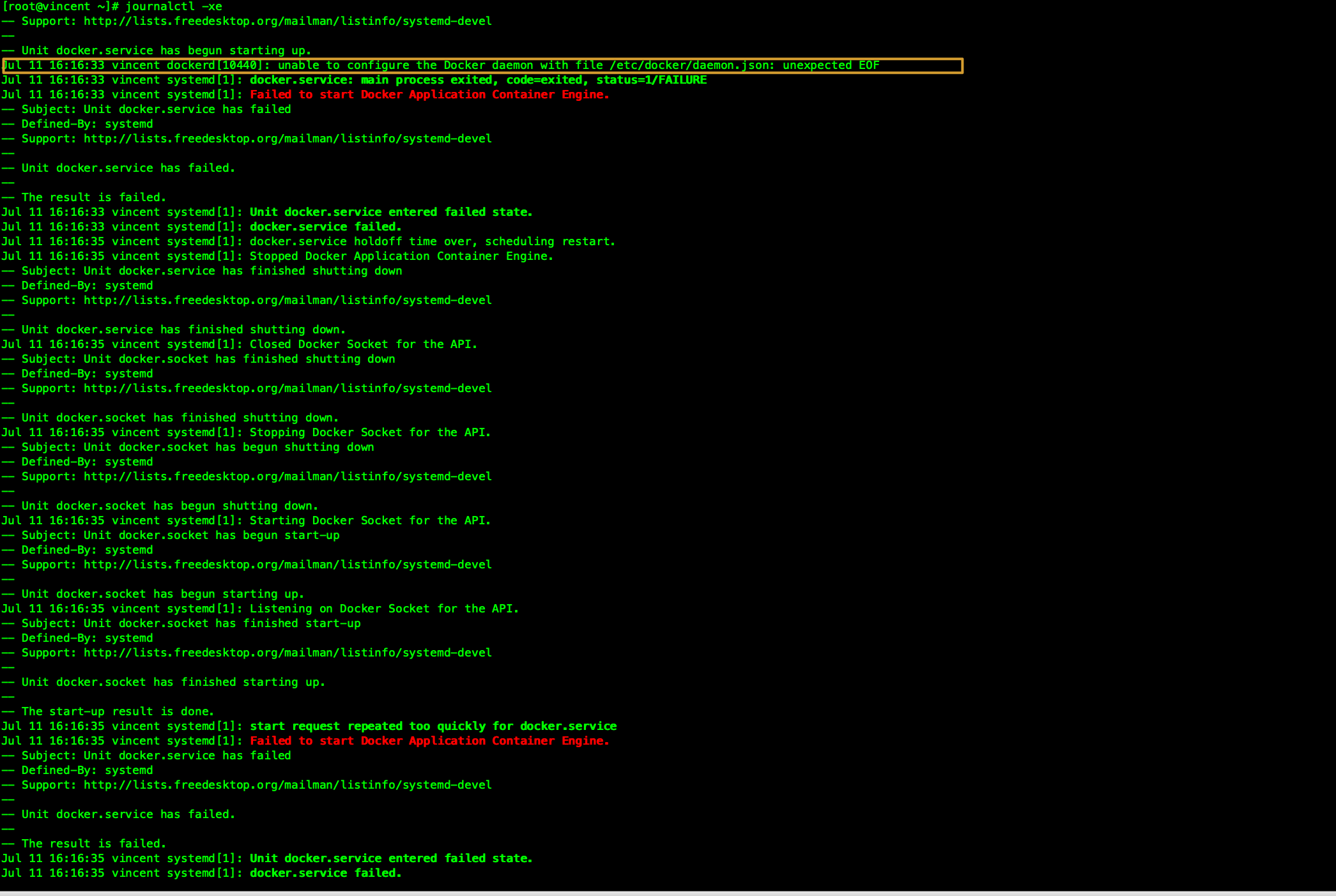
Docker failed to start
Problem Description bysystemctl start dockerAn error is reported when starting docker, the error message is as follows Troubleshooting Through the error message prompt, usejjournalctl -xeView the spec...

Docker daemon failed to start
How can the docker daemon fail to start solve: Delete the docker.socket contained in [UNIT] of /usr/lib/systemd/system/docker.service, then systemctl daemon-reload, and finally systemctl start docker....
Docker container failed to start
The container failed to start Check log Reason: The problem of mapping error. Finally found that there is no tomcat on the virtual machine, the file is empty, and there is no server.xml file. solve: 1...
Centos7 Docker start failed
Version Information: Centos7, Docker19.03.2 (using Ali mirror source download) Failed when using the sudo systemctl start docker command to start Docker. Log information: Solution: Add Ali's mirror so...
docker failed to start - reproduced
docker failed to start Job for docker.service failed because the control process exited with error code. See "systemctl status docker.service" and "journalctl -xe" for details. Cen...