UWP - Application Development Mechanism
From the Microsoft Store to see the development of the technology used
Ash pulls out a long time to eat Lumia 950
than that, the FIG.

This is the Microsoft Store application on Windows Phone
a developing the App, except than Controls, also using some Mechanism, for example to communication between applications, file access, user authentication, acquires sensor data, etc.
Today, I'll be there on the shining Microsoft Store this application to say something about my views.
App-to-app

This is Microsoft Store inside the application interface to share, click on the application you are currently viewing will be sent a link way to another application, this application can be sent to others (such as QQ)
This is Dev-Center:App-to-app
specific implementation, probably (my guess) when the share button will trigger a DataRequested event, and to share the data into DataPackage, and then sent to the target App
This function is basically all applications will use, very used, but the form will be relatively simple.
Although Microsoft provided DataPackage class scalability, but for most applications it is just a text sharing.
Data access

data access, which is almost the basic functions of the data is the basis for an App, and Microsoft Store as an application center, while access to their own data, but also to be responsible for the installation of other applications. Data access is high.
Microsoft Store to store information about all the local version of the application, installation status, it must have a database locally (probably using a SQLite), but also be able to query and its application, display information , which in turn necessitates a remote database (SQL Server), so this part of the Data access is necessary.
Dev-Center is put this part of the database access (database connection), the local user and the remote database using SQLite using SQL Server. In view of the SQL Server is pro-son, Microsoft Store is basically the distal certainly use the SQL Server.
Dev-Center:SQL Server
Launching, resuming, and background tasks
This is no running in the background of the diagram :(
A short application store, be sure to support the application can be downloaded in the background and install updates, otherwise no one would be willing to open application store to wait long to update those people crash
Dev-Center:Support your app with background tasks
Moreover, we often find that many applications, such as "Love application", click to download the application will jump to download Microsoft Store, which uses here Launching, use a URI to evoke an application.
Dev-Center:Launch an app with a UR
Networking and web services

network, and web services, application store if it is not the lack of these two applications the shops.
download the application, the application needs to update the network, to transfer large blocks of data, for stability, error rate
find application, a browser application also requires network to transmit small application information data, requiring high speed
In order to meet the needs of the background download and update is required Background Transfer
Microsoft herein provides different network protocols to choose: Socket, WebSocket, HTTP, etc.
Dev-Center:Networking and web services
Security

application store Microsoft account to sign in! Microsoft account! Account!
This is a lot of white or novice prohibitive place - too much trouble
, however, have to say this is a responsible approach.
digress. . .
App Store is based on the Microsoft account, naturally, user login, verification is essential to the function.
Microsoft provides a very intimate AccountsSettingsPane class to deal with problems associated with the account and the like.
to see the details Dev-Center to:Web Account Manager
PC is dead, hastily written here.
is somewhat surprised that he was the one with the most class :)
Intelligent Recommendation
Introduction to UWP development Chapter 8 - Simple introduction and simple application of ListView
Last review Last introduced the use of Style and Resource in XAML, this knowledge is quite useful in the later stages of development, and when you want to switch the theme in real time,ThemeResource I...
[UWP application development combat] first bomb using the clipboard
I don't know if there are any children's shoes. I remember a series of blogs written by Windows App in the first half of the year. At that time, Windows 10 was still in the preview version. UWP (Unive...
Microsoft positions UWP as a line-of-business application development platform
Microsoft has positioned UWP as a traditional line of business (LOB) application development platform to focus on rapid application development using Windows Template Studio. However, in order to attr...
Modern operating systems application development: UWP-- honey bug
A honey bug, the time will run the following code in the position error, mainly due to an error page rendering, this time in general will see your xaml code, this thing can not locate the error locati...

UWP [application development] to learn how each page of a public objects
First thing to say is that I'm just a beginner students UWP application development. Recorded in the article was only a very simple truth, write out the purpose is to facilitate a novice like me and c...
More Recommendation
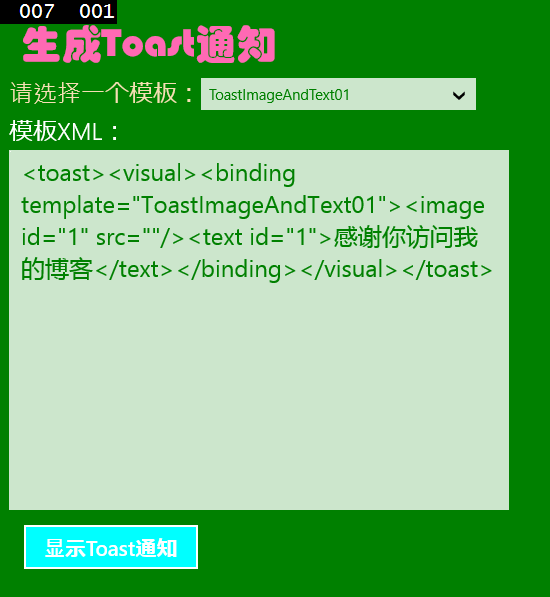
[UWP Universal Application Development] Use Toast notifications and dynamic tiles
Example of using Toast notification Earlier we used MessageDialog as a pop-up window, here to introduce a taller Toast notification. Toast notifications are inherently powered by XML. At first, I did ...
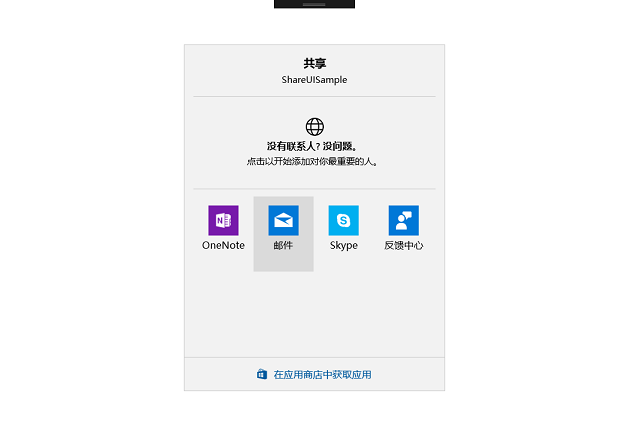
Modern operating system application development: UWP-UI sharing: DataTransferManager
Function introduction Achieve effect Implementation process Add a button in MainPage.xaml and set the corresponding event Add code in the MainPage.xaml.cs file FYI Function introduction Use the ShowSh...
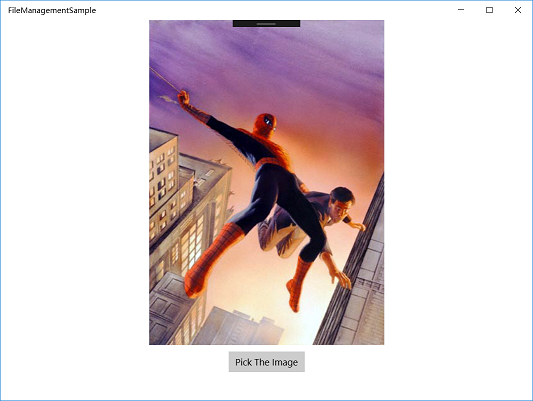
Modern operating system application development: UWP-file management (2): FileManagement
Background Brief Function introduction Achieve effect Implementation process Add control in MainPage.xaml Add code in MainPage.xaml.cs to sum up FYI Background Brief When our UWP program wants to read...
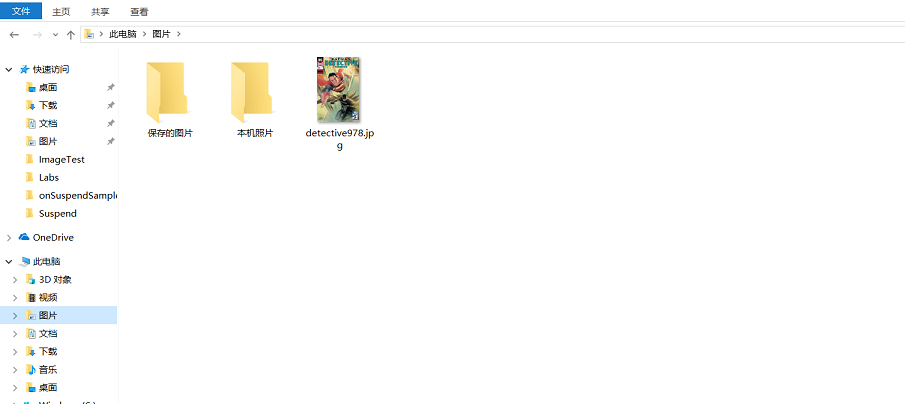
Modern operating system application development: UWP-file management (1): KnownFolder
Function introduction Achieve effect Implementation process Set Package.appxmanifest file Add control in MainPage.xaml Add code on the constructor of MainPage.xaml.cs to sum up FYI Function introducti...

Modern operating system application development: UWP-onSuspend: suspend and close
Function introduction Achieve effect Implementation process Modify App.xaml.cs file Add control in MainPage.xaml Add code in MainPage.xaml.cs to sum up Tips FYI Function introduction There is an Image...