A5
tags: Processing
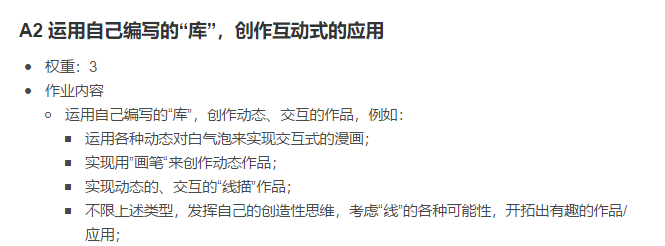
When doing A2 homework, I painted a south library snow scene, which snowy particles, I am a speed +0.8 every time DRAW, there is no simulation of free fall, therefore combined with "Code Nature" Two chapter, so in A5 experiment, I want to join the earth gravity, air and fluid resistance.
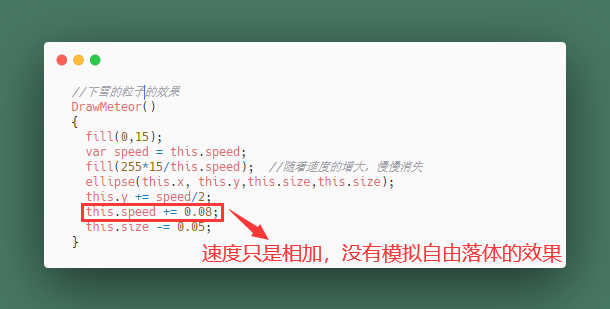
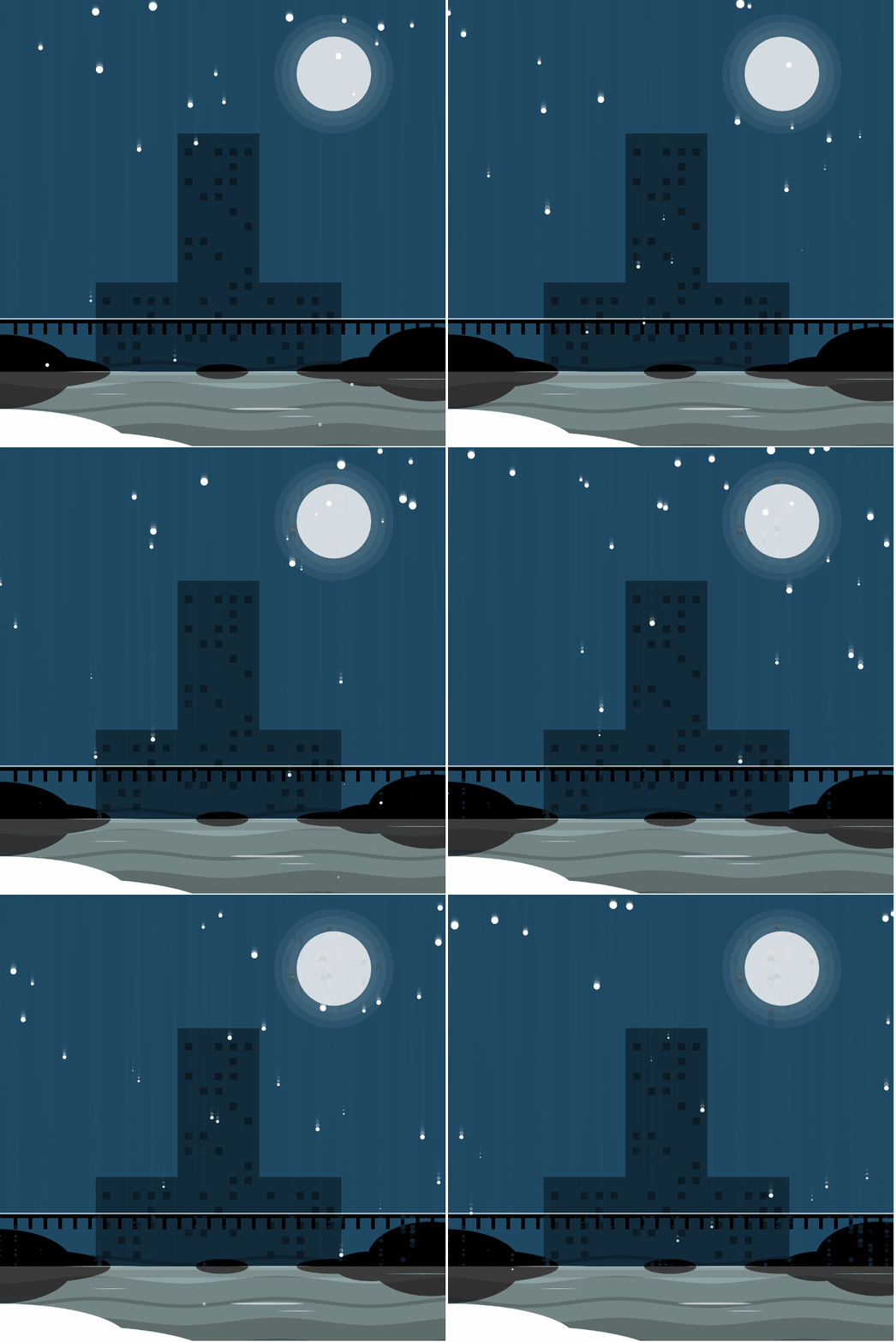
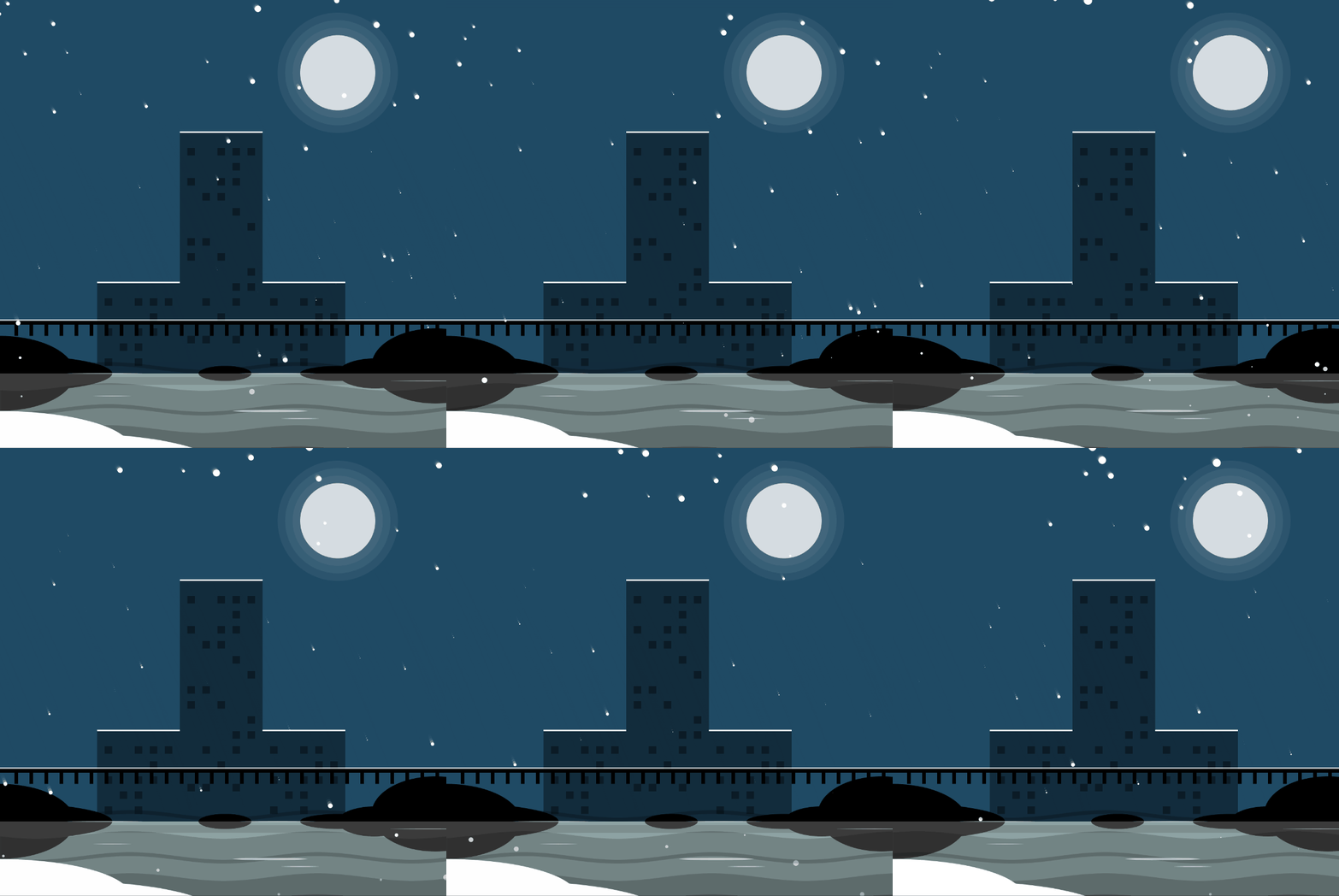
// Jiangnan Winter
//var box;
var circleX = 0;
var car = 0;
var snowParticles = [];  // Snow particle set
var WarterSets = []; // Water graphic collection
function setup()
{
  createCanvas(600, 600);
  noStroke();
  circleX = 0;
  WarterSets = GenerateWater();
}

function draw()
{
  background(30, 73, 100, 170);


//SUN
DrawShiner(450, 100,"MOON");  // Call the halo circle in A1_0115_CIRCLE


//BUILDINGS
fill(0, 80);
//rect(0, 290, 100, 200);
// Library's main building
rect(240, 180, 110, 350);//120,200,100,300
windowsOfBuilding1(240, 180);
rect(350, 380, 110, 150);
windowsOfBuildingRight(350, 380);
rect(130, 380, 110, 150);
windowsOfBuildingleft(130, 380);
fill(255);
rect(240, 178, 110, 2);
rect(350, 378, 110, 2);
rect(130, 378, 110, 2);

//rect(410, 350, 200, 300);
//rect(520, 300, 100, 50);

//FILL GROUND
//fill(255);
fill(200, 250, 250);
rect(0, 500, 600, 200);


//GROUND
fill(0);
ellipse(0, 500, 200, 100);
ellipse(0, 500, 300, 50);
ellipse(300, 500, 70, 20);
ellipse(500, 500, 100, 40);
ellipse(450, 500, 100, 20);
ellipse(300, 500, 70, 20);
ellipse(580, 490, 170, 100);


//BRIDGE
fill(255, 150);
rect(0, 428, 600, 2);
fill(0);
//quad(width/2+500, height/2+150, width/2+576, height/2+170, width/2-586, height/2+170, width/2-560, height/2+150);
rect(0, 430, 600, 5);
rect(20, 430, 5, 20);
rect(40, 430, 5, 20);
rect(60, 430, 5, 20);
rect(80, 430, 5, 20);
rect(100, 430, 5, 20);
rect(120, 430, 5, 20);
rect(140, 430, 5, 20);
rect(160, 430, 5, 20);
rect(180, 430, 5, 20);
rect(200, 430, 5, 20);
rect(220, 430, 5, 20);
rect(240, 430, 5, 20);
rect(260, 430, 5, 20);
rect(280, 430, 5, 20);
rect(300, 430, 5, 20);
rect(320, 430, 5, 20);
rect(340, 430, 5, 20);
rect(360, 430, 5, 20);
rect(380, 430, 5, 20);
rect(400, 430, 5, 20);
rect(420, 430, 5, 20);
rect(440, 430, 5, 20);
rect(460, 430, 5, 20);
rect(480, 430, 5, 20);
rect(500, 430, 5, 20);
rect(520, 430, 5, 20);
rect(540, 430, 5, 20);
rect(560, 430, 5, 20);
rect(580, 430, 5, 20);

//BRIDGE SHADOW
fill(0, 50);
rect(0, 505, 600, 10);

//REFLECTION
fill(100, 150);
rect(0, 500, 600, 200);

//SNOW
fill(255, 150);
if(random()>0.8)
{
  snowParticles.push(new SnowAddForce(random(-300,600),-1,1,random(5,12)));
}

for(let i = 0;i<snowParticles.length;i++)
{
  snowParticles[i].DrawSnow();
}


  // Water ripple
  for(let i = 0;i<WarterSets.length;i++)
  {
    WarterSets[i].calWave();
    WarterSets[i].drawWave();
  }


  fill(255);
ellipse(100, 630, 400, 100);
ellipse(0, 600, 350, 100);
fill(255, 150);
ellipse(370, 500, 100, 1);
ellipse(570, 510, 100, 1);
ellipse(140, 500, 100, 1);
ellipse(360, 550, 100, 3);
ellipse(400, 560, 50, 1);
ellipse(150, 530, 50, 1);

}


function windowsOfBuilding1(x,y)
{
  push();
  translate(x,y);
  //WINDOWS BUILDING 2
  //120,200,100,300
  rect(10, 20, 10, 10);
  rect(50, 20, 10, 10);
  rect(70, 20, 10, 10);
  rect(90, 20, 10, 10);

  rect(70, 40, 10, 10);
  rect(70, 60, 10, 10);
  rect(50, 60, 10, 10);
  rect(10, 60, 10, 10);
  rect(50, 80, 10, 10);
  rect(30, 80, 10, 10);
  rect(70, 100, 10, 10);
  rect(90, 120, 10, 10);
  rect(30, 140, 10, 10);
  rect(10, 140, 10, 10);
  rect(10, 160, 10, 10);
  rect(50, 160, 10, 10);
  rect(90, 180, 10, 10);
  rect(90, 200, 10, 10);
  rect(70, 220, 10, 10);
  rect(30, 220, 10, 10);
  rect(70, 200, 10, 10);
  rect(50, 240, 10, 10);
  rect(10, 270, 10, 10);
  rect(30, 270, 10, 10);
  rect(70, 270, 10, 10);
  pop();
}


function windowsOfBuildingleft(x,y)
{
  push();
  translate(x,y);
  //WINDOWS BUILDING 2
  //120,200,100,300
  rect(10, 20, 10, 10);
  rect(50, 20, 10, 10);
  rect(70, 20, 10, 10);
  rect(90, 20, 10, 10);
  rect(70, 40, 10, 10);
  rect(70, 60, 10, 10);
  rect(50, 60, 10, 10);
  rect(10, 60, 10, 10);
  rect(50, 80, 10, 10);
  rect(30, 80, 10, 10);
  rect(10, 100, 10, 10);
  rect(50, 100, 10, 10);
  pop();
}


function windowsOfBuildingRight(x,y)
{
  push();
  translate(x,y);
  //WINDOWS BUILDING 2
  //120,200,100,300
  rect(10, 20, 10, 10);
  rect(50, 20, 10, 10);
  rect(70, 20, 10, 10);
  rect(90, 40, 10, 10);
  rect(70, 40, 10, 10);
  rect(70, 60, 10, 10);
  rect(50, 60, 10, 10);
  rect(10, 60, 10, 10);
  rect(90, 60, 10, 10);
  rect(50, 80, 10, 10);
  rect(30, 80, 10, 10);
  rect(10, 100, 10, 10);
  rect(50, 100, 10, 10);
  pop();
}
2.2 gravity
2.2.1 gravity square
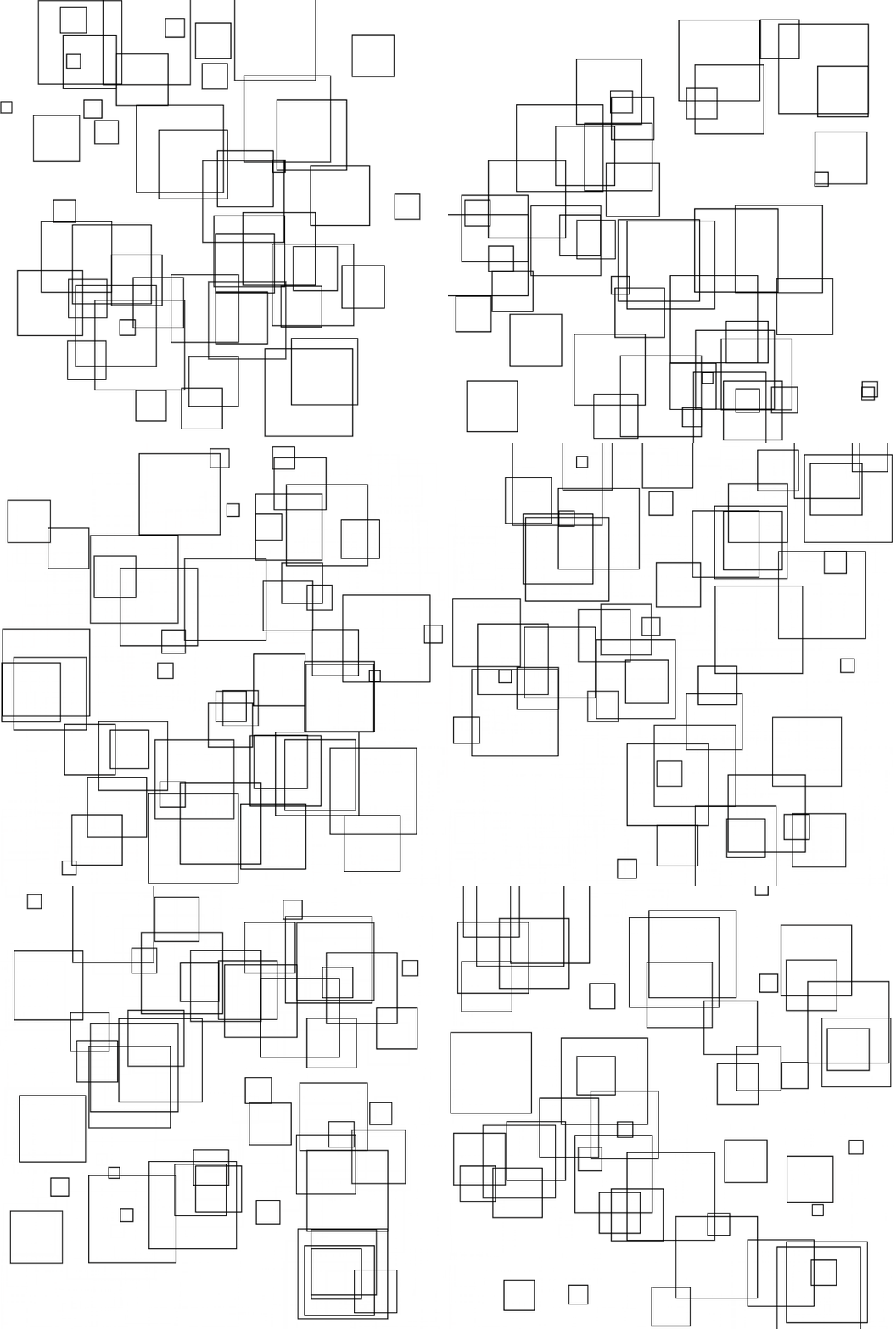
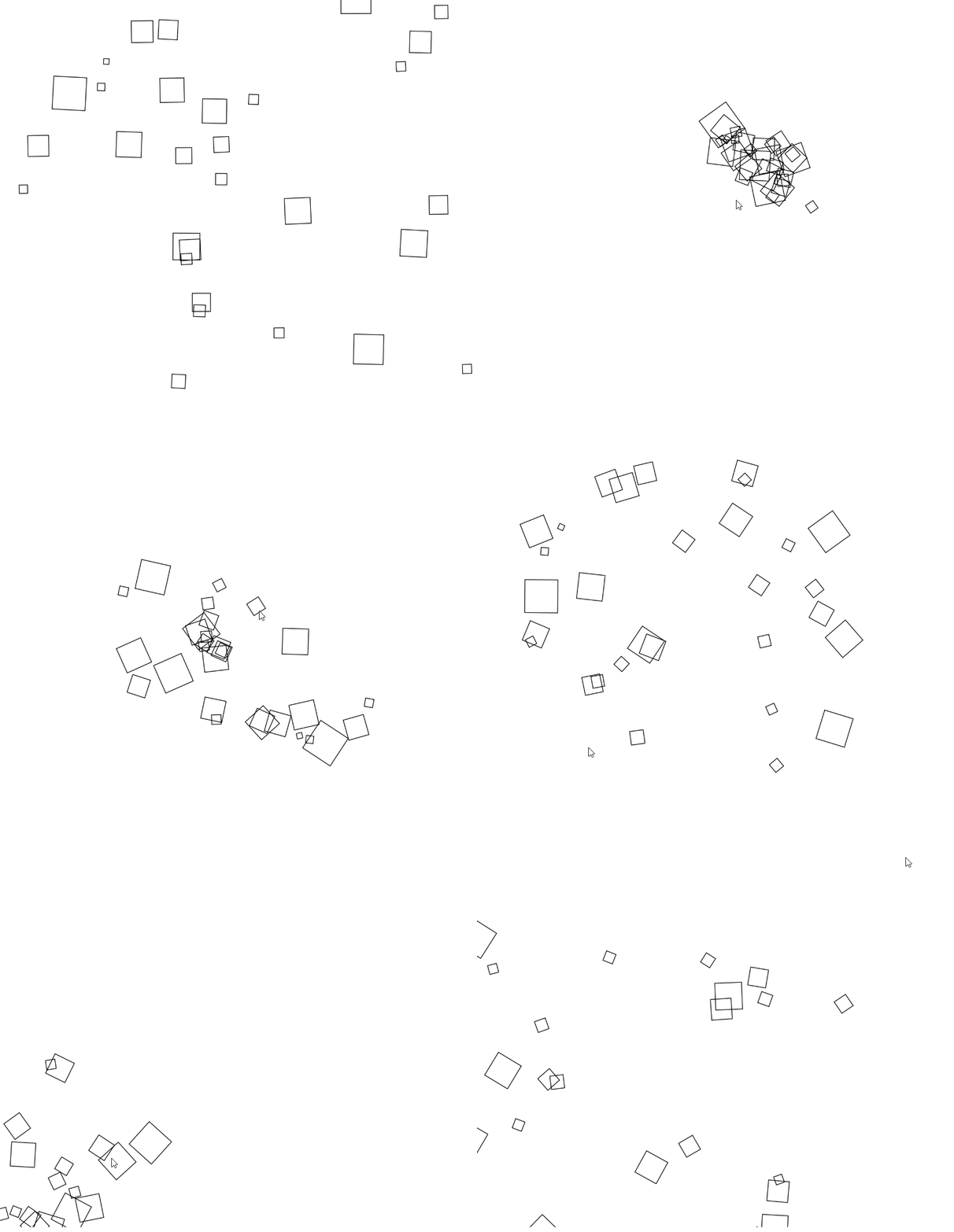
When I paint in A1, I paint a group of collision squares, bounce back after touching the wall, when the size is random, it can produce a better effect.
2.2.1.1 Effect of gravity square
2.2.1.2 Principle of gravity square
The principle here is to learn "codebook" book 2.9, where he sets a Move class, I convert DRAW in Update to the square written in my A1 job, call the code as follows.
let AttractRects = [];
var n = 30;

function setup()
{
  createCanvas(700, 600);
  background(0);

  AttractRects = new Array(n);
  for (var i = 0; i < n; i++)
  {
    //var p = createVector(random(0, width), random(0, height));
    AttractRects[i] = new mouseAttractRect(random(0, width), random(0, height));
  }
}

function draw() {
  background(255);
  for (var i = 0; i < n; i++) {
    AttractRects[i].addForce(AttractRects[i].attractTo(mouseX, mouseY));
    AttractRects[i].run();
  }
}
2.2.2 Butterfly
Butterfly in A1
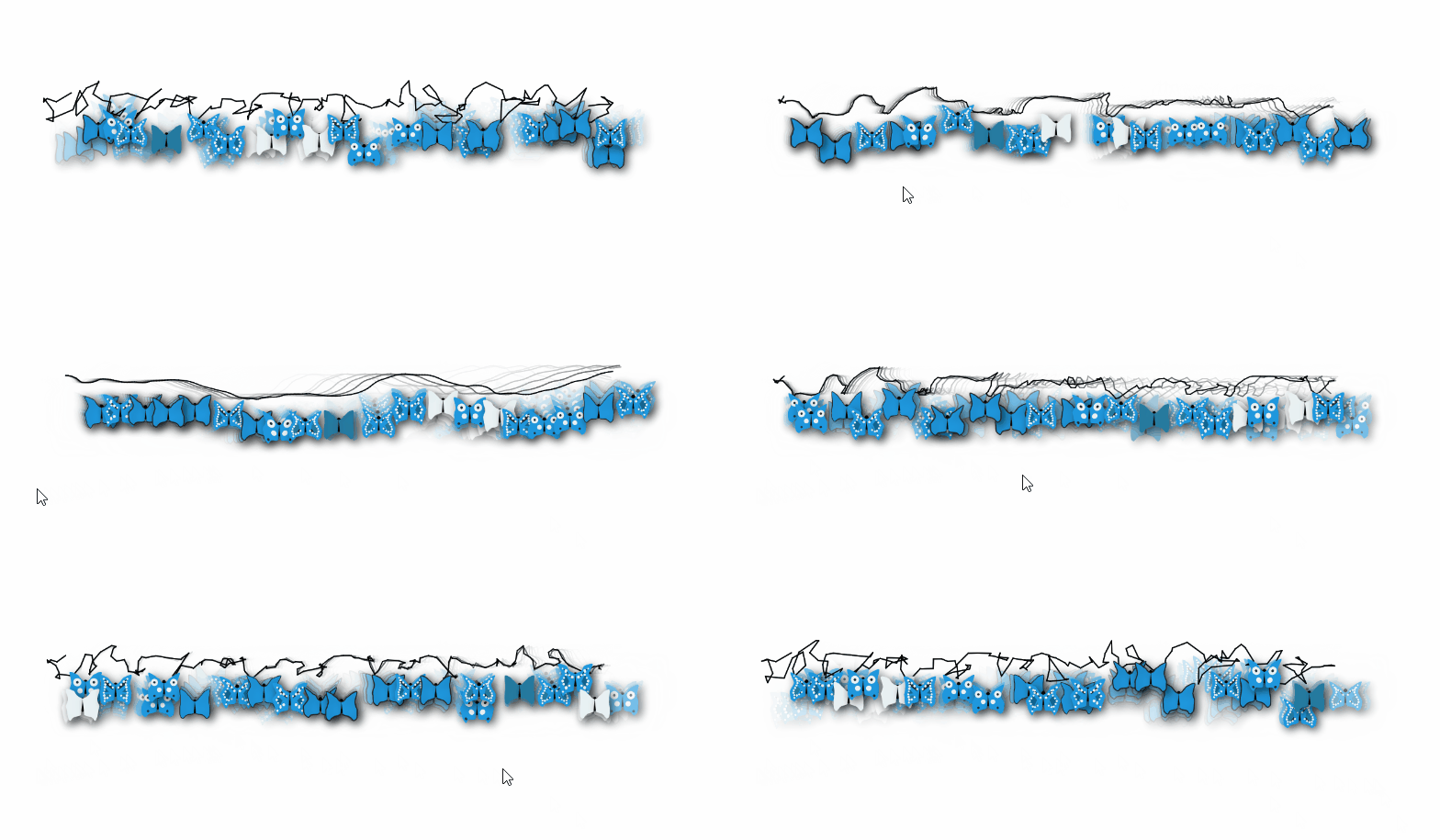
The gravitation is very suitable for objects in nature, flies on the previous effect, I found that I painted like a butterfly like the creatures of nature, so I want to improve the butterfly system, apply the gravitational effect to the butterfly system, and finally the results are as follows.
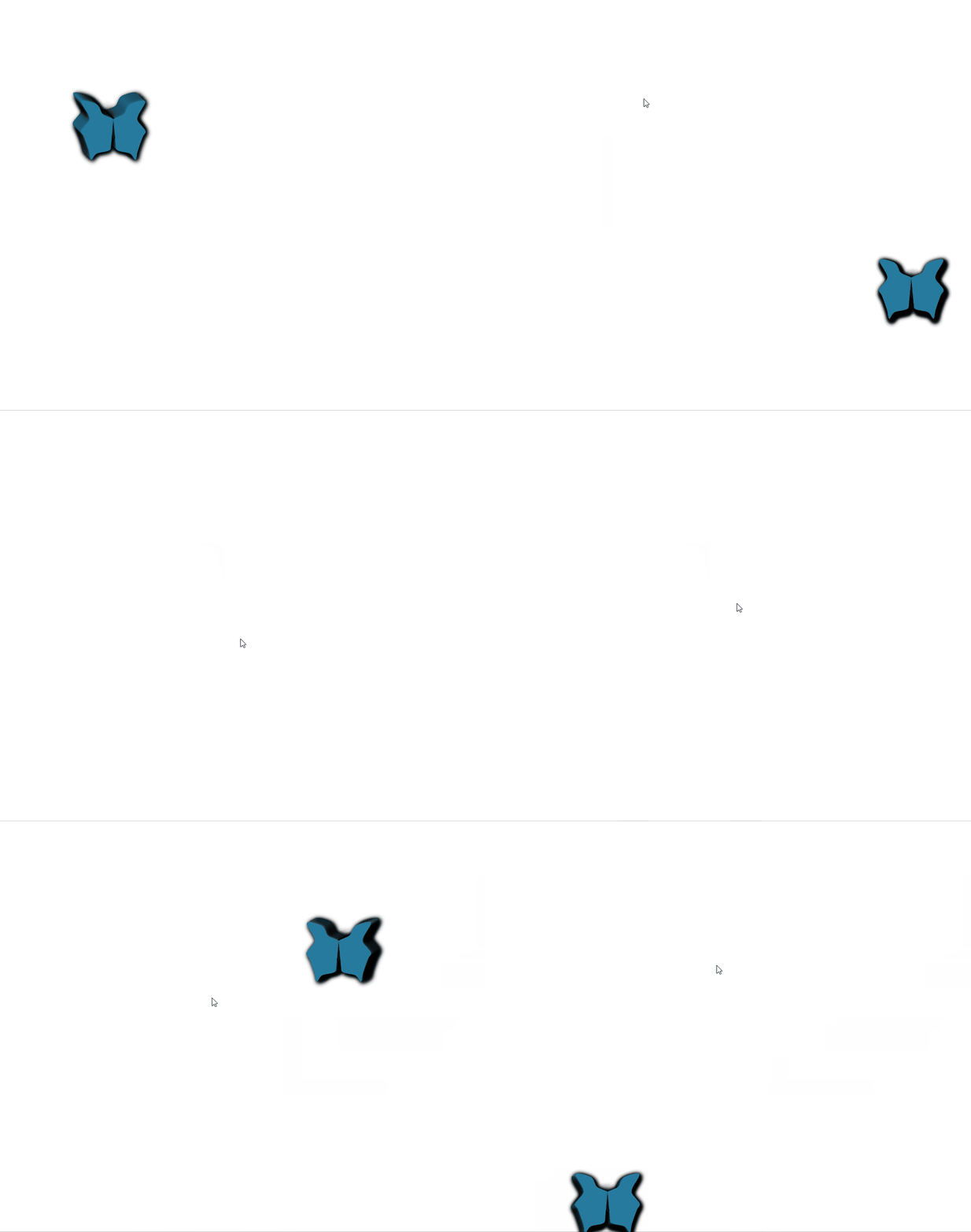
The calling method is as follows:
var AttractRects;
var n = 30;

function setup()
{
  createCanvas(900, 900);
  background(0);

  AttractRects = new Array(n);
  for (var i = 0; i < n; i++)
  {
    //var p = createVector(random(0, width), random(0, height));
    AttractRects = new mouseAttractButterfly(100,100);
  }
}

function draw() {
  background(255);
  for (var i = 0; i < n; i++)
  {
    AttractRects.addForce(AttractRects.attractTo(mouseX, mouseY));
    AttractRects.run();
  }
}
3 repulsive
3.1 repulsion round matrix
In the Circle interface in A1, I have done a matrix circle, and the circle is arranged in a matrix, and the size of the circle is related to the distance from the circle, the effect is as follows.
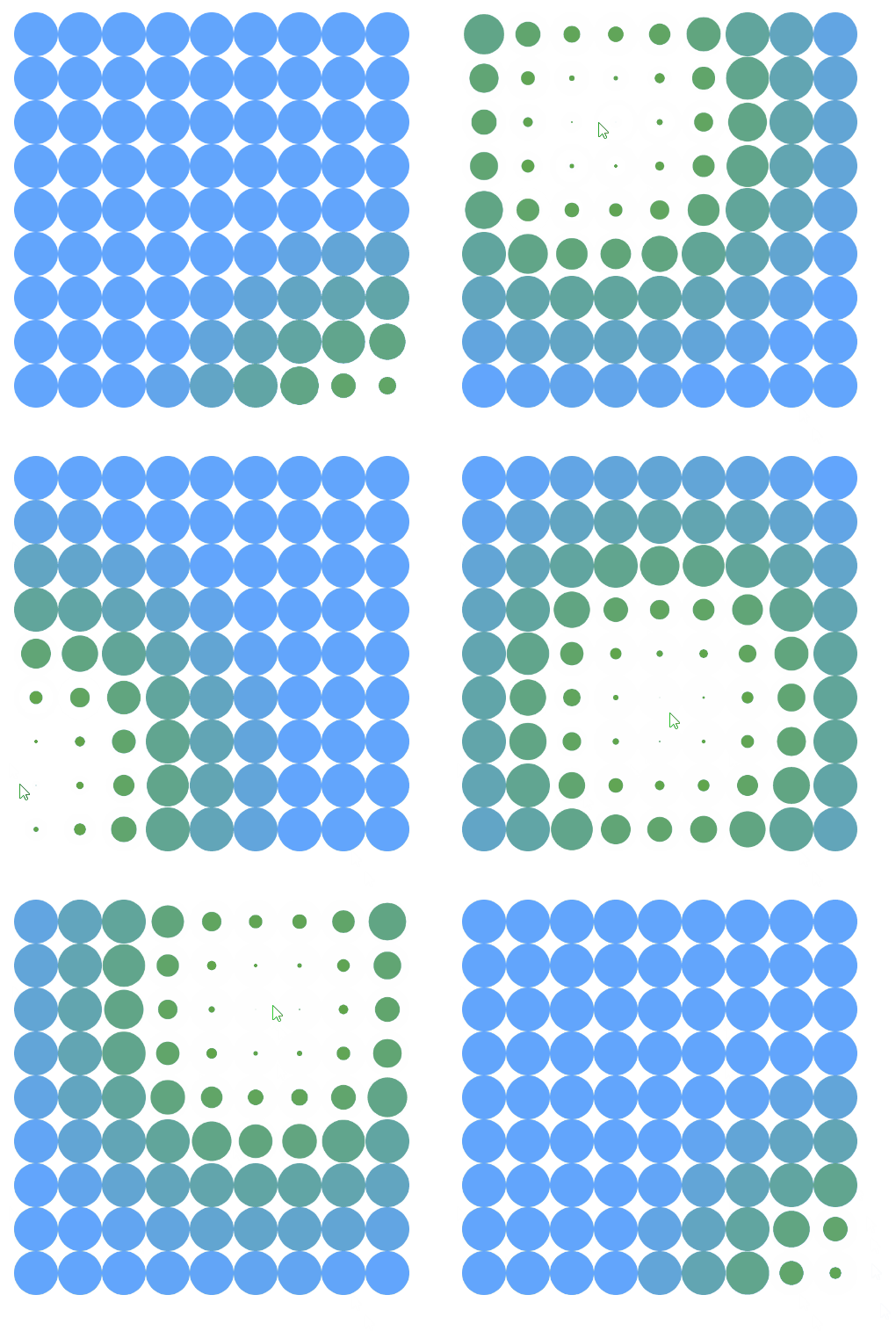
This looks a bit like rejection effect, but it is not true exclusive effect. I want to use "codebook" 2.10 in chapter to modify the circular matrix, let it simulate it.
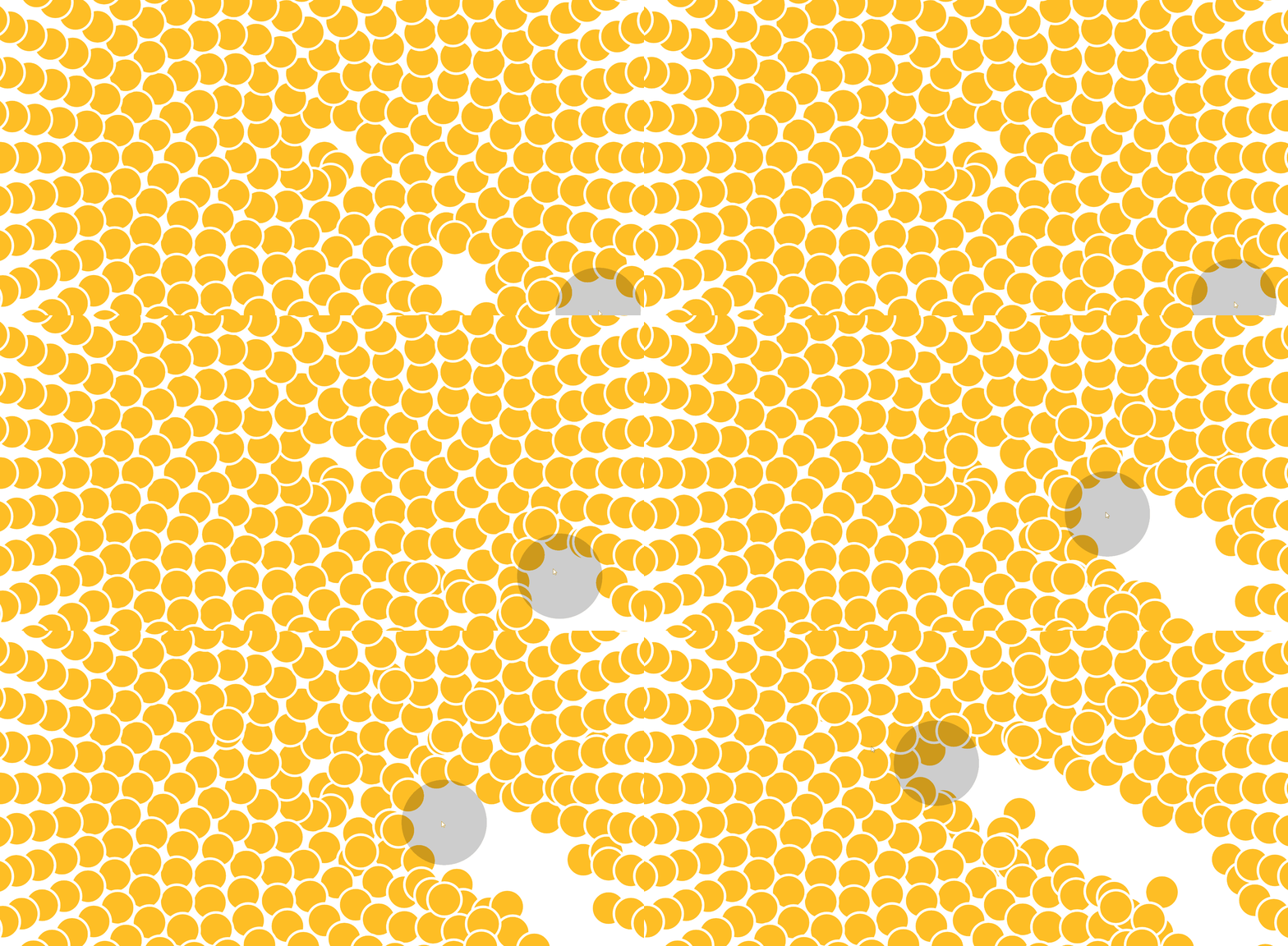
var count = 800;
var spacing = 40;
var repulsionRadius = 100;
var particles = [];

function setup() {
  createCanvas(windowWidth, windowHeight);
  //colorMode(HSB, 255);

  for (let i = 0; i < count; i++)
  {
    let angle = i * 37.5;
    let r = spacing * sqrt(i);
    let x = r * cos(radians(angle)) + width / 2;
    let y = r * sin(radians(angle)) + height / 2;
    let distToCenter = dist(x, y, width / 2, height / 2);
    let s = 255 - distToCenter * 1.25;
    let b = 150 + distToCenter * 1;

    particles.push(new RepulsiveParticle(
      width, -300,
      x, y,
      0.5,
      s, b));
  }
}

function draw() {
  background(255);

  for (let i = 0; i < particles.length; i++) {
    particles[i].move();
    particles[i].display();
  }

  stroke(0, 50);
  strokeWeight(repulsionRadius * 2);
  point(mouseX, mouseY);
}
Intelligent Recommendation
Python implementation A5 / 1 algorithm
Note: According to the teacher, when the plain text is greater than 64, the system is looped to generate a key. If it is less than 64 bits, the number of 64-bit binary bits generated directly and the ...
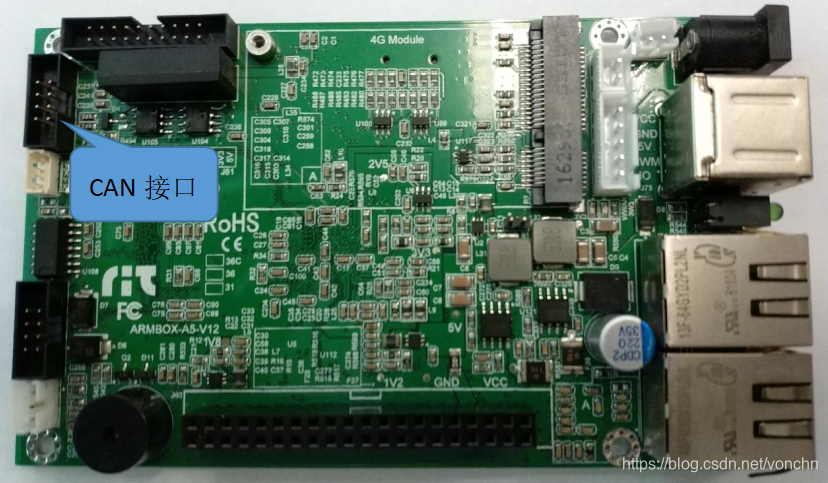
ARM40-A5 Guide - CAN Bus Interface and Testing
ARM40-A5 Guide - CAN Bus Interface and Testing 2018.10.20 Copyright statement: This article is an original article of the blogger, allowed to reprint. ARM40-A5 series boards have 2 i...

ARM40-A5 application - instructions for use of W1LED
ARM40-A5 application - instructions for use of W1LED 2018.11.7 Some LEDs need to use more LED indicators, and it is recommended to use W1LED. The ARM40 host monitors the input/output status of periphe...
ARM40-A5 application - CAN bus transmission and reception
ARM40-A5 application - CAN bus transmission and reception Copyright statement: This article is an original article of the blogger, allowed to reprint. ARM40-A5 series boards have 2 i...
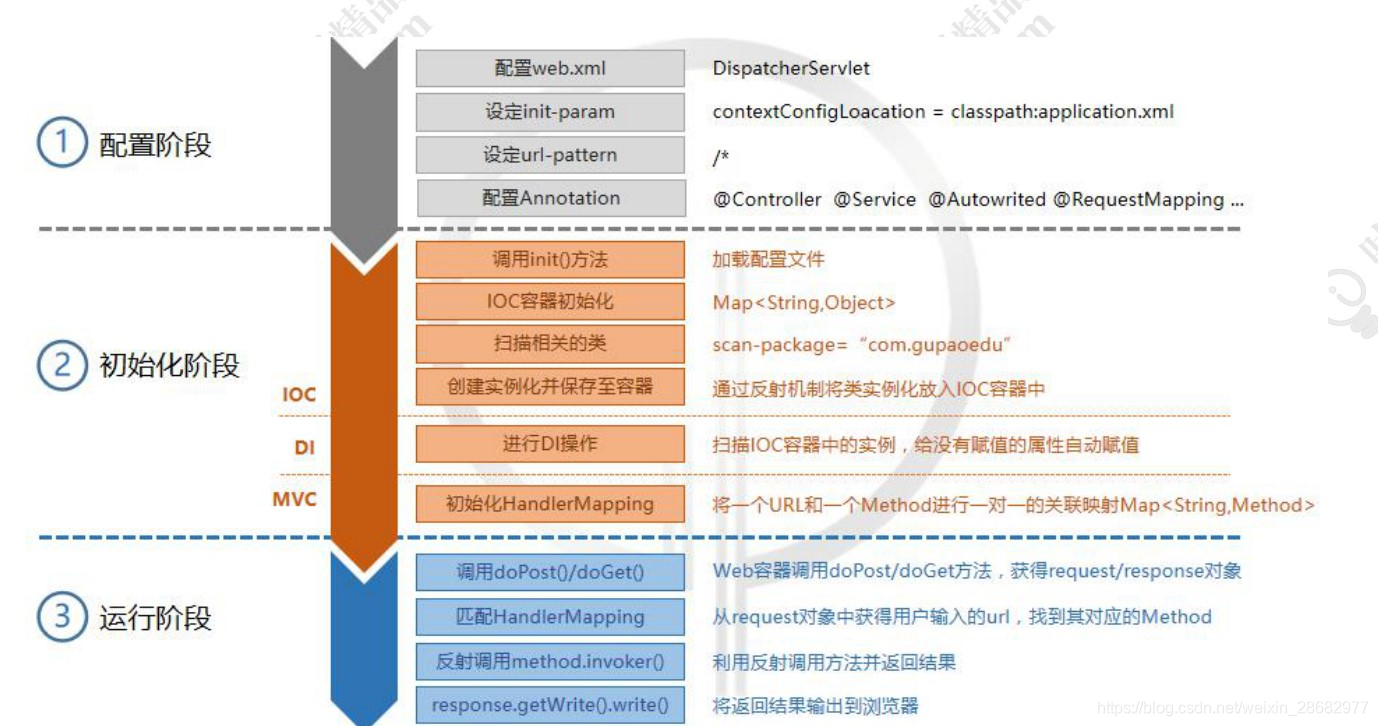
A5. Handwriting to achieve a simple version of springMVC
Article directory Thought Description Configuration phase Initialization phase Operational stage Code structure: Configuration phase Create a Dispatcher type Configuring DispatcherServlet Configuring ...
More Recommendation
ARM40-A5 Guide - ppp mode of GPRS module
ARM40-A5 Guide - ppp mode of GPRS module 2018.8.31 Copyright Notice: This article is an original article of the blogger, which is allowed to be reproduced. The GPRS module has two working modes: ppp m...

Detailed explanation of A5/1 stream cipher algorithm
A5/1 A5/1 is a stream cipher used to provide wireless communication privacy in the GSM cellular phone standard. It is one of seven algorithms specified for GSM use. It was initially kept secret, but i...
ARM40-A5 GCC cross compilation environment construction
ready Host platform: Ubuntu 16.04 LTS (x64) Target platform: ARM40-A5D3 ARM-GCC compiler tool chain: gcc-linaro-4.9.4-2017.01-x86_64_arm-linux-gnueabi 1. Downloadgcc-linaro-4.9.4-2017.01-x86_64_arm-li...

Atmel Cortex-A5 running Nuttx is so sour
The open source RTOS Nuttx already supports Atmel SAMA5 series MPU, and seeing that Nuttx also supports Graphic API, decided to try to run Nuttx on Ateml SAMA5D3 Xplained. Nuttx is an open source RTOS...
Introduction and implementation of A5/1 encryption algorithm
1. Introduction to the algorithm The A5/1 encryption algorithm is used for data confidentiality encryption in GSM. This algorithm uses three linear feedback shift registers, denoted as X, Y, and Z. Wh...