Python database programming: Django reads Mysql data and displays it on the front end
Today I will share with you an example of Django reading Mysql data and displaying it on the front end. It has a good reference value and I hope it will be helpful to you. Let's follow the editor to take a look
Preface:
Since the Django framework is used to build a website, it needs to dynamically display the information in the database, so it is necessary to read the database and write this blog post to record.
The next two steps to do this, add web pages, read the database;
1. Add a web page
First, add a webpage according to the steps of adding a webpage, my webpage is named table.html, and the app is named web;
Place table.html in the corresponding directory;
The forms.py file is written in advance;
Modify views.py to make a good view
from django.shortcuts import render
from web import forms
def table(request):
  table_form=forms.SignupForm()
  return render(request,'table.html',{'form':table_form}
  )
Modify url.py, add path
from django.conf.urls import url,include
from django.contrib import admin
from web import views
urlpatterns = [
  url(r'^signup/$',views.signup,name='signup'),
  url(r'^index/$',views.index,name='index'),
  url(r'^table/$',views.table,name='table') #This is table
]
This can be accessed
http://127.0.0.1:8000/web/table/(http//127.0.0.1:8000/app/index)
Insert code snippet here
Display web content normally.
Recommend our Python learning deduction qun: 774711191, see how the predecessors learn! From basic python scripts to web development, crawlers, django, data mining, etc. [PDF, actual combat source code], zero-based to actual project materials are organized. For every little python partner! Every day, Daniel will explain Python technology regularly, share some learning methods and small details that need attention, click to join usPython learner gathering place
Two, read Mysql and display
Create the database Employee in models.py and set the name column (the default will have an id column as the primary key);
from __future__ import unicode_literals
from django.db import models
# Create your models here.
class Employee(models.Model):
   name=models.CharField(max_length=20)
Save and synchronize the database
python manage.py syncdb
Then enter mysql, find the database set by our django, enter it,
See the following table
Figure 1 Database table entry
The last web_employee is the table we just created (web is the name of my app, and the prefix is automatically added);
Use the insert statement to insert the corresponding data, as shown below:
Figure 2 employee table
The ok data has been added, and the next step is to display it on the web page. The web page can be displayed normally through the previous configuration. Now add the display database information.
First modify the views.py, the same, the modification of the view is in this file
 from django.shortcuts import render
from web import forms
from models import Employee    #Insert employee table
from django.shortcuts import HttpResponseRedirect,Http404,HttpResponse,render_to_response
# Create your views here.
def table(request):
  table_form=forms.SignupForm()  #Style, configured in forms.py
  names=Employee.objects.all()  #Get our database information into names
  #return render(request,'table.html',{'form':table_form})
  return render_to_response("table.html",locals()) #Must use this return
The variable names read our data, and then go to table.html
<html lang="en">
  <head>
    <meta charset="UTF-8">
    <title>Upload Successfully</title>
  </head>
  <body>
    <p>Student list</p>
    {% for name in names %}
    <p>{{name.id}}   :   {{name.name}}</p>
    <br>
    {% endfor %}
  </body>
</html>
Use a loop to read the information in names, name.id and name.name are two columns in our table, as shown in Figure 2 above.
The final result is as follows:
Figure 3 renderings
The above example of Django reading Mysql data and displaying it on the front end is all the content shared by the editor.
Intelligent Recommendation
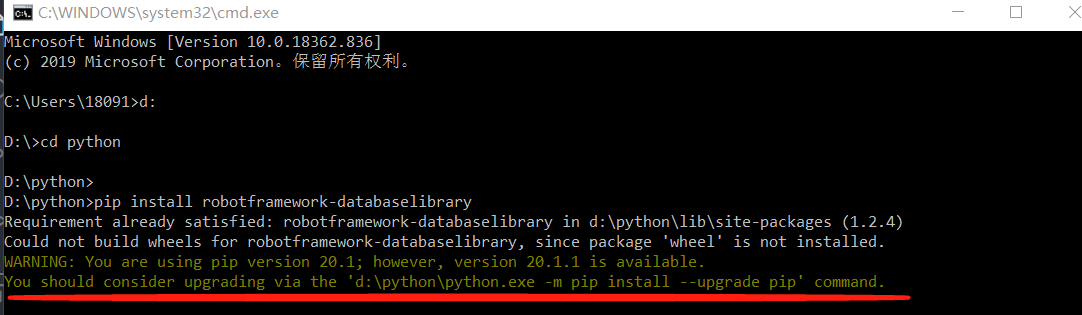
RobotFramework connects to the database and displays the data on the front-end page
First, install the databaselibrary library, Installation command: pip install robotframework-databaselibrary If this error occurs, it means that your version of pip is too low. Follow the prompts to u...
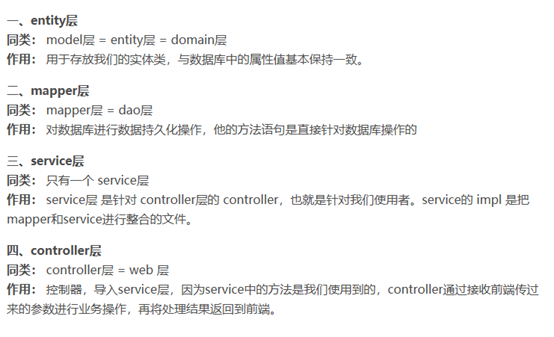
The data in SSM displays the entire process from the database to the front end
Since our project framework uses the ssm+layui framework, a brief introduction to the different levels in the project, ssm is the Spring+SpringMVC+Mybatis integrated framework for our development is d...
The back-end json data is returned to the front-end to display a question mark (the front-end reads the back-end Chinese content and displays a question mark)
When I was working on a react front-end project recently, I encountered the json format data returned by the back-end in the front-end UI interface, with a question mark in Chinese The solution is as ...
When the front end reads the time in the database, the object is read, and the page displays [object]
The time stored in the database is the time in datetime format. At this time, the time is saved in the form of an object. When the front end reads, it needs to be converted, namely: Specific conversio...

Java --- (SpringBlade framework) The background reads the longitude and latitude of all points from the database, transmits to the front end and displays on the map
1. MySQL query statement: 2. Control layer code: 3. Front end: 4. The effect is as follows: MoreiOS、Android、Python、Java、MySQL, Please click: MoreJava、Unity3D, Please click:...
More Recommendation
SSM realizes front-end and back-end interaction (front-end web page displays database data)
I just started learning the SSM framework, looking at all kinds of books, and listening to the videos recorded by the big guys, it seemed very simple. But after I practice it myself, I won't feel that...

Android reads the data of the sqlite database and displays it with listview
Android reads the data of the sqlite database and displays it with listview I just got in touch with Android, the teacher gave me excel of several class information, and asked me to make an attendance...
Servlet reads database data and displays it in jsp table
Problem Description The issues discussed in this article are the second half of the previous article. In the previous article, the data has been stored in the database. This article will implement: 1....
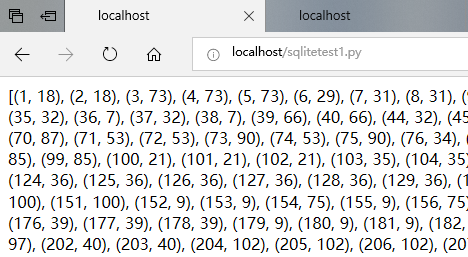
Python reads a table in the sqlite database and displays it in IIS
Python reads a table in the sqlite database and displays it in IIS Database environment configuration Code Report an error Database environment configuration When configuring the database environment,...