Use of the undo command git
Rollback Versions
HEAD points to the current version is the version, therefore, Git allows us to shuttle between the versions of the history, use the command git reset --hard commit_id.
Before the shuttle, you can view commit history with git log, in order to determine which version to fall back.
To return to the future, with git reflog view the command history in order to determine what you want to return to a future version.
git reset -head version number (git log can be viewed)
 git push -f (mandatory submission)
Undo operation
Sometimes we just finished submitting several documents were missing did not add, or submit the information was wrong. At this point, you can run the command with the submitted try to resubmit --amend options:
$ git commit --amend
This command will scratch pad file submission. If you have not since the last submission to make any changes (for example, immediately after the last submission execute this command), then the snapshot will remain the same, but you just submit the modified information.
After starting the text editor, submit information before you can see. After editing save overwrites the original information submitted.
For example, after you submit discover some forgotten modify the temporary need, you can do this as follows:
$ git commit -m 'initial commit'
$ git add forgotten_file
$ git commit --amend
You will only have to submit a final - second submission will replace the results of the first submission.
Cancel the temporary file
You have modified two files and want to commit them as two separate changes, but they unexpectedly entered the git add * scratch them two. How to cancel a temporary storage only two in it? git status command prompts you:
$ git add *
$ git status
On branch master
Changes to be committed:
  (use "git reset HEAD <file>..." to unstage)

    renamed:    README.md -> README
    modified:   CONTRIBUTING.md
In the "Changes to be committed" text directly below the prompt use git reset HEAD ... to cancel the staging. So, we can cancel the temporary CONTRIBUTING.md file:
$ git reset HEAD CONTRIBUTING.md
Unstaged changes after reset:
M	CONTRIBUTING.md
$ git status
On branch master
Changes to be committed:
  (use "git reset HEAD <file>..." to unstage)

    renamed:    README.md -> README

Changes not staged for commit:
  (use "git add <file>..." to update what will be committed)
  (use "git checkout -- <file>..." to discard changes in working directory)

    modified:   CONTRIBUTING.md
Undo changes to files
If you do not want to keep the changes to the file CONTRIBUTING.md how to do? How can you easily undo changes - to restore it to look like when the last commit (or just look like clones finished, or just put it in the way when working directory)? Luckily, git status tells you it should be. In the last example, the staging area is not so:
Changes not staged for commit:
  (use "git add <file>..." to update what will be committed)
  (use "git checkout -- <file>..." to discard changes in working directory)

    modified:   CONTRIBUTING.md
It is very clear to the changes made before how you undo. Let's follow the prompts:
$ git checkout -- CONTRIBUTING.md
$ git status
On branch master
Changes to be committed:
  (use "git reset HEAD <file>..." to unstage)

    renamed:    README.md -> README
Intelligent Recommendation

Git command diagram, Git command undo, Git command reset and revert
4 areas: Working Area Working Copy Stage Index Local Repository HEAD Remote Repository HEAD 5 states: Unmodified (Origin) Modified (Modified) Staging Submitted (Committed) Pushed View the difference a...
Git undo commit, but not push command, and commit
Foreword: In git push, sometimes we will find a way to undo the contents of the git commit, what should I do? Proceed as follows: 1. First, find the ID of the previously submitted git commit. 2, compl...
Git undo the revert command multiple submissions
git revert command meaning Represents the revocation of a submission, it does not mean that a revocation to submit. for example: New 1.txt file submitted for the first time, the new 2.txt files second...
[C # / WPF] Image transform UNDO undo - use stack command stack
Demand: There is a picture in the layer that can be translated, scaled, rotated to the layer, and the UNDO undo function is now required to make the layer reply to the status of the last step. About t...
Detailed use of git (6)-undo operation
Undo Next, we will introduce some basic undo-related commands. caution,Some operations cannot always be undone, so please be cautious. If you make a mistake, you may lose part of your work。 Modify the...
More Recommendation
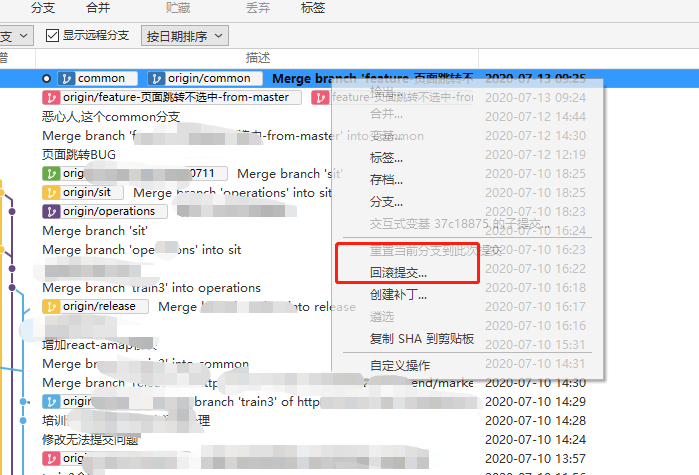
The difference and use of git rollback and reset undo
The meaning of rollback is very simple. sourceTree operation Cancellation directly discard this submission you don't want the operation as follows git log find the commit id git reset --hard co...
Learn how to use Git (3) undo changes
1. Undo the modification of the workspace Add a line in the workspace Now we want to undo the modification of this line, use the git checkout readme.txt command git checkout actually replaces the vers...
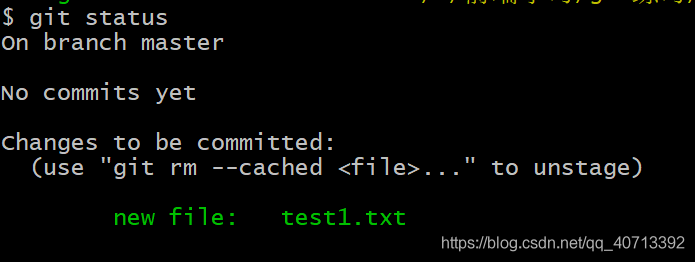
Use git checkout/reset to undo file modifications
Using git to undo the modification of a file is divided into two situations: Situation 1: Modified in the work area, but not submitted to the temporary storage area (that is, there is no add) To undo ...
Git version control command -Git commonly used commands undo
Git common commands undo...
git command git push undo rollback after successful
When git push uploaded the code to the local branch, it was found to conflict with the code of the remote branch. So need to undo and roll back. 1. Check the version number git reflog 2. Back to the s...