CentOS7 install harbor warehouse
tags: Docker java centos linux
The installation of docker only talks about CentOS installation reference for other systemslink
The connection for centos to install docker is here
Next, build the harbor warehouse
1. Install docker-compose
On Linux, we can download its binary package from Github to use, the latest version address:https://github.com/docker/compose/releases。
Novice Tutorial
Method 1: (version 1.24 is an example, other versions can be modified directly)Recommended method three
# sudo curl -L "https://github.com/docker/compose/releases/download/1.24.1/docker-compose-$(uname -s)-$(uname -m)" -o /usr/local/bin/docker-compose # chmod +x /usr/local/bin/docker-composeView version information
# docker-compose --versionBut this method will often fail to install due to network reasons
Method Two:
One command execution
yum install -y epel-release && yum install -y python-pip && pip install docker-compose && pip install --upgrade pip1. Install python-pip
yum -y install epel-release yum -y install python-pip2. Install docker-compose
pip install docker-composeIf prompted during installation
Could not find a version that satisfies the requirement requests<3,>=2.20.0 (from docker-compose) (from versions: ) No matching distribution found for requests<3,>=2.20.0 (from docker-compose) You are using pip version 8.1.2, however version 20.2 is available. You should consider upgrading via the 'pip install --upgrade pip' command.Just execute the command to update the pip version
pip install --upgrade pip install after update pip install docker-composeAfter the installation is complete, execute the command to query the version
docker-compose version docker-compose -versionIf prompted that the permissions are not enough
chmod +x /usr/local/bin/docker-composeIf prompted
Cannot open self /usr/local/bin/docker-compose or archive /usr/local/bin/docker-compose.pkgJust click here, there is a solution
Method three:
You can download the docker-compose compressed file directly, and then unzip it and upload it.Click here for details
Stable version 1.24.1
The newer stable version is 1.26.2
Check if the kernel version is low, you need to upgrade
uname -rIf it is 3.10, you need to upgrade
yum update
yum install -y ncurses-devel qt-devel make gcc bc bison flex openssl-devel grub2 hmaccalc zlib-devel binutils-devel elfutils-libelf-devel
Download the linux kernel from the Internet, upload it to the server, and unzip it to the /usr/src/linux folder You can also click here directlylinux kernel linux-5.4.56.tar.xz
tar -xvf linux-5.4.56.tar.xz -C /usr/src/linux
cd /usr/src/linux/linux-5.4.56/
cp /boot/config-$(uname -r) ./.config
Then execute custom kernel configuration to generate .config
make mrproperYou can also directly use the kernel configuration of the original system
sh -c 'y "" | make oldconfig' #centos 7After make mrproper, you can customize the kernel features. If you are not familiar with the kernel, you can directly use the tab key to select save to save, and then exit.
nproc view the number of cpu cores
 #One
make -j 4 && make modules_install -j 4 && make install -j 4
 #Compile
make -j4
 #Install the kernel module fast
make modules_install
 #Install the kernel
make install
 #Compile and continue execution:
grub2-set-default "CentOS Linux (5.4.56) 7 (Cores)"
grub2-editenv list
grub2-mkconfig -o /boot/grub2/grub.cfg
 #Restart
reboot
Select the newly installed kernel when entering the system
View the kernel
uname -a
uname -r
Install Harbor
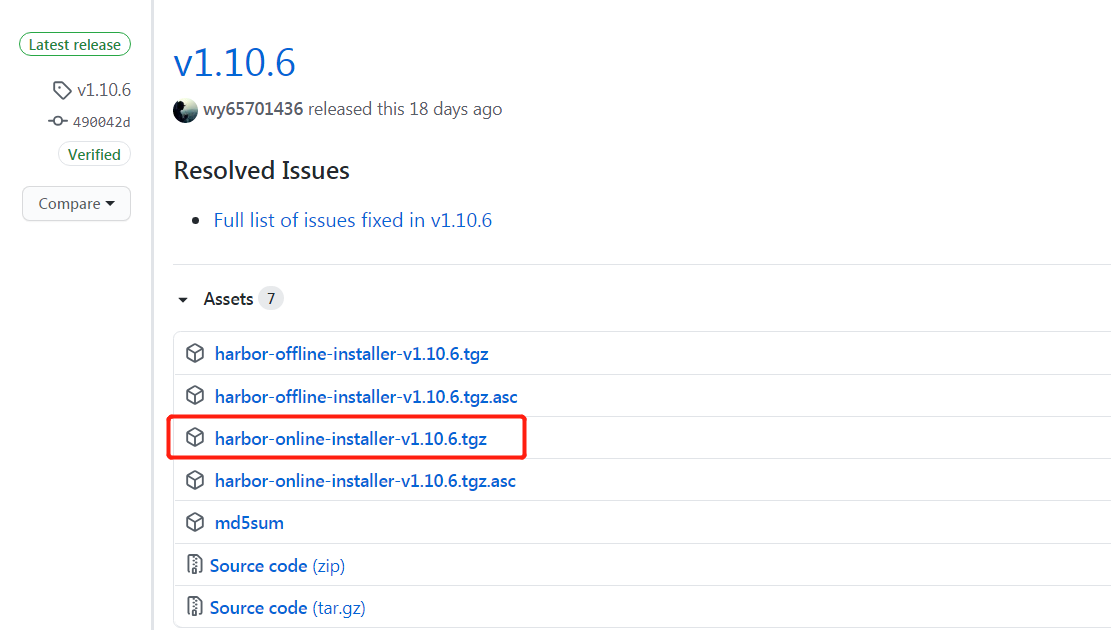
Download Harbor’s compressed package online. Here is a newer oneClick to download harbor-offline-installer-v2.0.2.tgz
Upload the compressed package to Linux /usr/local, and unzip
mkdir /usr/local is generally available, no need to create
 Then upload and unzip
tar -xzf harbor-offline-installer-v2.0.2.tgz
 Delete the compressed package to make room
rm -rf harbor-offline-installer-v2.0.2.tgz
Modify the configuration of Harbor, if not, copy harbor.yml.tmpl
vi harbor.yml
 Modify hostname and port
 hostname: 192.168.137.58 #This is my local ip, remember to change it to your own

port: 80
 If there is no certificate, comment out the https configuration
https:
  # https port for harbor, default is 443
  port: 443
  # The path of cert and key files for nginx
     certificate: /usr/local/harbor/harbor/cert/192.168.137.58.crt #IP are changed to your own
     private_key: /usr/local/harbor/harbor/cert/192.168.137.58.key #Change the IP to your own
     external_url: https://192.168.137.58 #This should also be changed
data_volume: /data/harbor
Next is the most pitted place. Because the harbor uses https by default, it needs to be equipped with a certificate. It is best to have the server's own. The following is the one that is randomly configured locally.
harbor open https
Create ca certificate
mkdir -p /usr/local/harbor/harbor/cert cd /usr/local/harbor/harbor/certGenerate CA key
openssl genrsa -out ca.key 4096Generate crt of CARemember to change IP
openssl req -x509 -new -nodes -sha512 -days 3650 \ -subj "/C=CN/ST=Chengdou/L=Chengdou/O=chinatelecom/OU=ecloudcaas/CN=192.168.137.58" \ -key ca.key \ -out ca.crtGenerate the key of your own domain nameRemember to change IP
openssl genrsa -out 192.168.137.58.key 4096Generate csr of your own domain nameRemember to change IP
openssl req -sha512 -new \ -subj "/C=CN/ST=Chengdou/L=Chengdou/O=chinatelecom/OU=ecloudcaas/CN=192.168.137.58" \ -key 192.168.137.58.key \ -out 192.168.137.58.csrGenerate an external configuration file required by the openssl commandRemember to change IP
Mainly subjectAltName, here IP.1=yourip can also write DNS.1=yourdomainname
cat > v3.ext <<-EOF
authorityKeyIdentifier=keyid,issuer
basicConstraints=CA:FALSE
keyUsage = digitalSignature, nonRepudiation, keyEncipherment, dataEncipherment
extendedKeyUsage = serverAuth
subjectAltName = @alt_names
[alt_names]
IP=192.168.137.58
EOF
#Replace the DNS entry to reflect your domain. IP does not need to be configured with DNS
[alt_names]
DNS.1=harbor.od.com
DNS.2=harbor.od.com
DNS.3=harbor.od.com
EOF
Generate crt through ext and csrRemember to change IP
openssl x509 -req -sha512 -days 3650 \
    -extfile v3.ext \
    -CA ca.crt -CAkey ca.key -CAcreateserial \
    -in 192.168.137.58.csr \
    -out 192.168.137.58.crt
Convert the crt of the server to the cert used by the clientRemember to change IP
openssl x509 -inform PEM -in 192.168.137.58.crt -out 192.168.137.58.certCopy the cert, key and ca.crt with the domain name to the /etc/docker/certs.d/IP/ directory of the host where the docker client is locatedRemember to change IP
mkdir -p /etc/docker/cert.d/192.168.137.58
cp /usr/local/harbor/harbor/cert/192.168.137.58.cert /etc/docker/cert.d/192.168.137.58/
cp /usr/local/harbor/harbor/cert/192.168.137.58.key /etc/docker/cert.d/192.168.137.58/
cp /usr/local/harbor/harbor/cert/ca.crt /etc/docker/cert.d/192.168.137.58/
Install Harbor, remember to go to the directory you unzipped
./prepare
./install.sh
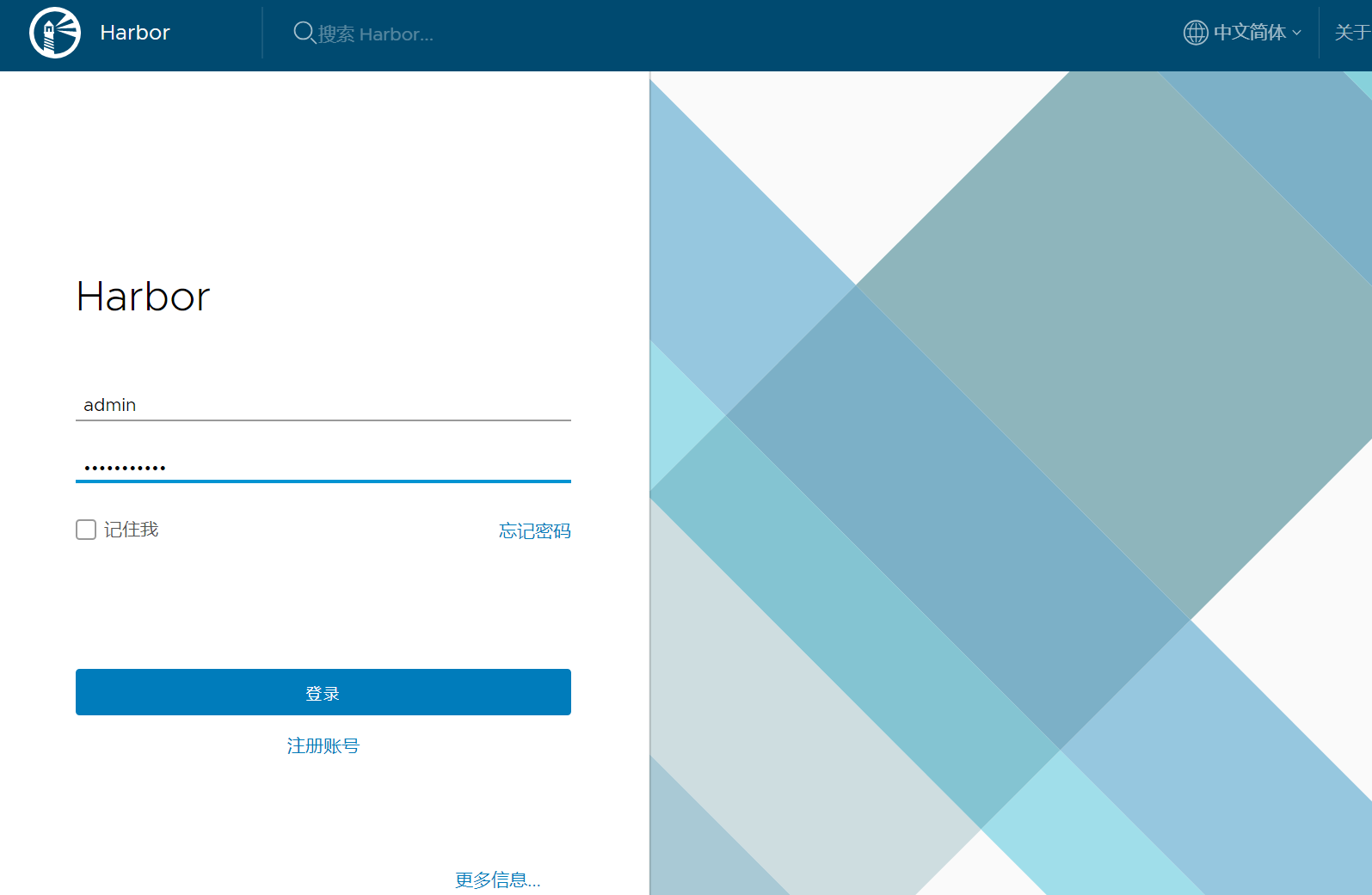
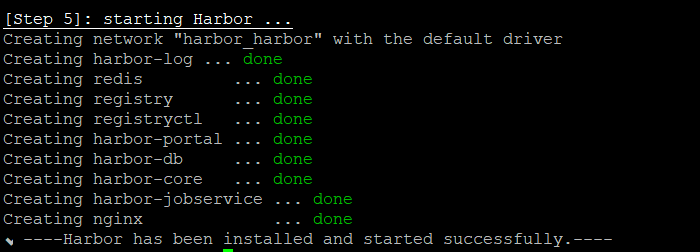
When you seeHarbor has been installed and started successfullyAt that time, I would like to congratulate you on your successful installation.
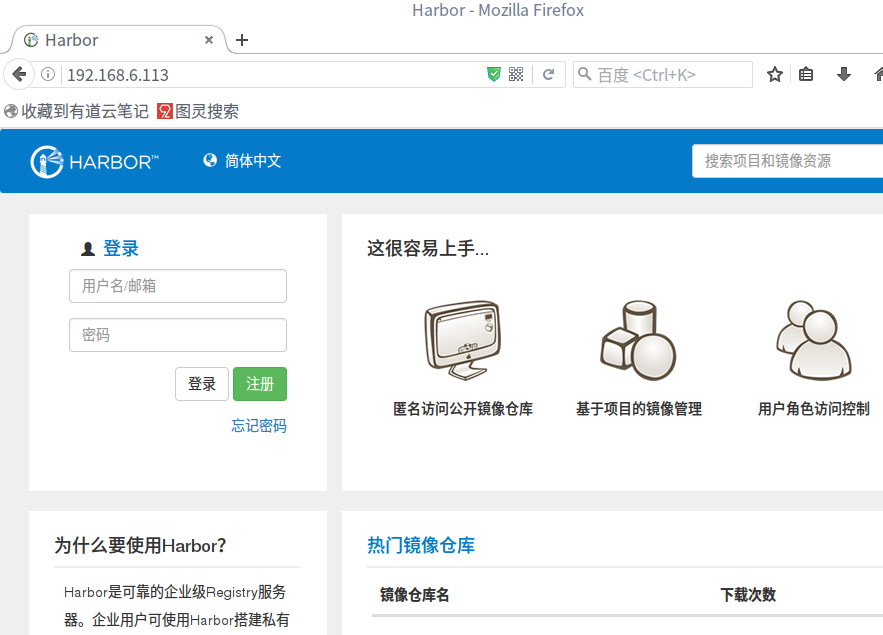
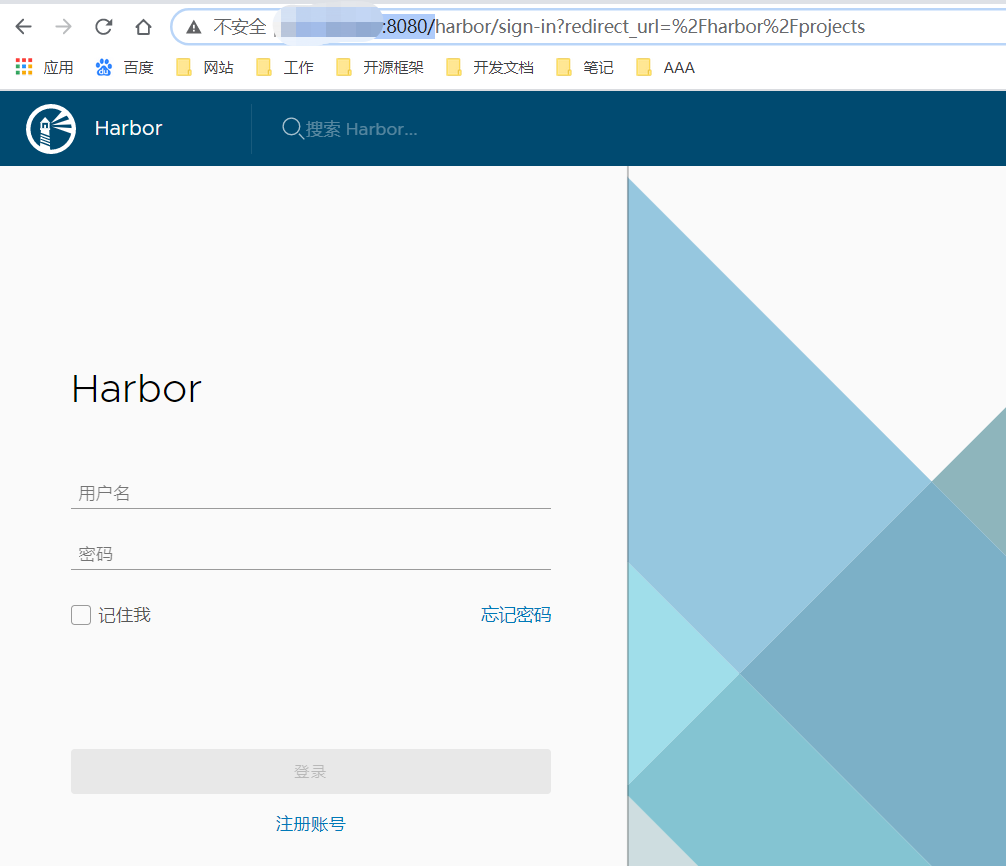
I won’t talk about it when I visit Harbor and I need to change to my own place.
http://192.168.137.58:80
Default account password: admin/Harbor12345
Start and stop Harbor
docker-compose up -d start
 docker-compose stop stop
 docker-compose down stop // It will reset the network connection. If you can’t access it after stopping, you can use this
 docker-compose restart restart
Push mirror verification
First need to add the warehouse to the docker configuration
$ vim /etc/docker/daemon.json
{
  "registry-mirrors": ["https://v0b39vg3.mirror.aliyuncs.com"],
  "insecure-registries": ["192.168.137.58:80"]
}

$ systemctl restart docker
log in
docker login -u admin -p Harbor123 192.168.137.58:443Go to the web page to create a project: test;

Push
Download the official centos mirror
docker pull centos:centos7.8.2003 You can choose a smaller one. I have it ready-made, so I used thisModify TAG
docker tag centos:centos7.8.2003 192.168.137.58/test/centos:7.8.2003Push to the warehouse
docker push 192.168.137.58/test/centos:7.8.2003
Mirror pull
Suppose it is a docker client that has not logged in to this harbor
Create /etc/docker/daemon.json file
{
  "registry-mirrors": ["https:mirror.ccs.tencentyun.com","https://kuamavit.mirror.aliyuncs.com", "https://registry.docker-cn.com", "https://docker.mirrors.ustc.edu.cn"],
  "insecure-registries" : ["https://192.168.137.58"],
  "max-concurrent-downloads": 10,
  "log-driver": "json-file",
  "log-level": "warn",
  "log-opts": {
    "max-size": "10m",
    "max-file": "3"
    }
}
Restart Docker to take effect
systemctl daemon-reload
systemctl restart docker
Pull the image in harbor
docker login 192.168.137.58
docker pull 192.168.137.58/test/centos:7.8.2003
My local test is no problem. This is the end. Thank you for reading it patiently. If there are problems later, remember to see if the IP has been changed.
Intelligent Recommendation
Centos7 installed Harbor private warehouse
Centos7 installed Harbor private warehouse Download Harbor and Docker-Compose Harbor installation package Link: https://pan.baidu.com/s/1wroeuqsp5ux1yaiqc9n-lg Extraction code: MIEE After copying this...
CentOS7 deployed Harbor mirror warehouse
First, install docker-compose If you view the version, pleasedocker-compose: command not found You can create a symbolic link to any other directory in / usr / bin or path by the following command. Se...
Centos7 builds Docker Harbor warehouse
1. Install Docker-Compose Tool Docker-compose tool and Harbor installation package you need to use Link: https://pan.baidu.com/s/1but8umuajtzp-n1ji8vulg Extract: zhao 2, install Harbor 3, log i...
CentOS7 install harbor
1. Download the installation package Click here to download Harbor github project This is divided into online and offline versions, I downloaded the 1.8.1 online version After downloadin...
install Harbor on centos7
1. Installation environment: Centos version: 7.X Docker version: 19.03.14 To install and use Harbor, you need to install Docker & Docker-compose 2.Docker installation Configure yum source: echo '#...
More Recommendation
Install Harbor under CentOS7
1. Install and set up HARBOR Download installation package https://github.com/goharbor/harbor/releases Unzip HARBOR package # tar -zxvf harbor-offline-installer-v2.2.1.tgz Execute and install (remembe...
(A) Harbor install - Enterprise Registry warehouse
According to the official description Harbor: Harbor Enterprise Registry is a server for storing and distributing Docker mirrored by adding features necessary for some companies, such as security, ide...
Install harbor warehouse + ansible + jenkins
1. Install Harbor warehouse (install docker in advance) Create file harbor Upload Harbor compressed package harbor-offline-installer-v1.3.0-rc1.tgz to harbor Unzip tar -zvxf harbor-offline-installer-v...
Docker install harbor mirror warehouse
Configure SSL Generate ca&server certificate https://app.yinxiang.com/fx/ca9f76fa-2c10-4b6b-9331-5465b8099f8a mkdir -p /etc/docker/certs.d/harbor.${domain} cp /home/certs/ca.crt /etc/docker/certs....
Linux install harbor mirror warehouse
You need to install docker-compost before installing harbor 1. Download the harbor compressed package 2. Unzip after successful download 3. After decompression, enter harbor to edit harbor.yml configu...