cmake find_package
tags: Study notes c++ linux
cmake find_package
Articles directory
[Reprinted]
cmake find_package
cmake find_package basic principle
When compiling a software that needs to use a third -party library, we need to know where to find the header file, then cmakelist.txt needs to specify the header file directory and library file:
include_directories(/usr/include/curl)
target_link_libraries(myprogram path/curl.so)
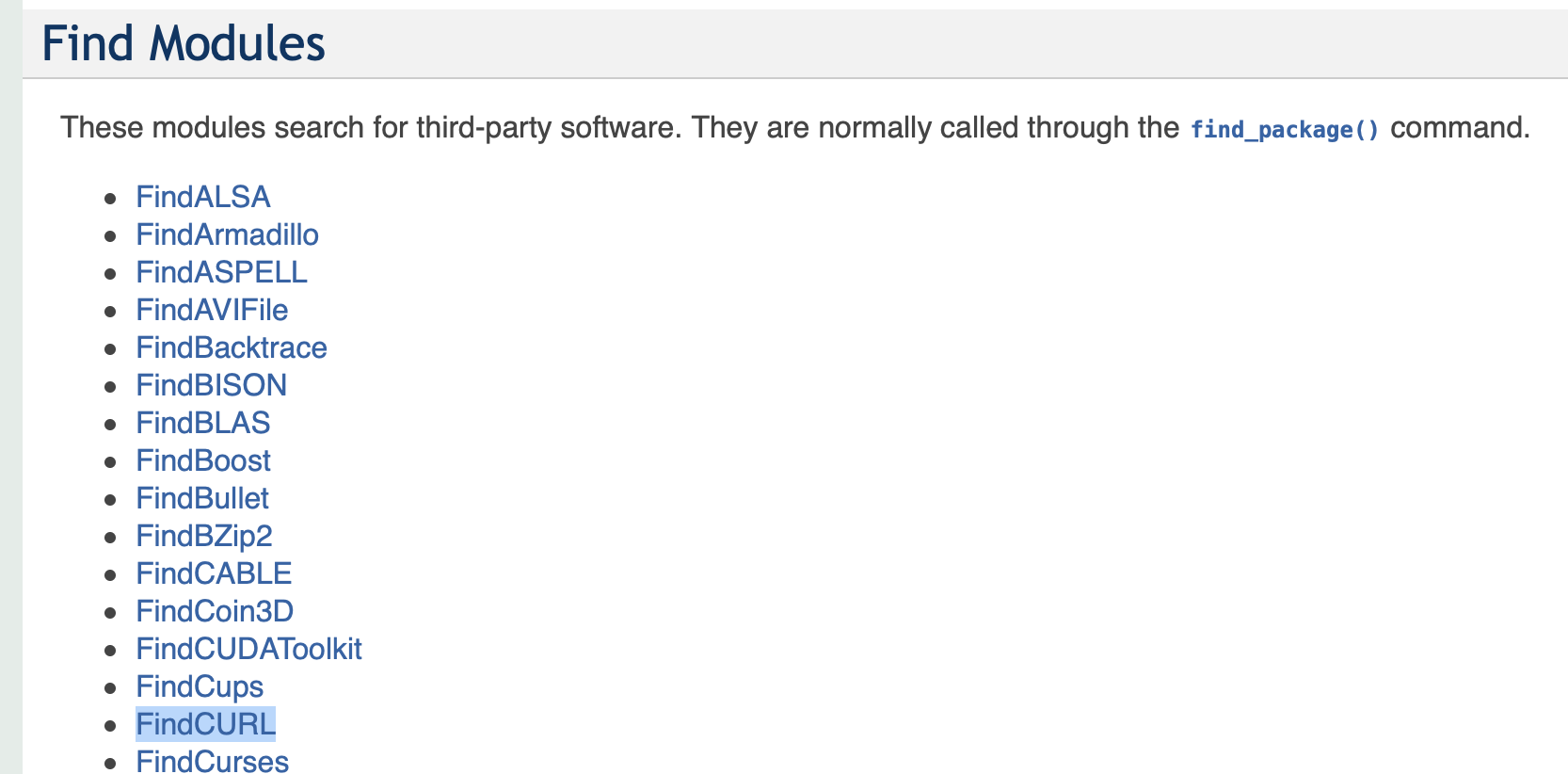
With the help provided by Cmake. Use the FindCURL.CMAKE in the modules directory of Cmake, then cmakelists.txt:
find_package(CURL REQUIRED)
include_directories($CURL_INCLUDE_DIR)
target_link_libraries(myprogram path/curl.so)
So how do CMAKE find?
Find_package () command will first find Find.cmake in the module path, which is a typical way to find libraries. The specific search path is cmake: variable $ {cmake_module_path}. If not, then check its own module directory /Share/cmake-x.y/modules/ ($cmake_root specific values can be output through the Message command in Cmake). This is called module mode.
In order to support various common libraries and packages, CMAKE has a lot of modules. The list of modules that can be supported by CMAKE -HELP-MODULE-List: View the module path directly
How to write your own cmake module module
Directory structure examples are as follows
├── cmake
│   └── FindDEMO9LIB.cmake
├── CMakeLists.txt
├── demo9.cpp
├── demo9.h
└── demo9_main.cpp
For the system pre -defined Find.cmake module, the method of use is generally as shown in the above example:
Each module defines the following variables
• _FOUND
• _INCLUDE_DIR or _INCLUDES
• _LIBRARY or _LIBRARIES
You can determine whether the module is found through _found. If it is not found, it is not found. According to the needs of the project, you can close some characteristics, give reminders or suspend compilation. The above example is to report deadly errors and terminate the construction.
system message
1, cmake_major_version, cmake main version number, such as 2 in 2.4.6
2, cmake_minor_version, cmake second version number, such as 4 in 2.4.6
3, cmake_patch_version, cmake patch level, such as 6 in 2.4.6
4, cmake_system, system name, such as Linux-2.6.22
5, cmake_system_name, does not include the system name, such as Linux
6, cmake_system_version, system version, such as 2.6.22
7, cmake_system_processor, processor name, such as i686.
8, unix, on all the UNIX platforms to True, including OS X and Cygwin
9, win32, all Win32 platforms are true, including Cygwin
Main switch options
1. Cmake_allow_loose_loop_ConStructs is used to control the writing method of if else statement, which will be mentioned in the next section of grammar.
2,BUILD_SHARED_LIBS
This switch is used to control the default library compilation method. If it is not set, the default library is static library with the default library of compiled by ADD_Library without specifying the type of library. If set (build_shared_libs on), the default is a dynamic library.
3,CMAKE_C_FLAGS
Set the C compilation option, you can also add instructions add_definitions ().
4,CMAKE_CXX_FLAGS
Set the C ++ compilation option, you can also add instructions add_definitions ().
Some knowledge about cmake
Specifically, this is the values of the project root directory (CMAKELISTS.txt at the root directory of the project, $ {Project_source_dir} indicating the corresponding path value of the Cmake/Modules subdirectory under the cmakelists.txt). Use by commands such as include () and find_package ()
- The role of the include () command:
- Including file
- For example: include (utils.cmake)
- Basically equivalent to #include in C/C ++
- Need .cmake suffix
- Including modules
- For example: Include (xxx)
- That is to say, in the directory corresponding to the CMAKE_MODULE_PATH variable, or find xxx.cmake files in the module directory that comes with the CMAKE installation package
- No .cmake suffix
Specifically, this is provided by the CMAKE installation packageExternalProject.cmake(For example, mine/usr/local/share/cmake/Modules/ExternalProject.cmake) The file includes in. ExternalProject, as the name suggests, introduce external engineering, all kinds of third -party libraries can be considered to use it to get it
-
In other words, only in these three cases is the config mode:
-
find_package()SpecifyCONFIGKeyword -
find_package()SpecifyNO_MODULEKeyword -
find_package()The keywords are not used in "Basic Signature" (that is, all supporting configurations in the Module mode)
find_package()SpecifyNO_MODULE` Keywords
find_package()The keywords are not used in "Basic Signature" (that is, all supporting configurations in the Module mode)
In other words, as long as I do not specify "config", no "no_module", or the keyword in "Full Signature", then I am in the Module mode
Intelligent Recommendation
CMake understands find_package in depth
Official Documentation: cmake-modules(7) — Ccmake-modules(7) — C 1. System predefined modules You can view the above link, if there is a CURL, then find_package(CURL) 2. Non-...
Use of find_package in CMake
Commands in CMakefind_package is used to find the specified package。 find_package supports two main search methods:Note: <PackageName> is case sensitive ...
6.CMake find_package use summary
background In many cases, compiling a project requires linking to a third-party library. In this case, you need to know the following information about the third-party library: .h header file address ...
cmake tutorial 4 (use of find_package)
The main contents of this article are as follows: 1. The basic principle of cmake find_package 2. How to write your own cmake module 3. Use cmake find_package to use different versions of opencv lib (...
In-depth understanding of CMake: the use of find_package()
find_package()Principle interpretation According to the official cmake documentation,find_package()There are Module mode (basic signature) and Config mode (full signature, full usage). The Module mode...
More Recommendation
CMAKE Configuration Find_package Specified Path
Find_package can't find a package, you can add a sentence in front....
CMAKE Common Command - Set (), Find_Package (), ...
CMAKE: Learn notes, contains some instruction function functions Introduction to CMAKE CMake is a derivative produced by Kitware and some open source developers in the development of several toolkits ...
CMAKE Learning Notes 06 - Find_Package
1. Introduction to the Find_Package module Official reference documentation:https://cmake.org/cmake/help/latest/command/find_package.html Find external projects and import their setup information 2, b...
CMAKE command find_package uses notes
CMAKE command find_package uses notes Article catalog CMAKE command find_package uses notes Command format Use example Search mode Module mode Config mode Search path Windows Search Directory Linux Se...
cmake: find_package add dependent libraries
This text is:Easy Start cmake tutorial series When import library file, we must knowPath Path header files as well as library files Cmake a program at the time, often depends not able to find a librar...