Net use use study notes
Using the net use command line to imitate the invasion of ancient times, a lot of gains.
First of all, first a sloppy place, a command
net use \\IP\ipc$ "" /user:""
I played
net use \\IP\ipc$"" /user:""
And the clear written on the tutorial clearly pays attention to the space, but I don't think so. After a few mistakes, I have been looking around for reasons. I found the space until the end! Space! Space!
Then I realized that the other commands that DOS can't make are because the spaces are not in place! I go.
Ok, let’s summarize:
1) Create an empty connection:net use \\IP\ipc$ "" /user:""
(Be sure to note that this line contains 3 spaces)
2) Establish a non-empty connection:Net use \\IP\ipc$ "password" /user:"username" (also has 3 spaces)
3) Map the default share:Net use z: \\IP\c$ "password" /user:"username"
(you can map the other's c drive to your own z drive, other discs)
if ipc has been created with the target
Access, specific command net use z:
\IP\c$
4) Delete an ipc$ connection
net use \\IP\ipc$ /del
5) Delete the shared map
Net use * /del Delete all, there will be a prompt to press y to confirm ```


 6) View the shared resources of the remote host (but can't see the default share)
```net view \\IP ```


 7) View the shared resources of the local host (you can see the local default share)
net share


 8) Get the list of usernames for the remote host
nbtstat -A IP


 9) Get the list of users on the local host
net user


 10) View the current time of the remote host
net time \\IP


 11) Display local host current service
net start


 12) Start/close local service
 Net start service name /y
 Net stop service name /y


 13) Map remote sharing:
net use z: \\IP\baby
 This command maps a shared resource named baby to the z disk.


 14) Delete the shared map
 Net use c: /del delete mapped c drive, other disk analogy
 Net use * /del /y delete all


 15) Activate User / Join Administrator Group
1 net uesr account /active:yes
2 net localgroup administrators account
/add


 16) Delete an established ipc$ connection
net use \\IP\ipc$ /del
Intelligent Recommendation
[Python Study Notes] with the use of
In Python 2.5, with the keyword being added. Commonly try ... except ... finally ... mode easily be reused. See a classic example: In this code, whether the code blocks with no event occurred during t...
The study notes the use glog
Download the source code, compiled using cmake, finally got a static library glog.lib 32-bit To pay attention to when using the library to add the following predefined: GLOG_NO_ABBREVIATED_SEVERITIES;...
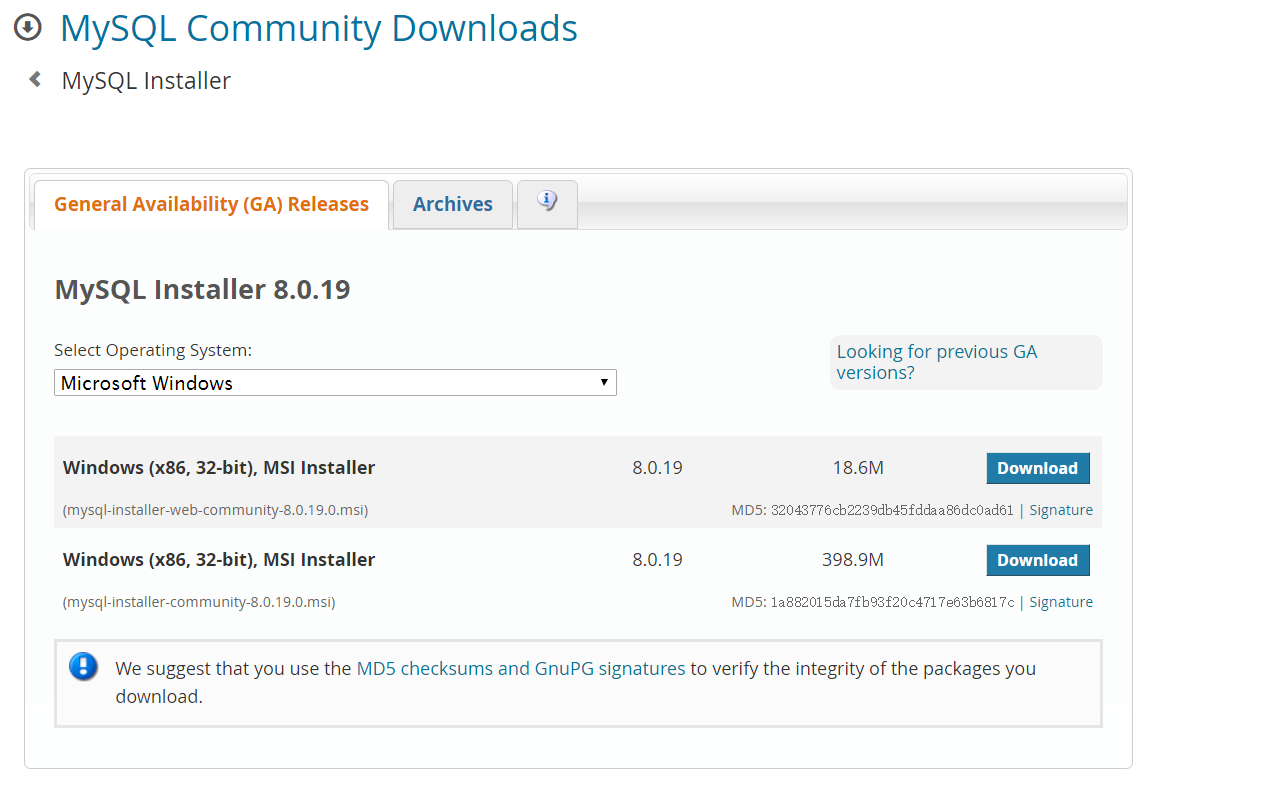
The study notes the use of MySQL
What is a database? Database (Database) is in accordance with the data structure to organize, store and manage data warehouse. Each database has one or more different API is used to create, access, ma...
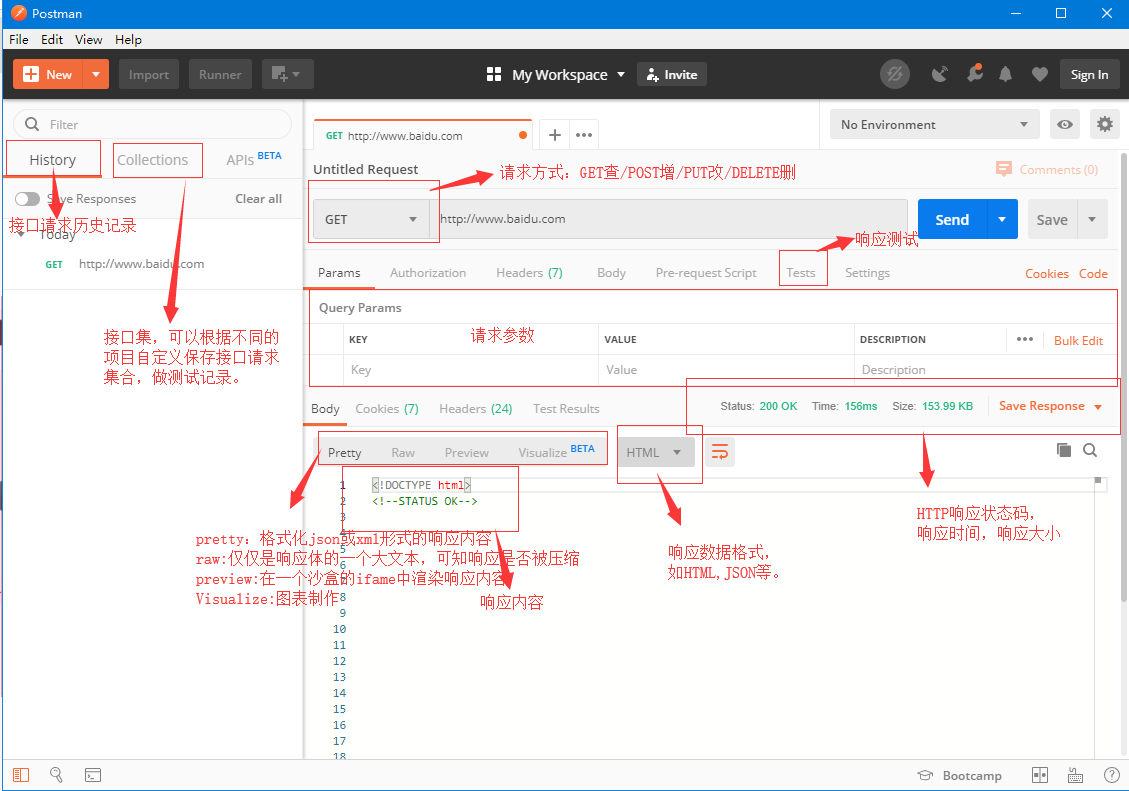
The study notes the use Postman
Postman on the use About a .Postman Two basic functions .Postman Introduction request area III. Interface testing process Setting up a test environment variable Interface Transceiver Package Postman r...
More Recommendation
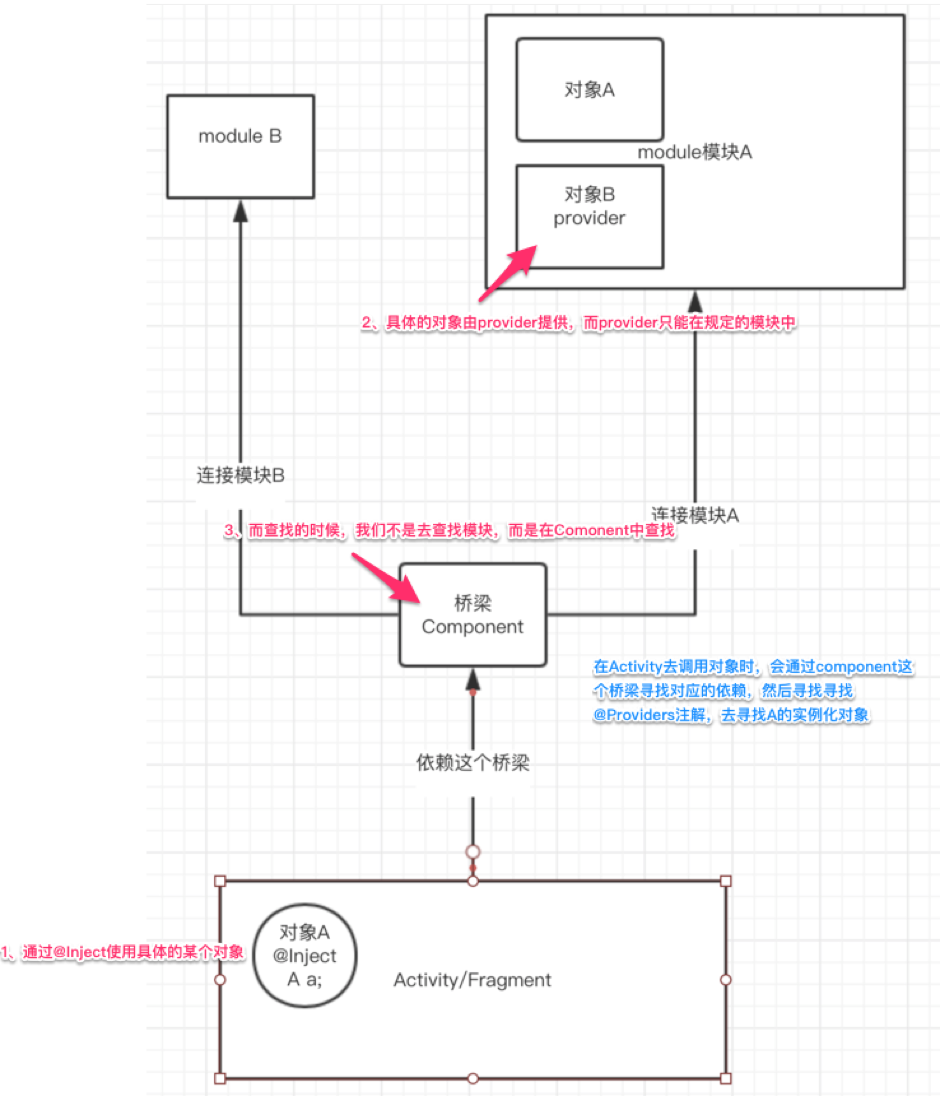
Dagger2 use study notes
Dagger2 use study notes reference: What is Dragger2: It is a dependency injection framework. Butterknife is also a dependency injection framework, we mainly use to reduce the inconvenience caus...
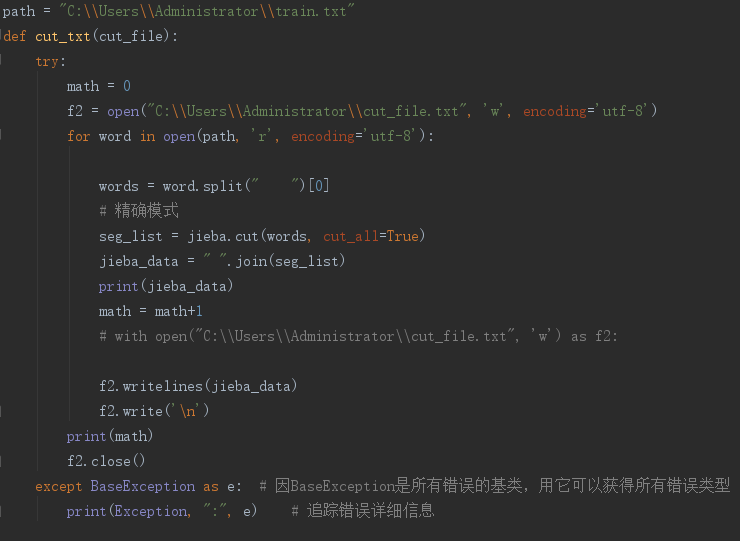
Use and study notes of word2vec
Before using the word2vecde word vector, you need to stammer the data (import jieba) Data path to be trained: path = "c:\\User\\Administrator\\train.txt" Saved path: "c:\\U...

Jenkins use study notes
Jenkins installation Jenkins is a system developed in Java language. First, make sure that JDK or JRE is installed on the server. Installation method one Run java –jar Jenkins.war directly, type...
Study notes: the use of iterators
Bibliography: C/C++ Specification Design Concise Tutorial, P366 Purpose: Use the vector iterator to traverse the data, and use the general sorting algorithm to sort the data in the container code show...