[VM] Virtual machine + operating system installation
VM virtual machine + operating system installation
The vm virtual machine is a "virtual PC" software. It allows you to run two or more Windows, DOS, LINUX systems on one machine at the same time. Compared with the "multi-start" system, the vm virtual machine adopts a completely different concept. The multi-start system can only run one system at a time, and the machine needs to be restarted when the system is switched. With the increasing number of users of this software, there are various language versions since 10.0.
Download the VM software first, 。
。
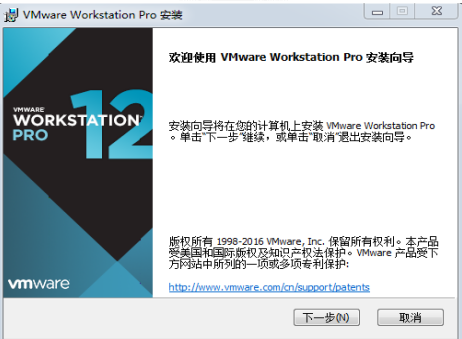
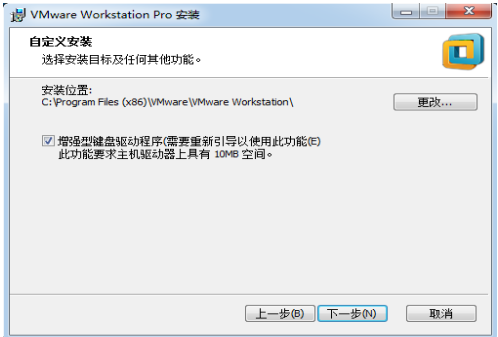
Click Next to select the directory where the program is installed.
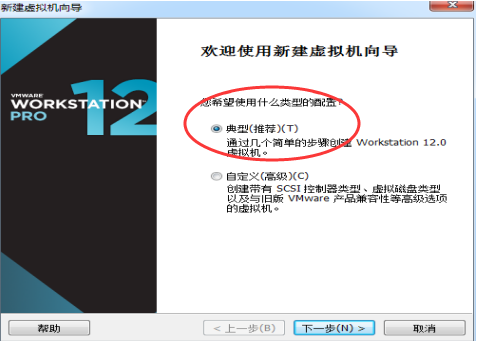
Select the default typical installation
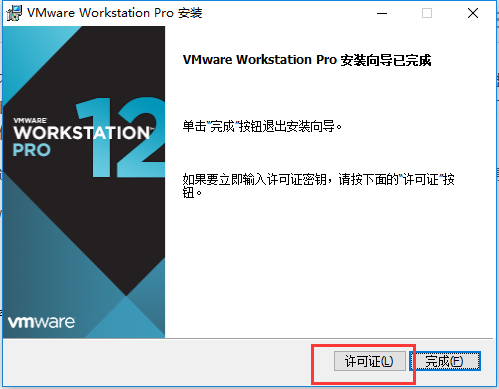
Installation is complete, the main interface after opening
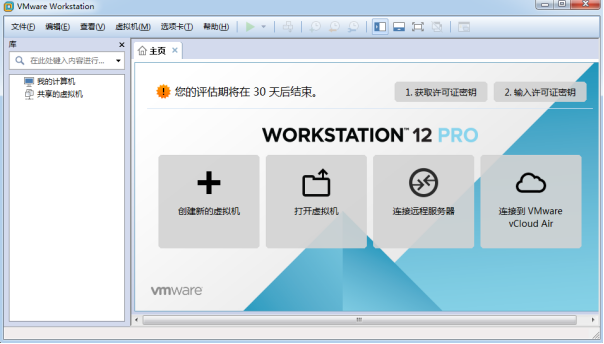
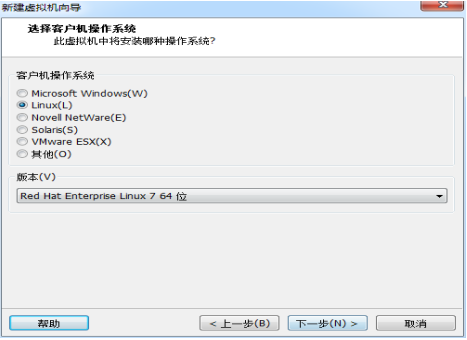
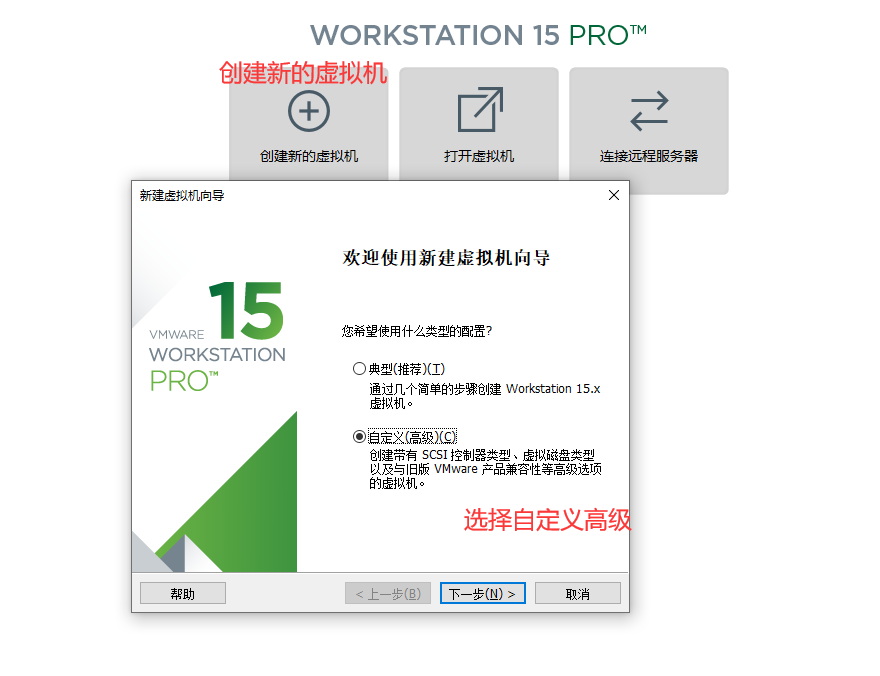
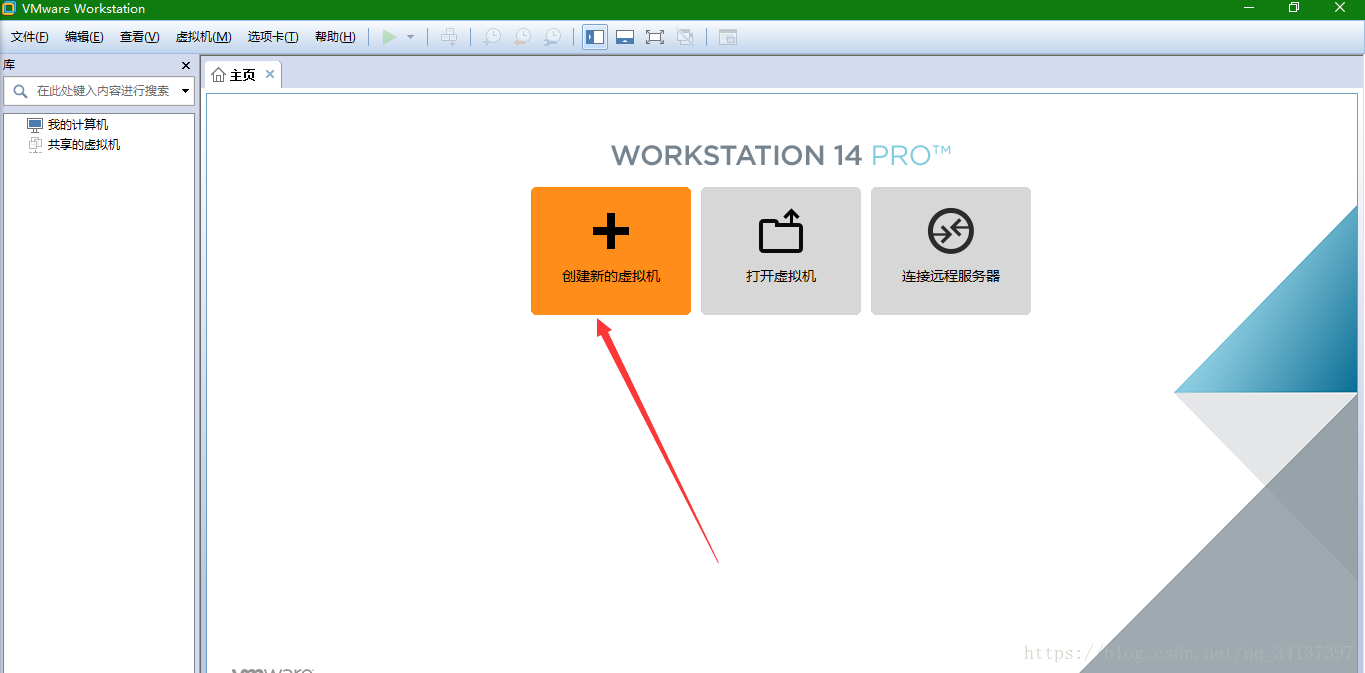
Install the operating system, create a new virtual machine
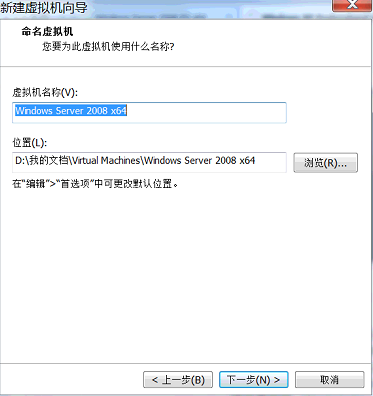
Specify the name of the virtual machine and the storage location of the virtual program file
Configure the hardware environment of the virtual machine
Note, the experimental environment of this course is Windows server 2008 R2. Generally, the basic hardware is set to 40G hard disk, 1 core CPU,
Memory 2G. The hardware size and performance can also be adjusted according to your physical machine.
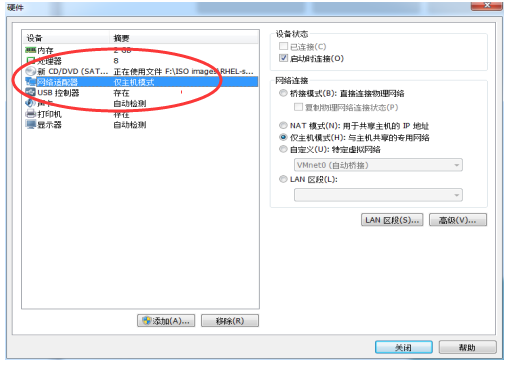
When selecting the network adapter mode, it is necessary to distinguish the three modes of bridging, NAT, and host only. Dormitory environment
It is recommended to choose NAT mode.
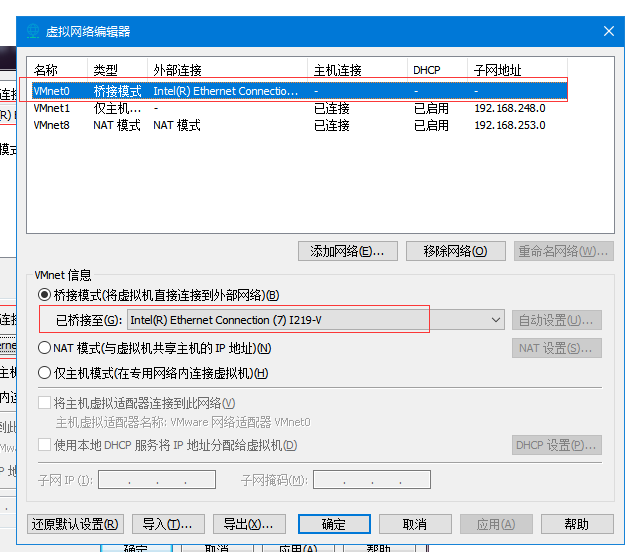
Bridge mode: It is equivalent to building a bridge between the physical host and the virtual machine network card, so that the external network can be accessed through the physical host network card.
NAT mode: Let the network service of the VM virtual machine play the role of a router, so that the host simulated by the virtual machine software can access the external network through the physical host. In the real machine, the physical network card corresponding to the NAT virtual machine network card is VMnet8.
Host-only mode: Only the host in the virtual machine can communicate with the physical host and cannot access the external network. In the real machine, only the physical network card corresponding to the host mode analog network card is VMnet1.
Open virtual machine installation
Intelligent Recommendation

vm virtual machine install mac operating system
1. Preparation VMWare 12 Pro Baidu Cloud: https://pan.baidu.com/s/1TfimZ92ofJdrhcHts2iPIA Unlocker patch tool Baidu Cloud: https://pan.baidu.com/s/1L5xWNO7urAHEyrGo-I27Sw Mac OS X lazy version install...
[Ubuntu] VM virtual machine _ubuntu system installation
Article catalog VM virtual machine _Ubuntu system installation 1 accessories download 2 system installation 3 file transfer component download 4 network configuration VM virtual machine _Ubuntu system...
VM virtual machine installation system record
Recently, the VMware V14 version was used to install the WIN7 64-bit system. The VM14 version has higher hardware requirements. How to share files between the virtual machine and the local machine: Ad...

Vm installation virtual machine appears Vmware this host does not support 64-bit guest operating system problem
1. Hyper-v is turned on (most common) If the Hyper-V service is enabled, it will conflict with VMware, so it needs to be related to the Hyper-V service. We open the windows control panel and find the ...
Virtual machine operating system installation
Virtual machine operating system installation Start virtual machine Go to the next step and pressEnterThe key...
More Recommendation
Installation of VM virtual machine
I cannot learn a computer without a virtual machine. My computer is a MacBookair. The memory is 4g. The virtual machine driven in MacOs is not very smooth. To be a three-system, but the helpless hard ...
VM virtual machine installation
The virtual machine VM version used in this installation is 15.1 Use custom advanced for virtual machine configuration Select the hardware compatibility configuration as shown Choose the operating sys...
How to install win10 operating system in vm virtual machine
First open the virtual machine and click Create Virtual Machine. Then choose the typical! Choose to install the operating system later Then select win10 64 bit . Then find a path: The default is 60GB,...

How to create a new virtual machine on the VM (Linux operating system)
table of Contents Description New virtual machine Wizard configuration Custom configuration Configure hardware compatibility Configure the operating system Choose Linux operating system Configure the ...
Oracle database accessing VM virtual machine operating system
One .vmware set bridge mode 1.VMware -> Edit -> Virtual Network Editor -> Change Settings 2. Select VMNET0 (Bridge mode), select the same name network card with the host, the host can view th...