Native JS game: Realize a minesweeper game from 0
tags: JavaScript design patterns and development practices javascript css es6 html front end
I have been idle for the past two days and wrote a few Web games to pass the time. Among them, the author feels that the knowledge points involved in the realization of the minesweeper game are more comprehensive, so I will share with you here.
First put the effect picture:
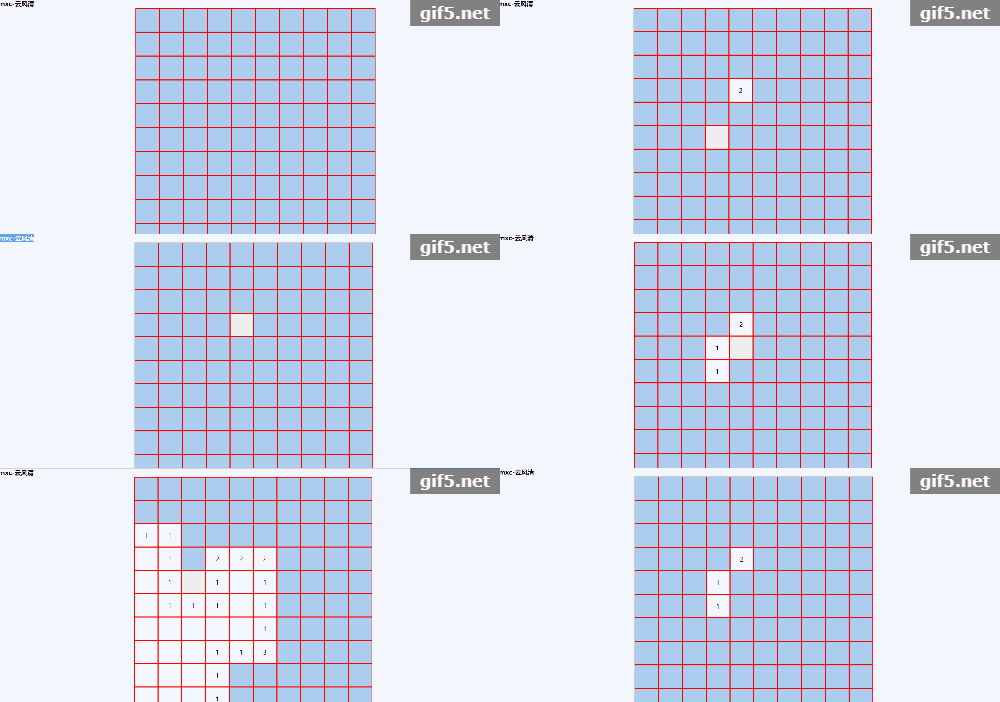
First we have to build up the basic shelf:
<!DOCTYPE html>
<html>
<head>
	<meta charset="UTF-8">
	<title>Native js implements minesweeping games</title>
	<style>
		*{margin:0;padding:0;}
		.container{width:600px;height:600px;border:1px solid #ccc;margin:0 auto;}
		.container .block{width:60px;height:60px;background:#abcdef;float:left;border:1px solid #f00;box-sizing:border-box;}
		.container .block:active{background:#eee;}
		.container .lei{}
		/* Thunder display */
		.container .show{background:url('tim.jpg') no-repeat center center/ 100% 100%;cursor:pointer;}
		/* If there is thunder around, display a number */
		.container .number{background:#fff;text-align:center;line-height:60px;}
		/* Red flag display */
		.container .biaoji{background:url('qz.jpg') no-repeat center center/ 100% 100%;cursor:pointer;}
		.ts0{position:fixed;width:100%;height:100vh;top:0;left:0;z-index:888;background:rgba(255,255,255,0);display:none;}
		.ts{position:fixed;width:200px;height:60px;background:rgb(255,255,255);top:0;right:0;left:0;bottom:0;margin:auto;z-index:999;display:none;}
		.ts p{text-align:center;line-height:60px;}
	</style>
</head>
<body>
	<h4>mxc-Yun Fengqing</h4>
	<div class="container">

	</div>
	<div class="ts0"></div>
	<div class="ts">
		<p>game over!</p>
	</div>
</body>
<script>
</script>
</html>
There is nothing to say about this-in fact, it is very simple: a subtitle (<h4>), a "game area" (class="container"), a prompt box at the end (class="ts"), and the overlay that sets off the prompt box (class="ts0")。
But you will find that the so-called "game area" is just an "empty shelf" with a div?
Here, the author uses JS to dynamically render div elements (one small square), because of the need of the "story" later, we need to set each small square [exclusive id] (id name ):
	let container=document.querySelector('.container');

	for(let i=0;i<10;i++){
		for(let j=0;j<10;j++){
			let divObj=document.createElement('div');
			divObj.classList.add('block');
			divObj.id='a'+i+'_'+j;   //Set exclusive id (id name)
			container.appendChild(divObj);
		}
	}
We quickly completed this code. Is this really good? Now it is only 10X10, what if it is 100X100? Execute in a large data volume loopappendChildNot a wise decision!
mentioned a solution in the author's article on JS performance optimization:createDocumentFragment() :
	let container=document.querySelector('.container');
	let fragment=document.createDocumentFragment();

	for(let i=0;i<10;i++){
		for(let j=0;j<10;j++){
			let divObj=document.createElement('div');
			divObj.classList.add('block');
			divObj.id='a'+i+'_'+j;   //Set exclusive id (id name)
			fragment.appendChild(divObj);
		}
	}
	container.appendChild(fragment);
In fact, many styles of operations on elements in native can ultimately be attributed to operations on classname from a performance perspective.
Now, we have the following style on the screen:
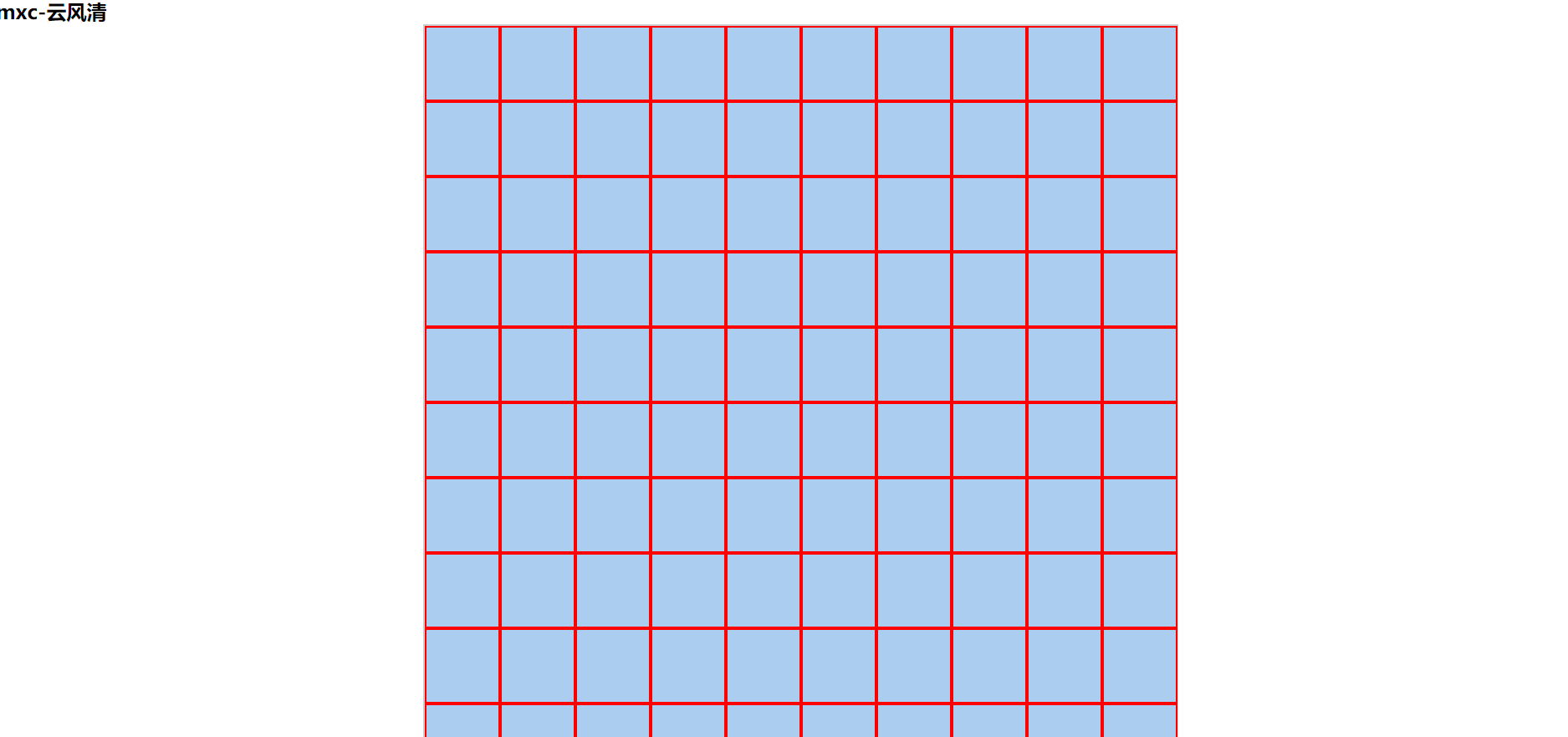
It's time for the next step.
But before that, we need to find two pictures:

(We don’t have to pay attention to their size-just change it in css)
After finishing the above preparations, the dinner begins:
Ray’s distribution: random, and
The author said above:Many style operations on elements in the native can be attributed to the operation of classname in terms of performance., So we can think of: add a [special class] (.lei) for each small square that needs to become a "thunder":
The author uses a loop to achieve:
	let count=13;
	let block=document.querySelectorAll('.block');
	do{
		let random=Math.floor(Math.random()*block.length);

		block[random].classList.add('lei');
	}while(document.querySelectorAll('.lei').length<=count);
Look! This reflects the benefits of the do-while loop.
Then handle mouse events: this will be the last step.
The author found that many front-end students around me are onclick, oninput, onmouse when doing event processing... Smaller files are better to say, a little bit for high-performance web pages or the game is set to 10000X10000, the browser will be " Can't bear it"-because the loading of the function at the beginning is too large!
Function optimization: Why can't we follow the [lazy loading mode] and load the function when it is triggered?
//block is the variable previously obtained-the obtained ".block" refers to each small block in ".container"
	block.forEach(function(item){
		item.onclick=function(){   //Left mouse button event
			leftClick(item);
		}
		item.oncontextmenu=function(e){   //The right mouse button event
			//Prevent the browser's default right mouse button event
			e.preventDefault();
			rightClick(item);
		}
	})
xxx.oncontextmenu right mouse button event pay attention to: the usual things like prohibiting the right mouse button, prohibiting copy and paste (one of them), f12 pop-up console are all related to this
Then there are two functions:
The corresponding function of the left mouse button is nothing-to determine whether the click is a thunder (there is a .lei class), if not, loop to determine how many of the 8 small squares around the click are A mine and show it:
	function leftClick(obj){
		if(obj.classList.contains('biaoji')){
			return "";
		}
		if(obj.classList.contains('lei')){
			let lei=document.querySelectorAll('.lei');
			lei.forEach(function(item){
				item.classList.add('show');
			})
			//Prompt box and mask display at the end
			document.querySelector('.ts0').style.display='block';
			document.querySelector('.ts').style.display='block';
			setTimeout(function(){let yes=prompt("Refresh to refresh to enter the next level?");if(yes === "Yes"){window.location.reload()}},1700);
		}else{
			obj.classList.add('number');
			let ids=obj.id;
			//The function of the following three lines is to split the [exclusive id] (id name) to determine the location coordinates
			let arr=ids.split('_');
			let x=Number(arr[0].substr(1));
			let y=Number(arr[1]);
			let num=0;
			for(let i=x-1;i<=x+1;i++){
				for(let j=y-1;j<=y+1;j++){
					let objs=document.querySelector('#a'+i+'_'+j);
					//You can also use "es6 template string" here: let objs=document.querySelector(`#a${i}_${j}`);
					if(objs && objs.classList.contains('lei')){
						num++;
					}
				}
			}
			if(num){
				obj.innerHTML=num;
			}
			if(num===0){
				for(let i=x-1;i<=x+1;i++){
					for(let j=y-1;j<=y+1;j++){
						let objs=document.querySelector('#a'+i+'_'+j);
						if(objs && !objs.classList.contains('number')){
							leftClick(objs);
						}
					}
				}
			}
		}
	}
It’s the right mouse button: it’s a red flag
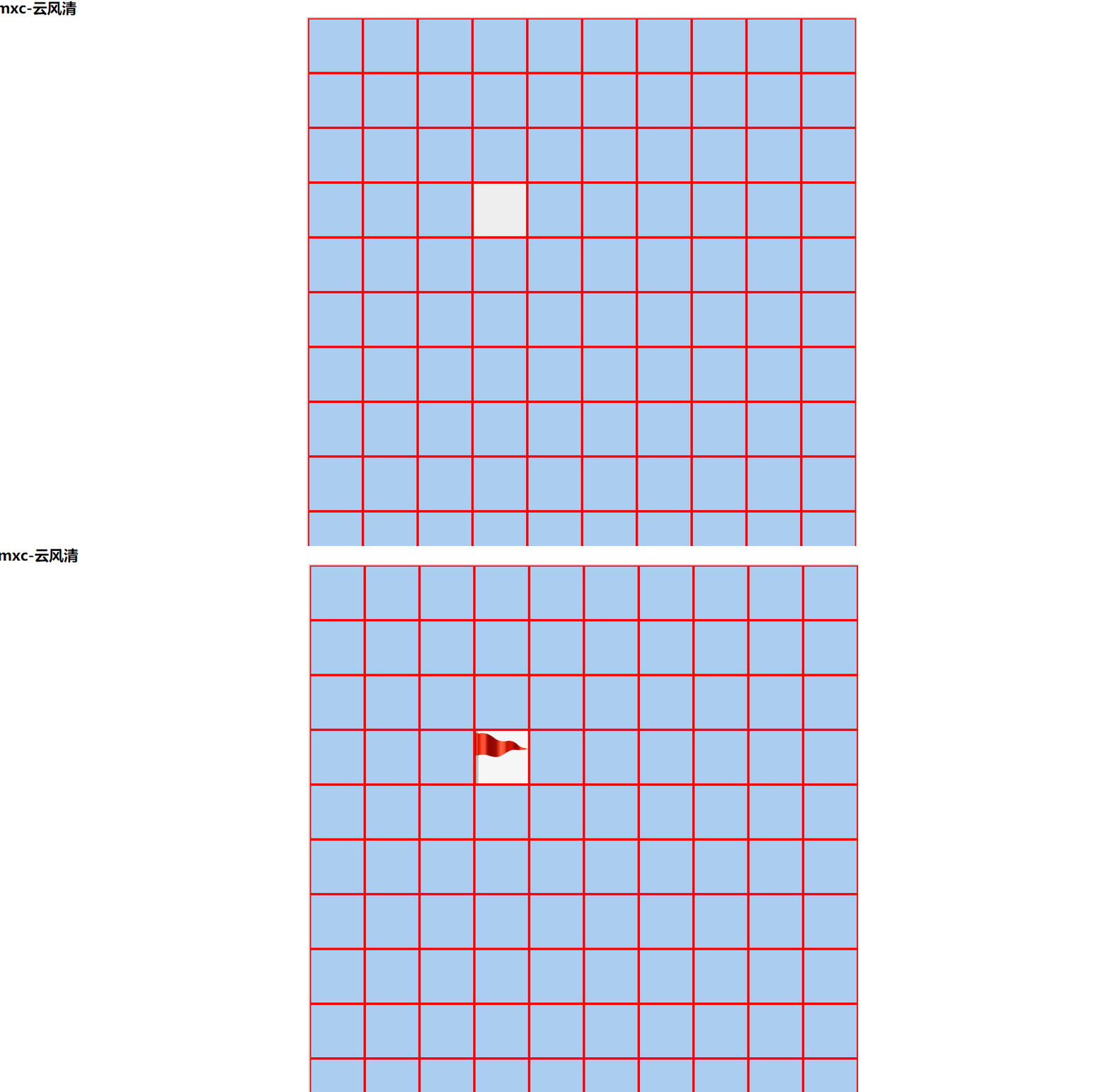
This involves a problem: the red flag is different from the mine sweep, you can cancel it. This problem is not big, but it is also a performance problem.
I checked the data and found a function:toggle() —— Operate a function with a single click, and execute another function with an even click (you can also put a class name in it, that is, add the class name for a single click and cancel the class name for an even click):
	function rightClick(obj){
		if(!obj.classList.contains('number')){
			obj.classList.toggle('biaoji');
		}
		let biaoji=document.querySelectorAll('.biaoji.lei');
		let biaoji2=document.querySelectorAll('.biaoji');
		if(biaoji.length===count && count===biaoji2.length){
			document.querySelector('.ts0').style.display='block';
			document.querySelector('.ts').style.display='block';
		}
	}
Finally, the author uploaded the code of this article to Baidu Netdisk, if you need it, please download it yourself:
link:
Extraction code: v0m8
Intelligent Recommendation
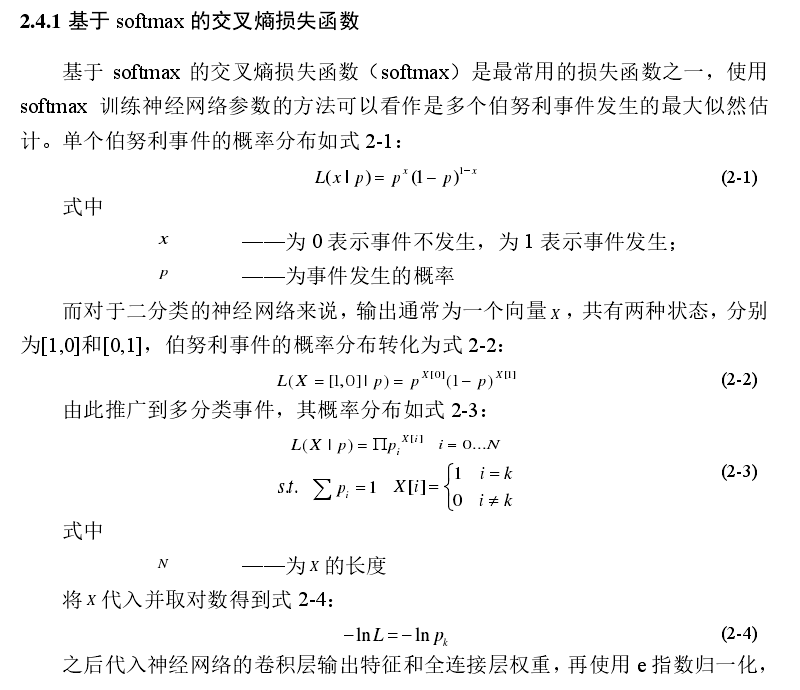
Machine Learning-----Deep understanding of maximum likelihood estimation
1. What is maximum likelihood estimation First, let’s introduce the likelihood function and probability function: for, whenWhen confirmed,is a variable, the formula describes differentWhat is th...
leetcode 576. Out of Boundary Paths
576. Out of Boundary Paths There is an m by n grid with a ball. Given the start coordinate (i,j) of the ball, you can move the ball to adjacent cell or cro...
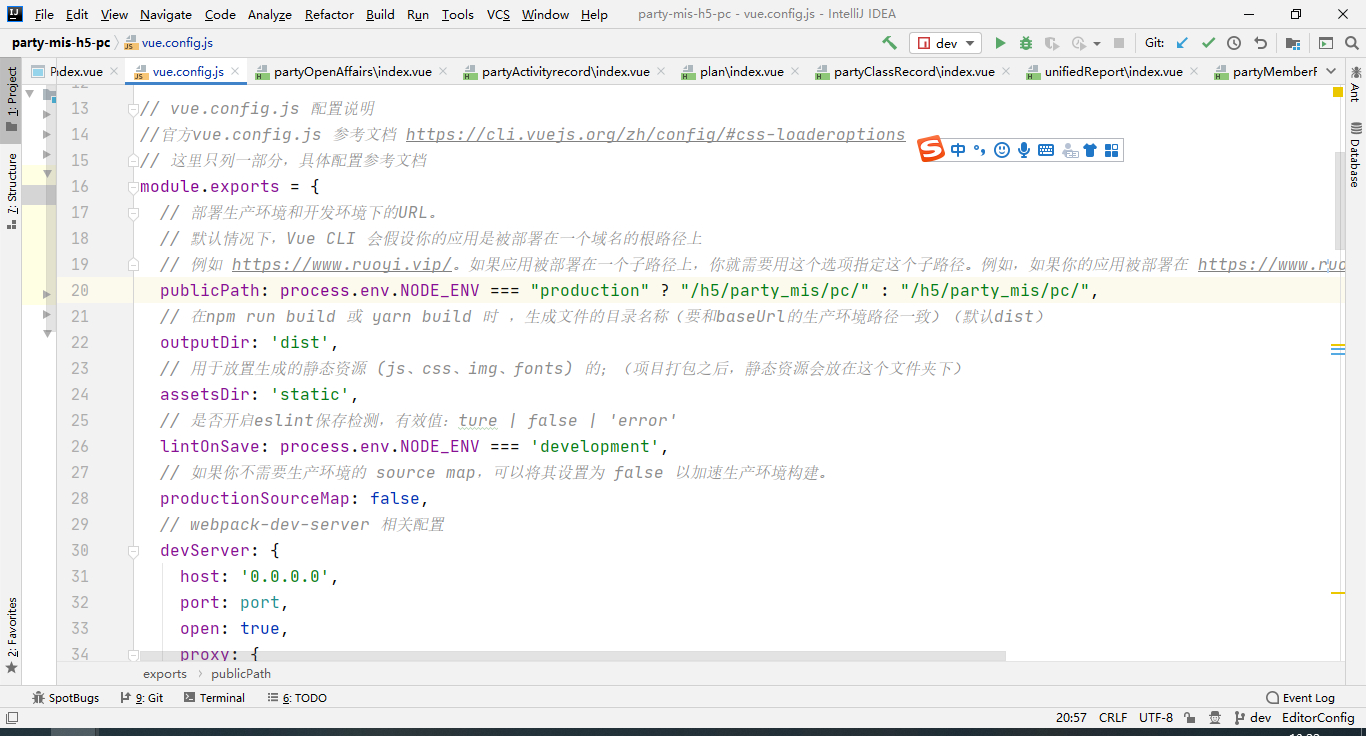
Vue packaging and deployment issues
1. Because the resource path of vue project configuration file vue.config.js is /h5/party/pc/ /h5/party/pc does not point to the /root directory of linux in the online environment Instead, use the vue...
More Recommendation
A little small consideration for strings
Direct code is released. No dry goods, I haven't found it for a long time, I'm too worthless, I will remind myself....
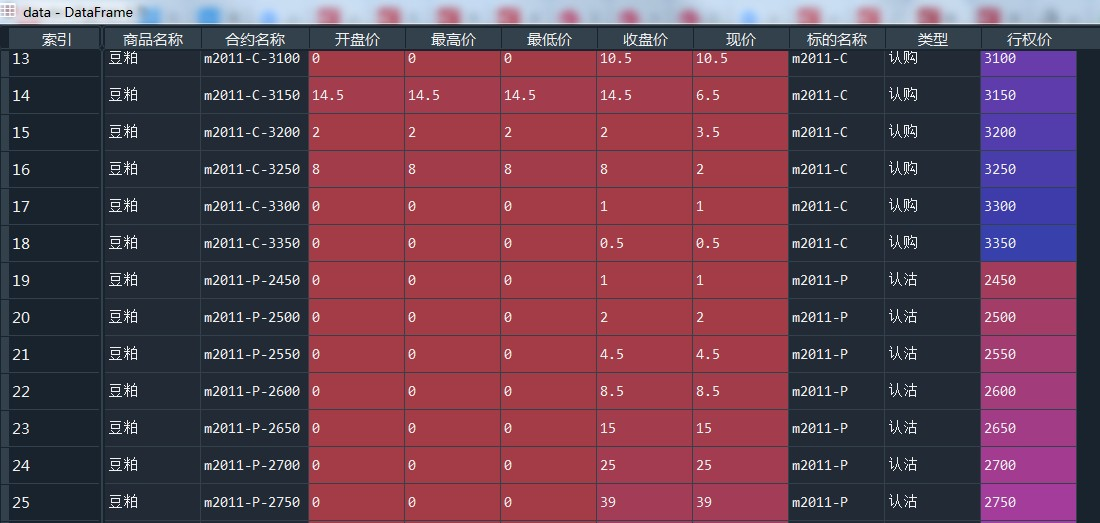
Python splits excel and data processing related tips
Split excel and data processing Split excel according to the content of a certain column, and output all the split excel files. <In the example, the content in the ‘subject name’ column...
while loop
while circulation of the three conditions 1. Initial value 2. Control Conditions 3. step Classic example: while recycling else statement When whi ... else condition is not satisfied in a conditional s...

Java learning the basics Two Notes
Java is a strongly typed language: Each variable must declare its type, you can declare multiple variables in one line Local variables: The method of statement block internal variable Instance variabl...