Mac mysql error: ERROR 1045 (28000) solution
tags: mysql mysql1024 Database error 1024
Because navicat does not support mysql5.8, it can not connect to the database, can not be visualized data operations, so uninstall mysql5.8, re-install mysql5.7, but found that has been reporting 1024 errors, on the Internet reference a lot of methods Can be solved.
First step, first make sure mysql5.7 has stopped, if there is no need to close

After closing, open the terminal and enter the following two lines of commands
cd /usr/local/mysql/bin
sudo su

The password here is your mac login password.
After the completion, the command line at the beginning of sh-3.2# will appear.
Next, type ./mysqld_safe --skip-grant-tables &

The next step is to open a new terminal.
You can't directly enter mysql -u -root in the terminal, it will report an error.

Need to enter alias mysql=/usr/local/mysql/bin/mysql first
In this way, you can directly enter the sql statement in the terminal.
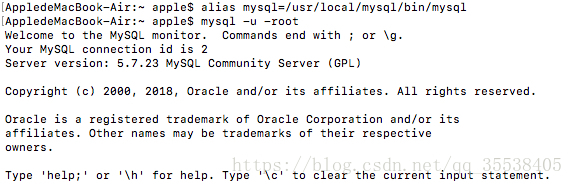
This way you can log in to mysql without a password.
Re-edit password execution after logging in
update mysql.user set authentication_string = passwprd('root123)where user = 'root' and host = 'localhost';

After the modification is complete, start mysql login! !
Intelligent Recommendation
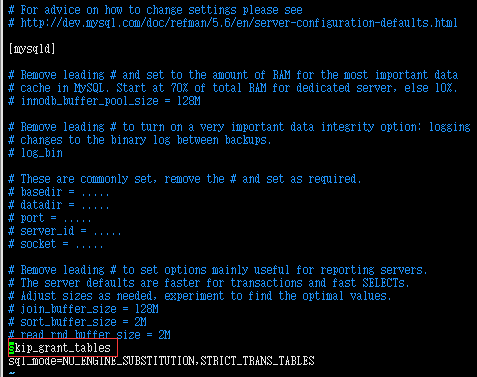
MySQL login prompt ERROR 1045 (28000) error, solution to (password reset)
Time: 2020-08-04 18:11 Source/Author: xuchaoi Today, the login server is ready to modify some things in the database. But if you enter the password, you can't enter the database and ...
Solve mysql ERROR 1045 (28000):
This error appears after mysql is successfully installed on Linux ERROR 1045 (28000): Access denied for user 'root'@'localhost' (using password: YES) Solution: vim /etc/my.cnf Add this line of code un...
mysql-ERROR 1045 (28000) fix
Why can't 80% of the code farmers can't do architects? >>> Reprinted on: https: //my.oschina.net/miyae/blog/1036931...
Solve MySQL ERROR 1045 (28000)
Appreciation Information: MySQL Error 1045 (28000): Access Denied for User 'Root' @ 'localhost' (Using Password: Yes), Solution: 1. Modify the login settings of mysql vim /etc/my.cnf And add a sentenc...

Mysql 8.0 (mac version) login problem, solve ERROR 1045 (28000)
After the launch of Mysql 8.0, there is a new password encryption scheme. After installation, there is no need to change the user, change the password, change the ini to skip the password and other op...
More Recommendation
MAC computer: install mysql and report ERROR 1045 (28000) Access denied
Problem: When installing mysql, ERROR 1045 (28000): Access denied for user'root'@'localhost' (using password: YES) 1, mysql official website https://downloads.mysql.com/archives/community/ ...
Solve Mysql ERROR 1045 (28000): Access denied for user'root'@'localhost' on Mac
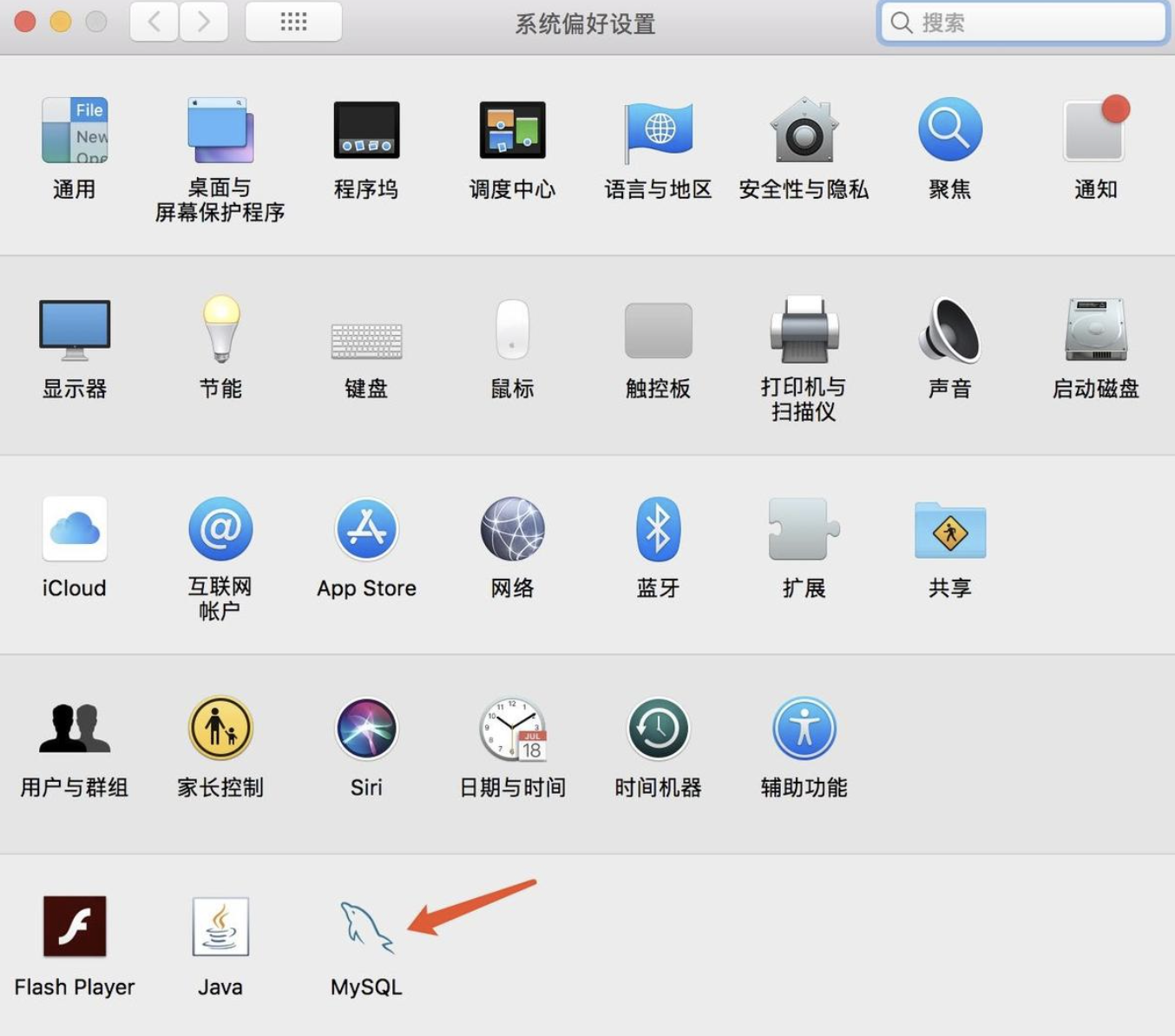
First, after installing mysql, there will be mysql settings in the system preferences. After entering, you can click to start mysql server and close. The reason for the problem is the password problem...
Mac uses BREW to install MySQL error 1045 (28000)
Mysql error 1045[28000] Operating environment Post error message 1045 (28000) problem lies in Solution Delete library restart Get mysql information Set the login password for root According to the pro...
Mysql ERROR 1045 (28000) Solution -- Database replacement default password
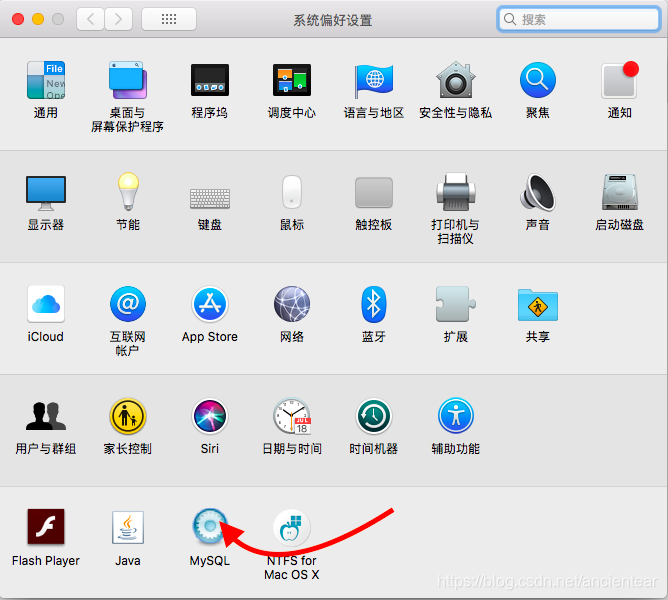
The most straightforward solution is to change. step1: Apple->System Preferences->Bottom point mysql Close the mysql service in the pop-up page (click stop mysql server) step2: Enter the termina...
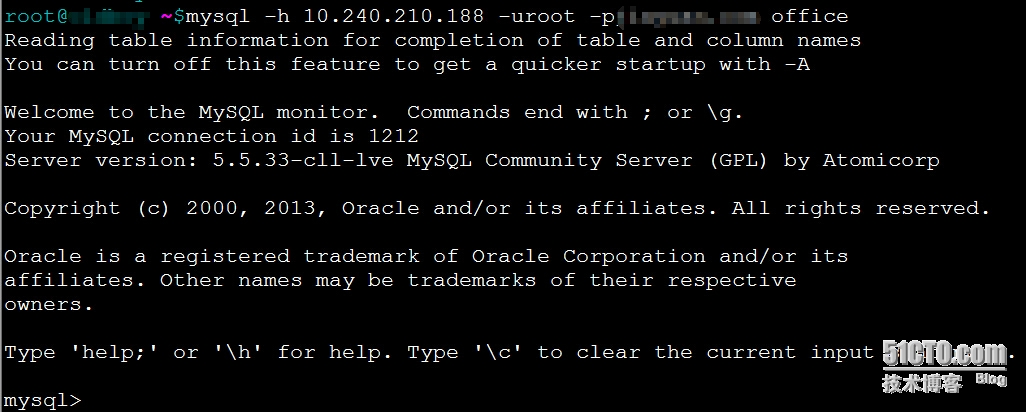
Mysql ERROR 1045 (28000): Access denied for user solution
Problem Description: When connecting to the database of 10.240.210.188 remotely on 10.240.210.60 today, the following error is popped up. 1 mysql ERROR 1045 (28000): Access de...