CentOS7 installation docker failed to start: Job for docker.service failed because the control process exited with error code
After installing docker on a new virtual machine CentOS7, the startup failed and the console reported an error:
Job for docker.service failed because the control process exited with error code. See "systemctl status docker.service" and "journalctl -xe" for details.
Follow the prompts and enter the code to query for details:
systemctl status docker.service
The console displays:
Jan 21 03:19:26 localhost.localdomain systemd[1]: Starting Docker Application Container Engine...
Jan 21 03:19:26 localhost.localdomain dockerd-current[9713]: time="2019-01-21T03:19:26.243566124-05:00" level=warning msg="could not change group /var/run/dock...t found"
Jan 21 03:19:26 localhost.localdomain dockerd-current[9713]: time="2019-01-21T03:19:26.251588454-05:00" level=info msg="libcontainerd: new containerd process, pid: 9719"
Jan 21 03:19:27 localhost.localdomain dockerd-current[9713]: time="2019-01-21T03:19:27.274519154-05:00" level=warning msg="overlay2: the backing xfs filesystem is form...
Jan 21 03:19:27 localhost.localdomain dockerd-current[9713]: Error starting daemon: SELinux is not supported with the overlay2 graph driver on this kernel. Eit...d=false)
Jan 21 03:19:27 localhost.localdomain systemd[1]: docker.service: main process exited, code=exited, status=1/FAILURE
Jan 21 03:19:27 localhost.localdomain systemd[1]: Failed to start Docker Application Container Engine.
Jan 21 03:19:27 localhost.localdomain systemd[1]: Unit docker.service entered failed state.
Jan 21 03:19:27 localhost.localdomain systemd[1]: docker.service failed.
Notice this lineError starting daemon: SELinux is not supported with the overlay2 graph driver on this kernel. Eit...d=false), roughly meaning it seems to beSELinux does not support the OrthALA2 graphics driver on this kernel.
Solution:
vi /etc/sysconfig/docker
Opened file:
# /etc/sysconfig/docker

# Modify these options if you want to change the way the docker daemon runs
OPTIONS='--selinux-enabled --log-driver=journald --signature-verification=false'
if [ -z "${DOCKER_CERT_PATH}" ]; then
    DOCKER_CERT_PATH=/etc/docker
fi
Put--selinux-enabledChange to false, ie--selinux-enabled=false:
is as follows:
# /etc/sysconfig/docker

# Modify these options if you want to change the way the docker daemon runs
OPTIONS='--selinux-enabled=false --log-driver=journald --signature-verification=false'
if [ -z "${DOCKER_CERT_PATH}" ]; then
    DOCKER_CERT_PATH=/etc/docker
fi
Restart docker
systemctl restart docker
Successful startup.
The above is the process of troubleshooting this problem, the record is for review.
Intelligent Recommendation
Docker Start Job for Docker.Service Failed Because The Control Process Exited with error code. See "SYST
Since my Docker is installed on the virtual machine, because the computer has not shutdown to Taika, he restarted the machine today, but the Docker did not restart, so it will be implemented.systemctl...
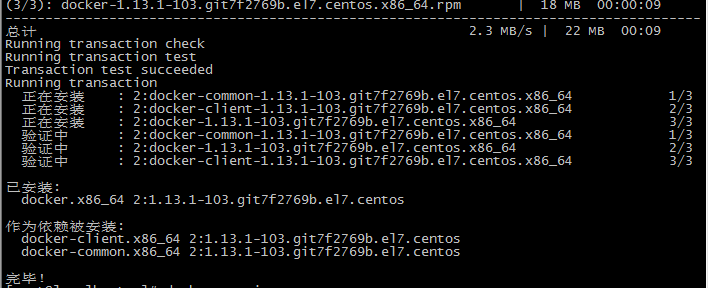
Linux installation docker error Job for docker.service failed because the control process exited with error code
yum install docker View Version error: docker version 3. See problem: systemctl status docker.service is specific reasons: the image is not supported due to the docker kernel driver, SELinux OrthALA2 ...
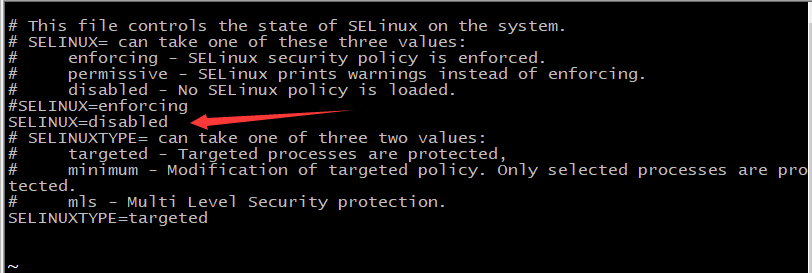
Docker failed to start-Job for docker.service failed because the control process exited with error...
Centos7 installs docker and starts dockerJob for docker.service failed because the control process exited with error...error. 1. The systemctl start docker reports the following error: 2. Solution: di...
Job for docker.service failed because the control process exited with error code. See
Use Docker in Liunx, Note: Liunx uses the centOS7 version under the virtual machine. There was no error when I first started installing Docker, but in the follow-upDuring the docker startup process, t...
Job for docker.service failed because the control process exited with error code...
Restarting docker after modifying the /etc/docker/daemon.json file raises the following exception At the time, my /etc/docker/daemon.json file was as follows solution: Delete the comment, and then res...
More Recommendation
Dockers Job for docker.service failed because the control process exited with error code
Zero, problem description Job for docker.service failed because the control process exited with error code. See “systemctl status docker.service” and “journalctl -xe” for detai...
Job for docker.service failed because the control process exited with error code
Job for docker.service failed because the control process exited with error code. See “systemctl status docker.service” and “journalctl -xe” for details Solution Perform the fo...
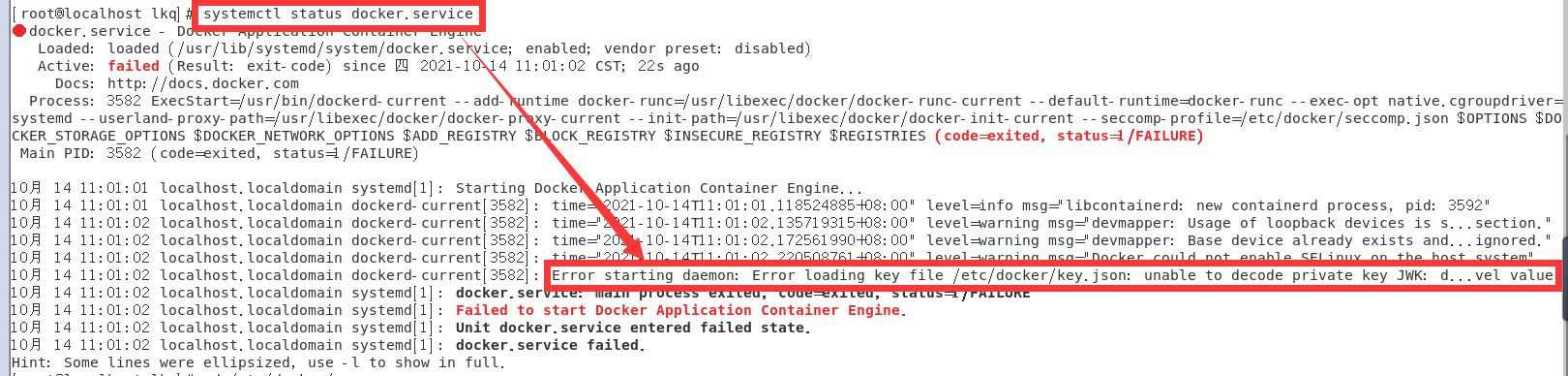
"Job for docker.service failed because the control process exited with error code."
Docker the day before is OK, and start the next day with the systemctl start docker command. It took me two hours to find the problem, and I searched it all over the place, read blogs online, wasted a...
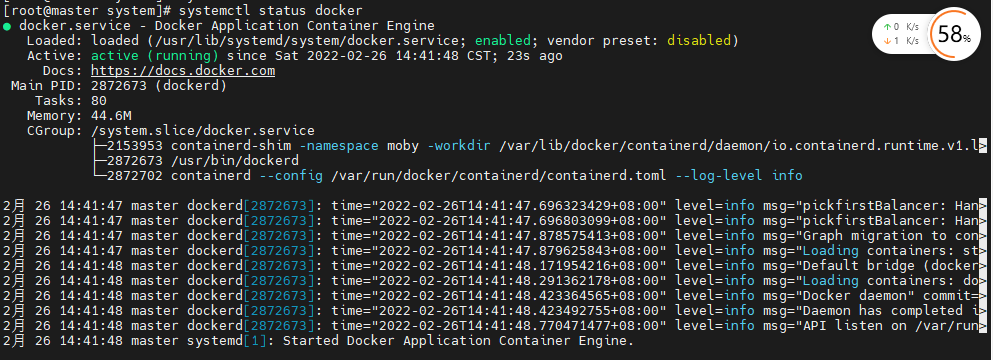
Job for docker.service failed because the control process exited with error code.
This problem is purely a cheating person~~~ First, let me introduce whether the server used is Huawei Kirin v10 server or an arm architecture. I used a one-click installation to package docker+k8s, bu...
CentOS7's DOCKER downloads to start failure (Job for Docker.Service Failed Because The Control Process Exited with)
CentOS7's DOCKER downloads to start failure (Job for Docker.Service Failed Because The Control Process Exited with) problem carried out:systemctl start docker Will appear:Job for docker.service failed...