Installation and use of win under Hadoop study notes
1. Download hadoop
Download address:http://hadoop.apache.org
(1) Found under Getting Started: Download

(2) Find the following under To verify Hadoop releases using GPG: mirror site

(3) Enter the connection to download Hadoop:


(4) To download winutils.exe, the corresponding version is required. Addresshttps://github.com/steveloughran/winutils, Unzip it directly after downloading, and directly overwrite the contents of the bin directory to the bin of hadoop
Second, configure hadoop
(1) Configure environment variables, add the path ${HADOOP_HOME}\bin in the path, for example: "D:\hadoop\bin";
(2) Configure hadoop file, path: D:\hadoop\etc\hadoop
core-site.xml:
<configuration>
    <property>
        <name>fs.defaultFS</name>
        <value>hdfs://localhost:9000</value>
    </property>
</configuration>
hdfs-site.xml:
<configuration>
    <property>
        <name>dfs.replication</name>
        <value>1</value>
    </property>
    <property>
        <name>dfs.namenode.name.dir</name>
        <value>file:/hadoop/data/dfs/namenode</value>
    </property>
    <property>
        <name>dfs.datanode.data.dir</name>
        <value>file:/hadoop/data/dfs/datanode</value>
    </property>
</configuration>
mapred-site.xml:
<configuration>
    <property>
        <name>mapreduce.framework.name</name>
        <value>yarn</value>
    </property>
</configuration>
yarn-site.xml:
<configuration>
    <property>
        <name>yarn.nodemanager.aux-services</name>
        <value>mapreduce_shuffle</value>
    </property>
    <property>
        <name>yarn.nodemanager.aux-services.mapreduce.shuffle.class</name>
        <value>org.apache.hadoop.mapred.ShuffleHandler</value>
    </property>
</configuration>
(3) Start hadoop
Windows command line window, enter the .\hadoop-2.6.4\bin directory, execute the following 2 commands, format the namenode first and then start hadoop.
- Go to the bin directory and run hdfs namenode -format
- Enter the sbin directory: start-all.cmd
- enter:http://localhost:8088

Successful installation
(4) Test
Enter cmd, create a folder with hadoop fs -mkdir command, and view

You can see that /user/data already exists.
Four, Hadoop commonly used commands
1) ls displays all files or folders in the directory
hdfs dfs –ls [file directory]
2)cat view file content
hdfs dfs –cat [file_path]
eg:hdfs dfs -cat /user/wangkai.pt/data.txt
3) mkdir create directory
How to use: hadoop fs -mkdir [uri form directory]
Example: hadoop fs --mkdir /test
Create a multi-level directory plus --p
Example: hadoop fs --mkdir -p /a/b/c
4)rm delete directory or file
How to use: hadoop fs -rm [file path] Delete the folder and add -r
Example: hadoop fs -rm /test1.txt
delete folder plus -r
Example: hadoop fs -rm -r /test
5)put copy files
Copy the file to the hdfs system, or read the file from standard input. At this time, dst is a file
How to use: hadoop fs -put
Example:
Hadoop fs -put /usr/wisedu /temp/test1.txt /
6) cp copy files in the system
hadoop fs –cp
Copy the file to the target location. When src is multiple files, dst must be a directory.
7) copyFromLocal copy local file to hdfs
How to use: hadoop fs-copyFromLocal URI
It is similar to the put command except that the limited source path is a local file
8) get copy files to local system
How to use: hadoop fs -get
Example: hadoop fs -get/word /usr/wisedu/temp/word.txt
9) copyToLocal copies files to the local system
How to use: hadoop fs-copyToLocal [-ignorecrc] [-crc] URI
It is similar to the get command except that the target path is limited to a local file.
Example: hadoop fs-copyToLocal/word /usr/wisedu/temp/word.txt
10) mv
Move the file from the source path to the target path. This command allows multiple source paths, in which case the target path must be a directory. It is not allowed to move files between different file systems.
How to use: hadoop fs -mv URI [URI …]
Example: hadoop fs -mv /in/test2.txt /test2.txt
11) du display file size
Shows the size of all files in the directory.
How to use: hadoop fs -du URI [URI …]
Example: hadoop fs -du /
Display the size of the current directory or folder with option -s
Example: hadoop fs -du -s /
12) touchz creates empty file
How to use: hadoop fs -touchz URI [URI …]
Create a 0 byte empty file
Example: hadoop fs -touchz /empty.txt
13) chmod changes file permissions
How to use: hadoop fs -chmod[-R]
Intelligent Recommendation

Mysql installation under Hadoop and use
experiment purpose Claim Master the installation method of the mysql database cluster and master the basic statement of mysql real Inspect original Reason One.MySQL cluster installation environment co...
Simple use of Hadoop on IDEA - Hadoop study notes
Integrated IDEA First configure environment variables, create a new Maven project. Add POM dependencies, pay attention to the corresponding Hadoop version You can also configure a log attribute log4j....

Kafka study notes (two) - installation and use of kafka2.1 under windows environment
The main content of this blog: Kafka installation under windows environment Simple use of kafka I. kafka download and install Ready to work : Java environment variable configuration: I chose version 1...
Redis study notes ()-Redis installation and use under Windows
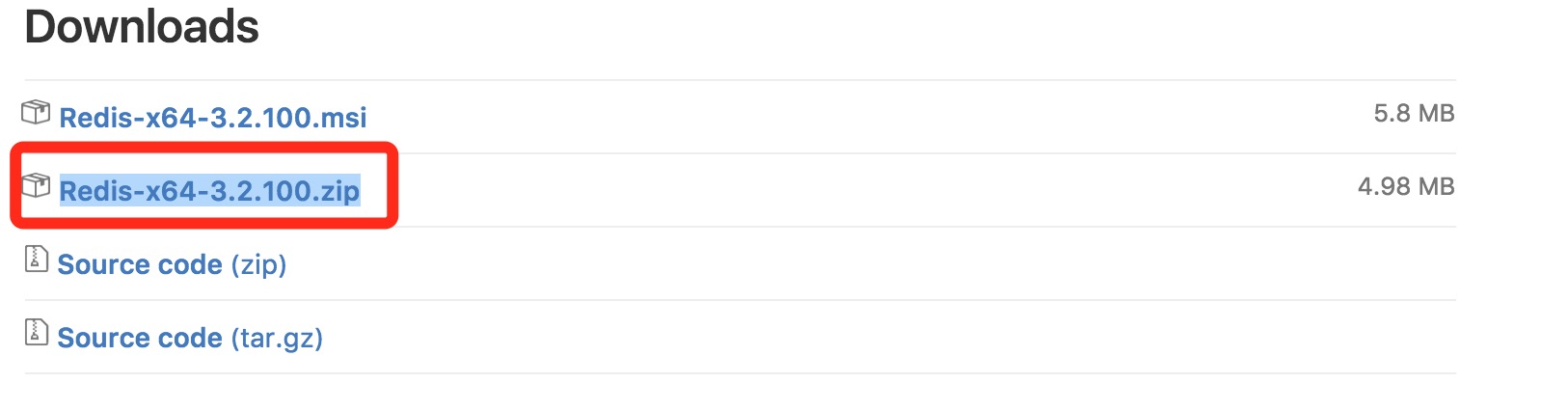
Redis download Redis download address:https://github.com/MSOpenTech/redis/releases If the download is too slow, you can download domestic resources: Redis installation unzip Will be downloadedRedis-x6...

Study notes (two) Qt+opencv installation configuration and use under ubuntu16.04
Note: This article is a non-standard tutorial, it is only a summary of the personal learning process, there may be mistakes, if there are any errors, please leave a message, thank you very much 1. Qt ...
More Recommendation
Cygwin installation under Win
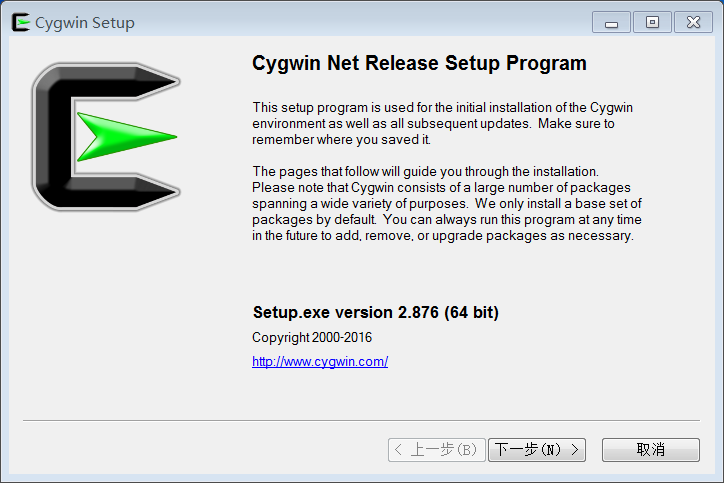
Introduction: For example, to execute the .sh file under wins, you can use this tool. 1.Cygwin installation Cygwin download URL (windows please select set-x86.exe bit according to how many bits of you...

Maven installation under Win
1. Install JDK Not introduced here 2. Download and install Maven 1. Go tohttp://maven.apache.org/download.cgiDownload the latest version of Maven program 2. You can extract the compressed package to a...
Mysql installation under Win
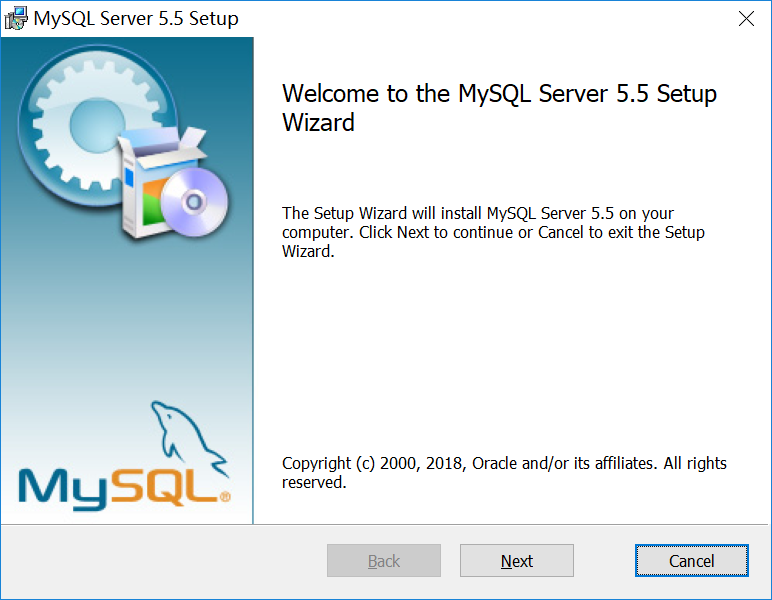
First, install mysql 1. Environment used: win10 system, MySQL installed is version 5.5. 2. Installation steps: A picture is worth a thousand words, above: Choose the developer type server that our stu...
Hadoop study notes (a): zero base Linux installation process hadoop notes
Original address: Hadoop study notes (a): zero base Linux installation process hadoop notes Environmental and objectives: - system:VMWare / Ubuntu 12.04 - Hadoopversion:0.20.2 - My node configuration ...

Hadoop study notes --Windows in connection Hadoop Eclipse development under Linux
1. First make sure hadoop install linux virtual machine is configured correctly, and normalstart up 2. Download and install eclipse 3. Download and unzip http://files.cnblogs.com/alex-blog/hadoop-ecli...