Flutter new project - Android code Unresolved reference: FlutterActivity
tags: Android App APP flutter android android studio
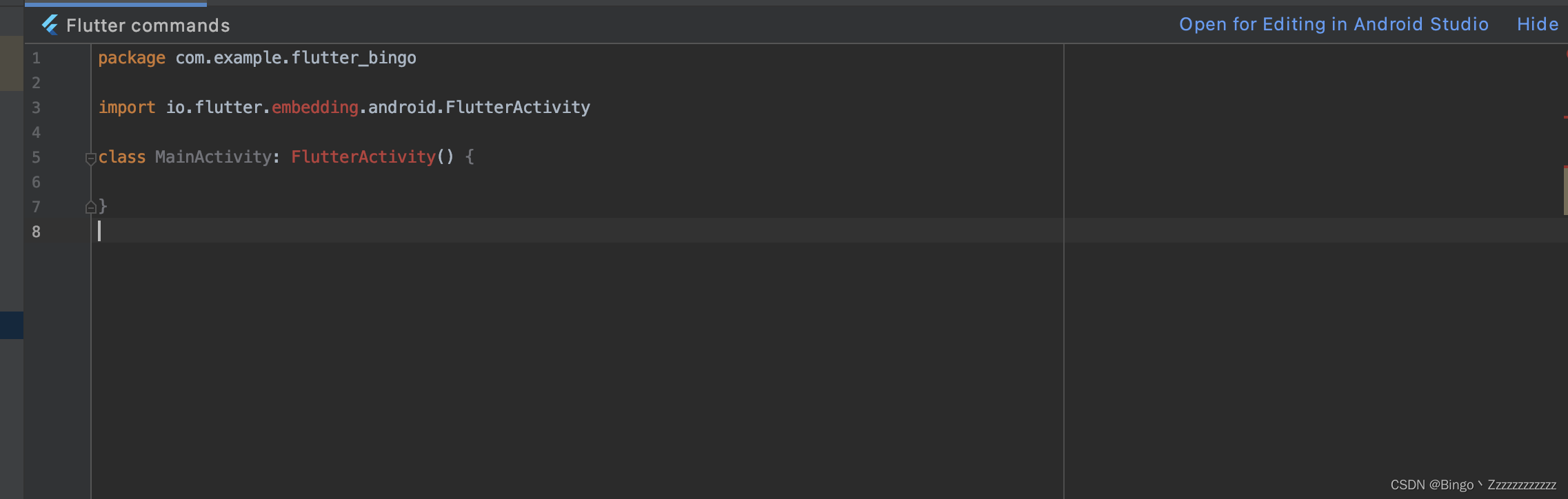
Create a new Flutter project, open the java/kt file in the Android directory, and you will find that the top of the class file has an error when importing the package, and the FlutterActivity cannot be found, as shown in the following figure:
Unresolved reference: FlutterActivity
Option One:
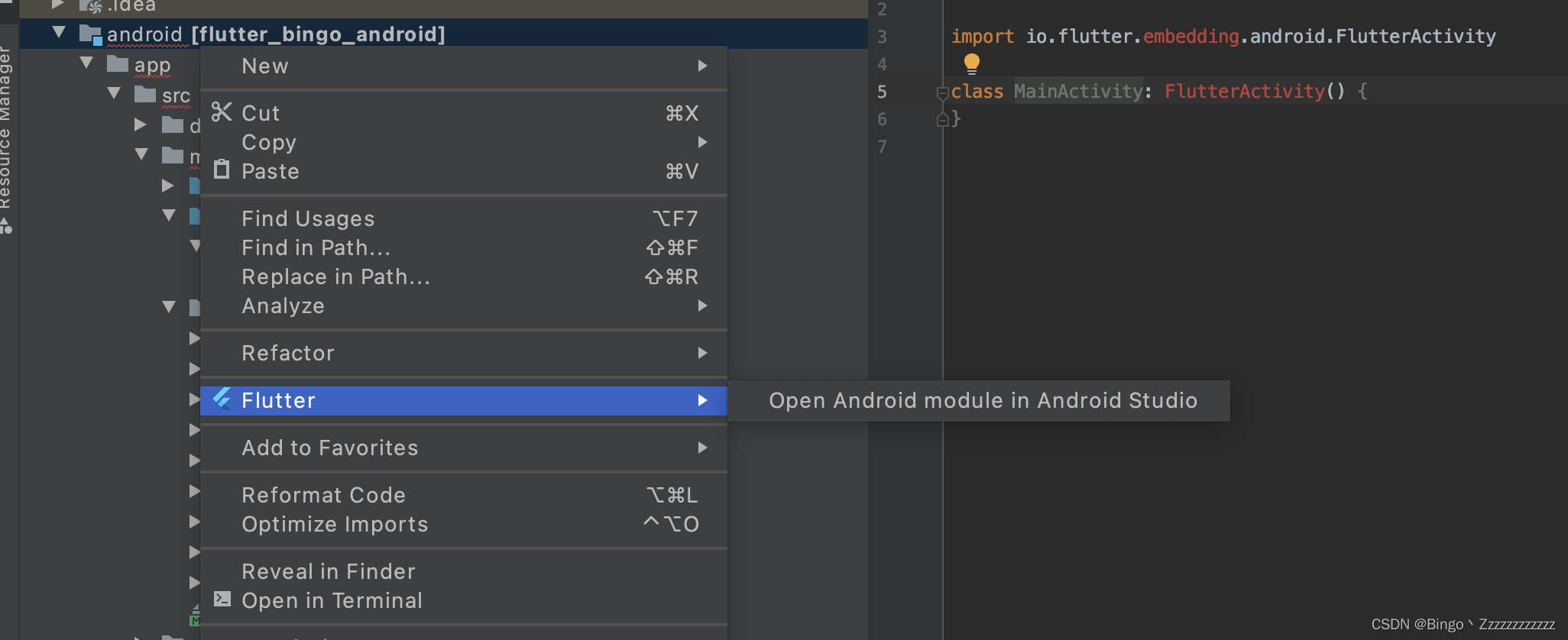
Right-click the android directory Flutter -> open for editing in android studio Re-open a studio editor to handle Android projects
Option II:
Project settings (project structure / command+;) -> Modules -> import Module ->. import module from external model build Android project .gradle configuration file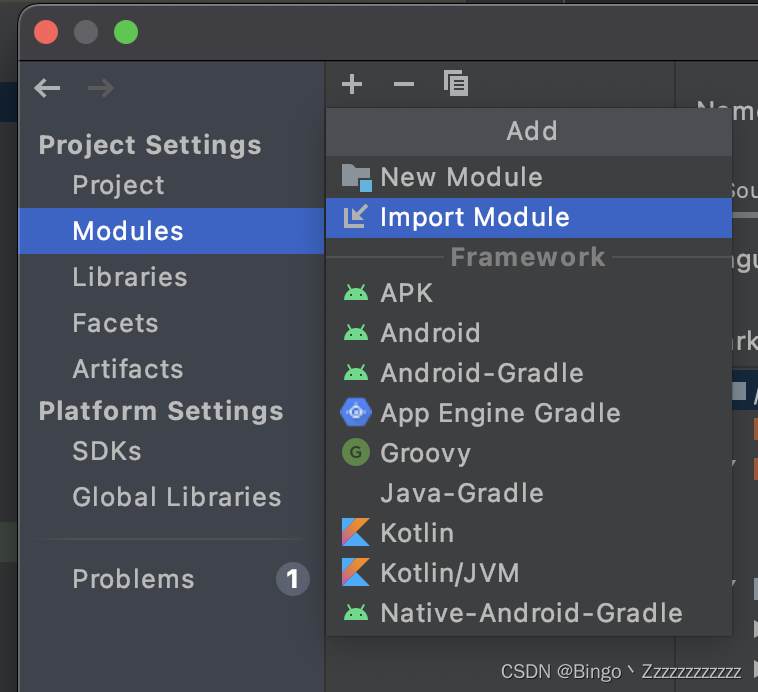

It hurts, it hurts so much,late obsessive-compulsive disorderIt's still the second option~~~~~
i
Intelligent Recommendation
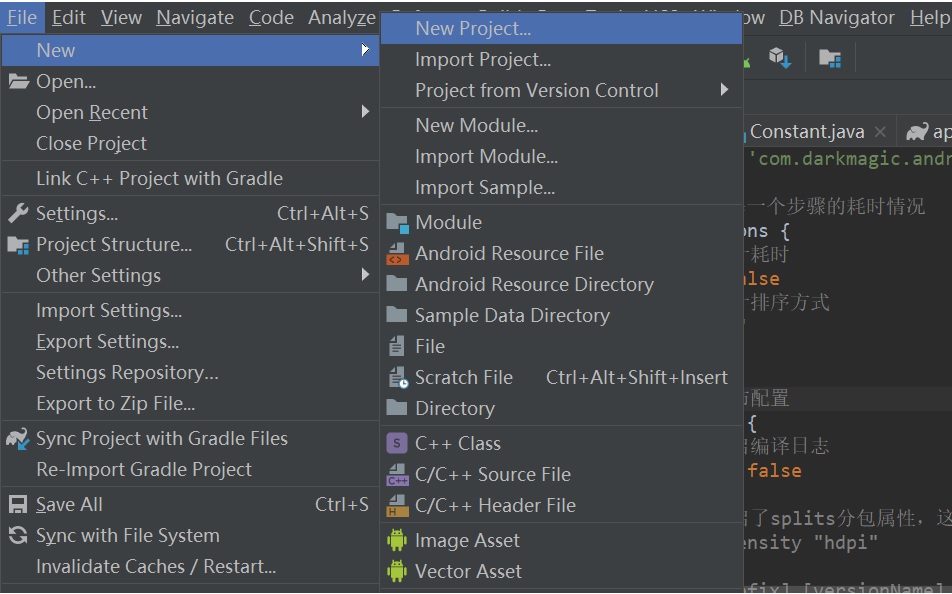
New Flutter Project is not displayed in Android studio File
1. Problem description To learn the Flutter framework, the first step is of course to build a development environment. The front of the build environment is very smooth. Both Flutter and dart have bee...

Android studio new project does not display Flutter
When all environments of Flutter have been installed, but the new Flutter Project (start a new Flutter Project) menu is not displayed, this is because AndroidApkSupport is not checked, check AndroidAp...
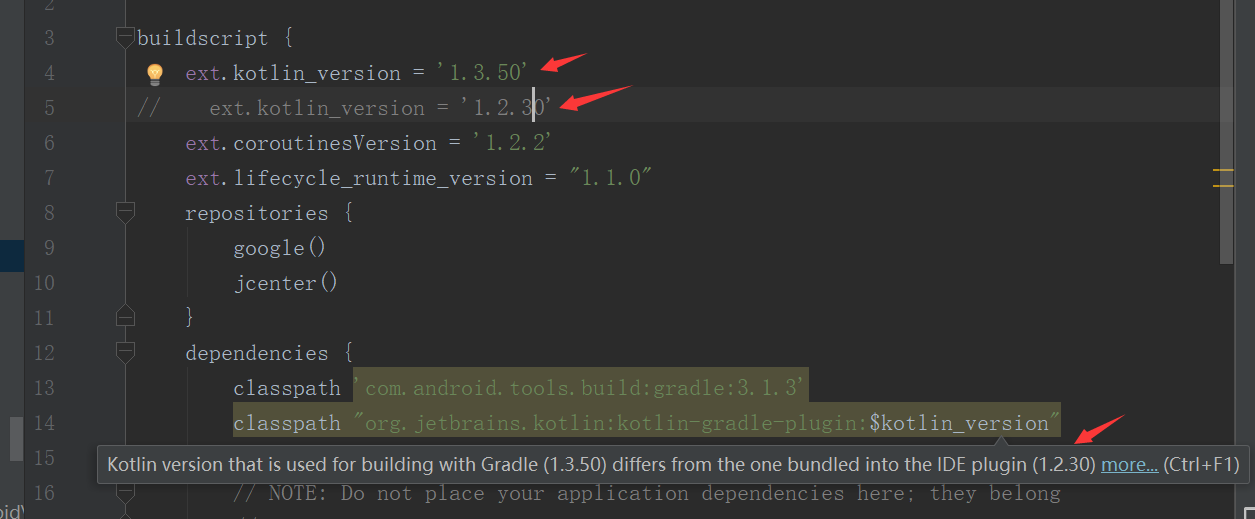
Android project compilation in Kotlin appears Unresolved reference: R or context, it, entity solution
1. Directly see how to quickly make the project can use Kotlin steps: 1. Add in the app's build.gradle: As you can see, you need to add: 2. Add in the project's build.gradle: As you can see, add: &nbs...
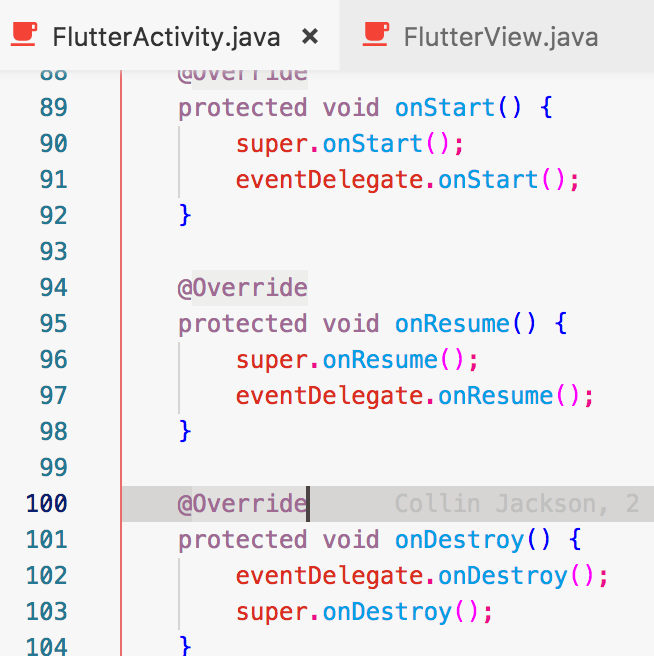
Finish FlutterActivity source code analysis
Opening statement: This article is not a newbie, you need to have a certain understanding of flutter and android itself Article reason Why write this article Recently, students from the QQ group asked...

Android studio first access Flutter -------------- does not show new flutter project
First, as always, the api address: https://flutterchina.club/get-started/install/ Flutter's GitHub address: https://github.com/flutter/flutter Follow the Flutter Chinese documentation to configure the...
More Recommendation

[Android] Kotlin: Unresolved Reference: XXXX problem processing
Beginner Kotlin, the pit is really much, the type conversion is really complex This question is quite speechless. It reports that the code line is not the place it really reports. It does not prompt t...
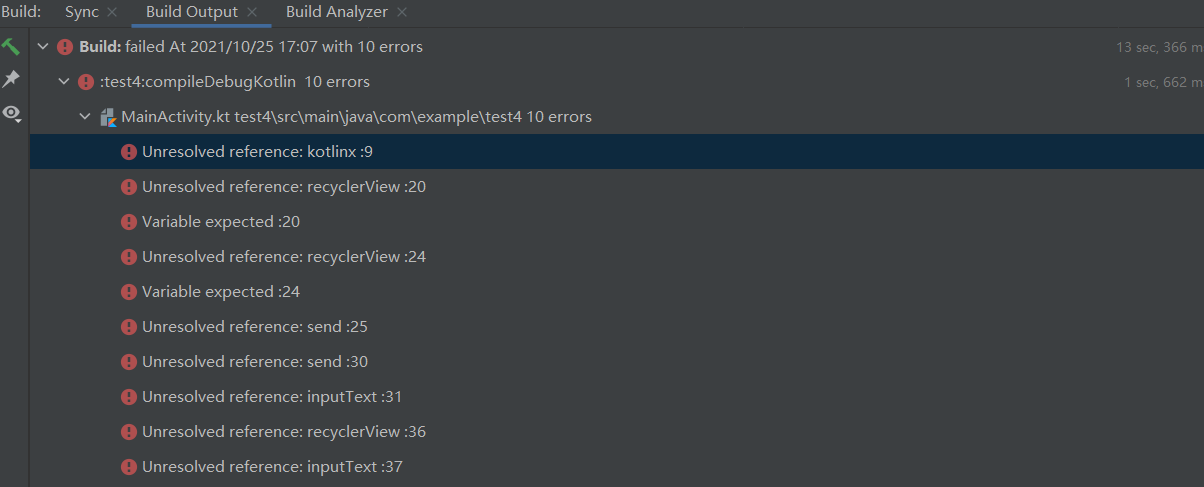
Android compilation error Unresolved Reference: Kotlinx solution
Questions are as follows Solution: Add the following code in the app: build.gradle Then click Sync now to reload it to solve...
FLUTTER is upgraded to V1.20.1, the FLUTTERACTIVITY page close the crash
First, the problem description (1) Problem Description: Load Flutter's page, when the page is closed, the app crashes. (2) The impact version is approximately: Flutter SDK (V1.17.5 - V1.20.1). (3) Pro...
[Android, Ketlin] Unresolved Reference, Kotlin can't directly reference the ID in XML
UnreSolved Reference, Kotlin cannot directly reference the ID in XML I can't find the reference when using Kotlin directly to the id in the view? Figure Um? Do you have to go back to FindViewbyid? Be ...
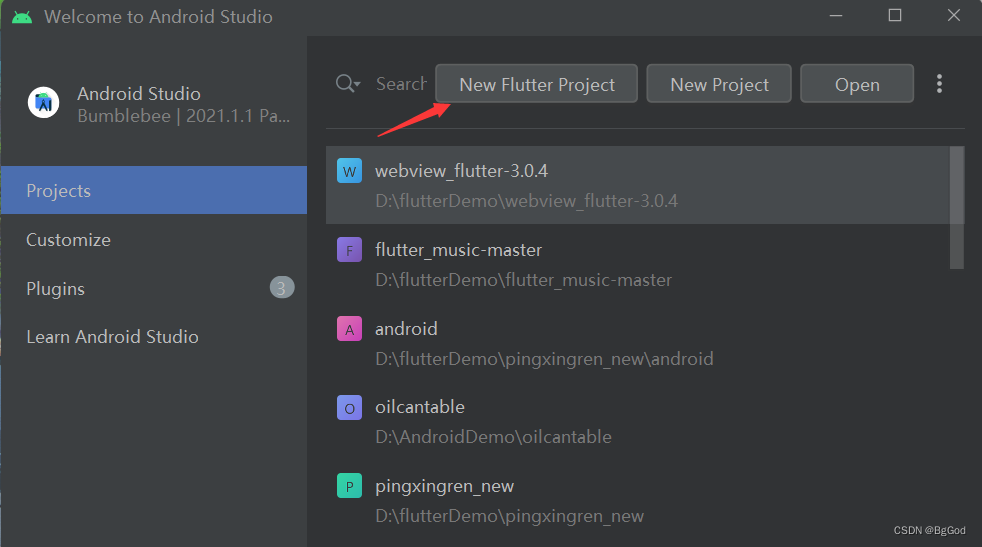
Flutter built a new Flutter project
Create a Flutter project Windows system Development tool: AndroidStudio flutterSDK:3.0.2 step 1. Open AndroidStudio and select the new Flutter project 2. Select the path of Fluttersdk installation...