POST request of Python + requests
Compared with the get request, the post request has one more body part. The parameters of the post request can be placed in the url, the body, or both the url and the body. Of course, the post request can also be without parameters
4 common post submission data types
Posting parameters — application / json format (json passing parameters)
#!/usr/bin/python3
# coding=utf-8
 # Author: text

import requests
cookie = {"PSTM": "553180542","HMACCOUNT": "BA4C08D999D27E4E"}
payload = {"username": "user_name","password": "pass_word"}
r = requests.post(url="http://httpbin.org/post", headers=header, cookies=cookie, json=payload)
print(r.text)
After fiddler captures the packet, view the original request, as shown in the figure:

Post reference-application / x-www-form-urlencoded format (browser's native form)
#!/usr/bin/python3
# coding=utf-8
# Author: text
import requests

header = {"User-Agent": "Mozilla/5.0 (Windows NT 10.0; Win64; x64)AppleWebKit/537.36(KHTML, like Gecko)Chrome/74.0.3729.108 Safari/537.36","Content-Type": "application/x-www-form-urlencoded"}
cookie = {"PSTM": "553180542", "HMACCOUNT": "BA4C08D999D27E4E"}
payload = {"username": "user_name","password": "pass_word"}
r = requests.post(url="http://httpbin.org/post", headers=header, cookies=cookie, data=payload)
print(r.text)
After fiddler captures the packet, view the original request (request parameters can be viewed in Webforms), as shown in the figure:

Post post reference — multipart / form-data format
#!/usr/bin/python3
# coding=utf-8
 # Author: text
import requests

header = {"User-Agent": "Mozilla/5.0 (Windows NT 10.0; Win64; x64)AppleWebKit/537.36(KHTML, like Gecko)Chrome/74.0.3729.108 Safari/537.36","Content-Type": "multipart/form-data"}
payload = {"username": "user_name", "password": "pass_word"}
r = requests.post(url="http://httpbin.org/post", headers=header, data=payload)
print(r.text)
After fiddler captures the packet, view the original request, as shown in the figure:

Post post parameter — text / xml format (xml pass parameter)
#!/usr/bin/python3
# coding=utf-8
 # Author: text
import requests

header = {"User-Agent": "Mozilla/5.0 (Windows NT 10.0; Win64; x64)AppleWebKit/537.36(KHTML, like Gecko)Chrome/74.0.3729.108 Safari/537.36","Content-Type": "text/xml"}
payload = "<note><to>George</to><from>John</from><heading>Reminder</heading></note>"
r = requests.post(url="http://httpbin.org/post", headers=header, data=payload)
print(r.text)
After fiddler captures the packet, view the original request, as shown in the figure:

Intelligent Recommendation
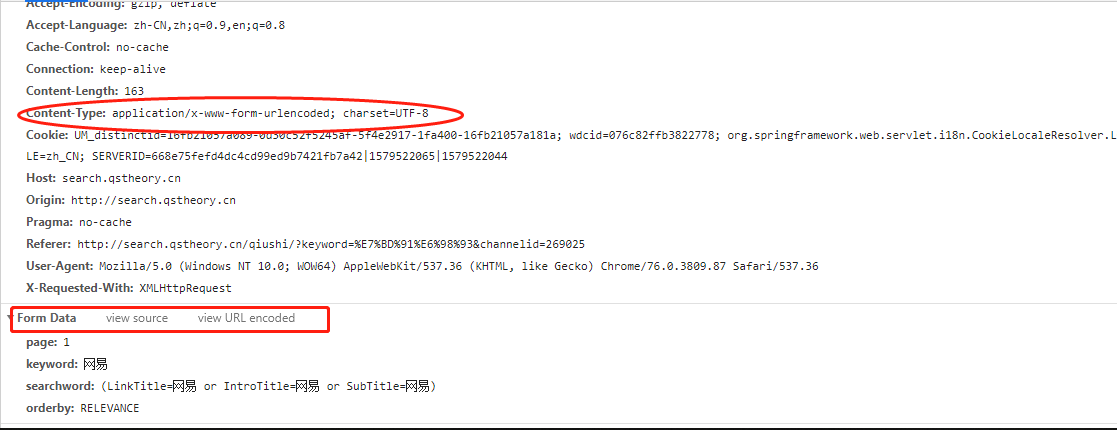
Problems with post request parameters in python requests
Question: When crawling a site recently, I found that in the post request, the parameter structure was correct but the data could not be obtained. Simply put the post parameter urlencode after the pos...

Python interface test-requests send post request
POST request is used to send data to the server. Compared with get, it is safer, and post requests generally bring data changes. No matter how we construct the GET request, it will ultimately pass the...
Python interface automation-requests module post request
——————·Today is 2021262day·—————— This is the ITester software test stack111Tweets In the previous article on Pyth...
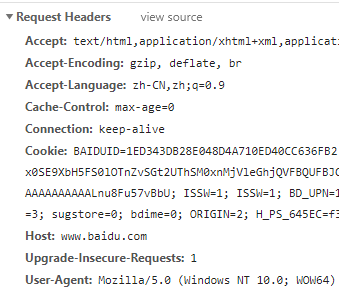
Python crawler requests library get/post request
Datawhale crawler Phase 5 Day1 Documentation:http://docs.python-requests.org/zh_CN/latest/index.html 1. Learn to get and post requests, requests or urllib get request The get request directly accesses...
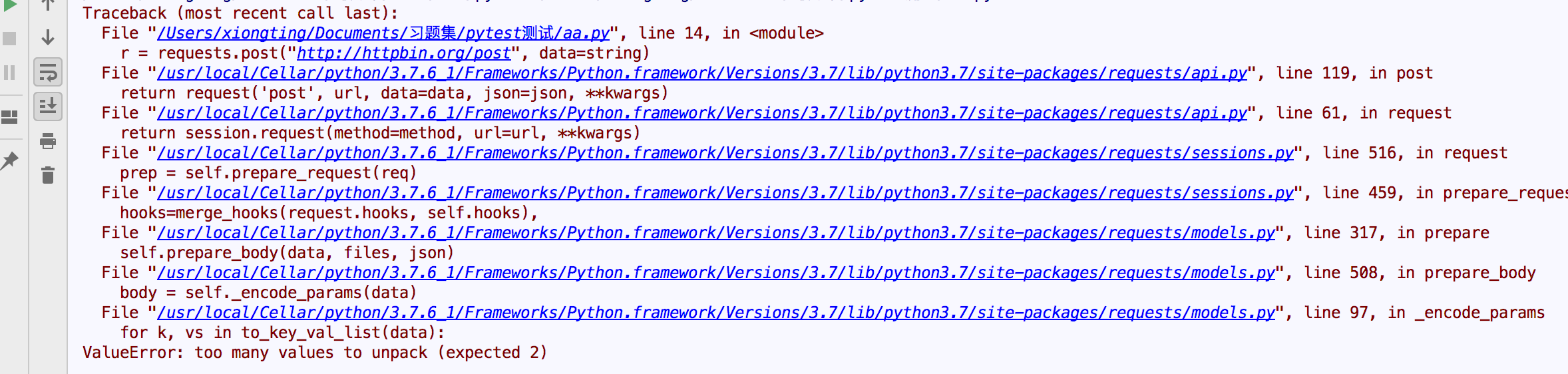
PYTHON Requests Send POST Request in JSON Format
problem: When you ask the requests request, you will encounter the following error. the reason: The requests.POST source code is as follows: There are two parameters for POST requesting Body: DATA and...
More Recommendation

Python Interface Automation - POST Request for REQUESTS Modules
In the previous Python Interface Automation Test Series Articles:Python Interface Automation - Requuths Module GET Request, Detailed the Requests module, the GET request and the response results. Here...
Python sends a GET / POST request with Requests
1.Get request Relative to Java's request, Python's request is relatively simple! I will write some simple send a request! 2.POST request, parameter is JSON format! Recently, when I write python to sen...
Use the Request module in Python for POST requests
Use the Request module in Python to perform POST requests in JSON SaalURL refers to the request for the request DATA: Parameters that must be passed in the interface document Request.post is POST requ...
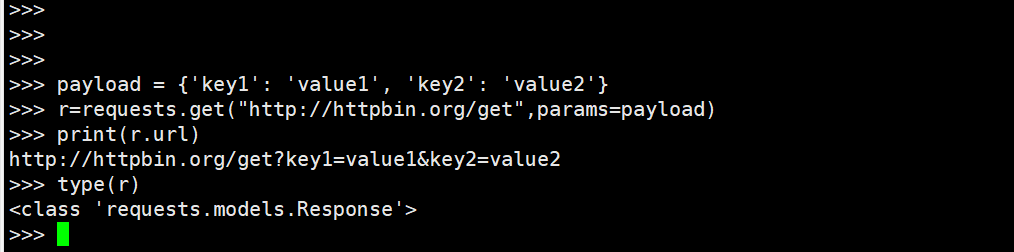
Python Requests 2: GET, POST Request
First, get request 1. Send a GET request Enter: URL Method: Requests.get (URL) Output: Response object 2. Send a GET request containing query string Enter: URL, DICT Method: Requests.Get (URL, Params ...
Python uses requests to call get, post request
Introduce the python library import requests import json get request post...