Network packet capture technology memo - Wireshark/Fiddler/Libpcap/Npcap/WinPcap/SharpPcap
tags: Technical understanding Network protocol OSI Online packet capture
Link to this article:Memo for network packet capture technology - Junge V-CSDN blog
1. Common tools
Browser comes with, such as Google Chrome's developer tools.
Fiddler: Mainly to capture HTTP and HTTPS packets.
Wireshark: Network protocol analysis tool, built-in support for hundreds of protocols. Security considerations are that you can only view the packet, but not modify the content of the packet or send the packet. (Open source C)
2. Principle
Fiddler:As a proxy, let all http/https requests and responses flow through Fiddler. It needs to be pre-configured.
Remark: When Fiddler starts, the browser's proxy will be automatically set to 127.0.0.1:8888, and the settings will be canceled when closed.
It also supports the use mode of reverse proxy, refer to:Use Fiddler as a Reverse Proxy | Fiddler Classic (telerik.com)
Wireshark:Capture the network packet of a network card on the machine. Use WinPcap/npcap as the interface to obtain network card data packets.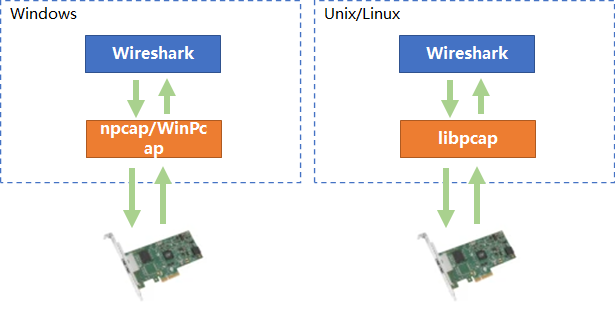
Therefore, Wireshark mainly implements the parsing of various application layer protocols and the rich interface functions it provides.
3. Basic library
Windows Platform
WinPcap (discontinued in 2013)
Npcap: It is an improvement to WinPcap, with better packet capture performance and better stability.Reference: npcap vs. winpcap
Unix/Linux Platform
Libpcap
It is a set of function libraries that provide applications with the ability to access the underlying network. support:
Packet capture: Capture the original data packets flowing through the network card
Packet Send: Send the original packet to the network
Rule filtering: Provides rule filtering function, which can filter data packets according to rules specified by users
Traffic collection and statistics
.net core Open Source Project(C#) :
SharpPcap: Network packet capture class library – Cross-platform
Packet.Net: Analysis/Construct the library of network packets,protocolsupport:ethernet, ipv4/ipv6, tcp, udp …
4. Knowledge - OSI seven-layer model
Open System Interconnect Reference Model, Open System Interconnect Reference Model
- Conceptual model proposed by the International Organization for Standardization in the early 1980s
- Network products from different manufacturers follow OSI standards. As long as they are physically connected, they can communicate with each other.
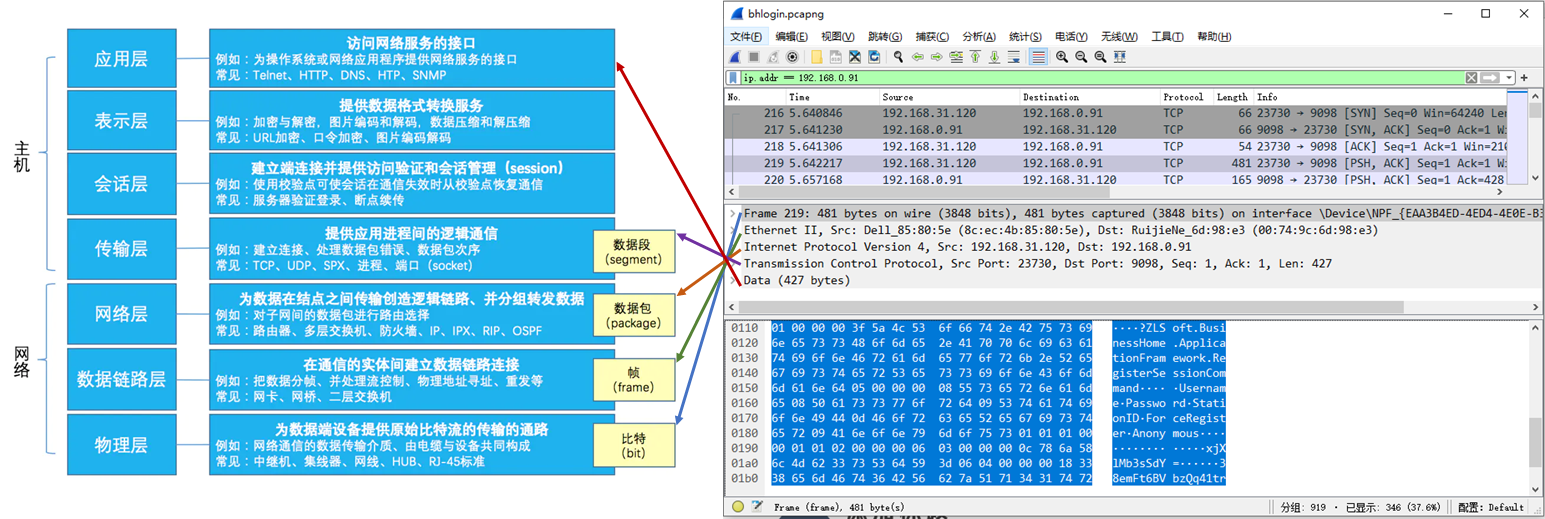
(The picture above is the borrowed picture on the left, the source cannot be found - -;)
A simple understanding is:
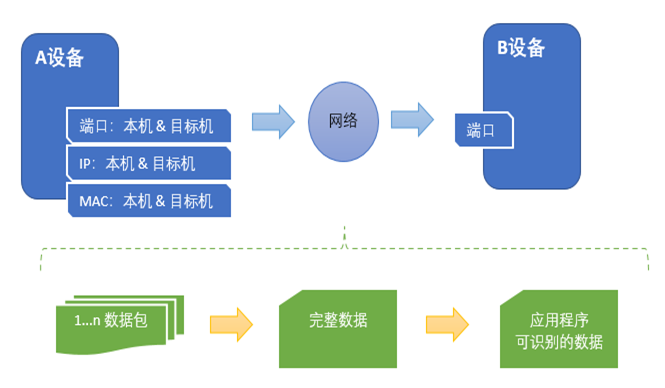
Remark:
1. A brief understanding of several layers
Physical layer - Encode the data into a bitstream identified with 0 and 1, and then transmit it (via fiber optic, copper cable, etc.)
Local Area Network – Use the network card MAC address to identify the accessed devices and rely on broadcasting methods to address them. Mixed mode
Cross-network – IP addressing, router – forward packets based on IP address, forwarding from one network to another.
Transport Layer – Defines the protocol port number for transmitting data, as well as flow control and error verification. Segmentation: Forced segmentation of data according to the maximum size that the network can process.
2. The responsibility of the transport layer protocol (such as: tcp) is to transmit data; while the application layer protocol (such as: http, tns) is a format customized according to the needs of the application to meet the needs of logical processing and data processing.
Link to this article:Memo for network packet capture technology - Junge V-CSDN blog
Intelligent Recommendation
libpcap network packet capture function library
download Compile and install Instance The C function interface provided by the library is used to capture data packets passing through the specified network interface. download: http://www.linuxfromsc...
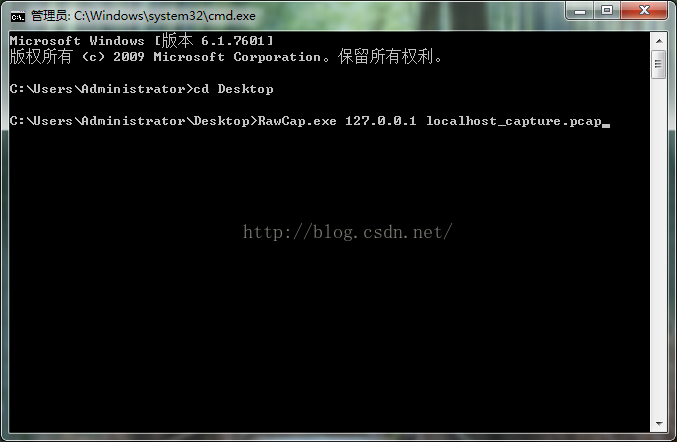
Capture local network packet Rawcap+Wireshark
Usually wireshark can't directly grab the local loopback packet, of course, after some settings can be crawled. This article directly grabs the local network package through the tool software RawCap, ...

wireshark + shared network packet capture phone APP
WiresharkInstructions for use Wireshark It is a network packet analysis tool. The main role of the network packet analysis tool is to try to capture network packets, and try as much as possible detail...
Wireshark network packet capture (five) - Comprehensive example
table of Contents 1. Wireshark Introduction 1.1 client interface 1.2 Display Filter common method 1.3 interface on some small TIPS 2. Use Wireshark to analyze TCP three-way handshake 2.1 three-...
Computer network-packet capture principle (wireshark learning)
Computer network-packet capture principle (wireshark learning) software 2019-9-10 22:20 View:3491| Comments: 0 | Posted by:Month month ?????С Introduction:The packet capture principle is divided ...
More Recommendation
wireshark network packet capture tool use
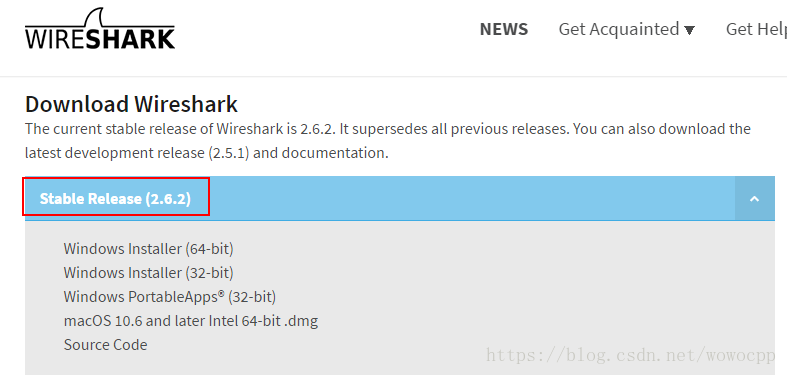
wireshark tool: 1 Download address: https://www.wireshark.org/#download https://www.wireshark.org/download.html Wireshark-win64-2.6.2.exe 57.1M bytes 2 Installation 3 Startup Startup with administrato...
The basic usage of the network packet capture tool Wireshark
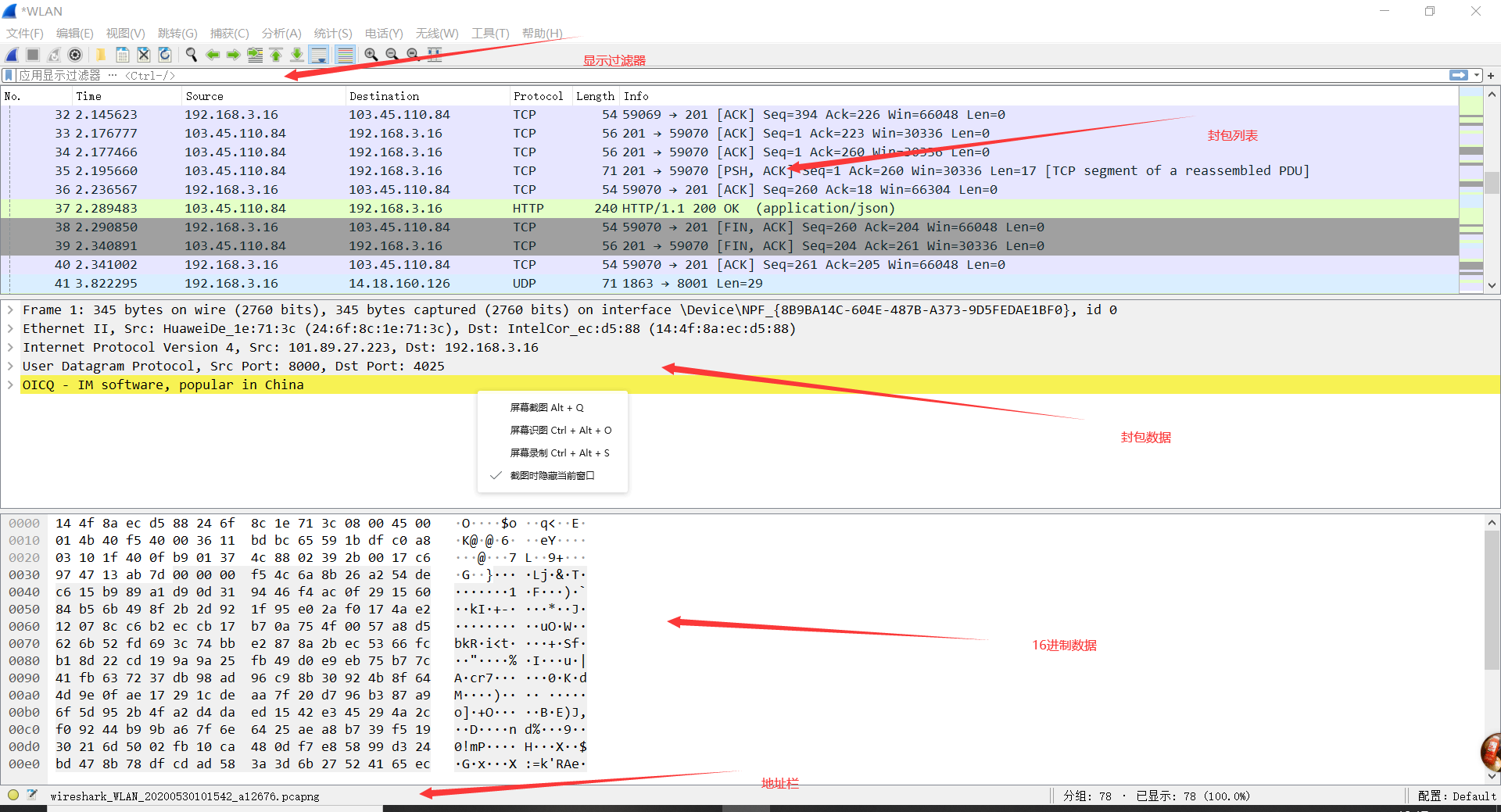
Wireshark download address:http://www.wireshark.org/ Wireshark is a very powerful network packet analysis software that can intercept various network packets and display detailed information of the ne...
Network packet capture, have you got Wireshark?
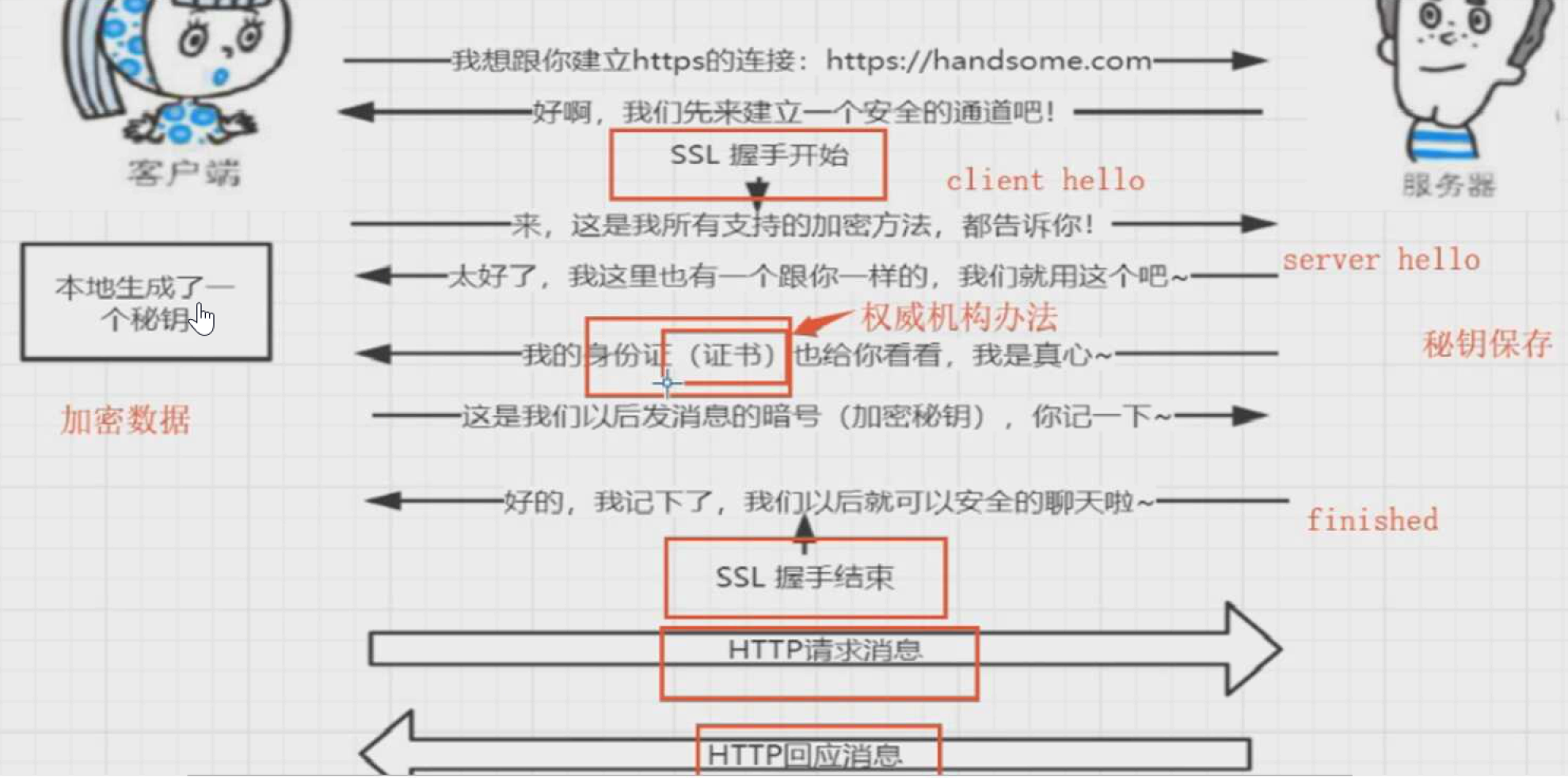
1. Installation Official website:https://www.wireshark.org/download.html,After installation, run Wireshark.exe. If you double-click, you will make a circle, and the last prompt is no response----->...
Wireshark, a packet capture tool for network troubleshooting
"" Mainly explain the packet capture steps and network failure analysis methods " Steps for usage Select the network card and click Start to display the main interface shown in (2) (1) ...

Wireshark network packet capture (2)-filter
1. Capture filter Check the capture optionAfter that, the following box will pop up, and you can write filter rules in the red input box. 1) Capture a single IP address 2) Capture IP address range 3) ...