Unity3d's WebGL release and IIS deployment
These two days are studying how to publish the Unity3d project as html and publish the web page to the server so that external networks/devices can also be shared.
The two key issues that need to be addressed in the process are:
- How to let mobile devices load WebGL
- How to build and deploy IIS
Below I combine the personal practice with several viable blogs to sort through the whole process:
First, build a WebGL release version of Unity
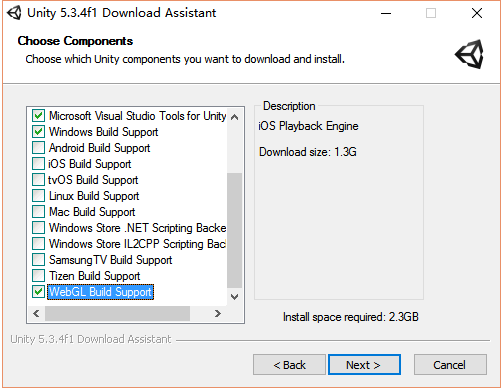
The first is to select the WebGL option when installing unity. If you omit the check during installation, you can find the WebGL module in the build setting, and then click Platform Module Installation to install.
Select WebGL when the project is completed, directly build, after completion, it will generate an html file named index, a Build folder, a TemplateData folder.
For earlier versions (such as unity5.4.0), a Release folder and a TemplateData folder will be generated after the build is completed.
Second, delete the key code segment
according toOfficial documentation for Unity3d(currently a modified version of 2011.9.12), some mobiles do not support WebGL functionality.

As far as the device I experimented with (Samsung GALAXY S9), it is possible to load WebGL normally with some browsers, but it is necessary to remove a decision on the mobile side in the .js document before loading.
This blog postIntroduced the relevant content, just because the version changes, the .js file has been modified, and now the statement that needs to be deleted is a conditional statement of about 770 lines of Build/UnityLoader.js, which is the commented out statement in the following figure.

Through the experiment, if you do not comment out the relevant statement, the unity WebGL module will not be loaded when the mobile device runs the web page.
Third, build IIS
The process of building IIS has a lot of posts on the Internet, so you can check it out.
Here I have done it in a more concise and accurate way.This blogThe method is very detailed, follow the instructions to enter http://localhost IIS welcome interface.
Fourth, create a website and open
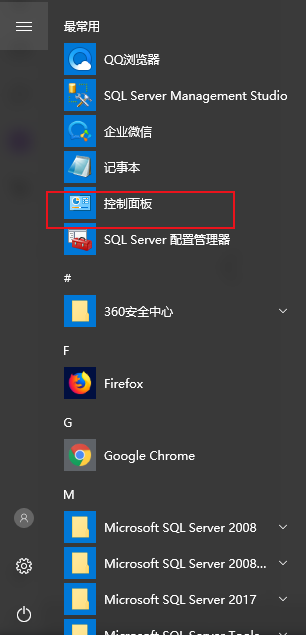
Switch to the large icon in the Control Panel and find the "Administrative Tools" double-click to open the Internet Information Services (IIS) Manager.
FollowBlogDo the third step to complete. Note that when adding a MIME type, the newly created website is selected, and the added name and attribute are in the picture of the blog (unity3d and unityweb). After the modification, you will find a web.config under the physical location of the project.
For earlier versions (such as unity5.4.0), you also need to set the web.config, otherwise it will report a header check exception (incorrect header check) before loading.An answer on the unity forum, the setting method is as follows:
Add the following statement to the corresponding location in the web.config file.
<configuration>
<system.webServer>
<staticContent>
<remove fileExtension=".mem" />
<mimeMap fileExtension=".mem" mimeType="application/octet-stream" />
<remove fileExtension=".data" />
<mimeMap fileExtension=".data" mimeType="application/octet-stream" />
<remove fileExtension=".memgz" />
<mimeMap fileExtension=".memgz" mimeType="application/octet-stream" />
<remove fileExtension=".datagz" />
<mimeMap fileExtension=".datagz" mimeType="application/octet-stream" />
<remove fileExtension=".unity3dgz" />
<mimeMap fileExtension=".unity3dgz" mimeType="application/octet-stream" />
<remove fileExtension=".jsgz" />
<mimeMap fileExtension=".jsgz" mimeType="application/x-javascript; charset=UTF-8" />
</staticContent>
</system.webServer>
</configuration>
Final referenceThis articleOpen the server.
Five, running
After the completion, use the command line (win + R, enter cmd) to query the local ip (ipconfig/all), the final URL is:
Native ip: open port number
Note that when refreshing at load time, the first time it tends to load slowly. The browsers on various devices that are now ready to run through experiments are as follows:
PC side: chrome, firefox
Android:firefox、360、chrome、qq
Currently the ios device (mini2, iPhone7P) at hand can be loaded but not running.
Welcome to exchange and correct.
Intelligent Recommendation
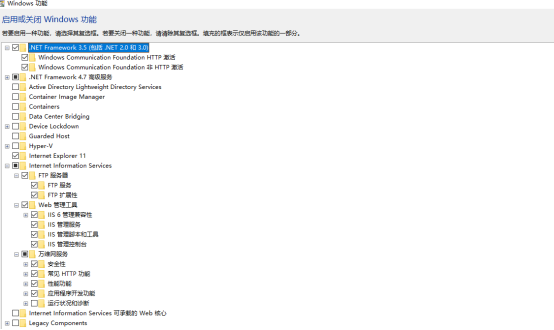
IIS deployment add website release website
One: IIS deployment 1. Open "Control Panel" -> Programs -> Enable or turn Windows function, select the installation: Other according to what you need; After the check is complete, clic...

IIS release
WCF service is released to IIS (VS2013 + win7 system) The first WCF program 1. Create a blank solution and create a new project in the solution. The project type is: WCF service application. After the...

About DIPS's MVC 4.0 project release and deployment methods on IIS 7.0
I am awkward, and I am releasing DIPS' MVC4.0 project today and deploying it to IIS. I have encountered various problems. After consulting the relevant information, it was finally solved, so I wanted ...

VS2019 ASP.NET C# webservice interface creation, release, deployment to IIS and call
Article Directory Webservice interface creation 1. Create ASP.NET Web Application 2. Add web service 3. After adding successfully, write the interface you want, the following four arithmetic operation...
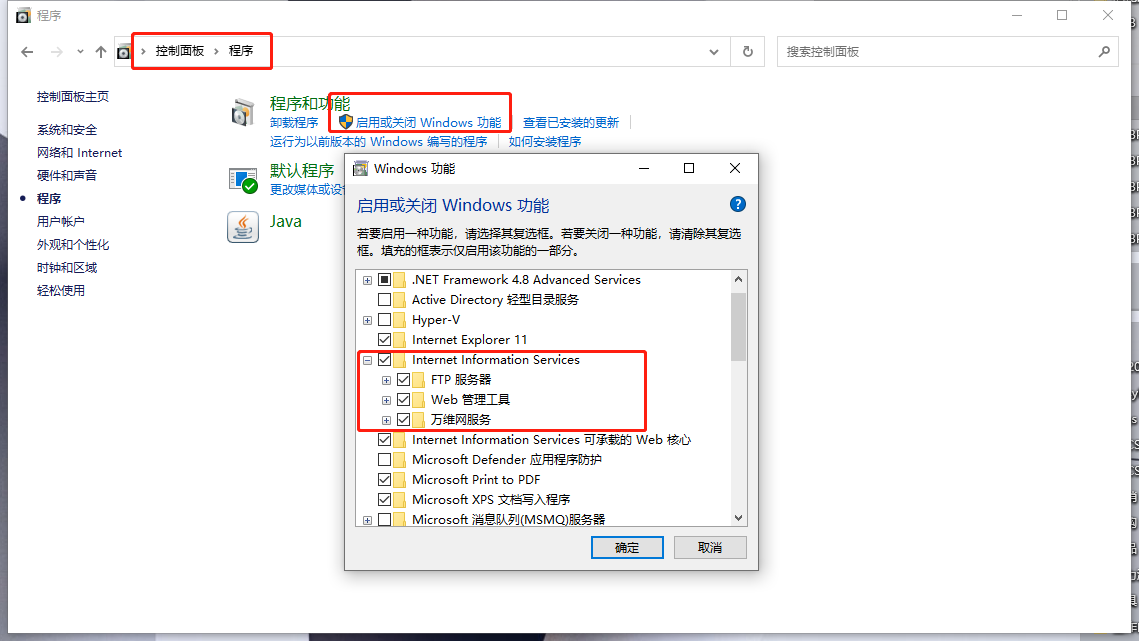
Win10 VS2019 C # Create a web project and release deployment in IIS
Win10 VS2019 C # Create a web project and release deployment in IIS Install IIS: Enter after the installation is complete: http: // localhost / Description installation success Create a web project: A...
More Recommendation
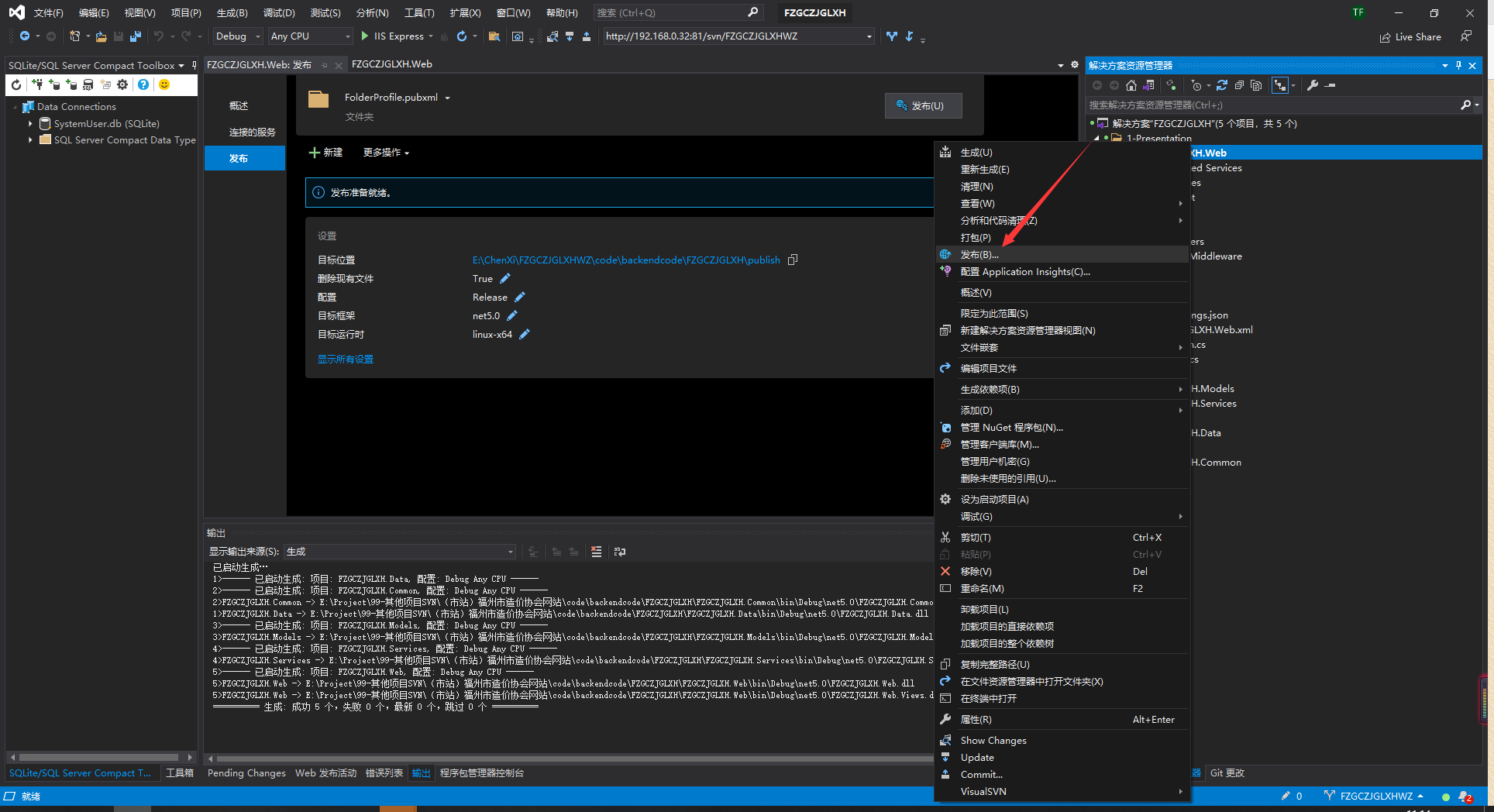
Use VS2019 to make a web deployment function remotely release update IIS
Solved problem: When NetCore is published to IIS through FTP, there will be a problem with files. There may be: deployment failure: 1. Failure to verify the server's certificate. If you trust the serv...

Unity released WebGL deployed to IIS
1. Open IIS, right click to add website 2. As shown in the figure, select the physical path. The IP address defaults to "All Unassigned". The port is changed. 3. Add .unity3d .unityweb 4. In...
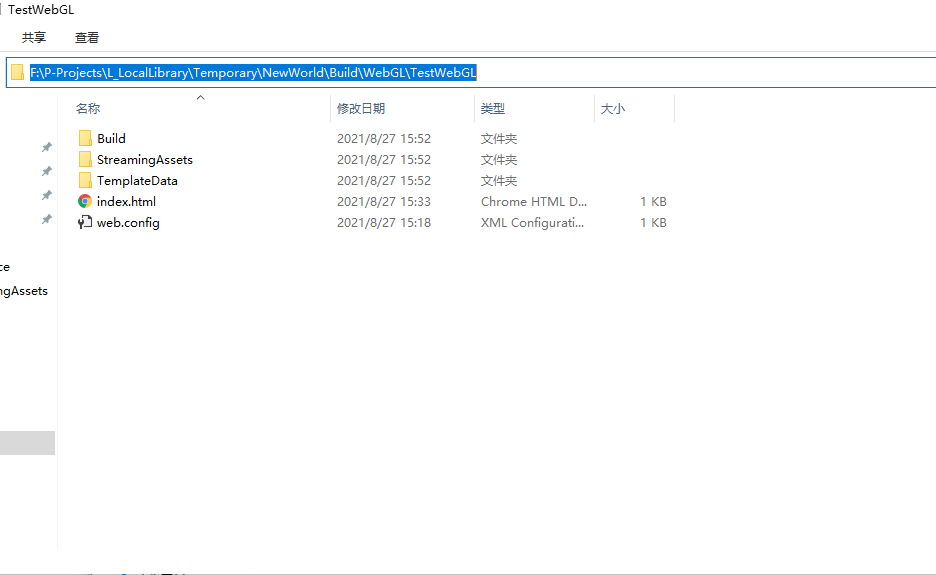
Unity releases webgl and deployed on IIS
Unity releases webgl and deployed on IIS Due to curiosity driven, I recently studied some weird things, and then found that I still know too little about the use of the Unity editor. I also write some...
Unity3d publishes WebGL and deploys it in IIS
Unity3d release WebGL need to install UnitySetup-WebGL-Support-for-Editor-5.3.4f1.exe When installing Unity3d, you need to install it with UnityDownloadAssistant-5.3.4f1.exe After installation, you ca...
IIS Deployment
Install IIS System requirements Windows 7 and above Windows Server 2008 R2 and above Install IIS Windows Server, here is Windows 10 as an example Click the "Windows" key to enter the "S...