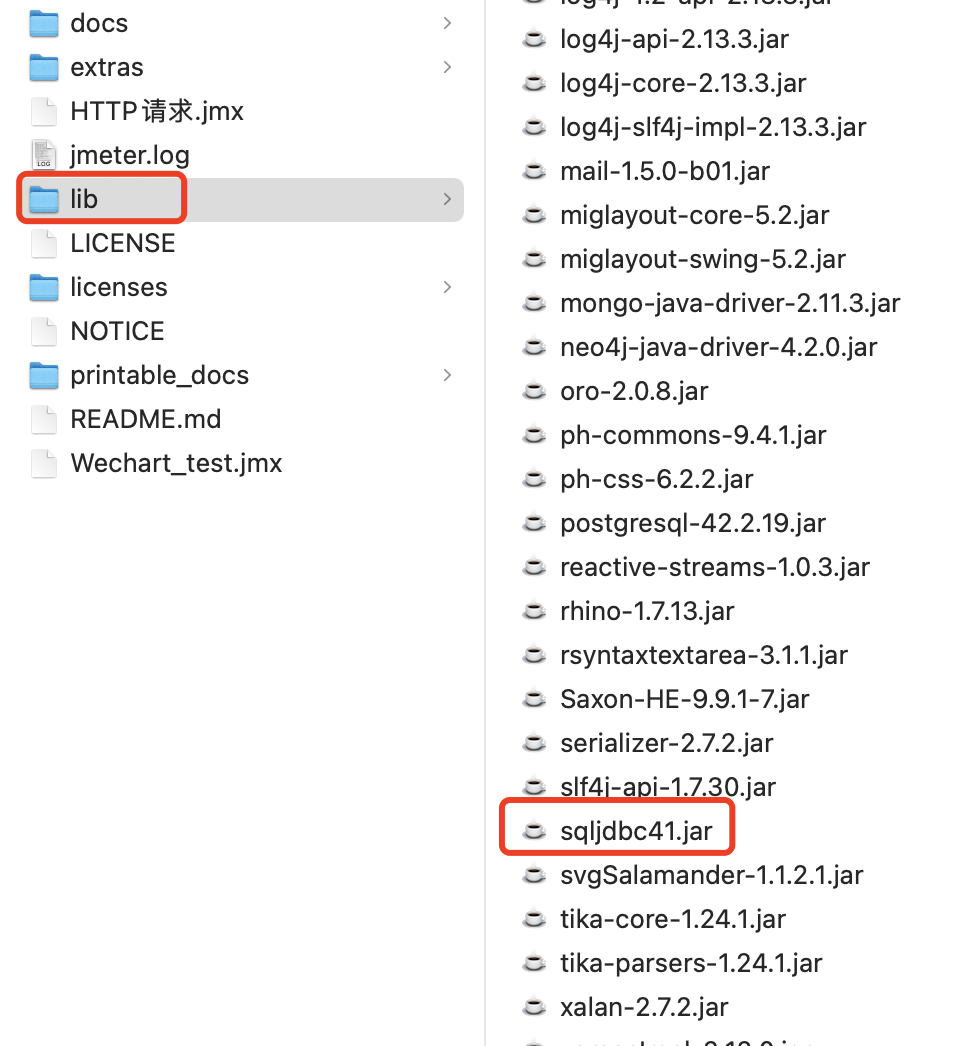
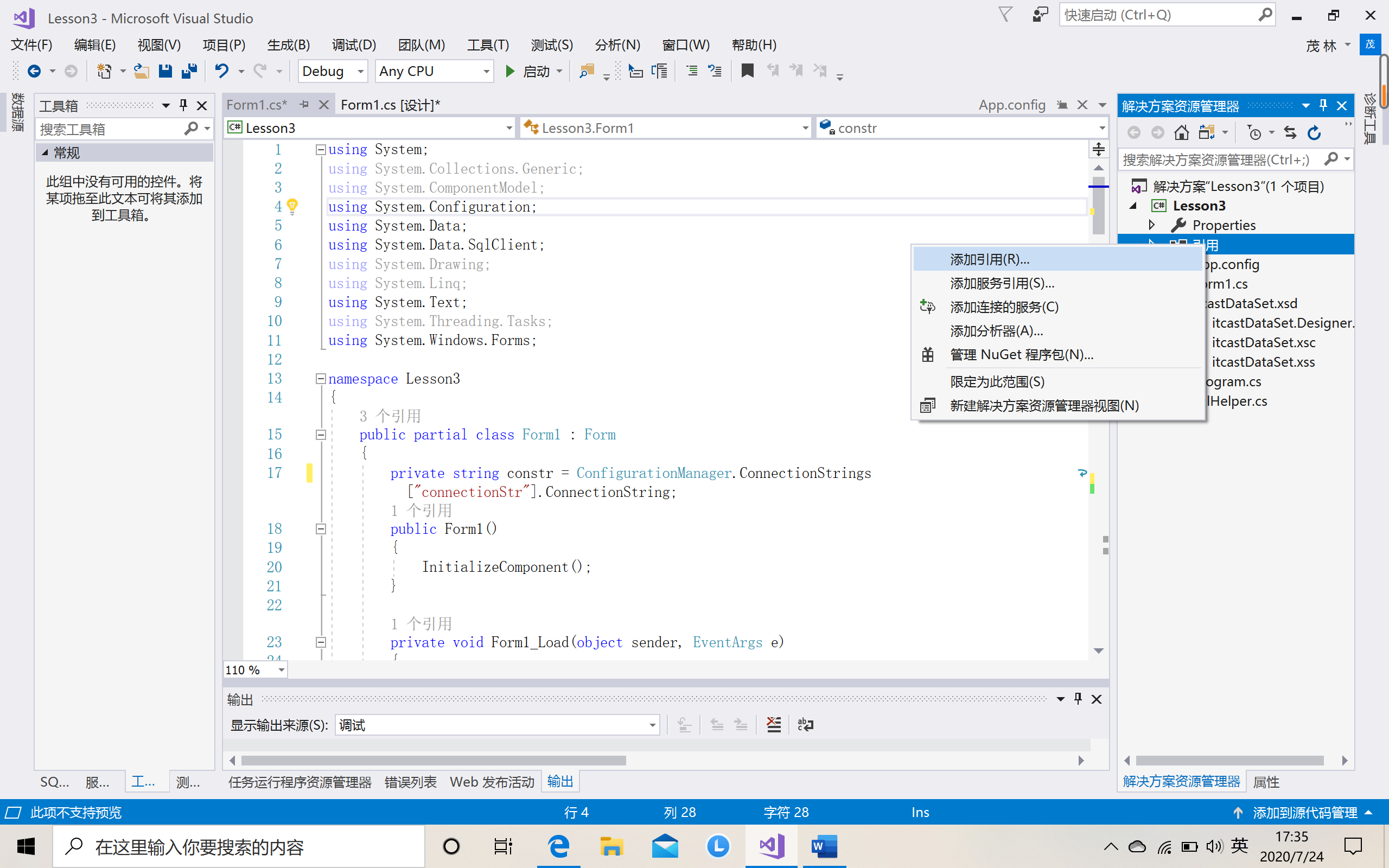
Python uses the pymssql module to connect to the SQL server.
1. First install (pip install pymssql)
2. Create a connection object
- use
connectCreate connection object connect.cursorCreate a cursor object, the execution of SQL statements are basically carried out on the cursorcursor.executeXXXMethod executes the SQL statement,cursor.fetchXXXGet query results, etc.- transfer
closeMethod to close the cursorcursorConnect to the database
pymssql.connect(pymssql.connect(server='.',user='',password='',database='',timeout=0,login_timeout=60,charset ='UTF-8',as_dict=False,host='',appname=None,port ='1433',conn_properties,autocommit=False,tds_version='7.1' )
The constructor used to create a connection to the database. Return oneConnectionObject.
Connect parameter meaning:
| parameter: |
|
|---|
3. Properties of the connection object (connection object)
-
Connection.autocommit(status) -
among themstatusIs a Boolean value. This method turns on or off the automatic submission mode.
By default, the auto-commit mode is turned off, which means that if the changed data is to be saved in the database, each transaction must be explicitly committed.
You can turn on automatic submission mode, which means that every operation is submitted immediately once it succeeds.
The pymssql extension of DB-API 2.0.
-
Connection.close() -
Close the connection.
-
Connection.cursor() -
Return a cursor object, which can be used to query and retrieve results from the database.
-
Connection.commit() -
Commit the current transaction. If you leave auto-commit as the default, you must call this method to save the data
False。4. Cusor object method (SQL statement call)
-
Cursor.close() -
Close the cursor. From this point of view, the cursor is not available.
-
Cursor.execute(operation) -
Cursor.execute(operation,params) -
operation is a string, if specifiedparams, It is a simple value, a tuple, a dictionary or
None。Performing operations on the database may replace parameter placeholders with the provided values. This should be the preferred method of creating SQL commands, rather than manually concatenating strings, which is potentialReasons for SQL injection attacks. This method accepts the built-inString interpolation operatorSimilar format. However, since format and type conversion are handled internally, only
%swith%dPlaceholder. Both placeholders are functionally equivalent.If you provideparamsDictionaries support keyed placeholders.
if you
execute()Called with one parameter, the%The symbol loses its special meaning, so you can use it in the query string as usual, for example inLIKEOperator.You must call first
Connection.commit(),execute()Otherwise your data will not remain in the database. You can also setconnection.autocommitDo you want it to be done automatically. DB-API requires this behavior, if you don’t like it, please_mssqlUse the module instead.
-
Cursor.executemany(operation,params_seq ) -
operation is an S sentence QL string,params_seqIs a series of data tuples. Repeat the database operation for each element in the parameter sequence.
E.g:
-
Cursor.fetchone() -
Return the query to a sentence, that is, a primitive (row).
-
Cursor.fetchmany(size = None ) -
Return query to size statement
-
Cursor.fetchall() -
Return all the ancestors in the query, as a list
-
Cursor.nextset() -
This method causes the cursor to jump to the next available result set, discarding all remaining rows in the current set.
TrueIf the next result is available,NoneThe return value, if there is none.
-
Cursor.__iter__() -
Cursor.next() -
These methods helpPython iterator protocol. You will most likely not call them directly, but indirectly through the use of iterators.
The pymssql extension of DB-API 2.0.
-
Cursor.setinputsizes() -
Cursor.setoutputsize() -
These methods do nothing, as allowed by the DB-API specification.
Examples:
import pymssql

#Connect to local database
con = pymssql.connect(host = 'localhost',user = '',password = '',database = 'DB_STU')

 #Create cursor object
cur = con.cursor()
-