How to use the example of VCS and Verdi Rotation "UVM Battle"
tags: Tool use IC VCS makefile
Article catalog
Recently I plan to run the example of UVM actual combat to deepen the understanding of UVM and improve the ability of code written. At the beginning, in accordance with the online method, there is no running, encounter problems outside the various expectations, and found that Xiaobai is really difficult. Finally, the length of each blogger will finally run, I hope to help everyone.
1. Import the downloaded code into the virtual machine
Import file
"UVM actual combat" The source code of this book is available, you can log in to the Huzhang website, there is a website on page 8 of the book. How to import a virtual machine, right click on the virtual machine, find the settings → Options → Shared folder → Always Enable → Add Shared Folder, I directly add the code where the code is located. Click OK, start the virtual machine, open the terminal, enter CD / MNT / HGFS, you can see your code, you can copy it.
Cut the path you want, enter CP -R / MNT / HGFS / EXAMPLE_AND_UVM_SOURCE_CODE. / Copy to the current path.

2. Configure the path
Configuring a file based on your current tool
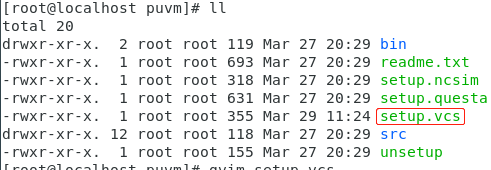

After saving, in the current path SOURCE

2. Modification to files
First, in top_tb.sv, annotate 'Timescale 1NS / 1PS, add' include "dut.sv"
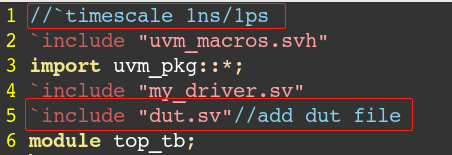
For DUMP waveforms, you also need to add the following lines of code in the top_tb folder.
initial begin
	$fsdbDumpfile("tb.fsdb");// Generate a TB.FSDB file
	$fsdbDumpvars;
end

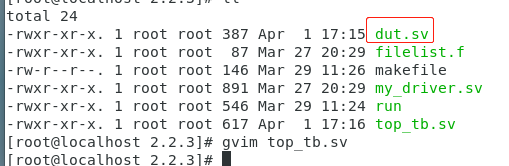
Copy the DUT.SV file to the folder of top_tb.sv.
3. Enter the VCS running code at the terminal
Run VCS
vcs -R -full64 +v2k -fsdb +define+FSDB -sverilog -ntb_opts uvm top_tb.sv -debug_all -elab -lca -kdb

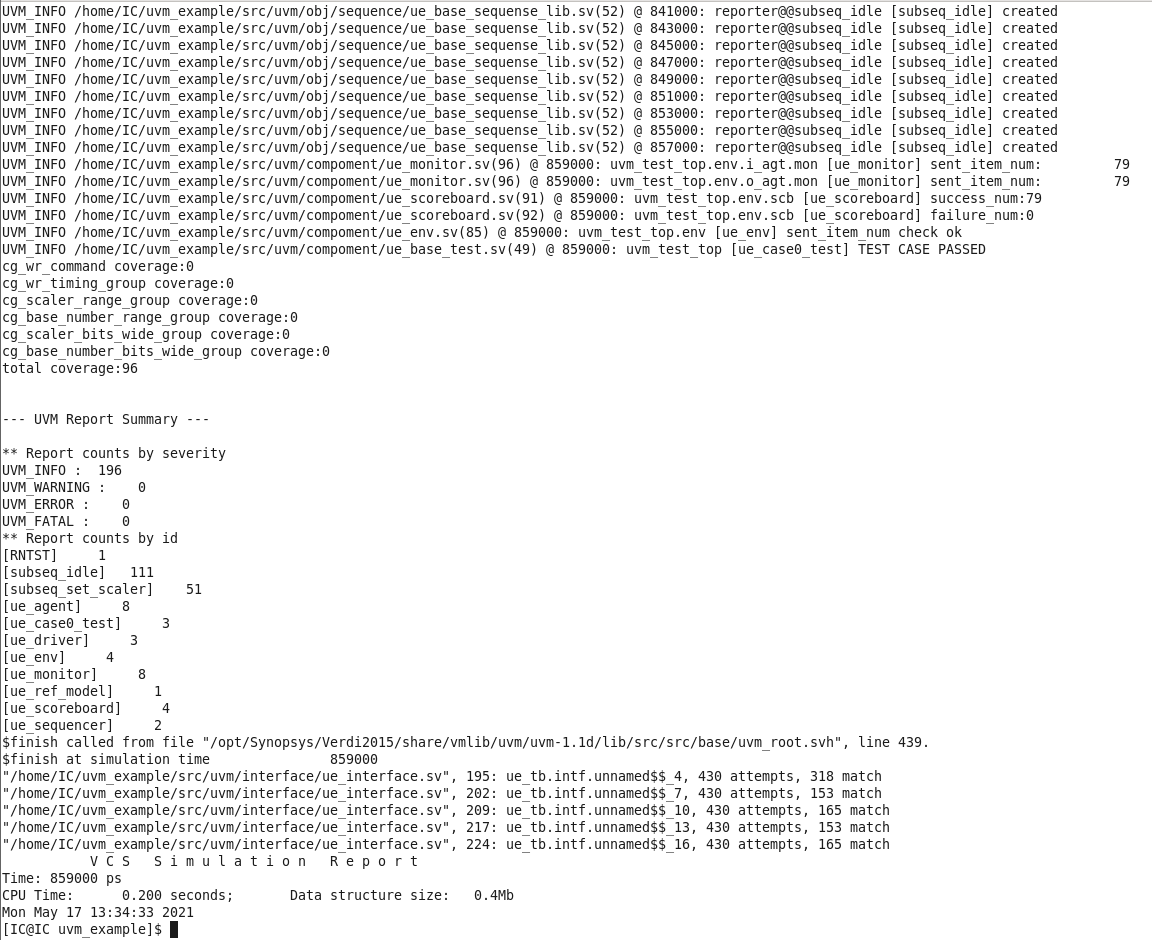
No problem

The generated file is as follows,SIMV is a file that uses VCS to view waveforms, TB.FSDB is files that use Verdi to view waveforms needed

2. View the waveform via VCS
./simv -gui & // $ is running in the background

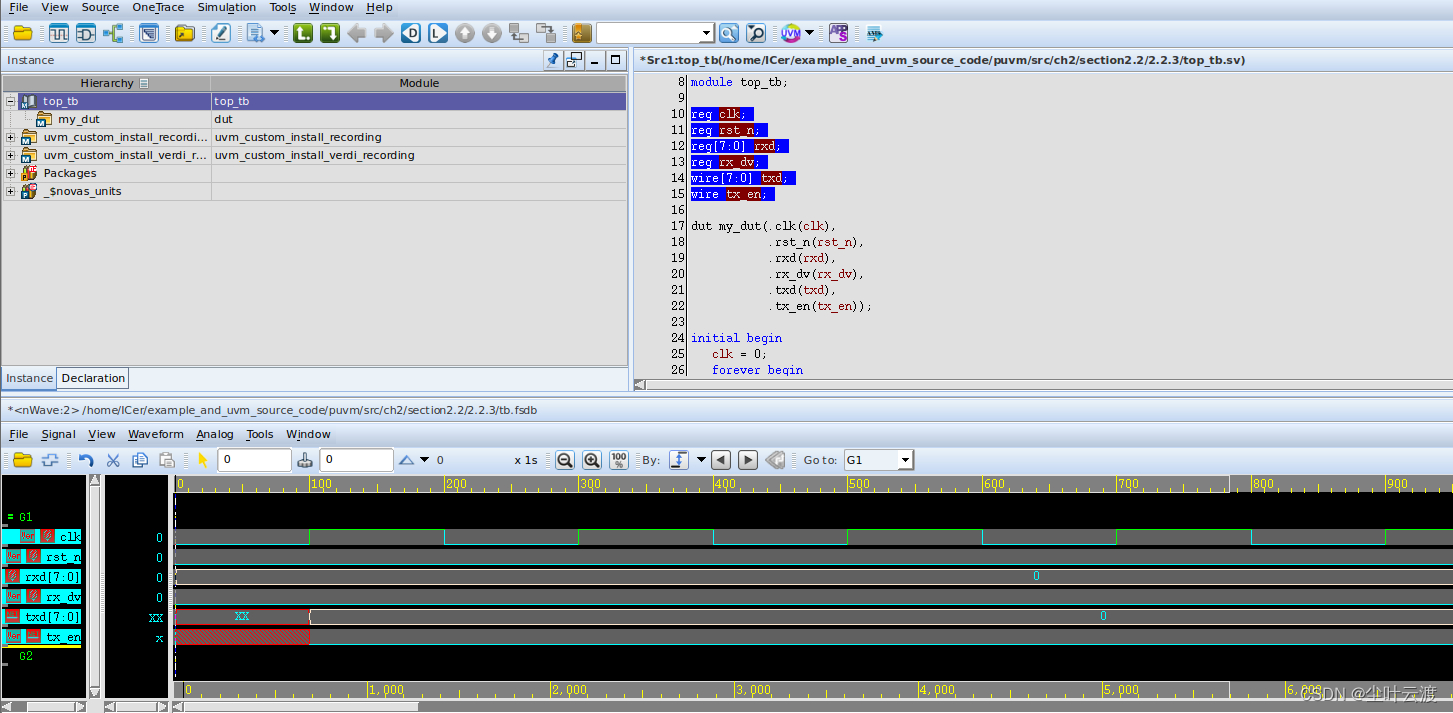
Check the signal Right-click Add to Waves -> New Wave View Add Waveform

operation result

3. View the waveform via Verdi
verdi -ssf -tb.fsdb &


Select the signal, the keyboard Ctrl + W does occur waveform

Signal area F button, a global signal view

refer to:
https://blog.csdn.net/wuzhouqingcy/article/details/82382495
https://blog.csdn.net/weixin_42162448/article/details/121997013
https://zhuanlan.zhihu.com/p/398720730
Intelligent Recommendation

vcs verdi
Summary of VCS Compilation Simulation Method by coolePosted on2019-09-23 1. VCS / VCSMX general simulation step VCS simulation can be divided into two-step method or three-step method, which must...
Use Makefile to start VCS, Verdi for simulation
First enter DVE and Verdi, you can jump out of the graphical interface, if you can jump out, it is installed. Code download setup.vcs Makefile Enter CSH conversion mode first, then Shource Setu...
VCS, VERDI joint simulation, running "UVM actual combat"
VCS & VERDI joint simulation, running "UVM actual combat" After graduation, you will be a ICER (IC verification)! I have been studying myself in addition to graduation design recentlySV ...
Use uvm makefile in vcs
Another one has an error...
Simple tutorial and example demonstration of VCS and Verdi joint simulation under Linux
VCS and Verdi joint simulation simple tutorial and example demonstration I recently did an internship in the company. I recently happened to be learning the IC design environment under Linux. It invol...
More Recommendation
Makefile calls VCS and verdi
Learn more related knowledge, follow the blogger Zhihu account, username Trustintruth After using VCS basic operation and makefile writing last time, how should we call it if we don't use vcs but verd...
VCS + VERDI installation tutorial
This tutorial is only for personal learning, no reprint Installation package download Click thislink, Pay attention to this author WeChat public account, then reply 105 to get a link (PS: is not my pu...
Ubuntu16.04 Installing VCS and Verdi
Links to install the software you need: https: //pan.baidu.com/s/1phgk9dh8mlyzzfzdfb9vfq Extraction code: 887J installation Operation./SynopsysInstaller_v3.3.run 2. Create a folder as an installation ...
VCS + Verdi, and makefile
Before the command line, it will be an error in Tab. Entering Tab in GVIM, using CTR + V + I Use the TAB key directly to enter unsuccessful. Comment with # Below is makefile content L8: Optional debug...
VCS-VERDI Ubuntu installation
Foreword The Goldfish blogger has spent a lot of money today, and now records it, it is ready to reload ... Believe one, my installation environment is the Ubuntu 16.04 of the virtual machine. refer t...