SheetJS/js-xlsx modify table header
SheetJS/js-xlsx modify table header
We often usejson_to_sheetThe method converts the json data to a worksheet (representing a table in the excel file), and finally exports the excel table. The column header will use the data key name by default, but a convenient Chinese table header is needed to view the data conveniently.
const data = [
    {
        name: 'jzx',
        age: 17
    },
    {
        name: 'wmp',
        age: 17
    }
]

const fields = [ 'name', 'age' ]
const workSheet = XLSX.utils.json_to_sheet(
    data,
    {
        header: fields
    }
)
console.log(workSheet):

You can see that each property name of the object is very regular, allletter+digitalThe combination,letterMeans column,digitalMeans line, line from1Start counting,ColumnFrom lettersAStart untilZ, The letters that are superimposed on the back in order, that means the first27Columns should use lettersAAMeans, and so on.
Attribute valuetRepresentation type,vIs the original value. You can see that the list header will be represented by the first line, which isA1,B1, The header adds two rows of data, a total of three rows.
You can directly replaceA1,B1Corresponding header name, but this is very troublesome when the number of columns is increased to dozens. It is best to use a loop to process such regular data.
First you need to get all the columnsletter, After getting all the columns, add1Is all the header fields, and then replace the attribute valuevAttribute, just use it hereXLSX.utils.encode_colwithXLSX.utils.decode_rangeMethod, andworkSheetof!refAttributes.
First lookworkSheetof!refAttributes:
workSheet['!ref'])
// A1:B3
// The first cell before the colon and the last cell after the colon
XLSX.utils.decode_rangeThe method can convert the corresponding letters into numbers:
const range = XLSX.utils.decode_range(ws['!ref'])
// The value of the range object:
{
    s: {
        c: 0, // first row
        r: 0  // first row
    },
    e: {
        c: 1, // the second list
        r: 2 // The third row
    }
}
sRefers to the first cell,cRefers to the column,rMeans line,eIs the last cell, ok, with this object, we know thisworkSheetAll columns are fromNumber 0ToNumber 1Corresponding to all letters, use lastXLSX.utils.encode_colMethod, just convert the number to the corresponding letter, example:
XLSX.utils.encode_col(0) // A first column
XLSX.utils.encode_col(26) // AA column 26
XLSX.utils.encode_col(27) // AB
Finally encapsulate a complete method to set the header:
// Create a worksheet, set the table header during the creation process
function createWs(data, fields, titles) {
    const ws = XLSX.utils.json_to_sheet(
        data,
        {
            header: fields
        }
    )
    const range = XLSX.utils.decode_range(ws['!ref'])

    for(let c = range.s.c; c <= range.e.c; c++) {
      const header = XLSX.utils.encode_col(c) + '1'
      ws[header].v = titles[ ws[header].v ]
    }

    return ws
}

const titles = {
    name: 'Name',
    age: 'age'
}
const fields = [ 'name', 'age' ]
const data = [
    {
        name: 'jzx',
        age: 17
    },
    {
        name: 'wmp',
        age: 17
    }
]
const ws = createWs(
    data,
    fields,
    titles
)
console.log(ws)

The header has been modified.
Intelligent Recommendation
JS-XLSX Export Table to Excel
Introducing JS files Download address: Link: https://pan.baidu.com/s/1gdol1hntrm5mzgpgd5qedq extraction code: c8js Import 4 JS files Where js / xlsx-style / xlsx.full.min.js is a table style JS HTML s...
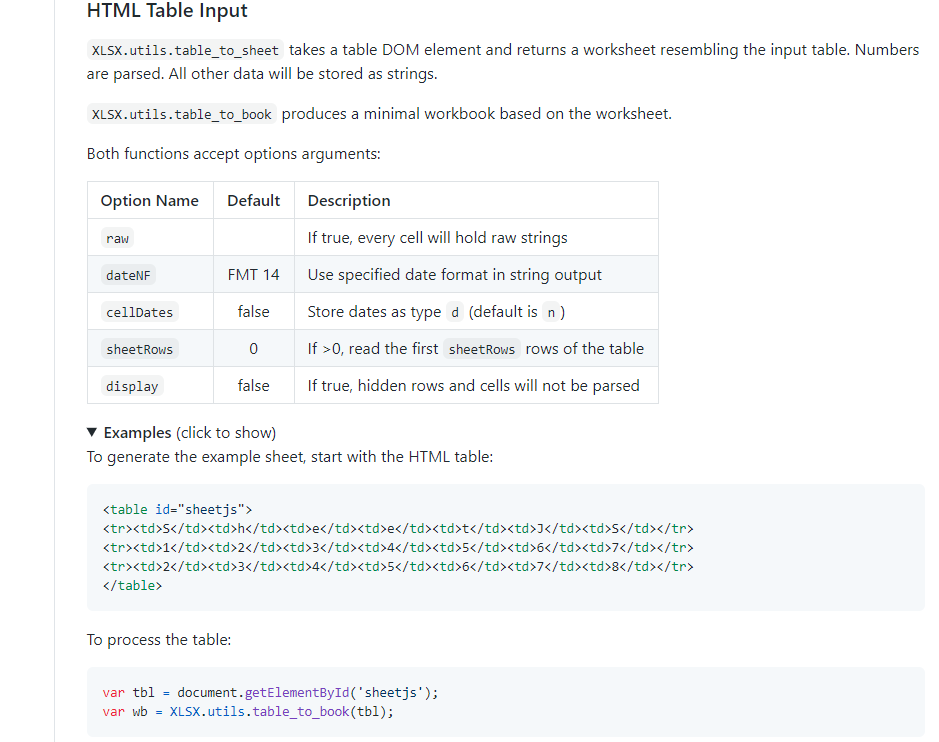
Xlsx cooperates with the table multi-level header in element-ui to export excel
Previously usedexceljs DoneExport custom style Excel files, But now there are multiple levels of headers that require tables. This will be very troublesome. It is necessary to re-disassemble the heads...

Elementui-Table Component + XLSX Plugin Implementation - SHEETJS - Front End Implementation Table Export Features - Skills Improvement
In the previous work, generally encountered the deal of the table, all of which provide an interface, then by taking the export interface, get the document stream or document link, the most common way...

el-table modify table header Modify table header when multiple selections, custom table header error
el-table modify the header, customize header error, delete header when multiple selections, modify header Refer to the element document, custom headers will report an error error: ‘scope’ ...

el-table modify table header style
First, addheader-row-class-name:table_header_classAttributes, Second, settable_header_classstyle. Note here that you need to use/deep/ or ::v-deep(depending on the pre-compiled language) to specify th...
More Recommendation

js-xlsx export custom merge column header realization ideas
Two days ago, a few friends came to me and asked me about merging cells in column headers when exporting js-xlsx. Because the effects that the friends need to export are not the same, I will briefly e...
Use js-xlsx to export excel pagination and print header row
problem The excel exported from the front end needs to be paginated to facilitate printing. In order to facilitate display, you need to set the print title line when printing (the title will be printe...
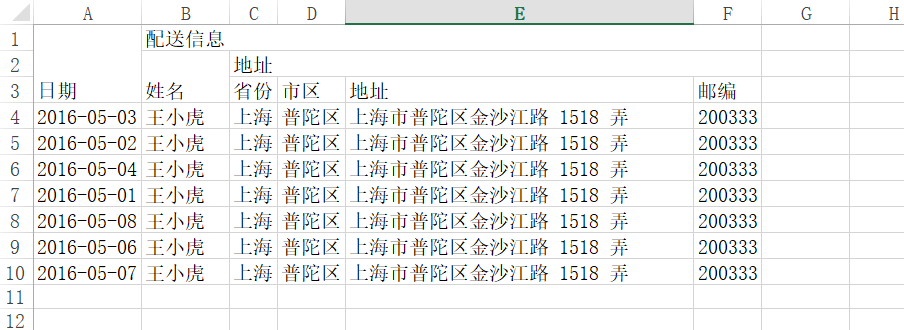
Use js-xlsx plugin to export multi-level header excel in react
The reference article is as follows: Use js-xlsx plugin to export multi-level header excel The reference article is used in vue, but according to the original method, it will actually not run, and an ...
js uses XLSX to export json data as a table
Recently, it is necessary to export json data to excel. I studied it and finally decided to use the xlsx plug-in of sheetjs. The following are the specific installation and use steps. 1. To install, f...
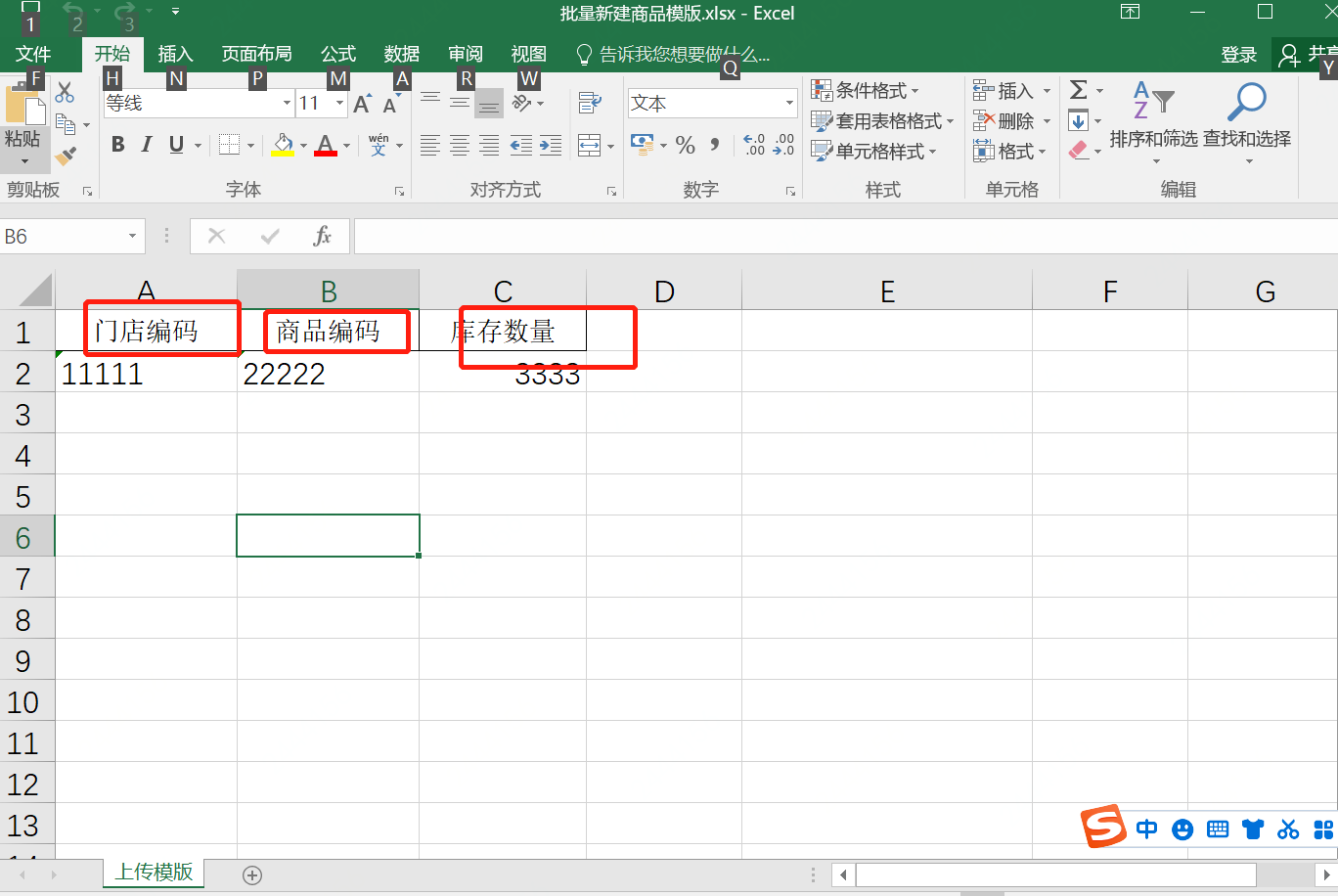
Excel form XLSX form JS generate table
The content of this article is the file generated table, the file generates a table, and the file generates a table. This article is a corresponding table generation file Suitable for various JS frame...