Installation and use of Labelme and LabelImg
LabelMe
Annotate the dataset
https://github.com/wkentaro/labelme
Author: macox
Terminal code installation:
brew install qt qt4 || brew install pyqt # qt4 is deprecated (display error can not find qt4 directly pyqt4)
pip install labelme
Run** labelme –help **for detail.
Several kinds of errors:
1. The first
from matplotlib.backends import _macosx
RuntimeError: Python is not installed as a framework. The Mac OS X backend will not be able to function correctly if Python is not installed as a framework. See the Python documentation for more information on installing Python as a framework on Mac OS X. Please either reinstall Python as a framework, or try one of the other backends. If you are using (Ana)Conda please install python.app and replace the use of 'python' with 'pythonw'. See 'Working with Matplotlib on OSX' in the Matplotlib FAQ for more information.
Solution:
vim ~/.matplotlib/matplotlibrc
and enter the following:
backend: TkAgg
Note:
$ vi myfile
After entering vi, it is in "command line mode", you have to switch to "insert mode" to be able to enter text
i: "Command line mode" → "Insert mode"
ESC: "Insert Mode" → "Command Line Mode"
- 2) Exit
- In the "Command Line Mode", click the ":" colon key to enter the "Last line mode", for example
- w filename (input "w filename" to save the article with the specified file name filename)
- wq (Enter "wq", save and exit vi)
- q! (Enter q!, force exit vi without saving)
2. The second
Traceback (most recent call last):
File "/usr/local/bin/labelme", line 7, in <module>
from labelme.app import main
File "/Library/Python/2.7/site-packages/labelme/app.py", line 37, in <module>
from PyQt4.QtGui import *
ImportError: No module named PyQt4.QtGui
Solution:
**brew uninstall PyQt5
labelme –help**
Error: ImportError: cannot import name QtCore
* brew install PyQt5 *
If the above method does not work, add the following code to ~/.bash_profile:
export PYTHONPATH=/usr/local/lib/python2.7/site-packages:$PYTHONPATH
3. Success
Run** labelme –help **for detail.
Bad key "ckend" on line 1 in
/Users/muaxiu/.matplotlib/matplotlibrc.
You probably need to get an updated matplotlibrc file from
http://github.com/matplotlib/matplotlib/blob/master/matplotlibrc.template
or from the matplotlib source distribution
usage: labelme [-h] [-O OUTPUT] [filename]

positional arguments:
filename image or label filename

optional arguments:
-h, --help show this help message and exit
-O OUTPUT, --output OUTPUT
output label name
operating:
Open the labelme visualization window
labelme # Open GUI
Open the specified file with labelme
labelme static/apc2016_obj3.jpg # Specify file
Open the specified file with labelme and save it as XX.json file after exit
labelme static/apc2016_obj3.jpg -O static/apc2016_obj3.json # Close window after the save
To quickly view the json file, you can use the utility script:
labelme_draw_json static/apc2016_obj3.json
**Convert to Dataset
To convert the json to set of image and label, you can run following:**
labelme_json_to_dataset static/apc2016_obj3.json
You will get a folder with four files, *.png, info.yaml, label.png, label_viz.png.
where label.png is the label_data we want.
looks completely black, but reading the pixels, you can see that the files of the same category are marked.
The author also installed labelImg, and chose Labelme for comprehensive consideration. The following is the installation process of LabelImg
LabelImg
Original author github:https://github.com/tzutalin/labelImg#macos
Installation reference:Mac installation image label Tool Labelimg
macOS
Python 2 + Qt4
brew install qt qt4
brew install libxml2
make qt4py2
python labelImg.py
python labelImg.py [IMAGE_PATH] [PRE-DEFINED CLASS FILE]
The author's computer/loading software:
Mac os
python2.7.13
1. Install pyqt via Homebrew
brew install cartr/qt4/pyqt
Configure environment variables
which brew
/usr/local/bin/brew
PyQt4 was installed through brew. Obviously, the two paths are inconsistent, causing problems. The solutions are as follows:
ls
PYTHONPATH
Then close the terminal, reopen it, and enter the import in python:
In this way, PyQt4 is installed.
2. Install lxml
sudo pip install lxml
3. Install labelImg
sudo pip install labelImg
In the folder: shift+command+G
Go to /usr/local/bin/labelImg
open labelImg
4. Problems encountered
from PyQt4.QtGui import *
ImportError: No module named PyQt4.QtGui
cd /usr/local/lib/python2.7/site-packages
ls
Both PyQt4 and PyQt5
pip uninstall reinstall all just installed
**Solution: **Pyqt5 is not compatible with pyqt4, I think you need to change pyqt5 to pyqt4, brew uninstall qt5, first uninstall pyqt5, and then try installing pyqt4
5. Use steps
1. Use the above method to create a startup.
2. Click Change default saved annotation folder on the menu
3. Click on "Open Dir"
4. Click ‘Create RectBox’
5. Click the left button and select an area to annotate with a rectangle
6. Right click, drag the rectangle, copy or move
This comment will be stored in the folder you specify.
Ctrl + u:Load all of the images from a directory
Ctrl + r:Change the default annotation target dir
Ctrl + s:Save
Ctrl + d:Copy the current label and rect box
Space:Flag the current image as verified
w:Create a rect box
d:Next image
a:Previous image
del:Delete the selected rect box
Ctrl++:Zoom in
Ctrl–:Zoom out
↑→↓←:Keyboard arrows to move selected rect box
⇒ python
Python 2.7.10 (default, Feb 7 2017, 00:08:15)
[GCC 4.2.1 Compatible Apple LLVM 8.0.0 (clang-800.0.34)] on darwin
Type “help”, “copyright”, “credits” or “license” for more information.
from PyQt4 import QtCore, QtGui ,QtNetwork
quit()
Intelligent Recommendation
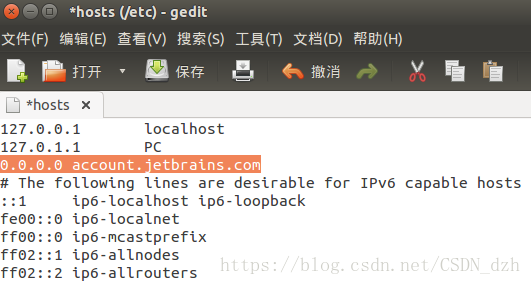
Software installation - install anaconda, labelImg, labelme, clion under Ubuntu14.04
Labelimage Copy the labelimage from the U disk and extract it. enter the directory and execute pyrcc5 -o resources.py resources.qrc prompts that there is no pyrcc5, so sudo apt-get install pyqt5-dev-t...
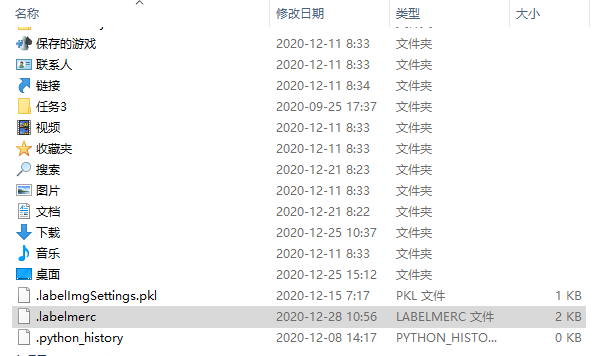
Labelme shortcuts change (Labelimg)
Applicable environment: Install under Anaconda pip install labelme Labelme installation directory location: C:\Users.labelmerc Steps: This file is a shortcut for Labelme, and find the following locati...
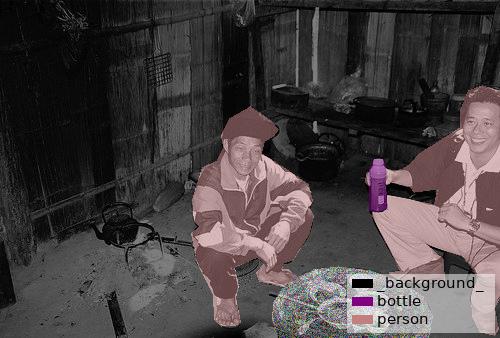
Differences between Labelme and Labelimg
The general training data set needs to give the data set tag, and the commonly used tag software is not two, one is labelme, which is a polygon labeling tool as shown below, which can be labeled accur...
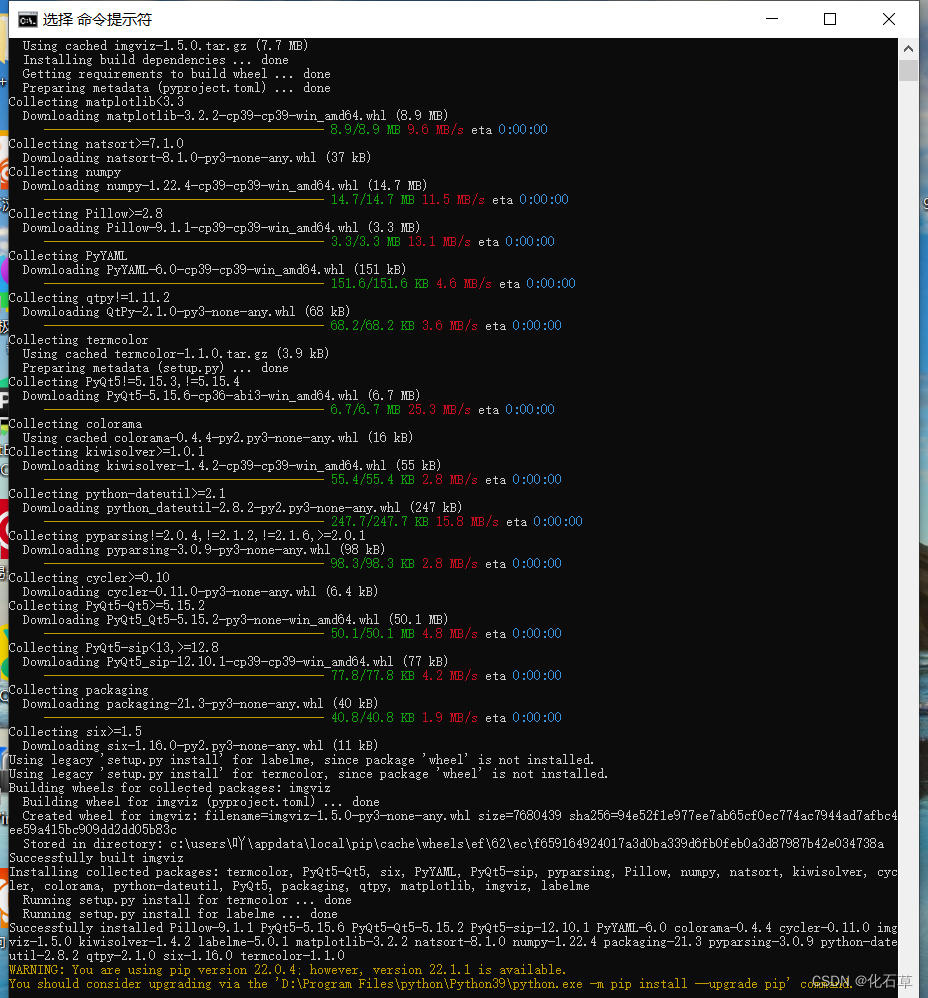
Install labelme, labelimg
Anaconda install labelme, labelimg premise: Install anaconda, activate your own installation environment, install in this environment: 1. Install labelimg Then enter the command labelimg and open the ...
labelme&labelImg
Labelme Labelme is an image labeling software of a graphical interface. Its design inspiration comes from http://labelme.csail.mit.edu/. It is written in Python language, and the graphic interface use...
More Recommendation

Labelme installation and use
From: https://blog.csdn.net/shwan_ma/article/details/77823281 Image semantic segmentation is a pixel-wise level of image classification operation. Its purpose is to put the same label on the same cate...
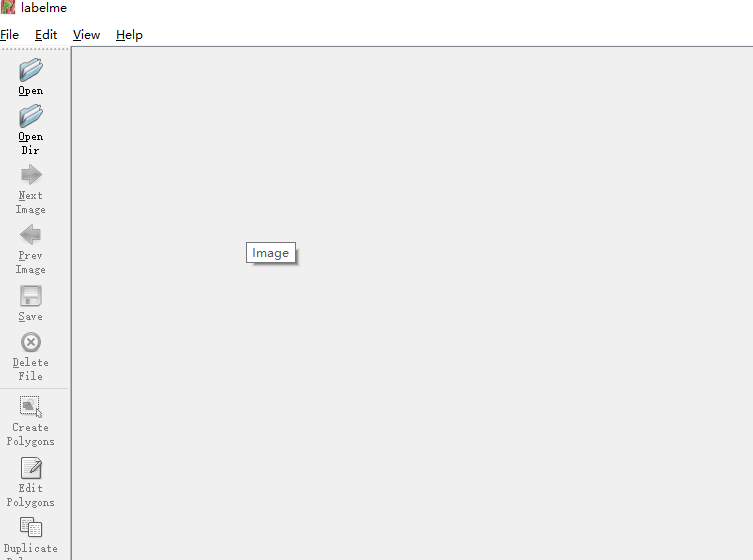
Windows labelme installation and use
1. Installation (1) Open anacoda prompt (2) Enter pip install pyqt5 pip install labelme 2. Use At the anaconda prompt, enter labelme Shortcut key previous picture: A Next picture: D Save: Ctrl+...
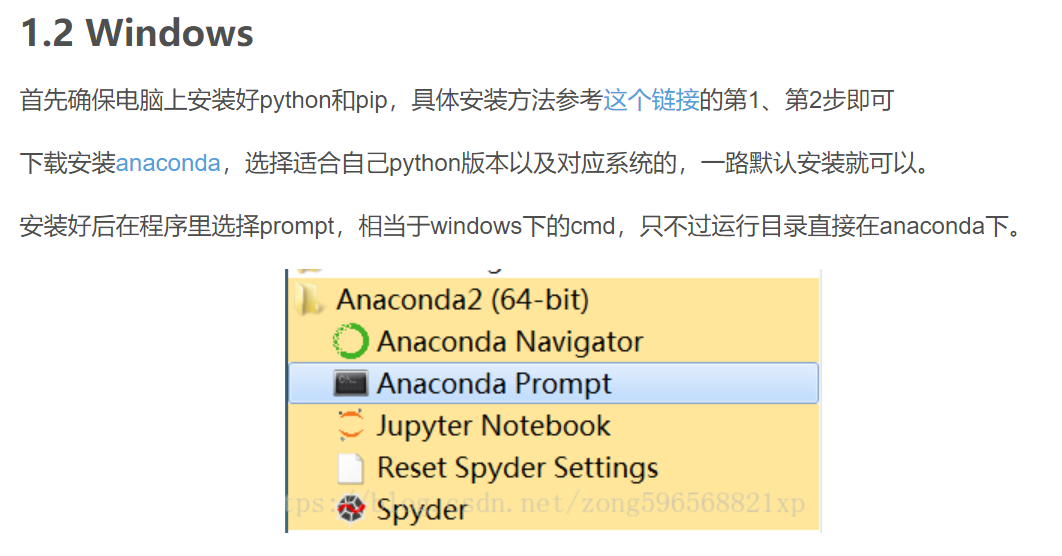
Labelme installation and open and use
Reference blog: This blog screenshot: Reference document (should be an official document): Document screenshot: to sum up: Open Anaconda Prompt and enter the following command in turn. (My Base enviro...
Ubuntu labelme installation and use
1, installation Perform: in this virtual environment: 2, use To be added...
Labelme installation fill and use
These blogs are quite good: Data label software labelme Problems encountered in Labelme AttributeError: module 'labelme.utils' has no attribute 'draw_label' Below is the author of the pen, to prevent ...