How many words do you need to learn a computer?
First, enter the English document
                                                Commands Reference, Volume 2, d - h

env Command

Purpose

       Displays the current environment or sets the environment for the execution of a command.

Syntax

To Display Multiple Environment Variables

       env [ -i | - ] [Name=Value ]... [Command [ Argument ... ] ]

To Display A Single Environment Variable

       env [Name]

Description

       The env command allows you to display your current environment or run a specified command in a changed environment.

       If no flags or parameters are specified, the env command displays your current environment, showing one Name=Value pair per
       line.

Flags

       -i
            Ignores the inherited environment and invokes the command specified by the Command parameter with the environment
            specified by the Name=Value parameters.

Parameters

       Name=Value
            You can run a command in a modified version of the current environment by specifying one or more Name=Value parameters.
            Use the -i flag if you wish to replace the entire current environment with the specified Name =Value parameters. In
            either case, environment changes are effective only while the specified command is running.
       Command
            The Command parameter has an optional Argument variable. If the specified command is one of the Korn shell special
            built-in commands, results are unspecified. Korn shell built-in commands are described in the ksh command.

Exit Status

       If the Command parameter is specified, the exit status of the env command is the exit status of the command specified in the
       Command parameter. Otherwise, the env command exits with one of the following values:
       0
            The env command completed successfully.
       1-125
            An error occurred in the env command.
       126
            The command specified by the Command parameter was found, but could not be invoked.
       127
            The command specified by the Command parameter was not found.

Examples
       1    To change the TZ environment variable while running the date command, type:

            TZ=MST7MDT date

            OR

            env TZ=MST7MDT date

            Each of these commands displays the time in mountain time and the current date. The two commands shown are equivalent.
            When the date command is finished, the previous value of the TZ environment variable takes effect again.
       2    To run the make command in an environment that consists only of definitions for the PATH, IDIR, and LIBDIR environment
            variables, type:

            env -i PATH=$PATH IDIR=/$HOME/include LIBDIR=/$HOME/lib make

            You must specify the PATH environment variable so that the shell can find the make command. When the make command is
            finished, the previous environment takes effect.

Files

       /usr/bin/env
            Contains the env command.

Related Information

       The printenv command, ksh command.

       The environment file.

       The profile file format.

       The exec subroutines.

       Commands in Operating system and device management.

       Profiles overview in Operating system and device management.

       Shells in Operating system and device management.
Second, the output of the document
<pre>
                                                Commands Reference, Volume 2, d - h

env Command

Purpose

       Displays the current environment or sets the environment for the execution of a command.

Syntax

To Display Multiple Environment Variables

       env [ -i | - ] [Name=Value ]... [Command [ Argument ... ] ]

To Display A Single Environment Variable

       env [Name]

Description

       The env command allows you to display your current environment or run a specified command in a changed environment.

       If no flags or parameters are specified, the env command displays your current environment, showing one Name=Value pair per
       line.

Flags

       -i
                        <font color='red'>Ignores(vt. ignore, ignore, [law] (due to insufficient evidence) dismiss the lawsuit)</font> the inherited environment and <font color='red'>invokes(v.call )</font> the command specified by the Command parameter with the environment
            specified by the Name=Value parameters.

Parameters

       Name=Value
            You can run a command in a modified version of the current environment by specifying one or more Name=Value parameters.
            Use the -i flag if you wish to replace the entire current environment with the specified Name =Value parameters. In
            either case, environment changes are effective only while the specified command is running.
       Command
            The Command parameter has an optional Argument variable. If the specified command is one of the Korn shell special
            built-in commands, results are <font color='red'>unspecified(null)</font>. Korn shell built-in commands are described in the ksh command.

Exit Status

       If the Command parameter is specified, the exit status of the env command is the exit status of the command specified in the
       Command parameter. Otherwise, the env command exits with one of the following values:
       0
            The env command completed successfully.
       1-125
            An error occurred in the env command.
       126
                        The command specified by the Command parameter was found, but <font color='red'>could(vbl.can's past tense)</font> not be <font color='red'>invoked(v.call)</ Font>.
       127
            The command specified by the Command parameter was not found.

Examples
       1    To change the TZ environment variable while running the date command, type:

            TZ=MST7MDT date

            OR

            env TZ=MST7MDT date

            Each of these commands displays the time in mountain time and the current date. The two commands shown are <font color='red'>equivalent(adj.equal, equivalent, n. equivalent, equivalent) Font>.
            When the date command is finished, the previous value of the TZ environment variable takes effect again.
       2    To run the make command in an environment that consists only of definitions for the PATH, IDIR, and LIBDIR environment
            variables, type:

            env -i PATH=$PATH IDIR=/$HOME/include LIBDIR=/$HOME/lib make

            You must specify the PATH environment variable so that the shell can find the make command. When the make command is
            finished, the previous environment takes effect.

Files

       /usr/bin/env
            Contains the env command.

Related Information

       The printenv command, ksh command.

       The environment file.

              The <font color='red'>profile(n.profile, side, shape, outline)</font> file format.

              The exec <font color='red'>subroutines(subprogram, routine: n. routine, routine, daily affairs, procedures)</font>.

       Commands in Operating system and device management.

              <font color='red'>Profiles(n.profile, side, shape, outline)</font> overview in Operating system and device management.

       Shells in Operating system and device management.

</pre>
Third, new words
======2
Invoke|v. call
Profile|n.profile, side, profile, profile
======1
Equivalent|adj.equal, equivalent, n. equivalent, equivalent
Could|vbl.can's past tense
Subroutines| routines, routines, routines, routines
unspecified|null
Ignore|vt. ignore, ignore, [law] (due to insufficient evidence) dismissed the lawsuit
4. A new word for a document with a complicated point
Date directive
======19
Alternative|n.Second one, alternatives, things adj. Selective, two alternatives
======12
Representation|n.representation, performance, statement, request, play, portrait, inheritance, representation
======10
Symbols|code
Descriptor|[meter] descriptor
======6
Determine|determine, determine, determine, make a determination, [rule] make termination
Digit|n. Arabic numerals, fingers or toes, one finger wide (about three quarters of an inch)
======4
Refer|vt.submit, talk, give, refer to, submit, make help, refer to, refer to, consult, consult
Appropriate|adj.
Equivalent|adj.equal, equivalent, n. equivalent, equivalent
======3
Abbreviate|v. Abbreviation, shortening, simplification, abbreviated, abbreviated as
Category|n.category, no, [logical] category
Range|n.mountain, rank, range, range vt. arranging, categorized, juxtaposed, grazing vi. parallel, extended, roaming
Era|n. era, era, period, [land] generation
Universal|adj. universal, all, universal, cosmic, world
Coordinate|n. equal, equivalent, coordinate (using plural) adj. equivalent, side by side vt. adjustment, finishing
four-digit|null
Subroutine| routine: routine, routine, routine, routine
======2
two-digit|null
Inclusive|adj.included, included
Correspondence|vi.conformity, coordination, communication, equivalent, corresponding
lang|null
Setting|n. placement, installation, (sun) setting, (fixing things) frame, base
January|n. January (slightly Jan)
new-line|null
fielddescriptor|null
Adjust|vt. adjust, adjust, calibrate, make fit
julian|null
======1
greater|null
Synonym|n. Synonym
Relative|prep. (referring to litigation, competition, etc.), as opposed to
Truncated|adj. cut to the top, shortened, abridged
Od|n.natural force
twenty-first|null
oi|null
Positive|adj. affirmative, actual, positive, absolute, indeed adj. [number] positive adj. [electric] yang adj. [grammar] original level
Oh|int.[Express surprise, fear, etc.] Oh, hey
unrecognized|null
determinable|null
National|adj. national, national [has], national
oy|null
Twentiesh|adj. twentieth, one-twentieth, n. twenty (one), one-twentieth, (the) twentieth day
Discuss|vt.discussion
Unspecified|adj. Unspecified, not specified
right-justified|null
time-zone|null
fmt|null
sped|null
Globally|Global
Drift|n.flushing, drifting, watching, drifting v.
nlspath|null
fri|null
posix|null
Authority|n.authority, prestige, authority, power, authority, evidence, authority
space-filled|null
Adjustment|n. adjustment, adjustment, regulator
alt|null
multibyte|null
Interpretation, interpretation, interpretation, interpretation
strftime|null
Attention|n. Attention, care, attention, attention, (password) stand!
Notation|n. symbol
Synchronize|v.sync
localtime|null
Fraction|n. small part, fragment, fraction
Catalogue|n. directory
-hour-clock|null
keyword|null
unmodified|null
ctype|null
Divide|v. divide, divide, separate, separate
Representation|description, depiction, claim, symbol, play, recollection, re-grant, re-enactment vi.
Sequence|n.order, order, sequence
Specification|n.details, specifications, specifications, specifications
Fifth, the code is very rough, it will not be ugly.
Intelligent Recommendation
I want to learn to paint, do you need to practice line? How do you paint?
Many zero-based small partners will always have worry and doubts, learning board paintings, do you want to learn lines and sketches, sketches and wires play a role in painting design? For newcomers, t...
How do you learn?
Suggestions for the self-test computer: 1.java / c ++ / all kinds of mathematics 2. Data structure, mainly copying code, learn how to encapsulate these basic functions in your favorite language, then ...
How many languages do developers need to master?
Big companies such as Apple, Facebook, and Google are developing their own programming languages, and developers are forced to adapt. At the recent World Developer Conference, Apple announced its new ...
layui--select use and drop-down box to achieve keyboard selection
Note a few points: 1. The select drop-down box must be placed under the layui-form category. This layui-form does not have to be placed on the form, it is also possible to place it in a div 2. Pay att...
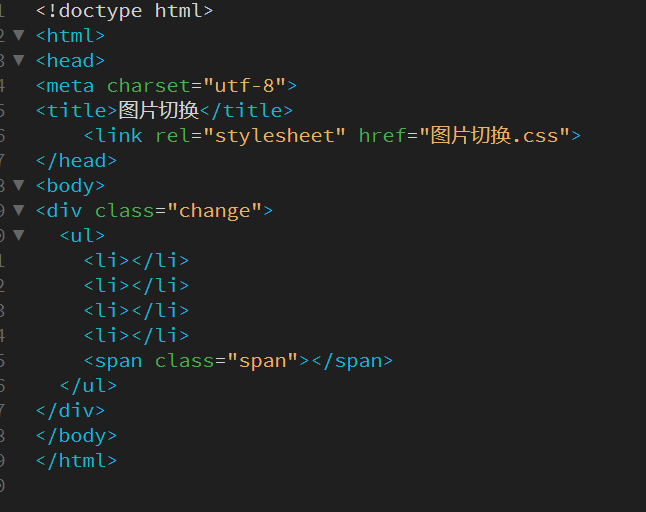
Picture switch
Just a few HTML codes Tag, there is also a span tag Take a look at the css code background-repeat specifies how to repeat the background image. Through the scale() method, the size of the element will...
More Recommendation
【Python Exercise】 Simulation Reporting Game
The code is as follows:...
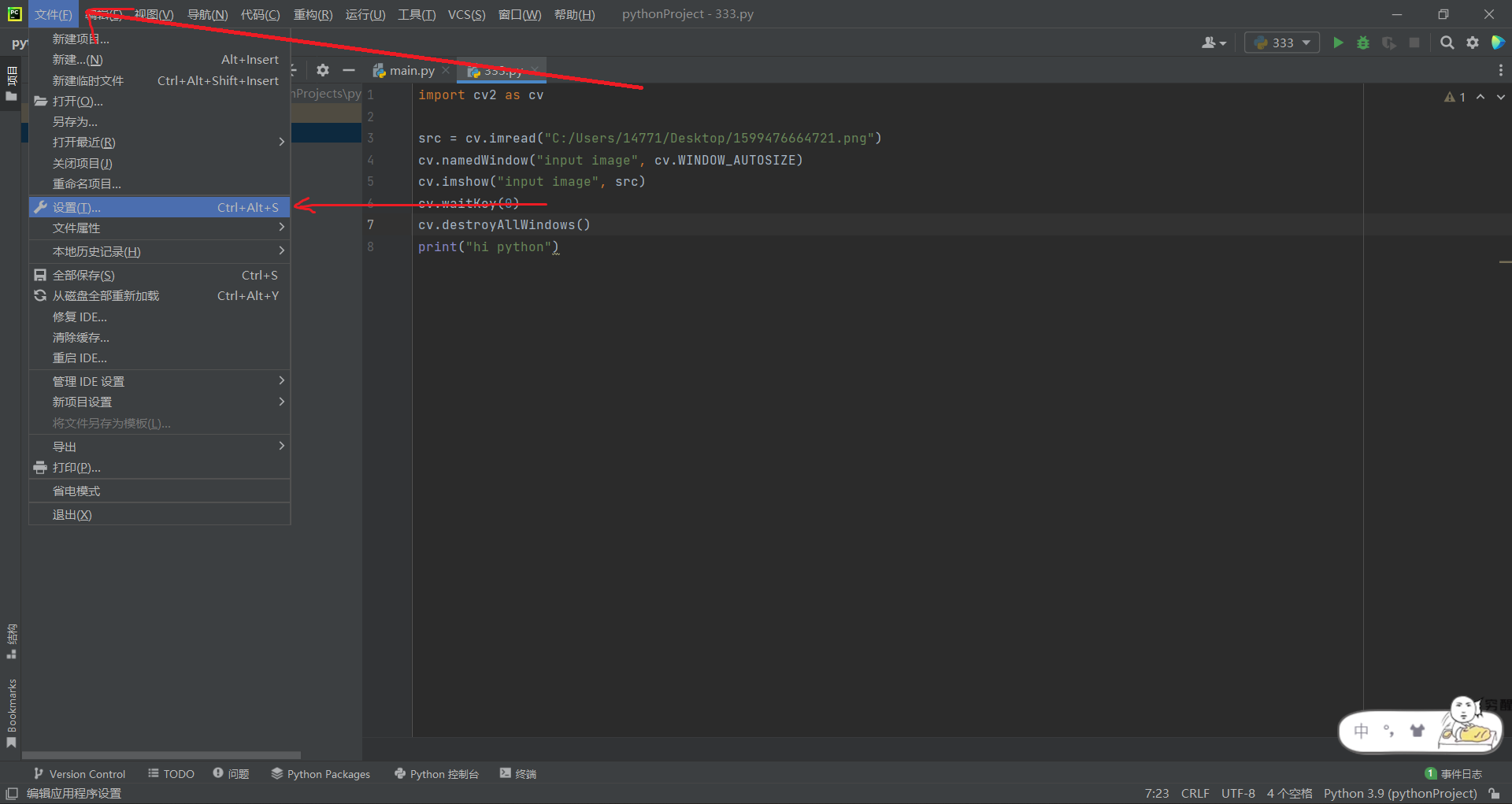
Pycharm Quickly Install OpenCV
Since the PIP source website that comes with pycharm is a foreign website, many domestic users have extremely slow downloading of other software packages in pycharm, and sometimes they will jump out o...

Use python to crawl the cover picture of Huya anchor live broadcast (scrapy)
Purpose: Use Scrapy framework to crawl the cover image of Huya anchor live broadcast Scrapy (install the Scrapy framework through pip pip install Scrapy) and Python3.x installation tutorial can find t...

Learning Record - ES6 Modularity and Node (2020-12-10)
1, what is Node? 2, Node and Java / PHP difference? 2.1, node.js and java distinction: 2.2, Node.js and PHP distinction: 3, ES6 modularization (Quote, extracted from) 3.1, Export usage: If you want to...