SAP ALV display set row and column color
tags: ABAP
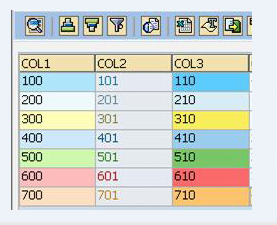
There are 3 types of ALV color settings: row, column, and cell.
 1. Column color settings
 In slis_t_fieldcat_alv-emphasize, write the required color code.
Eg:
DATA: fc TYPE slis_t_fieldcat_alv WITH HEADER LINE.
        fc-tabname = 'ITAB'.
         fc-fieldname = 'COL'.
         fc-emphasize = 'C100'.
         append fc.

 2. Setting of row color
 a. In the itab to be output, add the color column, the type is C (4), and record the required color code.
 b. Set the layout. alv_layout-info_fieldname ='COLOR'.
Eg: DATA: BEGIN OF itab OCCURS 0.
   INCLUDE STRUCTURE mara.
    DATA: color(4) TYPE c.
    DATA: END OF itab.

    DATA: alv_layout TYPE slis_layout_alv.

    itab-matnr = '123'.
    itab-color = 'C200'.
    APPEND itab.

    alv_layout-info_fieldname = 'COLOR'.

 3. Cell color settings
 a. In the itab to be output, add the color column, the type is slis_t_specialcol_alv, and record the required color code.
 b. Set the layout. alv_layout-coltab_fieldname ='COLOR'.

Eg: DATA: BEGIN OF itab OCCURS 0.
   INCLUDE STRUCTURE mara.
    DATA: color TYPE slis_t_specialcol_alv.
    DATA: END OF itab.

    DATA: color TYPE slis_t_specialcol_alv.
    DATA: alv_layout TYPE slis_layout_alv.

    color-color-col = '1'.
    color-color-int = '0'.
    color-color-inv = '0'.
    color-fieldname = 'COL'.
    APPEND color.

    itab-matnr = '123'.
    itab-color[] = color[].
    APPEND itab.

    alv_layout-coltab_fieldname = 'COLOR'.

 The above is a summary of my ALV GRID coloring method. Due to the limited technical level, there may be some omissions, and I hope you can point out.

 Example code:

REPORT ztest.

 "Double-click the cell to enter the new ALV screen.

TYPE-POOLS: slis.

 *A total of 3 internal tables are defined.
 *itab1: set the column color,
 *itab2: Set the row color.
 *itab3: Set the cell color.

DATA: BEGIN OF itab_test OCCURS 0,
        col1(4) TYPE c,
        col2(4) TYPE c,
        col3(4) TYPE c,
        col4(4) TYPE c,
        col5(4) TYPE c,
        col6(4) TYPE c,
      END OF itab_test .

DATA: BEGIN OF itab_test2 OCCURS 0.
        INCLUDE STRUCTURE itab_test.
DATA: color(4) TYPE c.
DATA: END OF itab_test2.

DATA: BEGIN OF itab_test3 OCCURS 0.
        INCLUDE STRUCTURE itab_test.
DATA: color TYPE slis_t_specialcol_alv.
DATA: END OF itab_test3.

DATA: fc TYPE slis_t_fieldcat_alv WITH HEADER LINE,
      fc2 TYPE slis_t_fieldcat_alv WITH HEADER LINE,
      fc3 TYPE slis_t_fieldcat_alv WITH HEADER LINE.

START-OF-SELECTION.
PERFORM create_data.

END-OF-SELECTION.
PERFORM fieldcat_build.
PERFORM show_alv.

*&---------------------------------------------------------------------*
*&      Form create_data
*&---------------------------------------------------------------------*
*       text
*----------------------------------------------------------------------*
FORM create_data.

DATA: l_color(4) TYPE c,
        l_char TYPE c,
        i TYPE i.
DATA: color TYPE slis_t_specialcol_alv WITH HEADER LINE.

REFRESH itab_test.
REFRESH itab_test2.
REFRESH itab_test3.
REFRESH fc.
REFRESH fc2.
REFRESH fc3.

WHILE sy-index < 8.
 * Internal table 1
    itab_test-col1 = ( sy-index - 1 ) * 6 + 1.
    itab_test-col2 = ( sy-index - 1 ) * 6 + 2.
    itab_test-col3 = ( sy-index - 1 ) * 6 + 3.
    itab_test-col4 = ( sy-index - 1 ) * 6 + 4.
    itab_test-col5 = ( sy-index - 1 ) * 6 + 5.
    itab_test-col6 = ( sy-index - 1 ) * 6 + 6.
    APPEND itab_test.

 * Internal table 2
    MOVE-CORRESPONDING itab_test TO itab_test2.
    l_char = sy-index.

    i = sy-index MOD 2.
    IF i = 0.
      CONCATENATE 'C' l_char '01' INTO l_color.
    ELSE.
      CONCATENATE 'C' l_char '10' INTO l_color.
    ENDIF.
    itab_test2-color = l_color.
    APPEND itab_test2.

 * Internal table 3
    MOVE-CORRESPONDING itab_test TO itab_test3.
    REFRESH color.

    color-color-col = l_char.

    color-color-int = '0'.
    color-color-inv = '0'.
    color-fieldname = 'COL1'. APPEND color.
    CONCATENATE l_char '00' INTO itab_test3-col1.

    color-color-int = '0'.
    color-color-inv = '1'.
    color-fieldname = 'COL2'. APPEND color.
    CONCATENATE l_char '01' INTO itab_test3-col2.

    color-color-int = '1'.
    color-color-inv = '0'.
    color-fieldname = 'COL3'. APPEND color.
    CONCATENATE l_char '10' INTO itab_test3-col3.

    itab_test3-color[] = color[].
    APPEND itab_test3.

ENDWHILE.

ENDFORM.                    "create_data

************************************************************************
FORM fieldcat_build.
DATA: BEGIN OF fc_struct,
          tabname(10),
          fieldname(5),
          seltext_m(5),
          emphasize(4),
        END OF fc_struct.
DEFINE ac.
    clear: fc,fc2,fc_struct.
    fc_struct = &1.
         fc-tabname = fc_struct-tabname. "Internal table name
         fc-fieldname = fc_struct-fieldname. "Field name
         fc-seltext_m = fc_struct-seltext_m. "Field description
         fc-emphasize = fc_struct-emphasize. "Column color
    append fc.

         fc2-tabname = fc_struct-tabname. "Internal table name
         fc2-fieldname = fc_struct-fieldname. "Field name
         fc2-seltext_m = fc_struct-seltext_m. "Field description
    append fc2.

    if fc3-fieldname < 'COL4'.
             fc3-tabname = fc_struct-tabname. "Internal table name
             fc3-fieldname = fc_struct-fieldname. "Field name
             fc3-seltext_m = fc_struct-seltext_m. "Field description
      append fc3.
    endif.
END-OF-DEFINITION.

ac 'ITAB_TEST COL1 COL1 C100'.
ac 'ITAB_TEST COL2 COL2 C200'.
ac 'ITAB_TEST COL3 COL3 C300'.
ac 'ITAB_TEST COL4 COL4 C400'.
ac 'ITAB_TEST COL5 COL5 C500'.
ac 'ITAB_TEST COL6 COL6 C600'.

ENDFORM.                    "fieldcat_build

*&---------------------------------------------------------------------*
*&      Form show_alv
*&---------------------------------------------------------------------*
 * Show inner table 1
*----------------------------------------------------------------------*
FORM show_alv.

CALL FUNCTION 'REUSE_ALV_GRID_DISPLAY'
    EXPORTING
      i_callback_program      = sy-repid
      it_fieldcat             = fc[]
      i_callback_user_command = 'PROCESS_USER_COMMAND_1'
      i_save                  = 'A'
    TABLES
      t_outtab                = itab_test
    EXCEPTIONS
      program_error           = 1
      OTHERS                  = 2.

IF sy-subrc <> 0.
    MESSAGE ID sy-msgid TYPE sy-msgty NUMBER sy-msgno
            WITH sy-msgv1 sy-msgv2 sy-msgv3 sy-msgv4.
ENDIF.
ENDFORM.                    "show_alv

*&---------------------------------------------------------------------*
*&      Form PROCESS_USER_COMMAND_1
*&---------------------------------------------------------------------*
*       text
*----------------------------------------------------------------------*
*      -->UCOMM        text
*      -->RS_SELFIELD text
*----------------------------------------------------------------------*
FORM process_user_command_1 USING ucomm
               rs_selfield TYPE slis_selfield.

IF rs_selfield-fieldname <> space AND rs_selfield-tabindex > 0.
    PERFORM show_alv_2.
ENDIF.

ENDFORM.                    "PROCESS_USER_COMMAND_1

*&---------------------------------------------------------------------*
*&      Form show_alv_2
*&---------------------------------------------------------------------*
 * Show inner table 2
*----------------------------------------------------------------------*
FORM show_alv_2.
DATA: alv_layout       TYPE slis_layout_alv.

alv_layout-info_fieldname = 'COLOR'.

CALL FUNCTION 'REUSE_ALV_GRID_DISPLAY'
    EXPORTING
      i_callback_program      = sy-repid
      it_fieldcat             = fc2[]
      i_callback_user_command = 'PROCESS_USER_COMMAND_2'
      is_layout               = alv_layout
      i_save                  = 'U'
    TABLES
      t_outtab                = itab_test2
    EXCEPTIONS
      program_error           = 1
      OTHERS                  = 2.

IF sy-subrc <> 0.
    MESSAGE ID sy-msgid TYPE sy-msgty NUMBER sy-msgno
            WITH sy-msgv1 sy-msgv2 sy-msgv3 sy-msgv4.
ENDIF.
ENDFORM.                                                    "show_alv_2

*&---------------------------------------------------------------------*
*&      Form PROCESS_USER_COMMAND_2
*&---------------------------------------------------------------------*
*       text
*----------------------------------------------------------------------*
*      -->UCOMM        text
*      -->RS_SELFIELD text
*----------------------------------------------------------------------*
FORM process_user_command_2 USING ucomm
               rs_selfield TYPE slis_selfield.

IF rs_selfield-fieldname <> space AND rs_selfield-tabindex > 0.
    PERFORM show_alv_3.
ENDIF.

ENDFORM.                    "PROCESS_USER_COMMAND_2

*&---------------------------------------------------------------------*
*&      Form show_alv_3
*&---------------------------------------------------------------------*
 * Show inner table 3
*----------------------------------------------------------------------*
FORM show_alv_3.
DATA: alv_layout       TYPE slis_layout_alv.

alv_layout-coltab_fieldname = 'COLOR'.

CALL FUNCTION 'REUSE_ALV_GRID_DISPLAY'
    EXPORTING
      i_callback_program = sy-repid
      it_fieldcat        = fc3[]
      is_layout          = alv_layout
      i_save             = 'U'
    TABLES
      t_outtab           = itab_test3
    EXCEPTIONS
      program_error      = 1
      OTHERS             = 2.

IF sy-subrc <> 0.
    MESSAGE ID sy-msgid TYPE sy-msgty NUMBER sy-msgno
            WITH sy-msgv1 sy-msgv2 sy-msgv3 sy-msgv4.
ENDIF.
ENDFORM. "show_alv_3Intelligent Recommendation
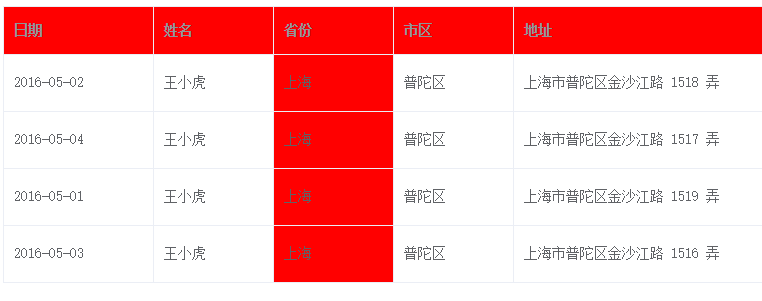

SAP ALV gets a line after the screening (excludes the hidden row)
Code Value in LT_FILTERED The index value of the hidden row when LT_FILTERED is stored...

ABAP ALV control set cell color DEMO
We need to control the cell color of the ALV control to meet complex requirements. This is a DEMO for ABAP ALV control cell color setting. The effect of DEMO operation: Pay attention to the dat...
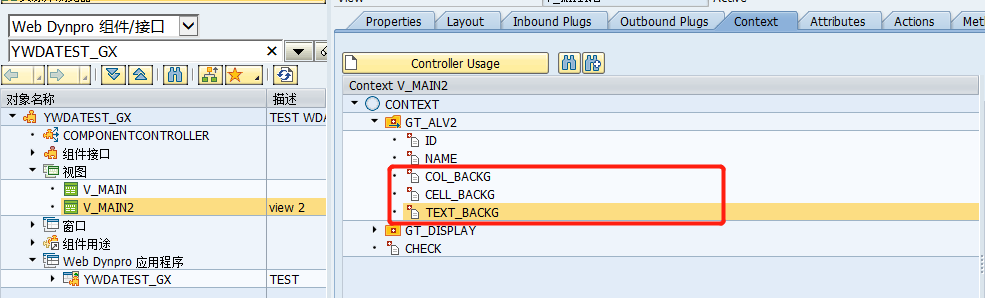
WDA component multiplexed ALV color set Salv_wd_table
The color control of the WDA and the ALV color settings in Report Development are similar, but it is some different, and the field that needs to be added to the inner table, you can assign it when pro...
More Recommendation
Set inter-row or inter-column in dataGrid to realize data grouping display
Set inter-row or inter-column in dataGrid to realize data grouping display To display data across rows or columns in the dataGrid, you need to use the attributes rowspan and colspan *Separate data bet...
Set the font, background color and display row of GVIM permanently
GVIM's font size is high, and after each change of background color, the next time it is opened, it is still the default configuration. The following method can be permanently set: 1. Configure comman...
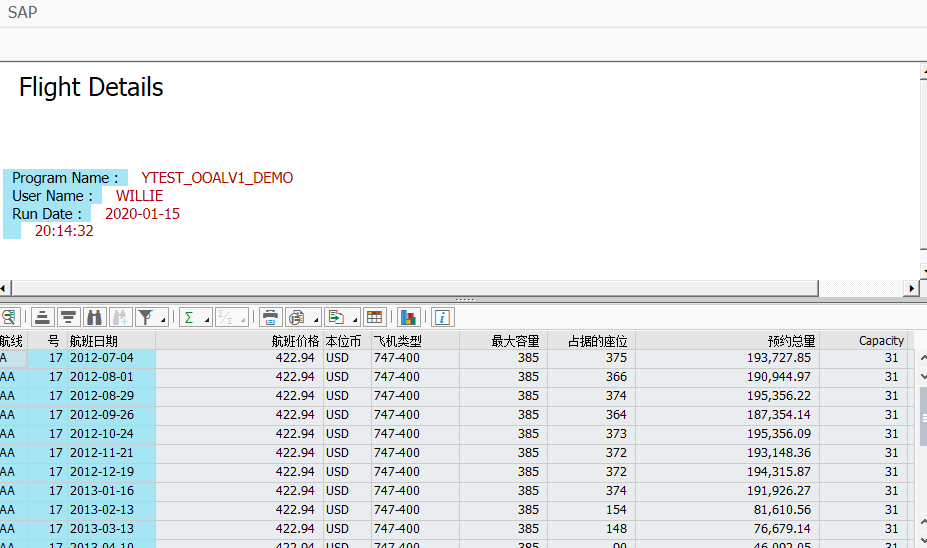
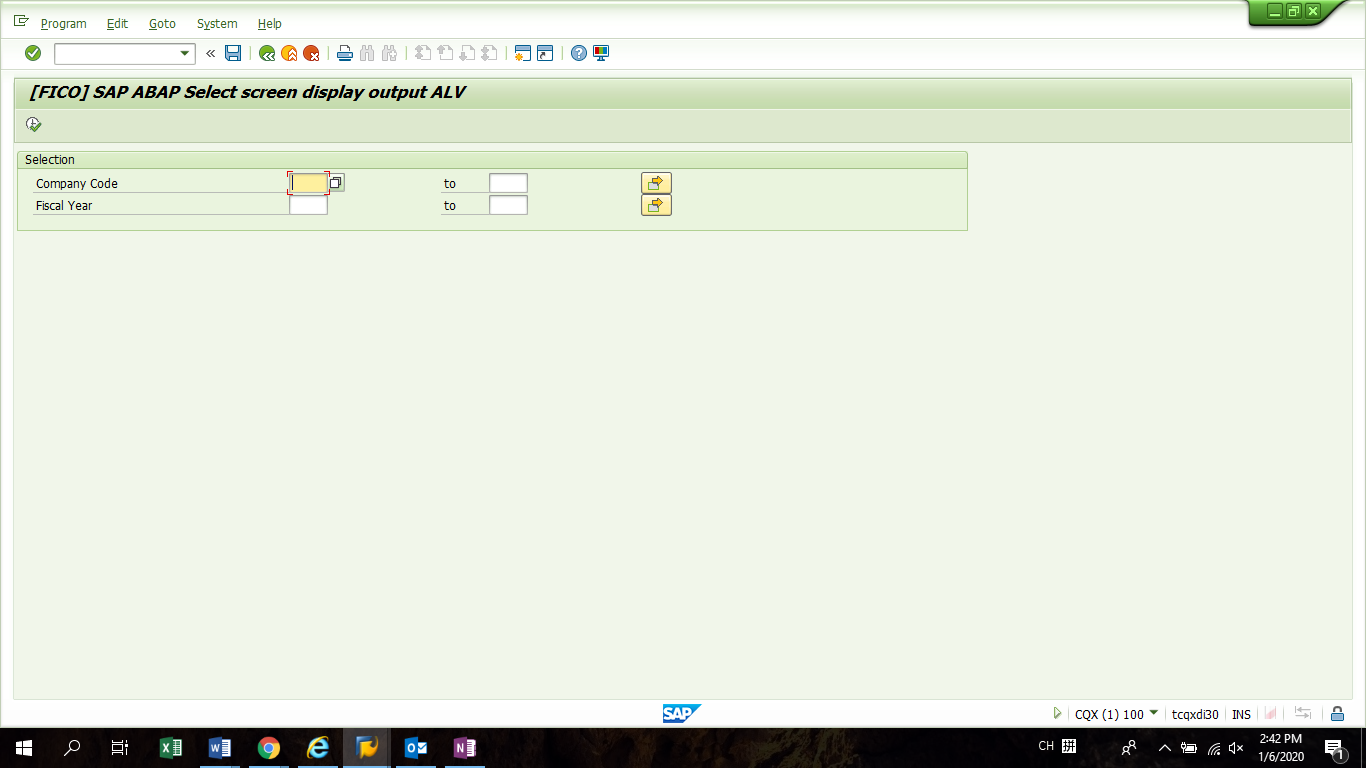
[FICO] SAP ABAP selection screen display output ALV
Business scene: Users want to view the data they want more conveniently and intuitively. Filter conditions and data are updated in real time. Business analysis: Generally, to view a report, you need t...
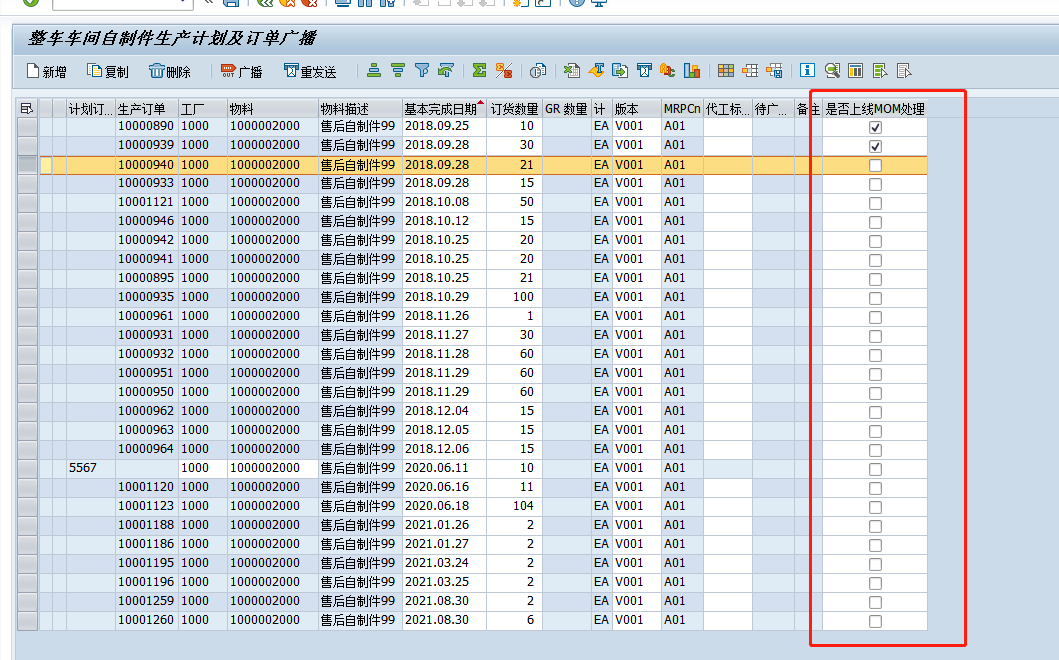
CHECKBOX added in SAP ABAP ALV control does not display problem
The scenario is to add a CHECKBOX field to an existing report: After working on it for most of the day, I couldn't add it. The breakpoint was clearly seen in the parameters given to ALV, the inner tab...