Python uses a PIP command prompt warning: iGnoring invalid distribution
tags: python pip Environmental management Environmental configuration
Table of contents
1. Problem description
Use the Python PIP command to prompt to warn WORNING
2. Problem performance
2.1 PIP list View the installed dependency package
C:\Users\Benjamin>pip list
WARNING: Ignoring invalid distribution -ip (e:\work_path\python\lib\site-packages)
Package                           Version
--------------------------------- ---------
async-generator                   1.10
attrs                             21.4.0
...
...
zope.event                        4.5.0
zope.interface                    5.4.0
WARNING: Ignoring invalid distribution -ip (e:\work_path\python\lib\site-packages)
WARNING: Ignoring invalid distribution -ip (e:\work_path\python\lib\site-packages)
2.2 The same warning also appeared when using a PIP installation package
C:\Users\Benjamin>pip install pyqt5-tools
WARNING: Value for scheme.headers does not match. Please report this to <https://github.com/pypa/pip/issues/9617>
distutils: e:\work_path\python\Include\UNKNOWN
sysconfig: e:\work_path\python\Include
WARNING: Additional context:
user = False
home = None
root = None
prefix = None
WARNING: Ignoring invalid distribution -yqt5 (e:\work_path\python\lib\site-packages)
3. Problem solution
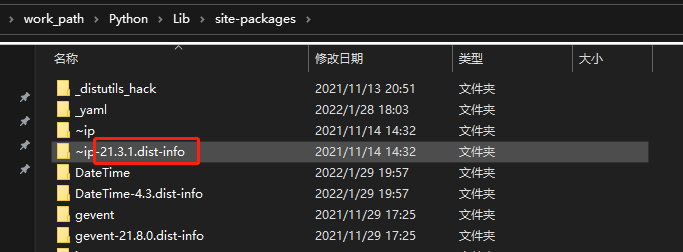
Delete x: \ x \ python3x \ lib \ site-PACKAGES \ ~ IP*may be the old PIP version backup.
Similarly, pyqt5 deletes the corresponding site-pageages \ ~ pyqt5*directory, and delete it.
If not, you can uninstall the Python delete the directory and reinstall all components. The installation process can generate a new environment at any time through pipreqs.txt for convenience at any time.
If you think the article is written well, then like a praise and click on it.
You can follow the WeChat public account. In the later period

Intelligent Recommendation
PIP installation appears: IGNORING Invalid Distribution -IP
PIP Warning: IGNORING Invalid Distribution -IP Just delete it in the installed Site-PACKAGES directory ~ The directory of the IP*wave line can be used. 1. Determine Site-Packages path 2. Enter the pat...
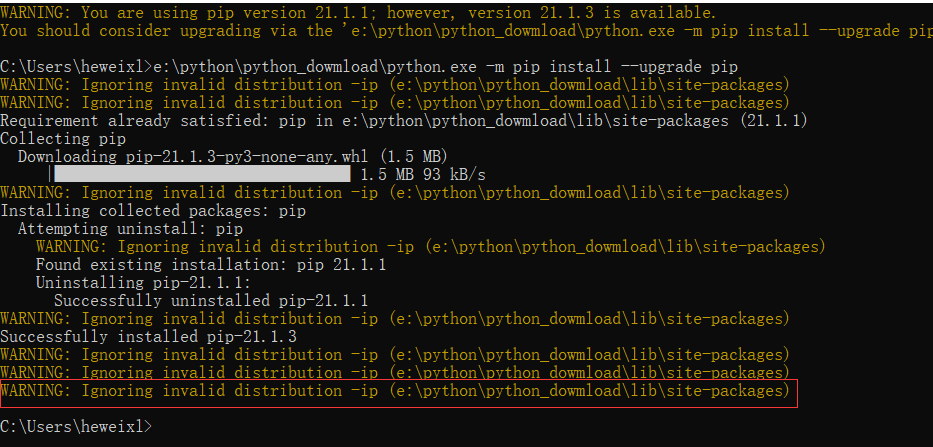
[Python] Warning: ignoring invalid distribution -ip (e: \ python \ python_dowmload \ lib \ site-packages)
Recently, the following warning message appears when using the PIP installation plug-in: WARNING: Ignoring invalid distribution -ip (e:\python\python_dowmload\lib\site-packages) Solution: Locate the l...
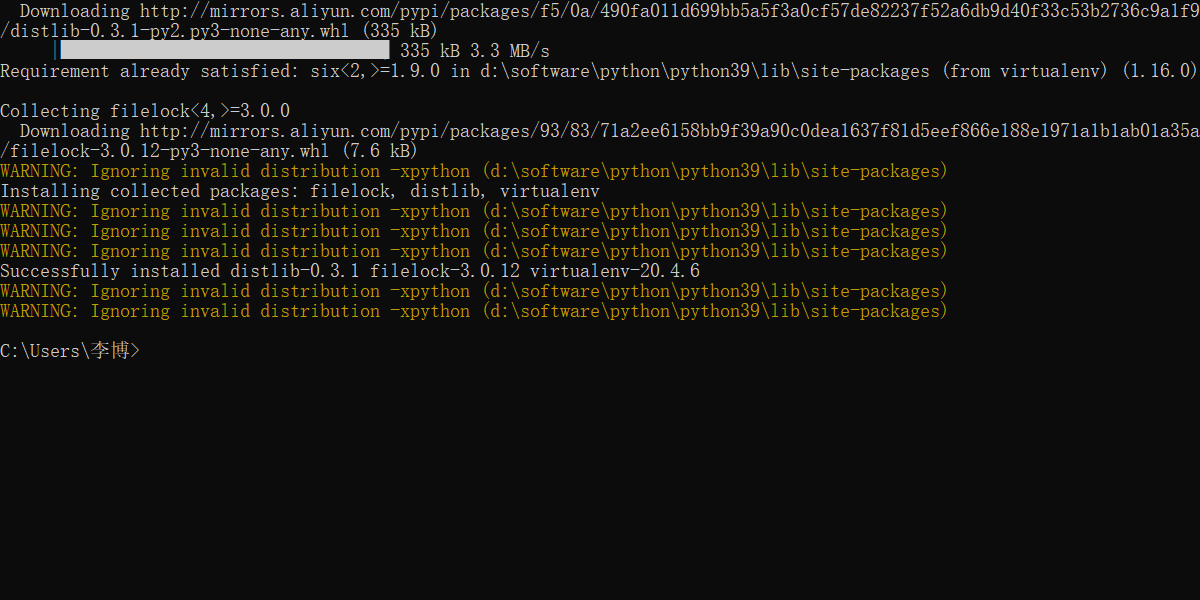
Handling Warning: Ignoring Invalid Distribution -Xpython (D: \ Software \ Python \ Python39 \ LIB \ Site-packages) Error
Recently, the following warning message appears when using the PIP installation plug-in: WARNING: Ignoring invalid distribution -xpython (d:\software\python\python39\lib\site-packages) Solution: Find ...
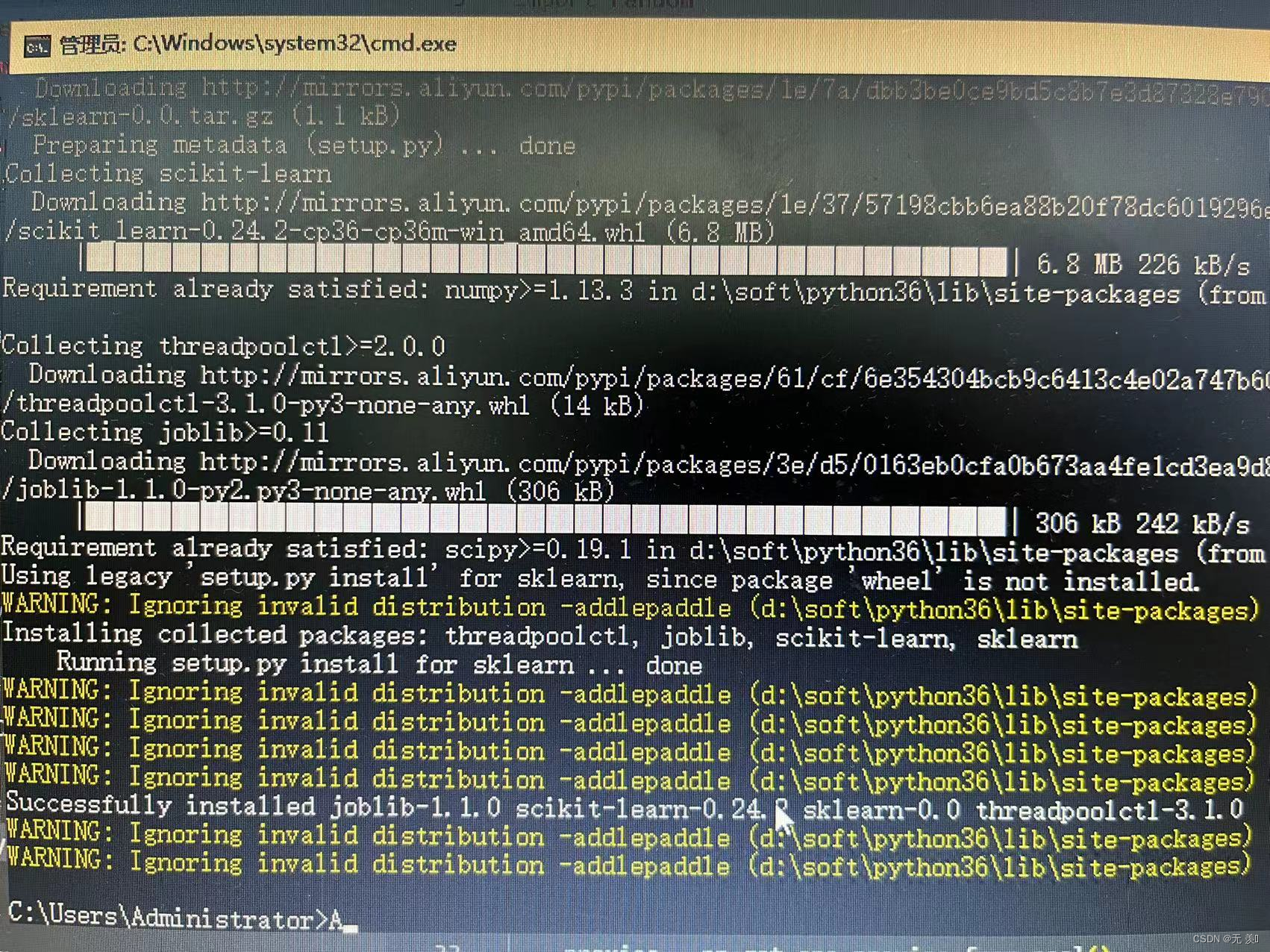
Warning: iGnoring invalid distribution -adlepaddle (D: Softpython36libsite -Packages))
Hollying (PIP installation module error) Warning: iGnoring Invalid Distribution -ADDLEPADDLE (D: \ Soft \ Python36 \ Lib \ Site -Packages Articles directory Error code Error translation Cause an error...
python-request ignoring warning
After https request plus Verify = False ignores SSL verification, a warning will warn InseREREQUESTWARNING: solve: All warnings are from the warnings module, ignoring the warning of the warnings modul...
More Recommendation
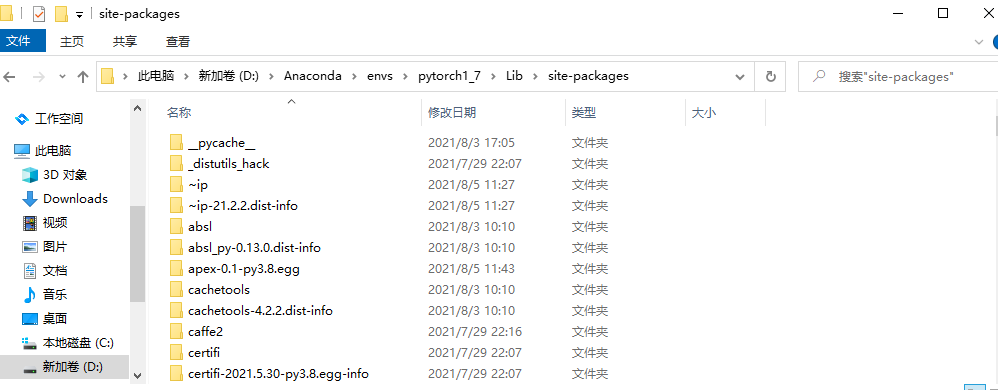
WARNING: Ignoring invalid distribution -ip (d:\anaconda\envs\pytorch1_7\lib\site-packages)
WARNING: Ignoring invalid distribution -ip (d:\anaconda\envs\pytorch1_7\lib\site-packages) Error message: Solution: 1. Find the directory 2. Delete the folder with ~ (this situation is caused by the p...
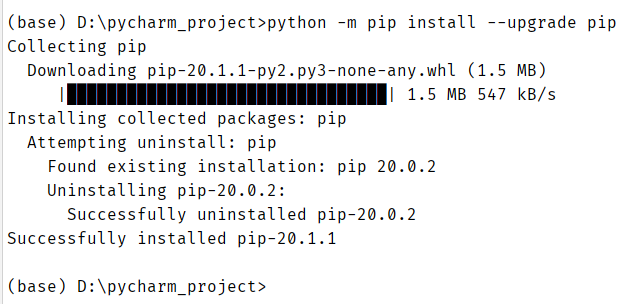
Python prompt warning pip version is low, yellow color prompt solution
For the Python language prompt to update pip, usually because the pip version is too low, updating pip can be more conducive to installing the latest version of third-party libraries and packages. Whe...
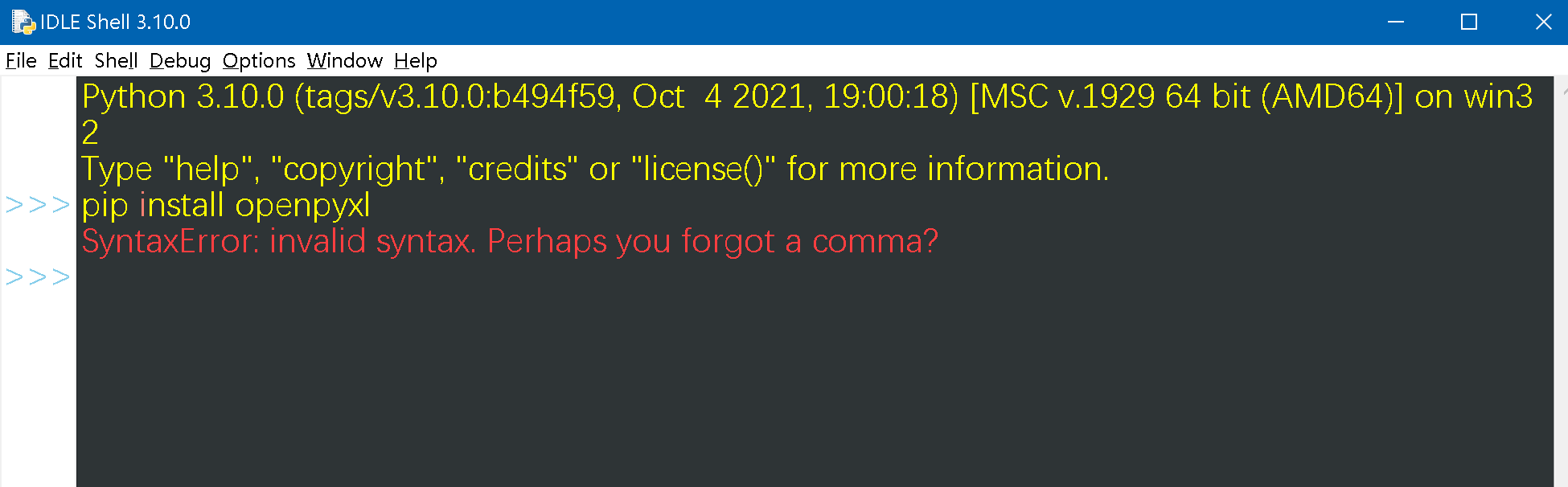
Install a third-party module in Python, and run the pip command prompt: SyntaxError: invalid syntax. Perhaps you forget a comma?
Run pip install module name in python idle, SyntaxError: invalid syntax. Perhaps you forget a comma? Error Cause: Invalid syntax prompts because the pip command is not in the running python interprete...
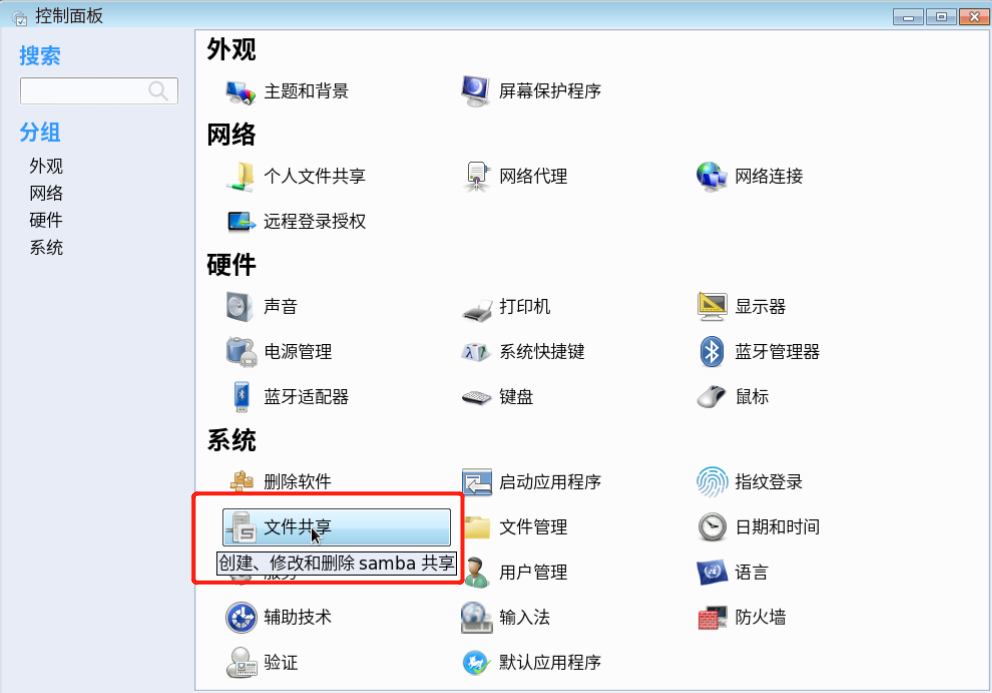
WARNING: Ignoring invalid value ‘share’ for parameter ‘security’
Nothing happens after clicking File Sharing? ? ? Try this. . . Open terminal input system-config-samba,The result is an error as shown below: (Because the version is too old, the security option after...
When Python uses PIP, WARNING: Retrying solution
Problem: As shown below, WARNING: Retrying appears when using PIP, followed by the exit program. Solution: Switch the PIP's mirror source to Ali Cloud's mirror sources:...