Securecrt color configuration scheme
tags: good good study securecrt color configuration
SecureCRT is a very easy-to-use terminal access tool that supports SSH. When we log in to a remote host or virtual machine or network device, we need to use SecureCRT. The initial interface of SecureCRT is not very good-looking, the default color matching, black on white, very simple.
Here is how to set the color scheme of SecureCRT.
Here are the steps:
1. Set the background color and font color:
Options (Options) ==》 Session Options (Sessions options) ==》 Terminal (Terminal) ==》 Emulation

Options (Options) == "Global Options (Global options) ==" General (General) == "Default Session (defualt session) ==" Click Edit Defualt Setting

In the first step, uncheck the use global ANSI color settings, otherwise you cannot edit these colors;


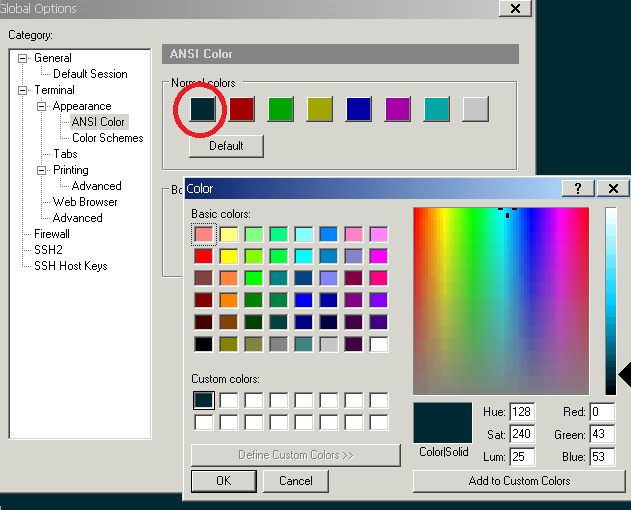
Normal colors are background colors, bold colors are font colors, you can choose or adjust your own colors,Please pay attention to the cancelled checkpoint after setting! !


After clicking OK in the picture above, a dialog box will pop up:

Intelligent Recommendation
Note the color scheme of two SecureCRT
Aesthetic type: Here are the steps: 1. Set the background color and font color: Options (Options)==》Session Options(Sessions options)==》Terminal(Terminal)==》Emulation Options (Options)==...
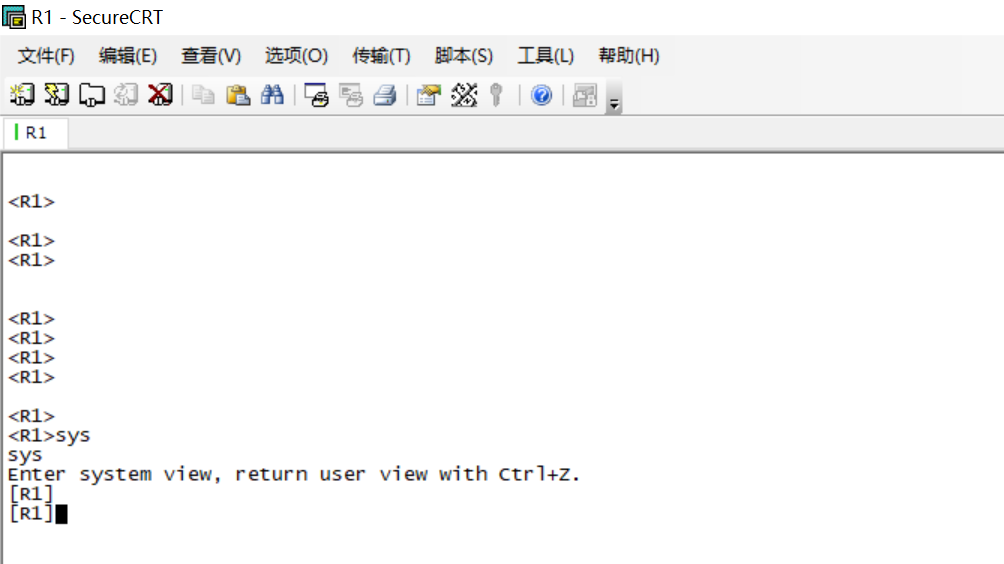
Eye protection of SecureCRT color scheme
Eye protection of SecureCRT color scheme Appreciation of the ordinary Color matching process Options-->Global Options Session Options-->Appearance font color background color Click "OK"...

More good SECURECRT color scheme
2019 Unicorn Enterprise Heavy Recruitment Python Engineer Standard >>> Set the way to see:SecureCRT is a great color scheme, protect your eyes The specific color value has been changed (it is...
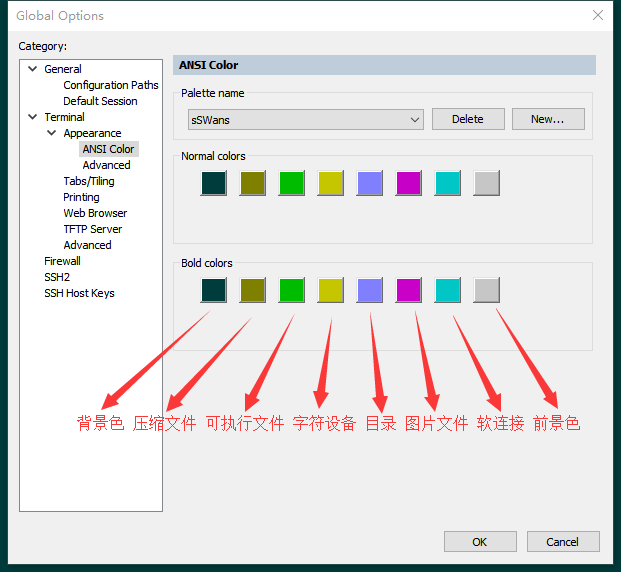
SecureCRT sets a comfortable color scheme ANSI color
Menu location Options→Global Options→Terminal→Appearance→ANSI Color You can modify the Standard palette scheme, or you can create a new one yourself 1: Background col...
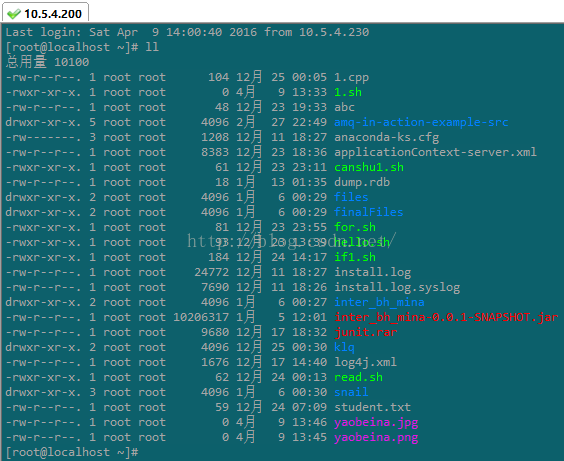
secureCRT, permanent settings, eye protection, color scheme
The effect after color matching is as follows: Start color matching below 1, Options == "Sessions options" == "Terminal" == "Emulation" Check by the label in the figure, ...
More Recommendation
secureCRT permanent setting, eye protection, color scheme
2019 Unicorn Enterprise Heavy Gold Recruitment Python Engineer Standard >>> The effect after color matching is as follows: Start color matching below 1, Options == "Sessions options"...

Windows ❀ SecureCRT 8.3.3 custom color scheme
SecureCRT 8.3.3 custom color scheme 1. First install SecureCRT 8.3.3 The installation package, cracker, and color scheme are all placed at the Baidu disk link at the end of the article 2. Check Global...
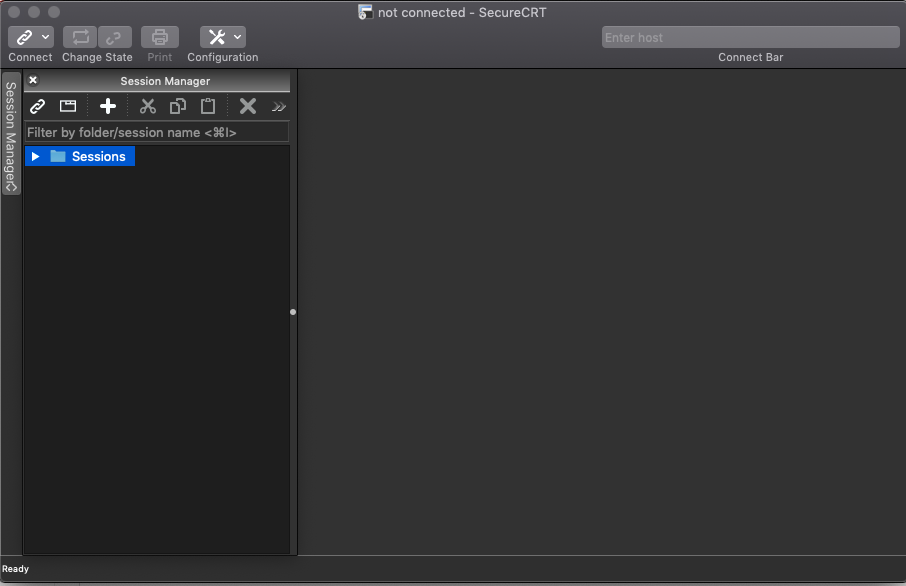
Mac SecureCRT 8.7 terminal interface color scheme
First, download the SecureCRT version 8.7 software, whether it is a cracked version or a genuine version. A cracked version connection is recommended here (https://macwk.com/soft/securecrt) Fir...
SecureCRT Excellent color scheme to protect your eyes
SecureCRT Excellent color scheme to protect your eyes Key words:SecureCRT color matching, SecureCRT setting color, Linux terminal color setting. The terminal has a good color scheme, which can not onl...
SecureCRT excellent color scheme, protect your eyes
The terminal has a good color scheme, which can not only protect your eyes, but also give people a good mood. This color scheme is suitable for any SSH client software. Set background color Options =&...