pyshark use tutorial
tags: python tcp/ip Network protocol network
Install
pip install pyshark
use
For example: Analyze the existing PCAP file:
import pyshark

pcap = pyshark.FileCapture("test1.pcap", tshark_path="/Applications/Wireshark.app/Contents/MacOS/tshark")
The two parameters specify the input file and the TSHARK path respectively
Then, you can use the loop to traverse the PCAP file (you can also use the bidding):
for p in pcap:
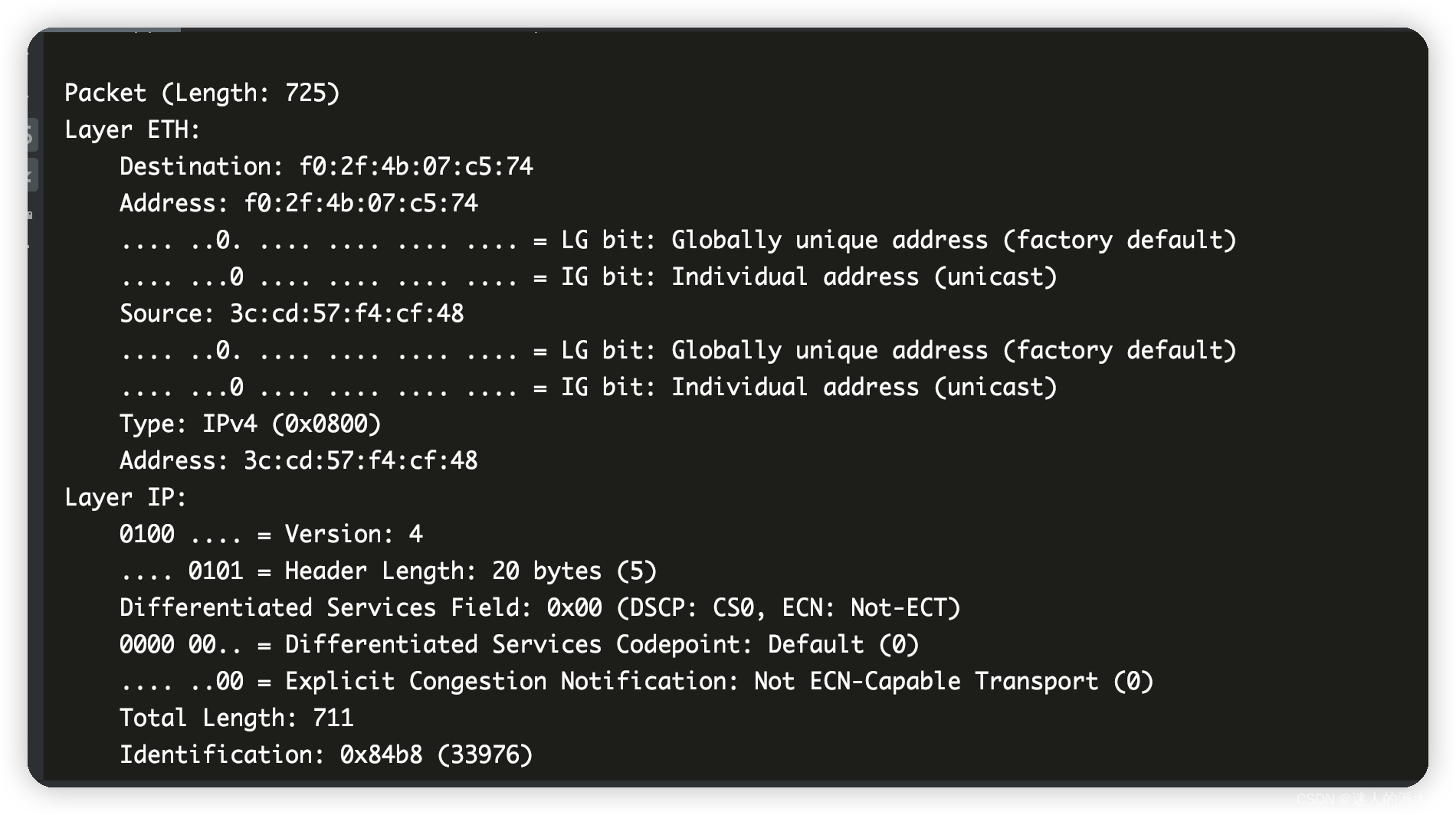
    print(p)
The output structure is consistent with the see of Wireshark, and the results are as follows:
If you want to look at the IP layer or TCP or UDP layer alone, you only need:
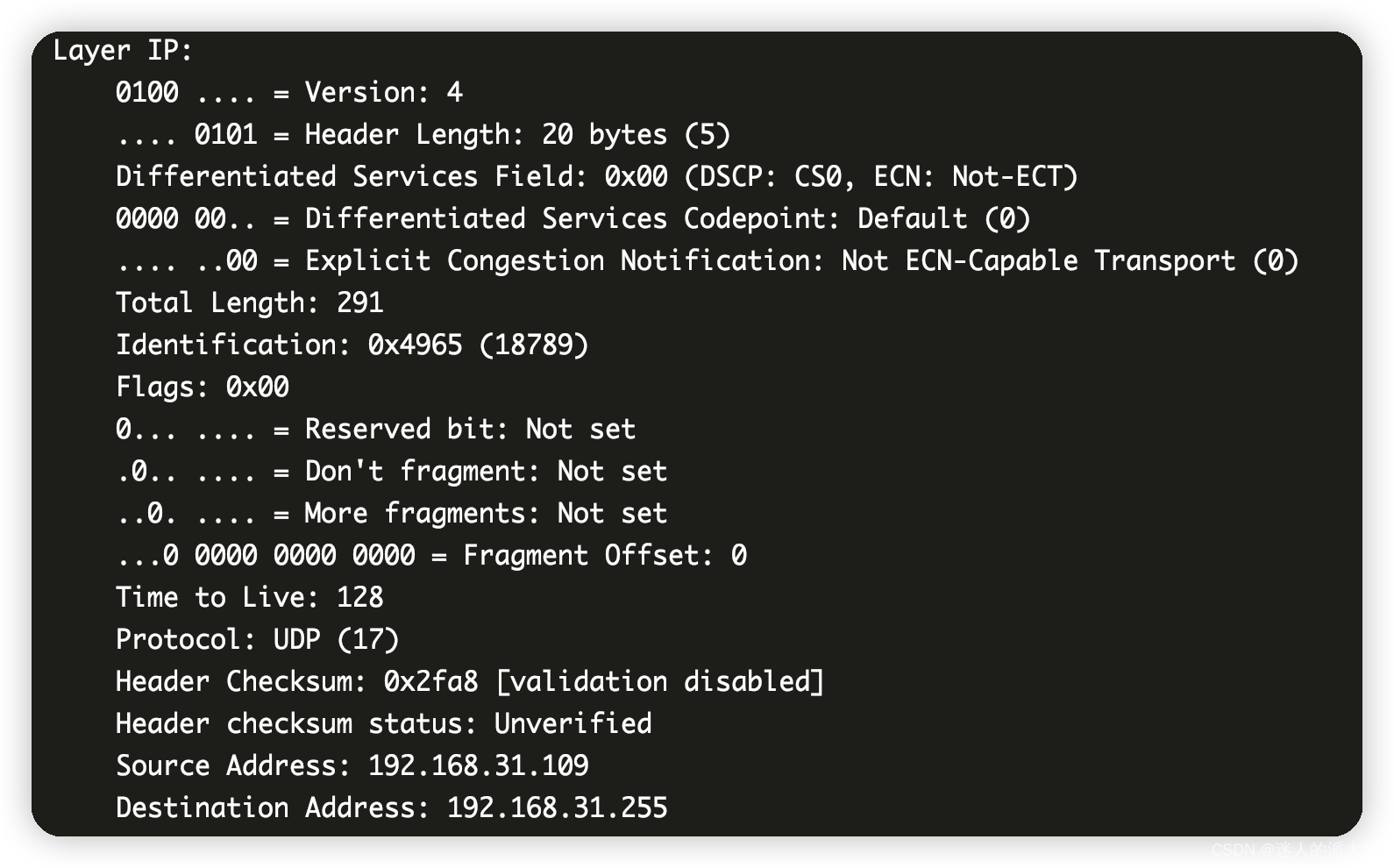
print(pcap[0].ip)
Output:
Take the IP layer as an example. If you want to extract one of the parameters alone:
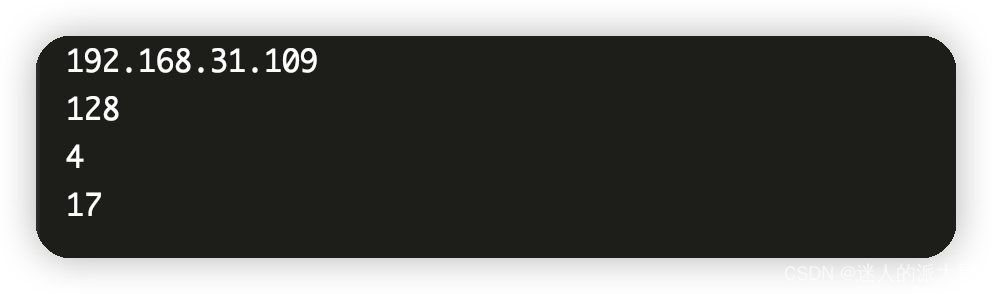
print(pcap[0].ip.src)
print(pcap[0].ip.ttl)
print(pcap[0].ip.version)
print(pcap[0].ip.proto)
The output is as follows:
What are the available fields available to see the PCAP object?Use the dir () function for the PCAP object:
print(dir(pcap[0]))
The results are as follows:

In the same way, how do you look at a certain field? Take the IP layer as an example:
print(dir(pcap[0].ip))
The output is as follows:

Summarize
It is okay to use it everyday, but the speed is more average
Intelligent Recommendation
Pyshark gets the value of the data-text-lines field
Get the value of the corresponding field using Pyshark Requires step by step It can be seen from this that you want to remove the value of the DATA section, you can use file_data Real test The results...
"Tshark question" Pyshark LXML report error
Times using Pyshark (version 0.4.2.11) is wrong: Solve: Replace the method in tshaark_xml.py:...
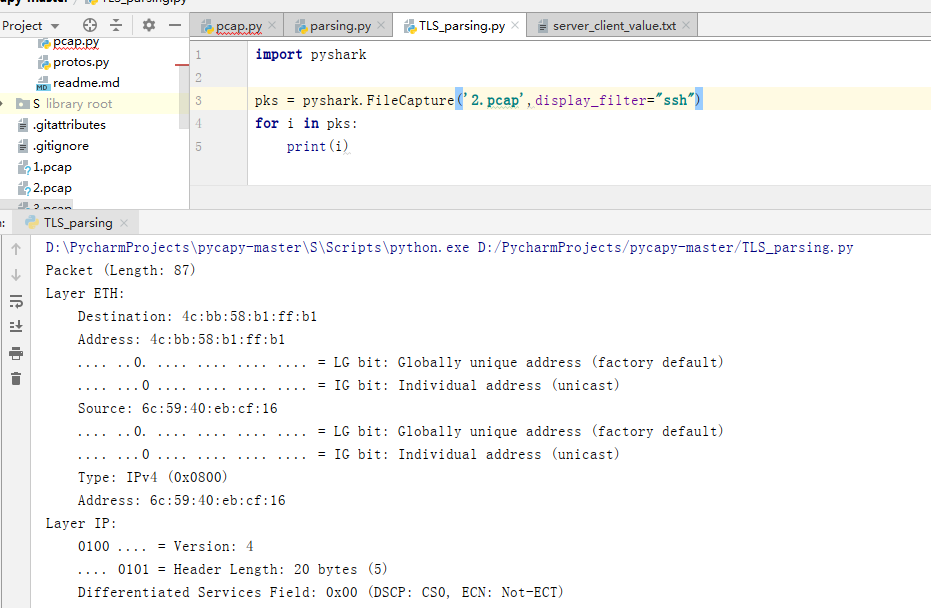
pyshark pcap file parsing (data related to the ssh protocol handshake extraction)
EDITORIAL I need to extract data ssh protocol handshake process, to find a lot of ways, for example, is not able to extract data directly via nmap, nmap but only to extract the public key algorithm us...
pyshark captures packets in real time and outputs binary, decimal, and hexadecimal data
1. Under FileCapture 2.LiveCapture...
Pyshark performs simple feature extraction of HTTP request headers
Here we simply analyze the HTTP header. The traffic feature of the 3 layer or 4 layers refers to the basic feature data of some network traffic extracted from the network traffic, such as the size of ...
More Recommendation
[Python] PYSHARK Statistics PCAP's Packet protocol field and pillar diagram visualization
Report an error solution This is wrong 😪 The code after the change is as follows refer to PyShark - Create Protocol Graph - YouTube Exception: got Future attached to a different loop · Issue #...
XRebel use tutorial (with installation tutorial)
Plug-in installation tutorial Project begining Choose jrebel+xrebel or xrebel interface When using xrebel to start a project, a vertical toolbar will appear in the lower left corner of the application...
LibPCAP, STRUCT, DPKT, SCAPY, PYSHARK five ways to obtain speed comparison of PCAP original packages
in conclusion: libpcap > struct > dpkt > scapy > pyshark Pylibpcap is very fast due to use of cython libpcap But in terms of function, it is roughly the opposite conclusion. refer to:https...
Python uses the Pyshark module to capture and extract information about each device of the field.
Environment: Python3.5, Pycharm, Wireshark The corresponding fields in the Pyshark read packet are mainly what information is to know all attributes of the Capture object, and then one layer is read o...

[Python] Analysis of PCAP three Python libraries (DPKT Scapy Pyshark) application instance
Articles directory illustrate DPKT output transmission layer protocol information Pyshark Or Wireshark [Use pyshark and scapy to read the field from the PCAP file and fill in CSV] (https://github.com/...