python pip error Cannot open Scripts\pip-script.py
tags: programing basic python pip error pip pip-script Can't open pip-script pip installation error
background
Use conda and pip to install (the same is true for the python virtual environment), update, and list packages, occasionally an error is reported, saying Cannot open ** Scripts\pip-script.py, I saw that there is indeed no pip-script.py in the corresponding path This file, but not every time an error is reported, in order to solve this problem, I found relevant materials, the problem has been resolved.
Solution
- How to install pip and update in conda environment
# Use domestic mirroring, it will be faster
conda install --channel https://mirrors.ustc.edu.cn/anaconda/pkgs/main/ pip
- Non-conda environment, if there is no pip environment, new installation
# Download the pip installation script
https://bootstrap.pypa.io/get-pip.py
 # Install pip
python get-pip.py
- Non-conda environment, there is Pip or esay_install environment, then
# easy_install environment
easy_install pip
test
After processing, the python pip environment can be installed normally, and no Scripts\pip-script.py error is no longer prompted
Intelligent Recommendation
PIP error: Script file ‘d: \ anaconda3 \ scripts \ pip-script.py‘ is not present.
pipWhen executing any command, there will be an error:Script file 'D:\anaconda3\Scripts\pip-script.py' is not present. 【Solution】 Enterpip-script.pyThe folder Reinstallpip If an errorEasy_install is n...
Solve the Cannot open D:\Program Files\Anaconda3\Scripts\pip-script.py problem
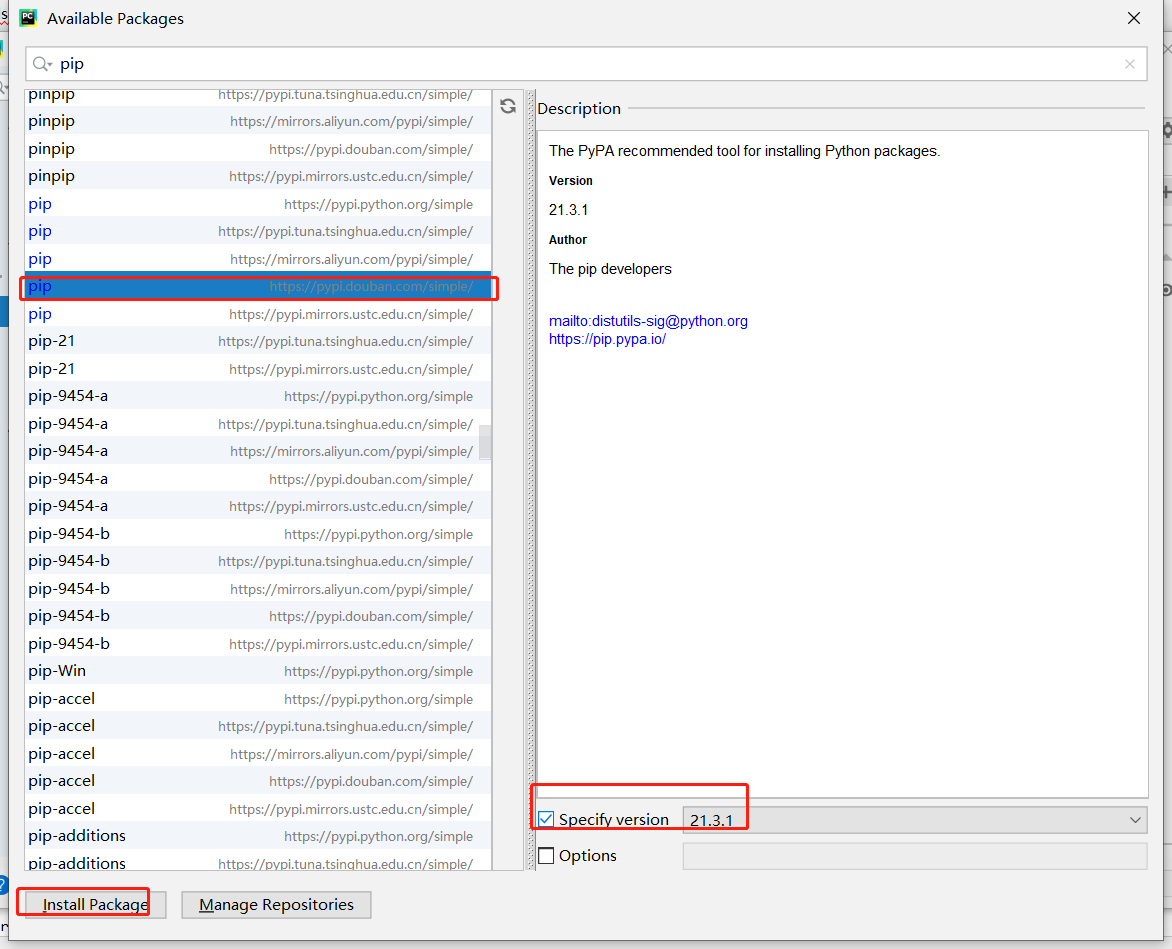
When installing the Pyhton version of openCV, first update the pip version and run: First report an error: To solve this problem, enter: An error is reported at this time: This problem is still a pip ...
Troubleshooting Cannot open D:\xxxx\xxxx\xx\venv\Scripts\pip-script.py
This is a hint that pip needs to be updated, but the update will fail when using graphical update Could not install packages due to anEnvironmentError: [WinError 5] The same error is also reported whe...
Error: Script file ‘D: \ Anaconda \ scripts \ pip-script.py‘ is not present.
Download the third -party library on Anaconda, PIP Install Pillow Error: Script File 'D: \ Anaconda \ Scripts \ PIP-Script.py' is not present., I checked a lot of methods. I did not solve the problems...
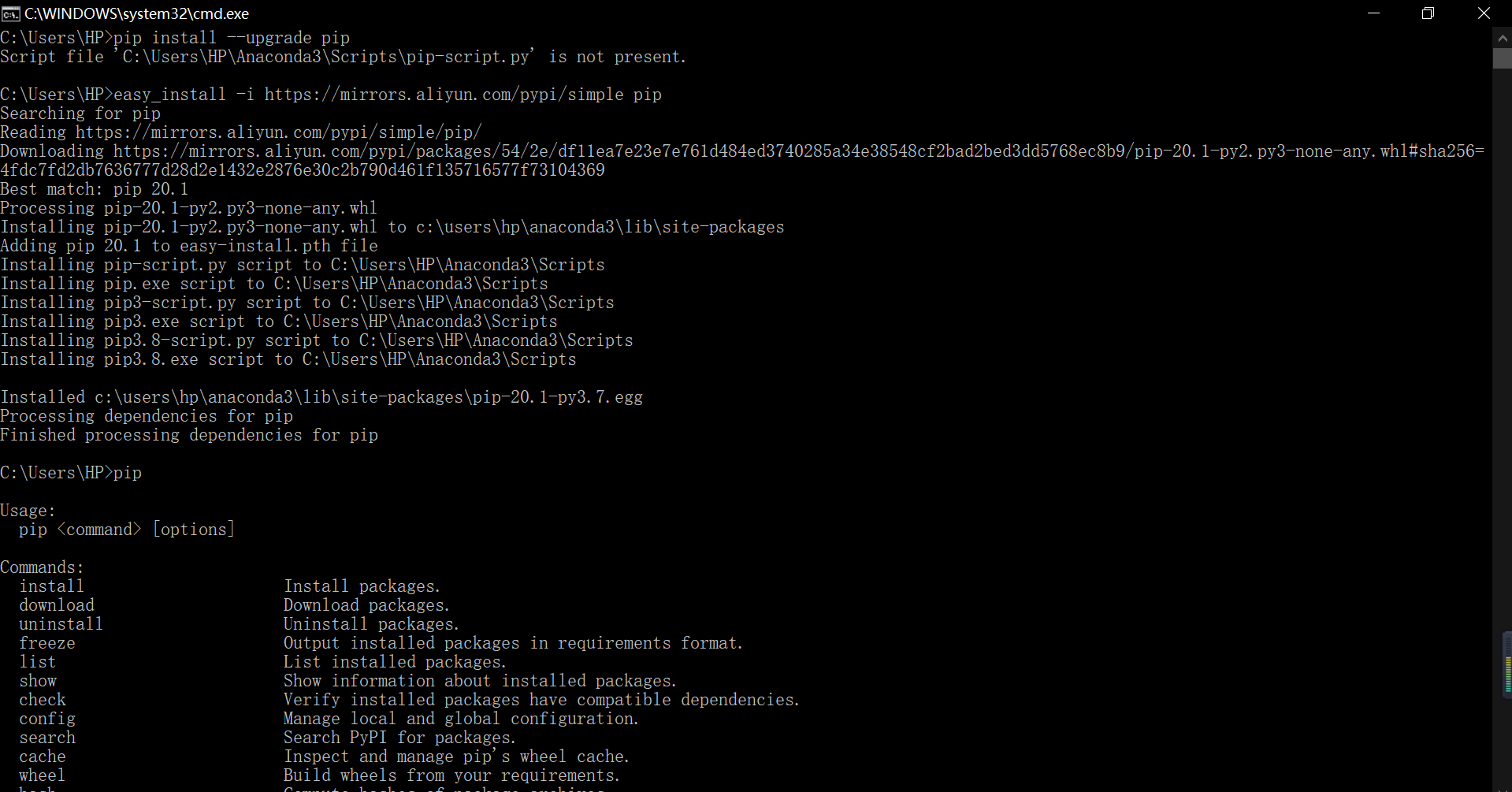
python Script file'C:\Users\HP\Anaconda3\Scripts\pip-script.py' is not present.
python Script file ‘C:\Users\HP\Anaconda3\Scripts\pip-script.py’ is not present. operation result...
More Recommendation
Use pip appears Script file 'D: \ Anaconda3 \ Scripts \ pip-script.py' is not present error solution
Error case Pip update today use tf when the inexplicable appearance Error, before use of perfectly good, but suddenly can not be used And then find a solution to the next Baidu carried out Command can...
Win10 Pycharm Pip appears Script file 'D: \ Anaconda3 \ scripts \ pip-script.py' Is Not Present Error Solution
When Pycharm is configured in Win10 Environment, when I want to update the PIP package, I found that the first time may not be updated because the network problem is not updated, and when the update, ...
Using PIP update, Script File ‘D: \ Anaconda3 \ Scripts \ PIP-SCRIPT.PY’ is not present error solution
Using PIP update, Script File ‘D: \ Anaconda3 \ Scripts \ PIP-SCRIPT.PY’ is not present error solution Error When using PIP to update TF today The error, the previous use is okay, but sudd...
Win10 Pycharm PIP appears Script File ‘D: \ Anaconda3 \ Scripts \ PIP-Script.py‘ is not present error solution.
1. The first one 2. The second type Environment variables, the following variables, and some of them are added Then use test...
Pycharm uses PIP error: Script file ‘D: \ Anaconda3 \ ENVS \ pytorch \ scripts \ pip-script.py‘ is not present
Problem Description: Error 1: Use PIP to install an error: Script file ‘D: \ Anaconda3 \ ENVS \ PyTorch \ Scripts \ PIP-script.py’ is not present. Error 2: PIP upgrade failed Error: Script...