Pyinstaller package exe is too large and runs too slow
tags: pyinstaller package is too large The pyinstaller package exe runs too slowly scipy package failed Unable to install python
1. Background
I wrote an interface program using pyqt through python and packaged it into an exe file using pyinstaller
2. Problem
The packaged exe file is very large, 280M, and what is even more unbearable is that it opens very, very slowly! ! !
3. Solution
(1) Change import to from...import...
After trying it, there is no use, it is still very very large, very very slow.
(2) The problem of anaconda
Some people on the Internet say that it is an anaconda problem. You should install pure python instead of anaconda, because there are too many anaconda packages. When packaging, your exe will integrate many unnecessary packages, resulting in too large exe files. Because a lot of unnecessary packages are integrated, and the exe will load the dependencies first when it is opened, resulting in slow file opening!
Therefore, install win7 with a virtual machine, and install pure python on win7. URL:https://www.python.org/, If the download is too slow, you can copy the link and download python.exe in Thunder.
Copy the file to win7, execute it with python, you will see that various packages are missing, and then install various packages according to the prompt pip until you successfully run your project on win7. Pip domestic mirror installation package:
pip install package name -i https://pypi.tuna.tsinghua.edu.cn/simple/ Then comes the highlight! ! !
pip install pyinstaller, and then under your project:
pyinstaller -F XXX.pyAfter success, there will be a XXX.exe file under the dist file
It can be found that the exe file is greatly reduced, and the opening is much faster! ! ! (280M reduced to 72M!!!)
If you don't want to display the win console, you can execute:
pyinstaller -F -w XXX.pyIt is recommended to display the console at the beginning, because thisYou can see the error message prompt in the console! ! ! , For the problem of returning in a flash, you can use the mobile phone recording function to record errors for easy viewing! ! !
4. Appendix
(1) Win7 cannot install python
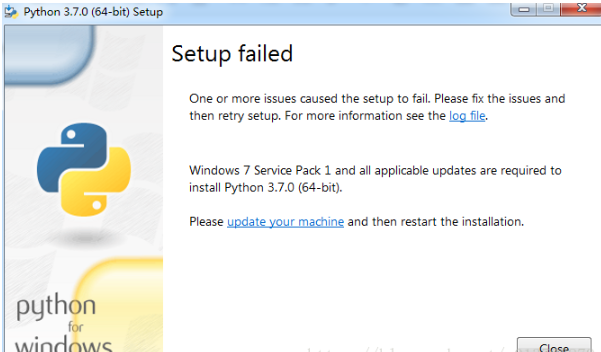
This is because the win7 version is too old, just update it in windows update!
(2) scipy packaging error
When pyinstaller was packaging, the generated exe file could not be opened. I checked the error, it was because of scipy.
The original version of scipy is 1.3.3. I think the version is too high, so I uninstalled and reinstalled scipy==1.0.0
Successfully packaged! ! !
(3) No access rights
I originally installed python in the Program Files of the C drive, and found that there were often no access rights problems, so I uninstalled and reinstalled it in another location without any problems.
Intelligent Recommendation
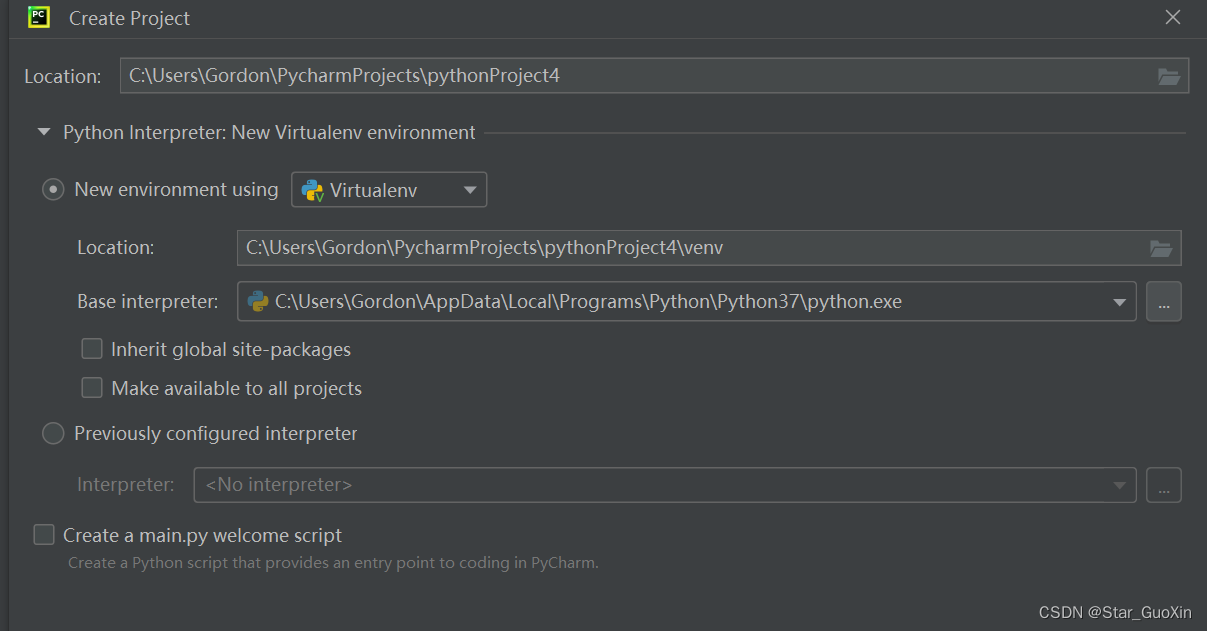
How to solve the problem of pyinstaller packaging exe file too large
Python pyinstaller package redundancy solution Let me briefly talk about it. Due to code development, with the increasing number of pip packages, the files packaged by pyinstaller often package some u...
The font package is too large to load slow
Introduced in the project, the font package file is too large, resulting in slow load, use the font-spider) 1. Install Font-Spider (globally installed) 2. Check if the installation is successful 3. Ne...
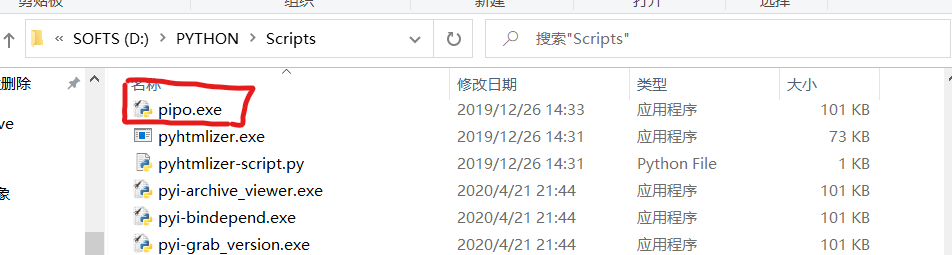
[pyinstaller pygame] Configure python environment variables to solve the problem of pyinstaller packaging exe too large
Problem restatement Recently I wrote a small game (Hua Rong Dao), the amount of code is not large, mainly realized by the pygame module. The amount of code is not large, so it is definitely not the pr...
Pyinstaller solution when playing out of the package is too large
Slumped answer - know almost https://www.zhihu.com/question/268397385/answer/611317903...
Pyinstaller package multiple files, solve the problem of too large files
Table of contents 1 Installation and use of PIPENV 2 pyinstaller pack multiple files 3 Other precautions Many friends use Pyinstaller to pack it. After packing, you will find that the file is very lar...
More Recommendation
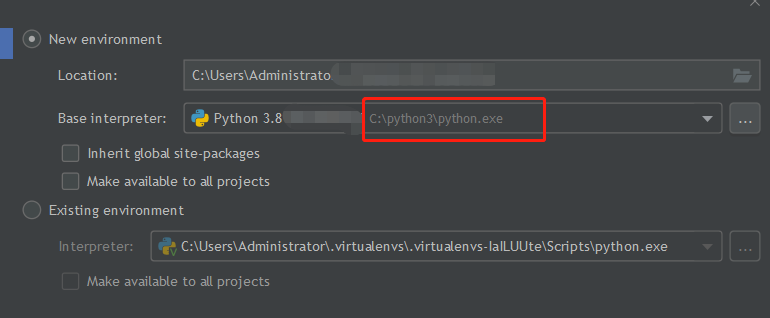
The file generated by pyinstaller is too large
Entering pyinstaller -Fw file directly will generate a file of about 100M, which will take a long time to open, even with statements like from… import. The reason is that adding -F generates a ...
Pyinstaller is too large after packing
The first is that you have a lot of bags you don't need in your default environment. So you can't use the default environment The new environment here is i31, Python version is 3.8 This reader can mod...
NPM package is too slow
Due to the network environment problem, some Node packages can not download or download speed, which can be used to use Taobao NPM mirror instead of npm, the installation method is as follows: Taobao ...
Pyinstaller releases exe too big problem
After using the Pyinstaller released, many times the exe is very large, and it will be hundredmm. The reason is mainly because the Python environment has installed too many packages. It actuall...
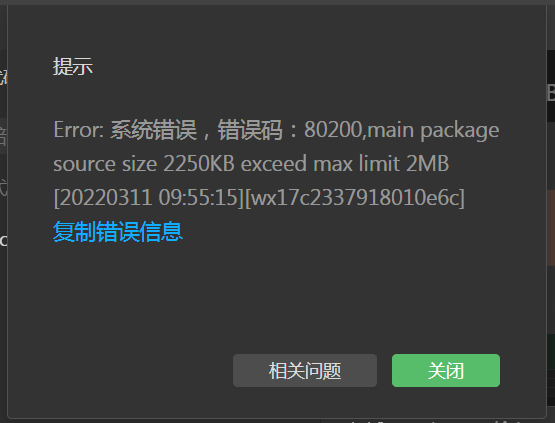
Uniapp runs to the WeChat Mini Program main package is too large
1. Check "whether to compress the code" 2. subcontract https://uniapp.dcloud.io/collocation/manifest.html#%E5%85%B3%E4%BA%8E%E5%88%86%E5%8C%85%E4%BC%98%E5%8C%96%E7%9A%84%E8%AF%B4%E6%98%8Ehtt...