Install node.js and configure environment variables (windows) in zip mode
Install node in zip mode, configure environment variables (windows)
What is zip installation?
Zip installation is to directly decompress the file, and then configure the environment variables yourself. The exe method installation will write something to the computer registry, and generally configure the environment variables automatically, but for programmers, the zip method is more compact, fast and convenient (personal understanding).
Installation process
Download (download the zip package that matches your computer)
Official portal:nodejs download address
Unzip and create a new folder
Unzip directly to the location you want to install. Then create a new foldernode-globalwithnode-cache(Choose your own location).
node-global indicates the global installation location of dependent packages, and node-cache indicates the cache location.
Configure environment variables (how to configure Baidu if you don't understand)
-
New system variable
variable name:NODE_PATH
Variable value: decompression pathvariable name:NODE_GLOBALE_PATH
Variable value:node-global Folder path -
User variable
Add to the user variable path:%NODE_PATH%;%NODE_GLOBALE_PATH%;
Excuting an order
Configure the global installation location and cache path:
npm config set prefix “node-path to the global folder"
npm config set cache “node-Path to cache folder"
Configure warehouse (optional)
The implementation is basically completed in the previous step. Domestic users who want to speed up the download speed of npm can choose to configure the mirror warehouse address.
npm set up Taobao warehouse:
npm config set registry http://registry.npm.taobao.org/
Install cnmp:
npm install -g cnpm --registry=https://registry.npm.taobao.org
After cnpm installation is complete, you can use cnpm instead of npm in the future, at this time npm will still use the official mirror, cnpm will use the domestic mirror
You can also restore the official warehouse:
npm config set registry https://registry.npmjs.org/
View mirror settings:
npm get registry
Intelligent Recommendation
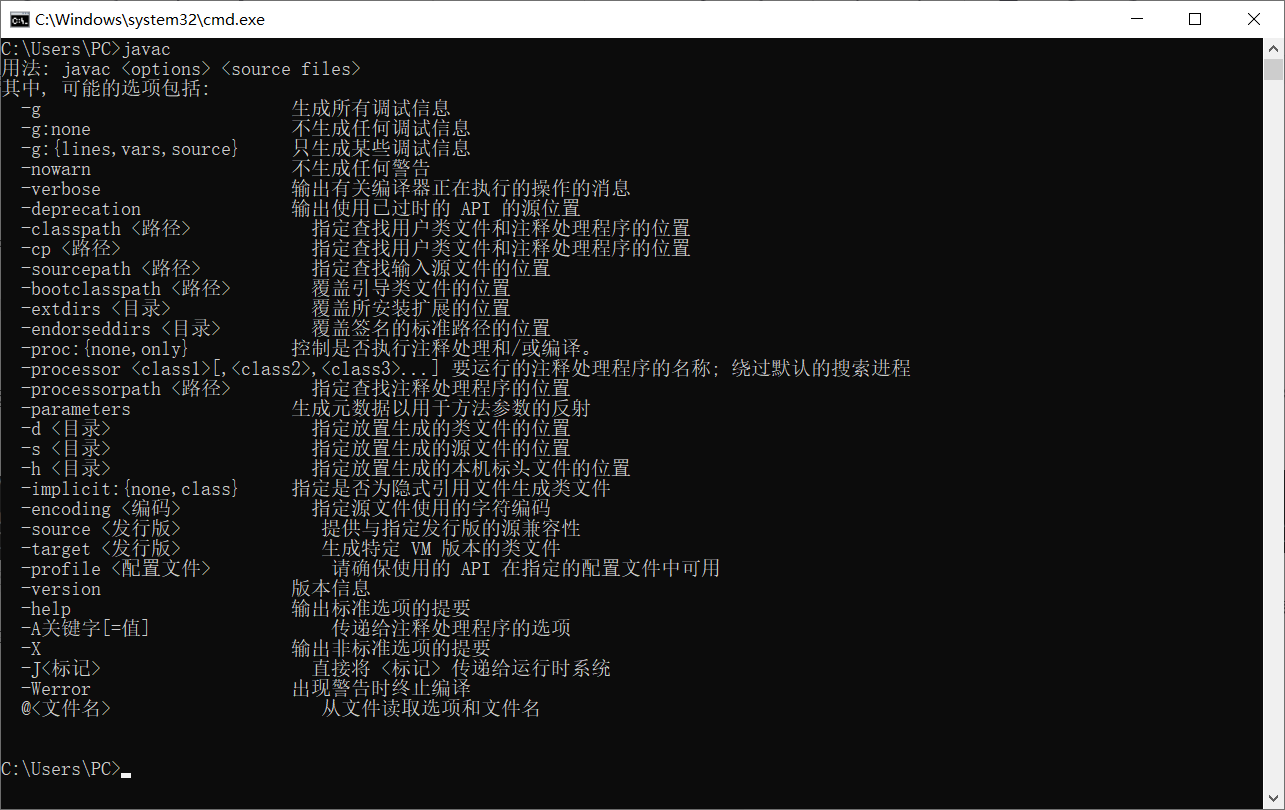
Install jdk and configure environment variables in windows environment
Install jdk and configure environment variables in windows environment Introduction of jdk development history: Development History Pre-installation preparation jdk official download address idea crac...

Install JDK in a Windows environment, configure environment variables
Install JDK in a Windows environment, configure environment variables Article catalog Install JDK JDK download address Configure environment variables verification Install JDK JDK download address Ins...
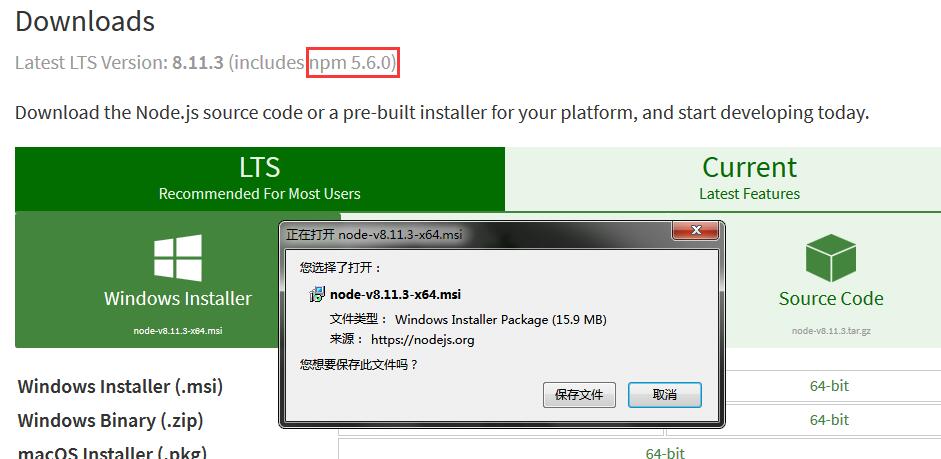
[Node.js study notes] 1: Install and configure the Node.js environment under Windows
download inNode officialWhen downloading, you should pay attention to the version of the npm package manager that comes with Node.js. If you want to use npm to build a Vue environment later, you need ...

Install pip on windows and configure environment variables
Original address:http://www.5ixiudou.com/portal/detailInfo/1000000005/287 When doing python development on windows, you need to introduce some dependencies, but sometimes you will report ModuleNotFoun...
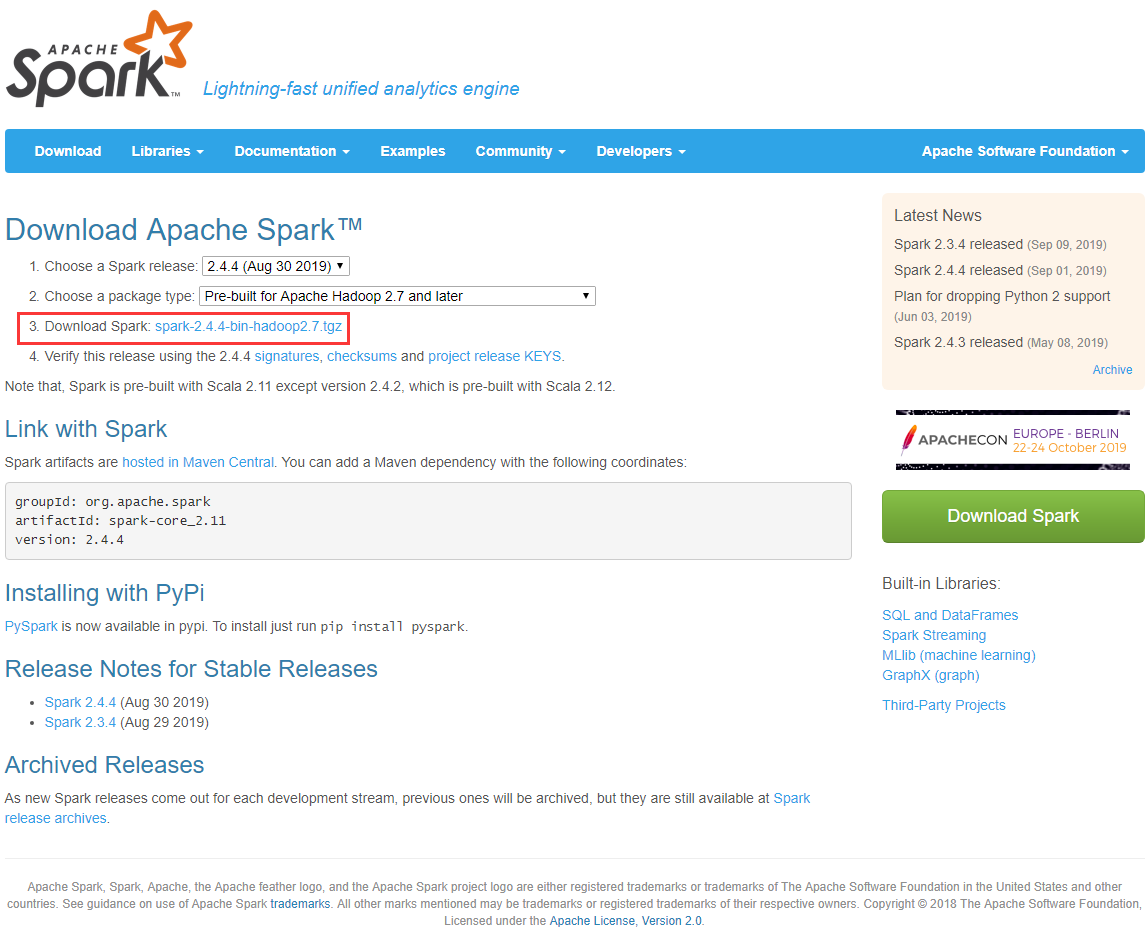
Install spark and configure environment variables under windows
1. Download Spark download address:http://spark.apache.org/downloads.html Click the link below to download Without installation, unzip it directly and put it under the directory you want. Second, conf...
More Recommendation
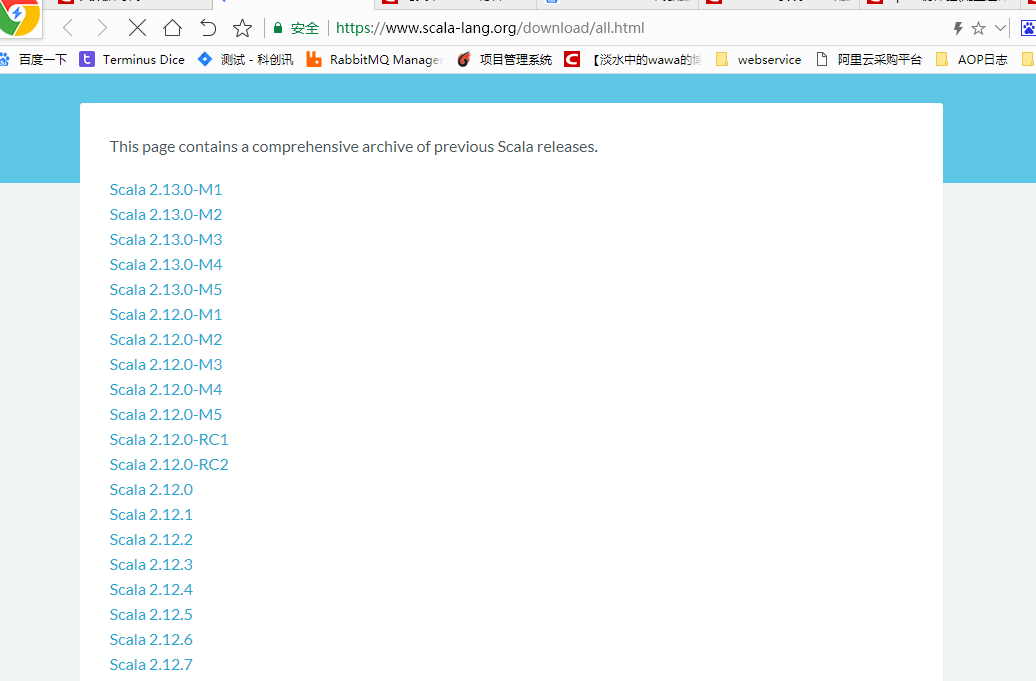
windows install scala and configure environment variables
1. Download Scala Download address:http://www.scala-lang.org/download/all.html I downloaded scala-2.12.0.zip, unzip it directly, no installation required Second, configure environment variables Add sy...
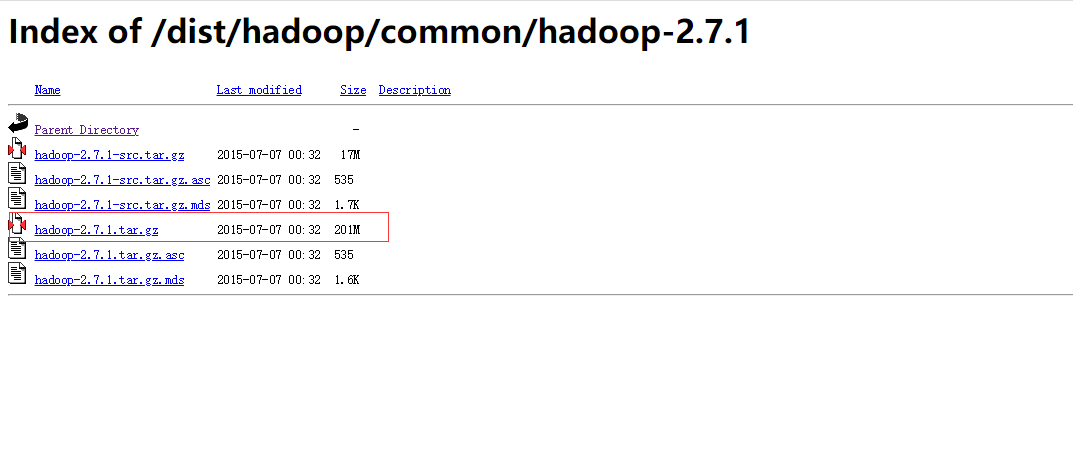
Install Hadoop under windows and configure environment variables
1. Hadoop download Address:https://archive.apache.org/dist/hadoop/common/ Unzip directly, no installation required, put it under the directory you want The variables to be set are HADOOP_HOME C:\hadoo...
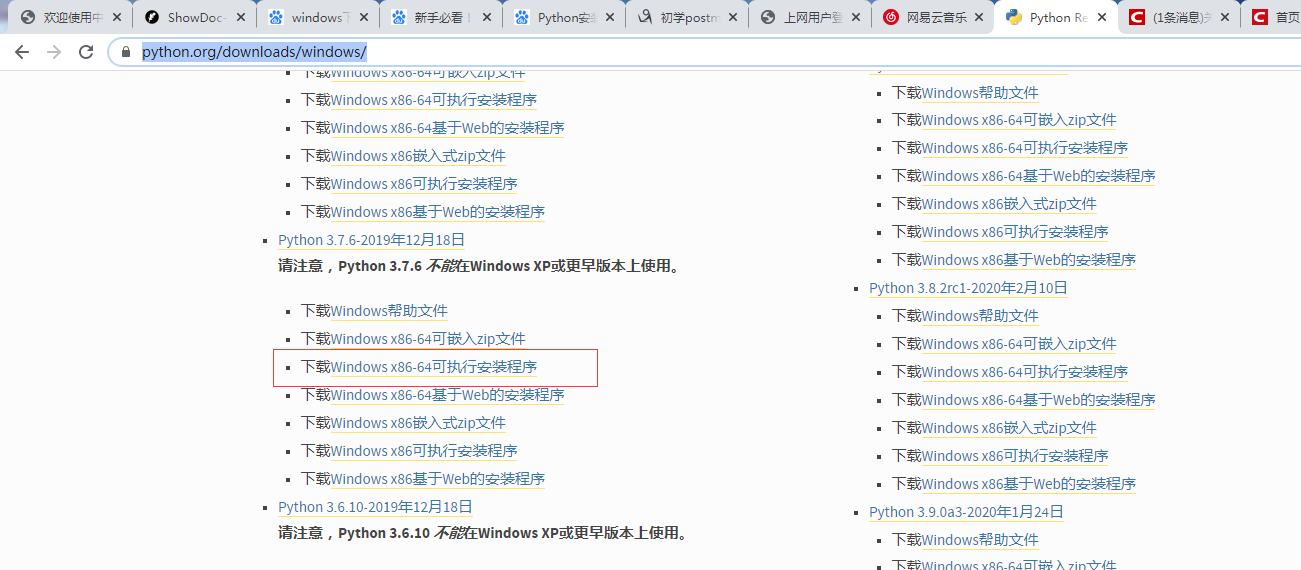
Install Python under windows and configure environment variables
1. First find the Python package to download on the official websitehttps://www.python.org/downloads/windows/ 2. After downloading and installing, you can install python3.7 version python2.7 ve...

Install and configure hadoop environment variables in the windows system
If you want to compile JAVA in the windows system to operate the hdfs file on the linux virtual machine, you need to install and configure the hadoop environment variable in the windows system. Instal...

Install Gradle on windows and configure environment variables
Install Gradle Download Gradle, and then configure the running environment. One thing to note is that gradle uses the Groovy language, and this language depends on java, so you must install and config...