【Arduino】Improving articles——Key joystick
tags: arduino Internet of Things
Key rocker
1. The purpose of the experiment
1. The purpose of the experiment
Joysticks are generally widely used in equipment such as model airplanes, video games, remote control cars, pan-tilts, etc. Many devices with screens often use joysticks as input controls for menu selection.
2. Experimental materials
Arduino Uno, supporting USB data cable, key rocker module, four DuPont cables
Three, circuit diagram
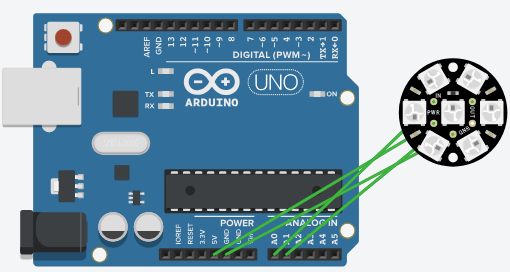
Four, experimental steps
Key rocker
VCC----5V,GND-----GND,X-----A0,Y-----A1
Five, code block
#define pinX  A0
#define pinY  A1

int value = 0;

void setup()
{
  pinMode(pinK, INPUT);
  Serial.begin(9600);
}

void loop()
{
  value = analogRead(pinX);
  Serial.print("X: ");
  Serial.print(value);

  value = analogRead(pinY);
  Serial.print(" Y: ");
  Serial.println(value);

  delay(1000);
}
6. Experimental results
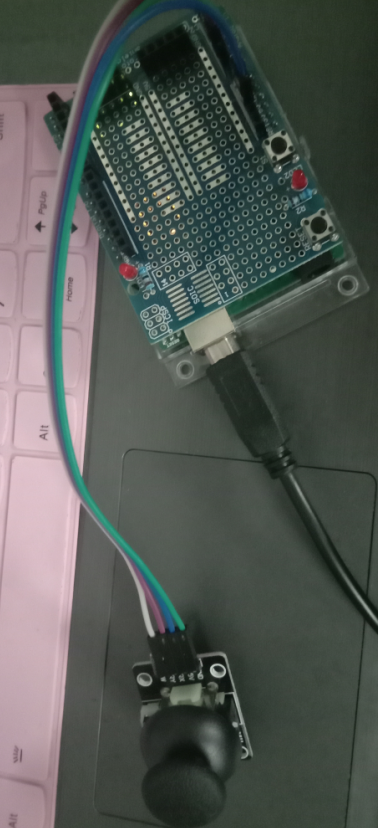
Arduino-key rocker
Intelligent Recommendation
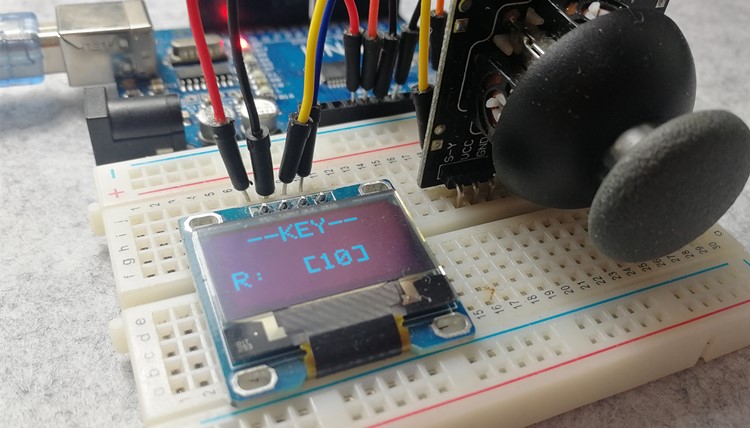
Arduino improvement chapter 14-joystick button operation OLED
The joystick is used to replace the touch buttons in many applications. Not only is it convenient to operate, but one joystick can replace multiple buttons, which simplifies the circuit design. This a...
[Arduino] Use servo library and a joystick to control two small servos
Materials arduino uno Joystick module x1 SG90 servo x2 Bread line Two-axis gimbal (not necessary) Code 1. Servo.h controls the servo, the servo can be connectedD0~D13 can work normally, A...
Arduino Improvement Chapter 13-Joystick Control OLED Mobile Display
Many classic mini games, such as Snake and Tetris, are displayed on the screen through button control. When the joystick meets the display, we can try many interesting experiments. This article contro...
3.2 Joystick Joystick Control
Reprinted at: https://blog.51cto.com/libinqi456/1602716...

Joystick virtual joystick
Joystick virtual joystick multi touch -output 4-quadrant coordinate output Standard unit Cartesian system, control center (0, 0) xAxis: Value range [-1,1], left value<0, right value>0 yAxis: Val...
More Recommendation

Using Arduino ~ UNO and Joystick SHIELD Development Board to develop greedy snake games
Previous article We introduced how to use the NOKIA 5110 LCD module to display (refer to the previous Wen'zhan), now we can develop some small games, such as the most classic greedy snake, then we com...

Joystick in CocosCreator
The previous article wrote several common protagonist control methods, this article will introduce the use of joystick JoyStick to control the protagonist. Seeing that all the code written by JS is on...

Virtual joystick
This input method of virtual joystick is believed to be quite familiar to everyone on the mobile game platform. First of all, let's briefly understand the design principle of virtual joyst...
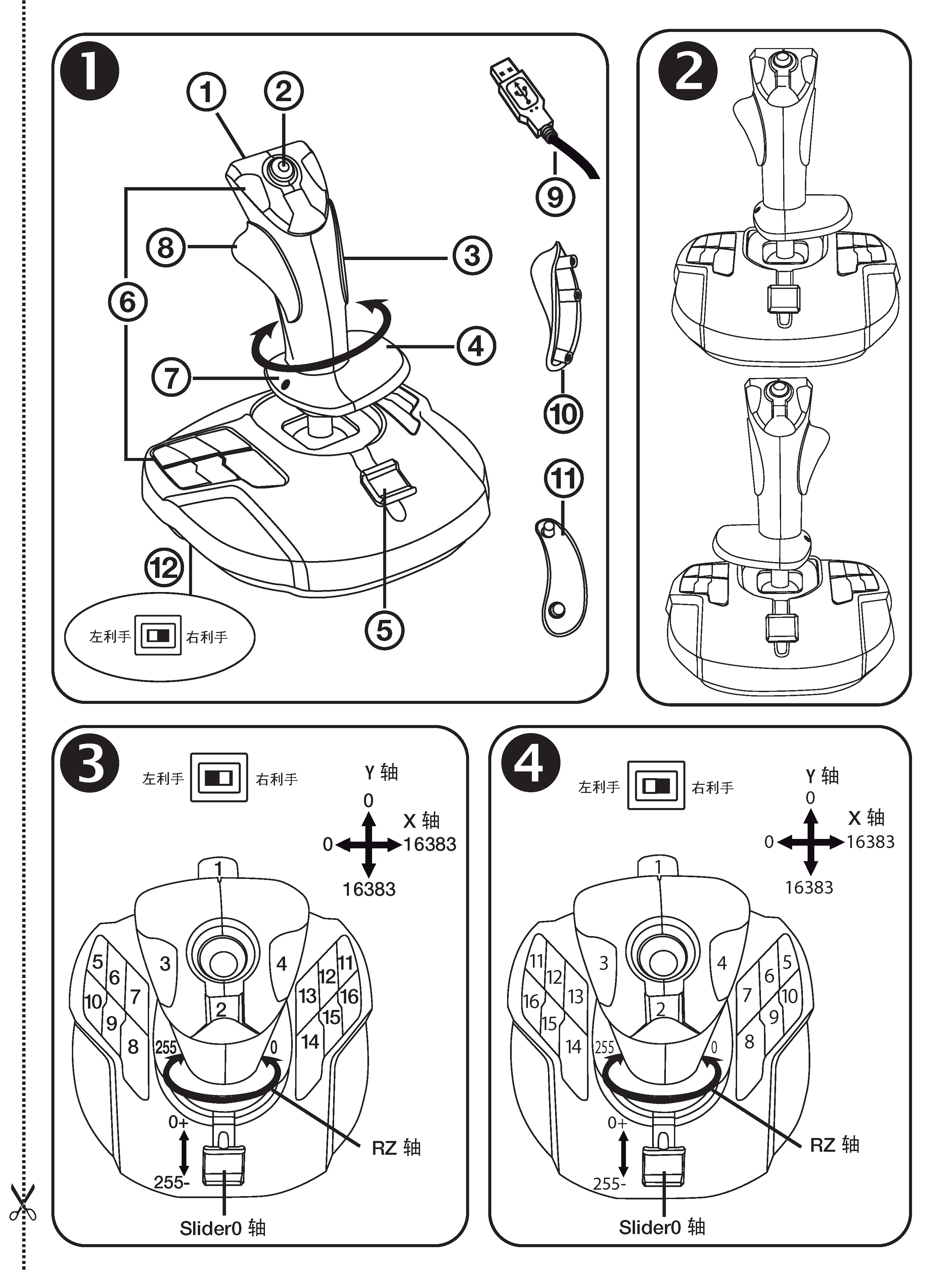
Joystick programming
Article Directory Preface Joystick introduction Technical characteristics Source code Get joystick function information Get the current state of the joystick Preface Based on the introduction of the p...