Flutter removes AppBar to click on the effect of water ripples and the gray background that appears
tags: Flutter interview html AppBar
AppBar(
      backgroundColor: MyColor.themeColor,
      title: Text(title,
          style: TextStyle(color: MyColor.themeFontColor, fontSize: 18)),
      elevation: 0,
      centerTitle: true,
      leadingWidth: 50,
      automaticallyImplyLeading: true,
      leading: InkWell(
          splashColor: Colors.transparent, // Remove water ripples
          highlightColor: Colors.transparent, // Remove Gao Liang
          onTap: () {
            FlutterUtil.popFlutterPage("");
          },
          child: Padding(
              padding: EdgeInsets.only(left: 15),
              child: Image.asset("assets/img/toolbar_back.png"))));
TIPS: [Mini Program Cloud Development] Interview question bank (source code: contact me in the applet).
---------- Creation is not easy. Thank you for your support!
Intelligent Recommendation
Android TabLayout removes click water ripple effect
Detailed solution address: problem: When creating a new project in the development tool, Android Studio will automatically add a new dependency library appcompat_v7 or the AS will automatically refere...
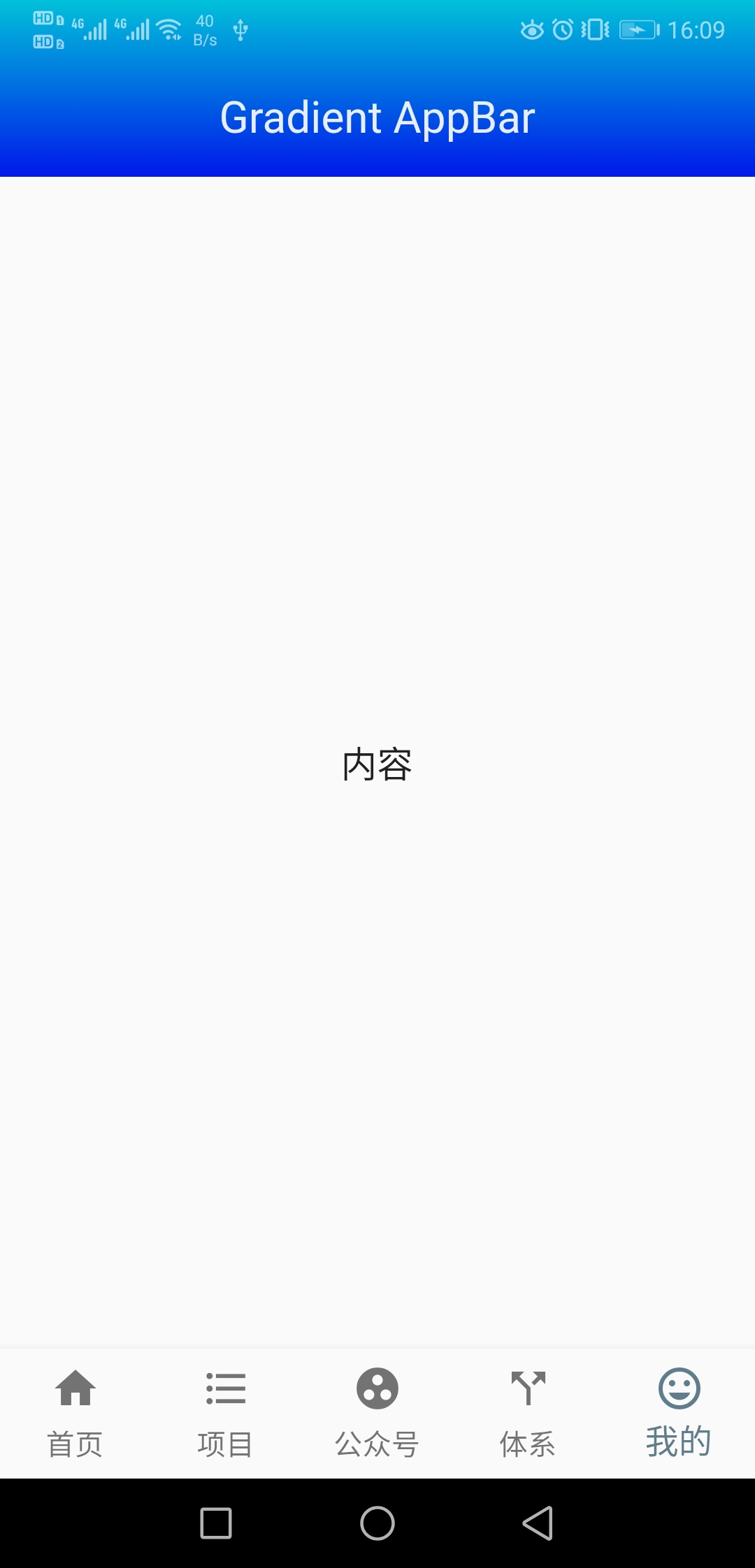
Flutter AppBar set gradient background
Mainly through the properties of AppBar: flexible spaceflexibleSpace...
Flutter AppBar background gradient color
Set the APPBAR attribute: FlexibleSpace Then remove the transparency of the status bar and change the effect after immersion, as shown in the figure...
Click on the phone screen and the water wave effect appears.
Css part Js part...
Flutter click water ripple effect package
In flutter, the ordinary Widget has no click effect, and there is no feeling when the click event is set. You can use the water ripple widget provided by Flutter to wrap the control, so that there is ...
More Recommendation
How Flutter removes the Water Wave effect of the ListView (CustomScrollView)
In the ListView, when the list is drawn to the top or bottom, there will be a water wave effect by default. How to remove this effect? At present, no solution has been found. However, there is a way t...

Android vertical TabLayout-VerticalTabLayout removes the water ripples that appear when clicked
A "Vertical Tab Bar in Android-VerticalTablayout" appeared, I took a general look, I feel pretty good, um, ctrl+C, ctrl+V can run perfectly. Slide, there is no problem. Wait, why the water r...
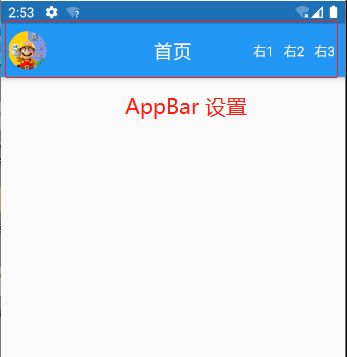
flutter-AppBar parameter setting layout effect
Common attributes Description leading The element on the left is customized, which is a widget leadingWidth The leading width of the AppBar. If the leading contains text, if you don’t set this p...
Flutter Sets the color of the status bar, background appbar
FLUTTER Settings Status Bar Colors, Background AppBar: AppBar (Elevation: 0.5, Brightness: Brightness.light, In the interface with AppBar, the status bar is generally Brightness.dark, and both of the ...
Flutter custom click component (water wave pattern click effect)
When using INKWELL to customize water ripple components, the sub -component sets background color or background picture, which will cause the water wave pattern effect to disappear. The stack componen...