Programming beginners understand the relationship between python, anaconda environment, tensorflow and pychram
tags: python tensorflow pycharm
As a programming novice, I initially learned python and deep learning related knowledge. It can be said that in addition to theory, there are various packages to download and various paths to understand. In particular, the download method of deep learning-related packages and some packages that are not available on pycharm requires a clear understanding of the path and the relationship between these software
The following is the most initial partner for self-study deep learning
1. Misunderstanding 1.python
Here it is recommended to use anaconda directly, which comes with python (enter the anaconda prompt) and enter python
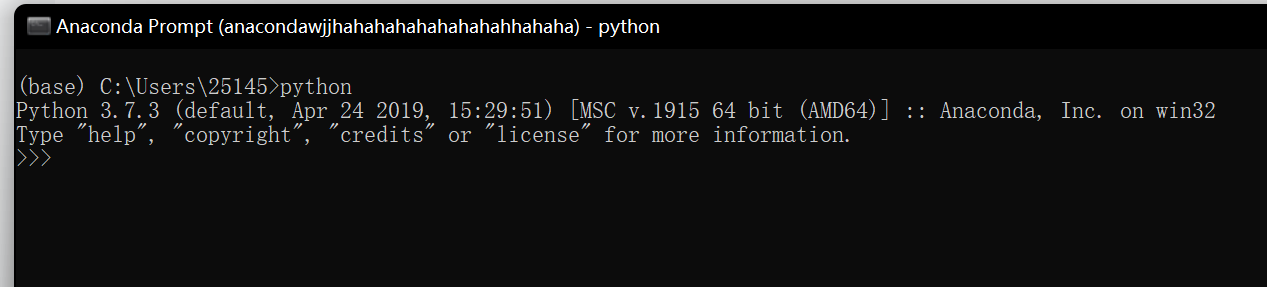
Many novices, after entering cmd, will find that there is also a python, that is because the friends who are not clear download it from the official website. It is recommended to use anaconda here
2.pycharm interpreter environment
To run the deep learning code, you need to use the python interpreter in the TF environment under anaconda. The so-called TF is tensorflow, the soul of deep learning. (The specific configuration method will be mentioned in the follow-up article)

As shown in the figure, the author uses the python3.7 interpreter based on the TF2.1 environment, where python3.7 comes with anaconda.
Note in particular that the "D:\anacondawjjhahahahahahahahahhahaha\envs" folder is our project folder. Now for this folder, let’s talk about the third misunderstanding
3. The package that is not in pycharm is downloaded in cmd, or even in the prompt of anaconda, but the reason why it is still not found in pycharm:
The path is wrong! Remember that all the packages of our project are in that path just now! Where exactly, let's go deeper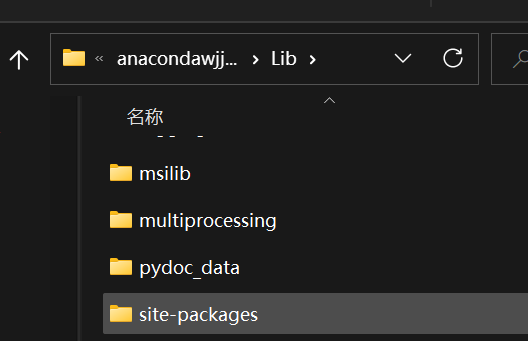
"D:\anacondawjjhahahahahahahahahhaha\envs\TF2.1\Lib\site-packages" is in this environment, that is, the site-packages under Lib in the interpreter environment. That is to say, all packages must be in this path to It was found by pycharm. And many packages need to be downloaded through the prompt of anaconda, but its default download path is not this path. On the contrary, it is a very similar path. For example, the author's default package download address is D:\anacondawjjhahahahahahahahahhahaha\Lib\site-packages
Can you see the difference between the two? That's why we downloaded the package, but it still shows that the package cannot be found in pycharm. At that time, I suffered a lot here. In addition to using instructions, we can also directly drag the folder of the required package to D:\anacondawjjhahahahahahahahahhahaha\envs\TF2.1\Lib\site-packages to achieve the installation package
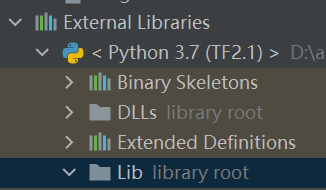
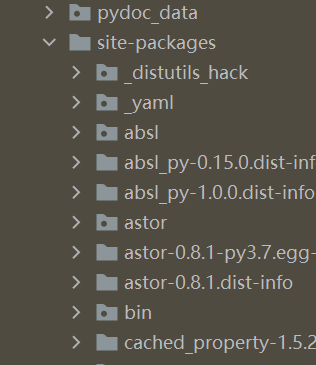
And this path can also be found in pycharm
The above are some summaries when I first learned python. I hope everyone can criticize and make progress together. The follow-up content will be published in a later article. Thank you.
Intelligent Recommendation
Python+Pychram+pytest environment construction
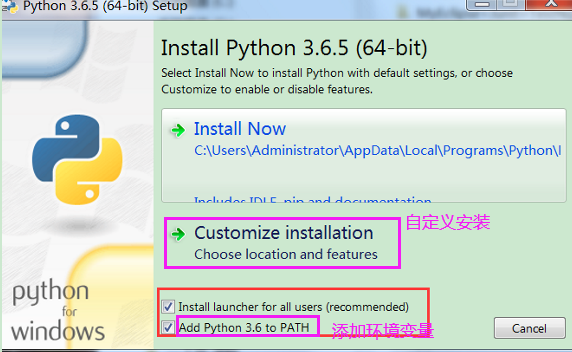
3. Pycharm configures the python development environment 3.1 Install python Official website download address:https://www.python.org/downloads/ It has been updated to 3.9.5 Python 3.6 installation ste...

Win10 environment: Python, anaconda, common IDE relationship
Summary of Pythton related software relationships Python, anaconda, common IDE installation, use, relationship Python Anaconda Common IDE summary Recommended outfit Python, anaconda, common IDE instal...

【Python】Python environment configuration and installation and use of Pychram
Table of contents 1: Introduction to Python Two: Python download and install 1. Window platform installation Python: 2. MAC platform installation Python: Three: Environment variable configuration Sett...
Multiple users install Tensorflow, KERAS environment under Linux; how to switch between Python and Anaconda in the system
Every time I installed the mistakes, I recorded it, I will follow it next time: 1) Install anaconda Direct Bash Anaconda2-4.4.0-linux-x86_64.sh (all the way Enter, Yes, OK) Can consider Source ~ / .ba...
Anaconda (Python) + PIP + TensorFlow in Windows environment
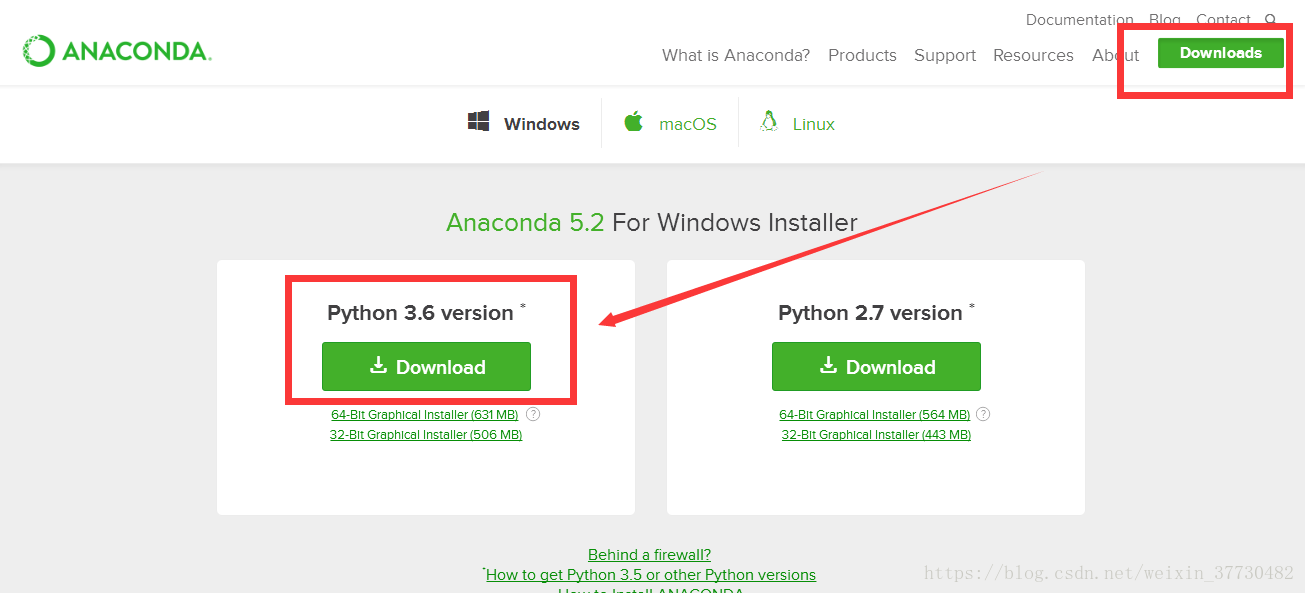
Anaconda module 1.Anaconda Introduction Anaconda is an open source Python distribution that includes more than 180 scientific packages such as conda and Python and their dependencies. Anaconda'...
More Recommendation

[Python] Install Anaconda, tensorflow and PyCharm in Win10 environment
This article mainly introduces how to install Anaconda, tensorflow and PyCharm in Win10 environment, let us use python more efficiently and conveniently! 1. Install Anaconda Compared with matlab, pyth...
What python virtual environment? Anaconda understand how
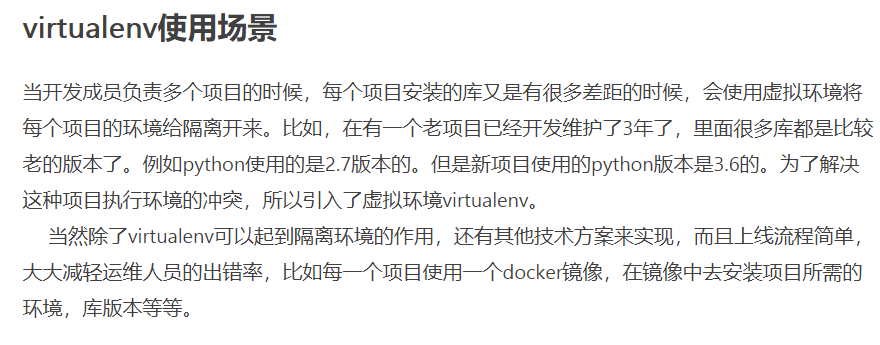
A question about Anaconda Wikipedia: Anaconda is a free, open source [5] and R releases Python language, for computational science (scientific data, machine learning, predictive analytics and big data...
Python a question to understand the relationship between and or not (and, or, not)-homework
ask What is the value of the following variables? Today I just figured out the relationship between and or not for the first time. The following formula is quite useful. is of great help to the follow...
The solution to the conflict between anaconda and ROS's python environment
One day after installing anaconda, I want to create a new ros workspace. The result is actually an error: And there is such a message above the error displayed by the terminal: Using Python nos...
Anaconda switch between different versions of python environment
Anaconda Anaconda installation Anaconda official website download address After downloading, the fool installs. After the installation is successful...