Detailed explanation of CRLF, CR, LF
For a long time, the understanding of CRLF, CR, and LF was limited to the definition of newline characters under different operating systems. The so-called knowing the need to know why, from the learning to find fun, the memory of knowledge will be more profound.
Glossary
- CR: Carriage Return, corresponding to the ASCII escape character \r, indicating carriage return
- LF: Linefeed, corresponding to the ASCII escape character \n, indicating a newline
- CRLF: Carriage Return & Linefeed, \r\n, indicating carriage return and line feed
As we all know, the Windows operating system uses two characters for line breaks, namely CRLF; the Unix/Linux/Mac OS X operating system uses a single character LF for line breaks; in addition, the MacIntosh operating system (ie, the early Mac operating system) uses a single character CR. To make a new line.
unofficial history

According to historical records, in the era of mechanical typewriters a long time ago, CR and LF have different functions: LF will move the printing paper up one line, but keep the horizontal position of the current typing unchanged; CR will be "Carriage" (typewriter The upper scrolling carriage) rolls back to the far left of the printing paper, but keeps the vertical position of the current typing unchanged, that is, on the same line.
When CR and LF are used in combination, the print paper is moved up one line, and the next typing position will return to the far left of the line, which is the line feed we understand today.
Over time, mechanical typewriters gradually withdrew from the historical stage, and the original paper became the monitor of today, and the keys of typewriters evolved into today's keyboards. In the era of operating systems, limited by the lack of memory and floppy disk space, some operating system designers decided to use a single character to represent newline characters, such as Unix LF, MacIntosh CR. Their intention is to carry out a line-feeding operation, but there is no international standard (or other reasons, ghosts know), so there is such a difference in characters.
in conclusion
Many modern text editors and command line tools provide optional line break configuration, which makes it easy for users to change the form of newline characters as they wish, so we only need to know the role of CRLF, CR, and LF.
references
http://en.wikipedia.org/wiki/Newline
https://en.wikipedia.org/wiki/Control_character
https://stackoverflow.com/questions/1552749/difference-between-cr-lf-lf-and-cr-line-break-types
Intelligent Recommendation
CRLF and LF
folder: What is CRLF and LF Why should explore CRLF and LF Different treatment of three ways Many other references 1. What is CRLF and LF CRLF iscarriagereturnline feedabbreviation of. Chinese meaning...
CRLF to LF
In front Because of the different processing of the tail (unix's change of the UNIX → Windows Enter+change line) in Unix, Linux, and Windows, various problems when passing the files between diffe...
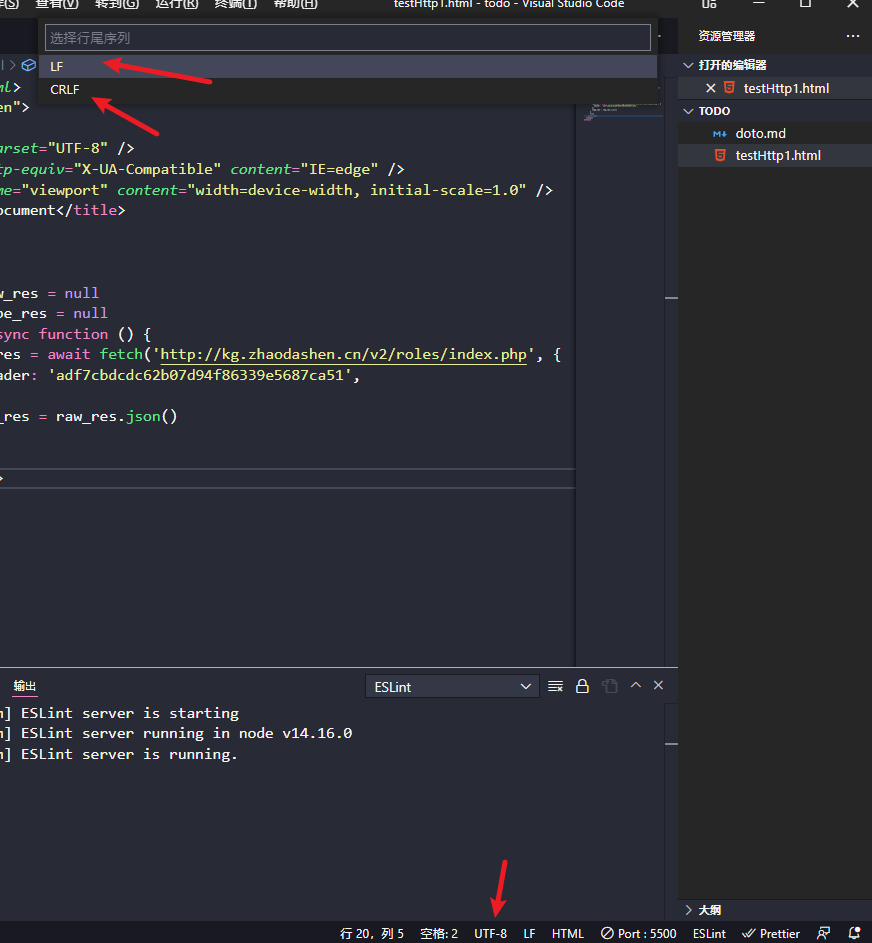
About the difference between newline characters in different environments Line newline characters CR, LF and CRLF
CR LF CRLF CR: Carriage Return, corresponding to the escape character \r in ASCII, indicating carriage return LF: Linefeed, corresponding to escaped characters\n in ASCII, indicating line break CRLF: ...
The difference between CR and LF
The difference between CR and LF I haven't updated it for a long time, mainly my own problem. A little bit of results are floating, forgetting that I am still a chicken, resulting in a long time did n...

On line terminator (CR, LF)
Reproduced -Click on the link to open CR (Carriage Return) represents a carriage returnLF (Line Feed) for new line Dos and the Windows using carriage return + line (CR + LF) indicating that the...
More Recommendation
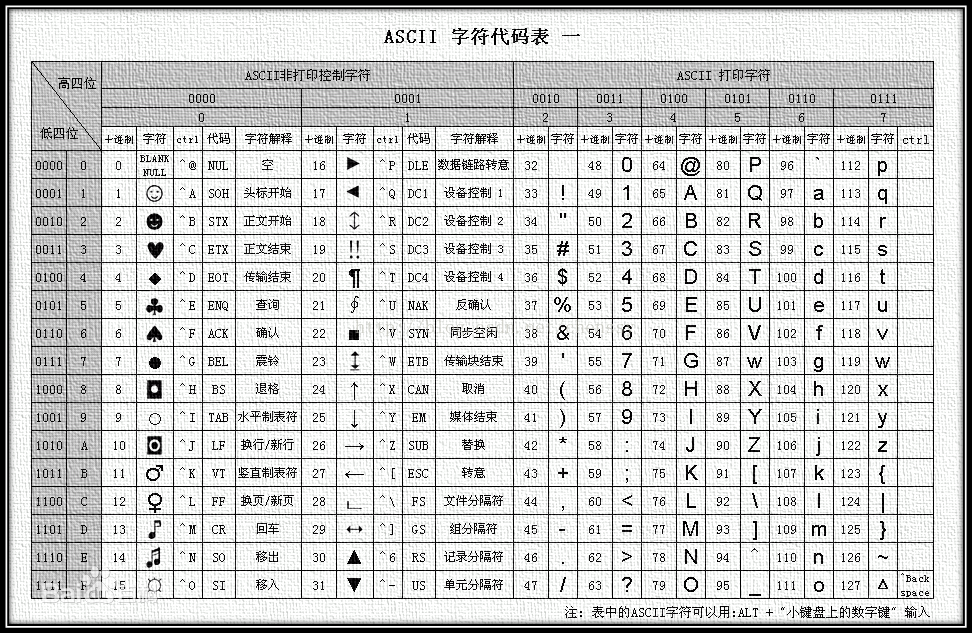
Line terminator CR, LF
Article Directory CR and LF history Description Related questions ASCII code CR and LF history CR and LF were originally used to control teletype printers (Teletype, so there is a tty in UNIX, which i...
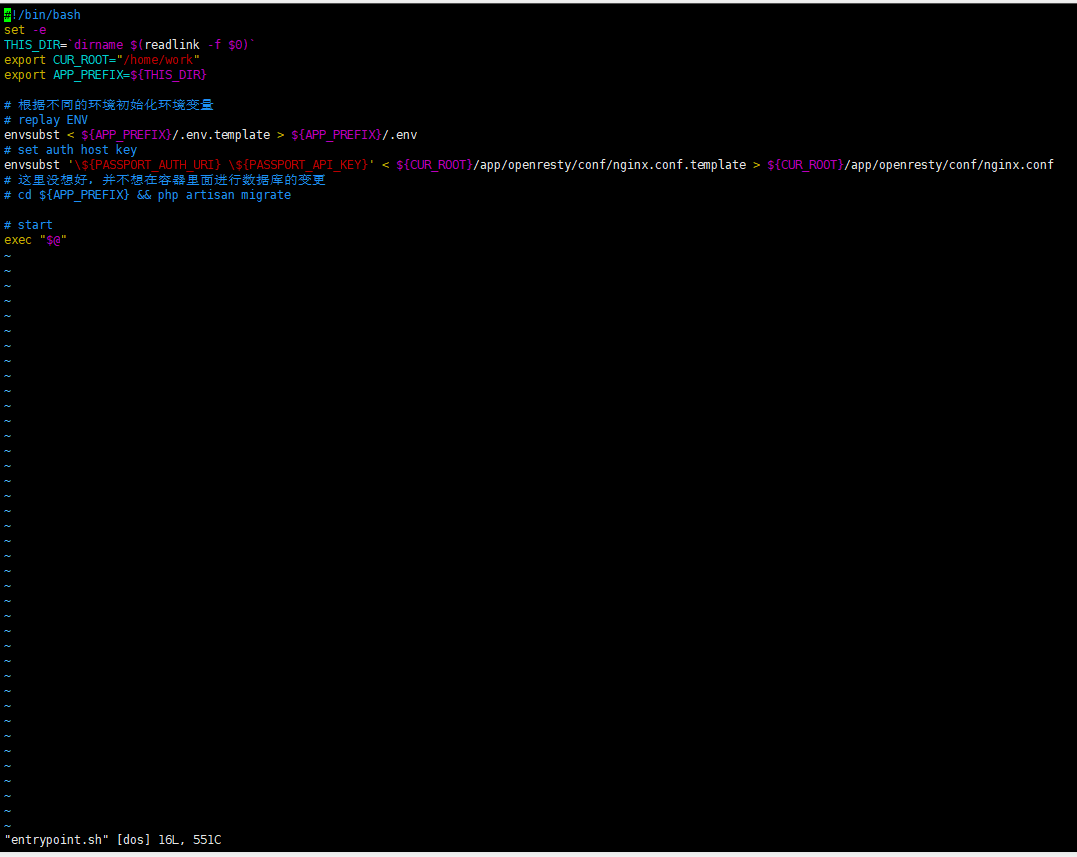
CR and LF line breaks
Preface Do you know the difference of line break (carriage return) in different operating systems, such as windows series and unix series? Have you configured the core.autocrlf parameter when using gi...

Enter (CR) and Change (LF)
carriage return(CR) 0xD \r Enter the car, let the player position the print header on the left boundary Move the light marker toLead, Don't turn to the next line line feed(LF) 0xA \n Change the line, ...
warning: LF will be replaced by CRLF
Problem git has the following warning when executing the git add command: warning: LF will be replaced by CRLF in test1.txt. The file will have its original line endings in working directory 2. Reason...

warning: LF will be replaced by CRLF in
The following warning appeared when Git submitted the file today. I haven’t had this before. Then I tried to close the file opened in the webstorm window, and the commit again became the followi...