Codeblocks environment error The compiler cannot find a solution to the problem
tags: codeblocks
Problem Description:
I recently reinstalled Codeblocks, and then found that after entering, there will always be an environment error window in the lower right corner, indicating that the compiler cannot be found, as shown in the figure:

Here is the solution:
First of all, it is best to download codeblocks from the official address:
http://www.codeblocks.org/downloads/26
-----note!!!!-----
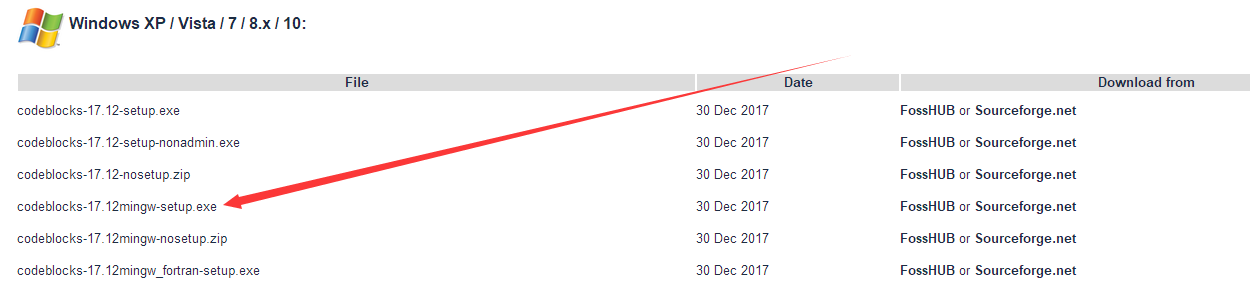
Here is the key to the problem! When downloading, be sure to download the version with MinGW (the fourth in the figure):

After downloading and installing, you can see the option of MinGW:

After opening codeblocks after installation, small boxes will not pop up!
There is a case in everything:
If the previous prompt pops up after opening, it may be because you changed the path in the settings compiler before, so change the path (auto-detect) in settings->compiler->toolchain executables:

Intelligent Recommendation
pcl error: cannot find -lvtkproj4 problem solution
The problem with the pcl library Just remove this item after finding_package (PCL 1.2 REQUIRED) in CMakeLists.txt....
Error: Cannot Find Module 'Webpack' Problem Solution
The meaning of this sentence is: No WebPack module is found. Even before you have installed WebPack, it is definitely non-global installation. So to install globallynpm install --save-dev webpa...
Error: Cannot Find Module ‘Webpack’ problem solution
Project scene: Local operation of new projects report errors Problem Description After pulling the project locally, install the project corresponding to the project, execute NPM Run DEV, and report an...
CodeBlocks can't find compiler GNU GCC compiler
CodeBlocks:http://www.codeblocks.org/downloads/26 Install CodeBlocks today and find the shortest installation in the above website. After the installation, the compiler could not be found. The search ...
CodeBlocks installation error report no compiler
CodeBlocks installation error report no compiler This error is complete: can't find compiler executable in your configured search path's for GNU GCCcompiler. The complete error is: can’t find co...
More Recommendation
Codeblocks cannot debug solution
Codeblocks cannot debug the program-Mengxin Xiaobai's experience Error type Circumstances that cannot be debugged after solving the error Error handling method Solution to crash during debugging Error...
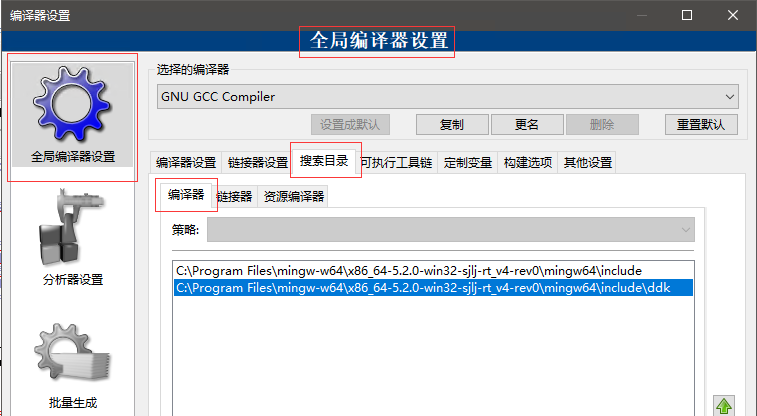
CodeBlocks compile prompts no such file cannot find .h file solution
If no such file xxxx.h appears during CodeBlocks compilation, you need to add the header file path Settings -> Compilation Settings -> [Scheme] -> Search Directory -> Compiler Add the incl...
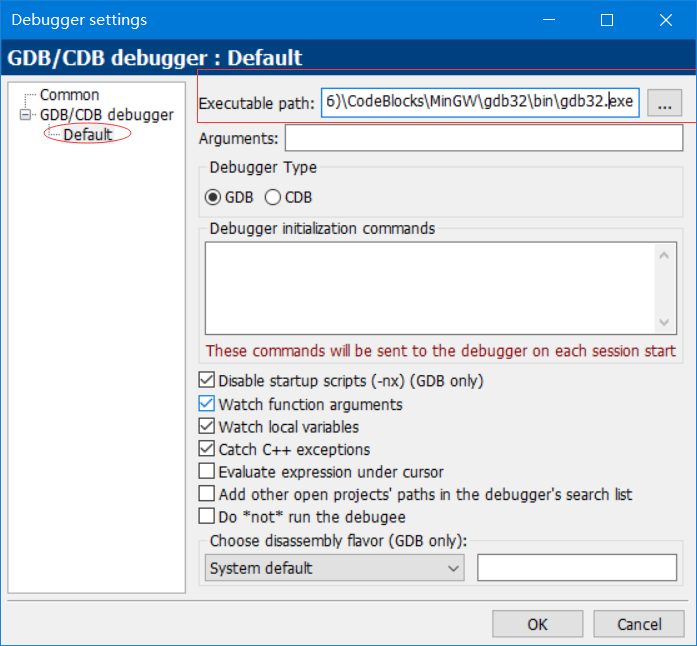
CodeBlocks | Cannot debug | Breakpoints cannot be broken | cant find compiler executable in your configured search paths
Error report cant find compiler executable in your configured search paths for GNU GCC Compiler Select Debuggers in Settings, find gdb32.exe in your computer, fill in the following red path If you can...
ERROR: Cannot find solution
This error occurs when running the Vue project: I tried several NPM INSTALLs without the effect, NPM Install Express couldn't. The Express file in node_module is always not open. Finally, I downloaded...
Codeblocks download and install and solve the method that codeblocks can't find the compiler
1. Download address of codeblocks:http://www.codeblocks.org/downloads/binaries For the first codeblocks-17.12-setup.exe and the second, there is no built-in compiler, which means that we ca n’t ...