Readapi continues to integrate jenkins on linux
1.readyapi installation operating environment
-
IP:10.200.200.200
-
table of Contents
-
Installation path /usr/local/readyapi2.3.0
-
Project path /home/readyapi/project
-
Jar package path /home/readyapi/ext
-
Scripts library path /home/readyapi/scripts
-
Log file path /home/readyapi/logs
-
Custom configuration file path /home/readyapi/config
-
Tomcat installation path /usr/local/apache-tomcat-9.0.12 (used to demonstrate automated execution reports)
-
2. Create a node on jenkins
-
Configure node slave information, IPsh: 10.200.200.200
3. Install readyapi on the jenkins-node server
sh ReadyAPI-x64-2.3.0.sh -q -dir "/usr/local/readyapi2.3.0"
-q: install no UI application
-dir: specifies the application installation path, the default path User-Folder/SmartBear/ReadyAPI-version
-
Installation package download address:
-
Installation command
-
-
sh ReadyAPI-x64-2.3.0.sh -q -dir "/usr/local/readyapi2.3.0"
-
There is a bug in the 2.4.0 version that cannot run the composite project, so choose to install version 2.3.0.
-
4. Copy the certificate KEY
-
Permanent certificate
Unused
-
Trial certificate
Copy the trial certificate key file soapui.key on the window to /root/.soupui/soapui.key
(The current user is root, the install user is root, all .soapui and .readyapi are in the /root/ directory)
5. Copy the readypi project to the jenkins-node server
-
Create 1 normal jenkins job-pull code
-
Pull the readyapi project code on git
-
Scp to the server where jenkins-node is located
-
scp -r /root/.jenkins/workspace/autotest/* [email protected]:/home/readyapi/project/auto-api-riskcontrol-readyapi
6. Run the readyapi project
-
Modify the startup parameters of testrunner.sh
Specify ext libarary
JAVA_OPTS="-Xms128m -Xmx$READY_XMX -Dtest.history.disabled=true -Dsoapui.properties=soapui.properties -Dgroovy.source.encoding=iso-8859-1 -Dsoapui.home=$READY_API_HOME/bin -Dsoapui.ext.libraries=/home/readyapi/ext -Dsun.jnu.encoding=UTF-8 -Dfile.encoding=UTF-8"
-
Automate test projects with testruuner.sh
cd /home/readyapi

/usr/local/readyapi2.3.0/bin/testrunner.sh -Dsoapui.log4j.config="/home/readyapi/config/soapui-log4j.xml" -r -a -j -f/usr/local/apache-tomcat-9.0.12/webapps/report "-RJUnit-Style HTML Report" -FXML -Eautotest "/home/readyapi/project/auto-api-riskcontrol-readyapi" &
-
Parameter Description
-
-Dsoapui.log4j.config can load a custom log4j log configuration file
-
-r: Commands the runner to include a summary report into the test log.
-
-a: Commands the runner to export all test results. Otherwise, it exports only information about errors.
-
-f/usr/local/apache-tomcat-9.0.12/webapps/report : Generate report storage address, here is the address of tomcat installation, directly generated into the tomcat application
-
-RJUnit-Style HTML Report" : Report Data Form
-
-FXML : report format
-
-Eautotest : Specify the use of the environment
-
"/home/readyapi/project/auto-api-riskcontrol-readyapi" : here is the file for the composite project
-
7. Configure the job running testrunner
-
Set the node created for step 2
-
Set the job's trigger event to "job task completion on git pull code"
-
In order to make the jenkins job run, the testrunner can continue to execute. The first line in the shell needs to be declared.
BUILD_ID="dontKillMe"
8. View the report
Start tomcat
Report url http://10.200.200.200:8080/report/
**problem**
1) When you are scp, you need to enter a password.
scp A to B,
Establish B-to-A trust, secret-free login, use the keygen command on A to generate the public and private keys, and append the public key to B's ~/.ssh/authorized_keys file.
After the trust is established, the secret-free login still does not take effect, so the colleague of the operation and maintenance needs to help.
2). readyapi2.4.0 version can not run composite project error message
[CompositeProjects] The file has not been loaded, because the project does not contain it
Reason: readyapi2.4.0 can't run the composite project, it is a bug of version 2.4.0.
Workaround: Run the composite project using readyapi version 2.3.0
3). Run the project can not find the class library ext lib
Modify the parameters of testrunner.sh and specify -Dsoapui.ext.libraries=/home/readyapi/ext
4). Run the project can not find the custom script
Readyapi is the runtime, find the script folder under the current path, and load all the custom scripts, so the cd to the upper directory of the script can be solved at runtime.
5). groovy script reads files, file separators window and linux are different
needs to be replaced with a system separator to ensure that the file can be found
Intelligent Recommendation

JMeter + Maven + Jenkins continues to integrate
Jenkins continues to integrate 1. Install configuration jenkins 1.1 Welcome interface, directly click Next. 1.2 Select the installation directory, click Next 1.3 Setting the login credentials f...
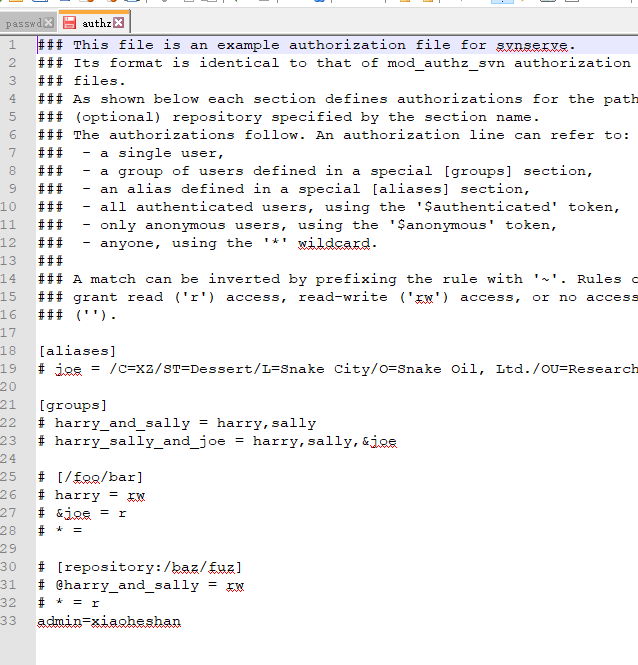
Jenkins continues to integrate from 0
1, prepare a virtual machine: here is not described here Jenkins attachment: 2, install JDK Configure the Java environment in / etc / profile 3, install SVN (note Linux firewall intercept port) Corres...
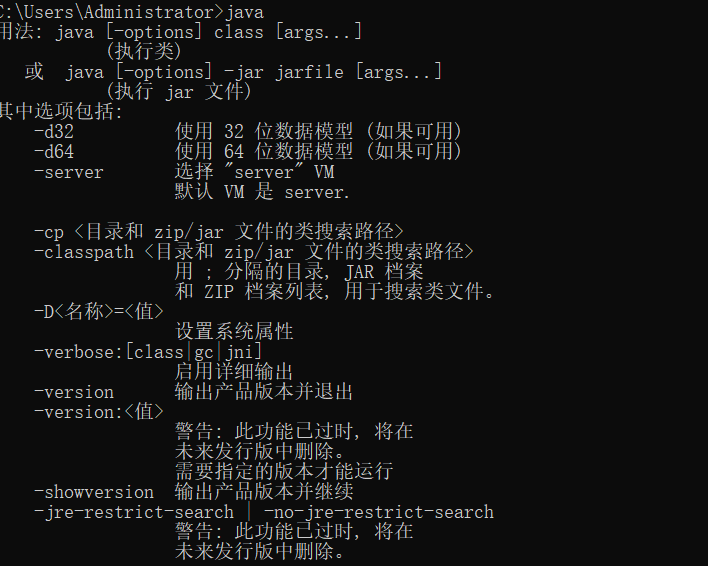
Jenkins automation test continues to integrate
1.Jenkins download 2. JDR environment download: 3. Continue console input command: 5. Because Jenkins's WAR package comes from the Jetty server, after the start is successful, open the browser operati...
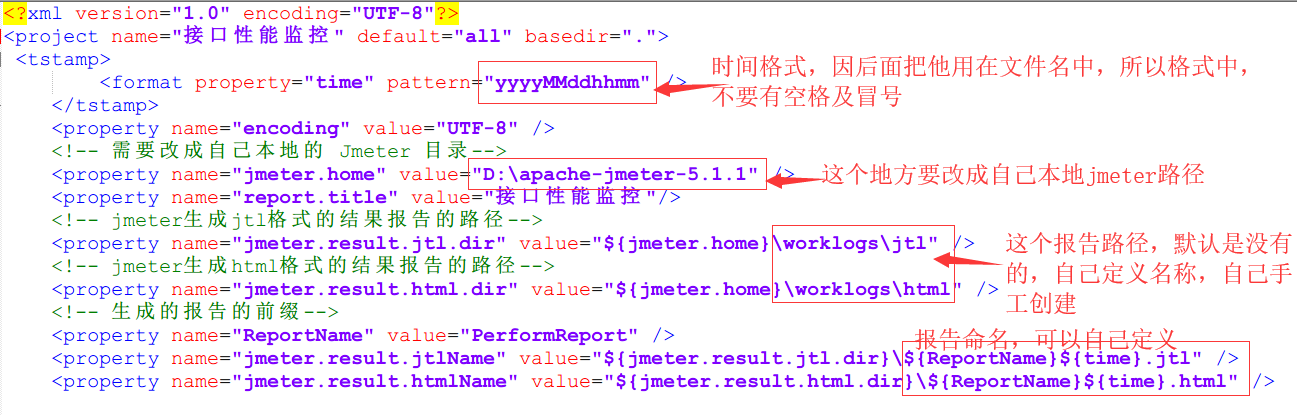
JMeter + Ant + Jenkins continues to integrate
windows(Jmeter+ant+Jenkins) Introduction Jmeter is a Java development, open source tool under Apache, often used to do interface automation and performance test tools. Because he opened the source, it...
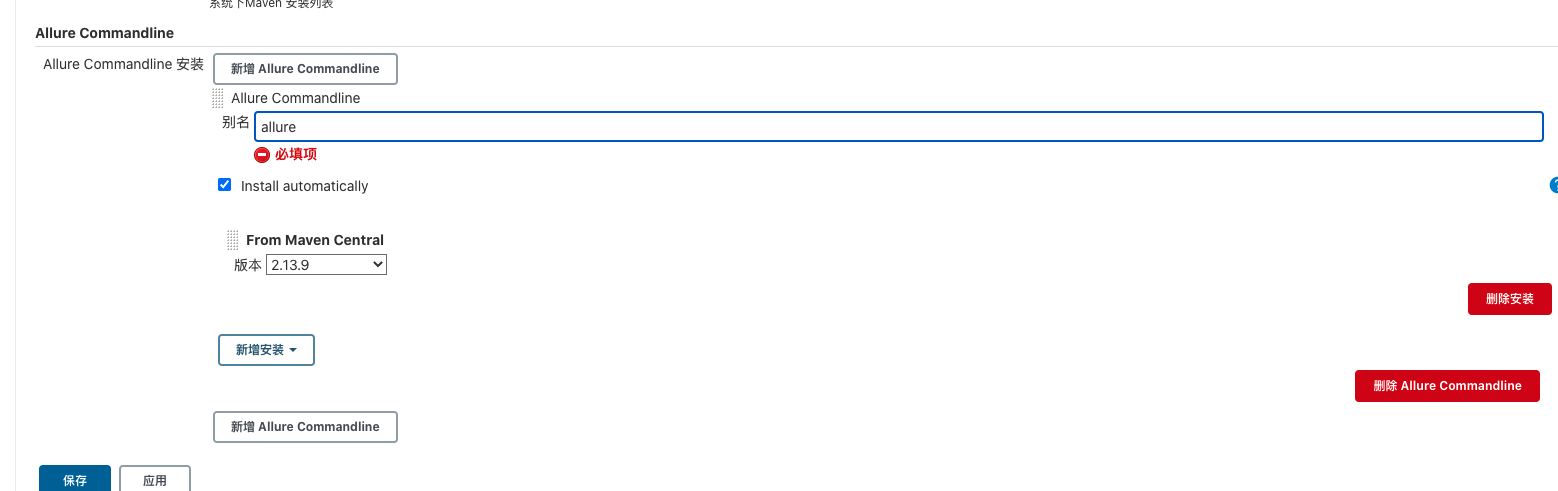
Jenkins continues to integrate allure report
Install Jenkins brew install jenkins Enable Jenkins service: Brew Services Start Jenkins (restart to restart) When Jenkins for the first time, Jenkins automatically generates a random in accordance wi...
More Recommendation
JMeter continues to integrate + Ant + Jenkins
1、ant build.xml 2.jmeter-results-detail-report_21.xsl 3.jmeter-results-shanhe-me.xsl...
Springboot project continues to integrate Jenkins
Docker builds Jenkins Installing plug-in GitLab Maven Java Email, etc. Create a Jenkins project Configure gitlab pull project code Configure Maven Package Project Co...
Jenkins continues to integrate deployment tools
content 1 continuous integration 1.1 Software Development Life Cycle 1.2 Software Development Waterfall Model 1.3 software agility development 1.4 What is continuous integration 1.5 Continuous Integra...
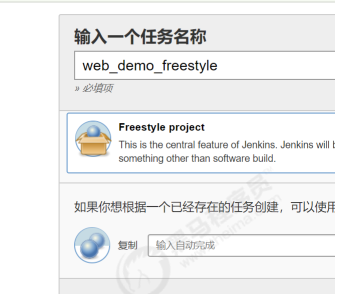
"Jenkins continues to integrate into the master 03"
Third, Jenkins build a Maven project 3.1 Jenkins project build type Project Type Introduction Built by Jenkins There are many types of automatic build projects in Jenkins, and there are three commonly...
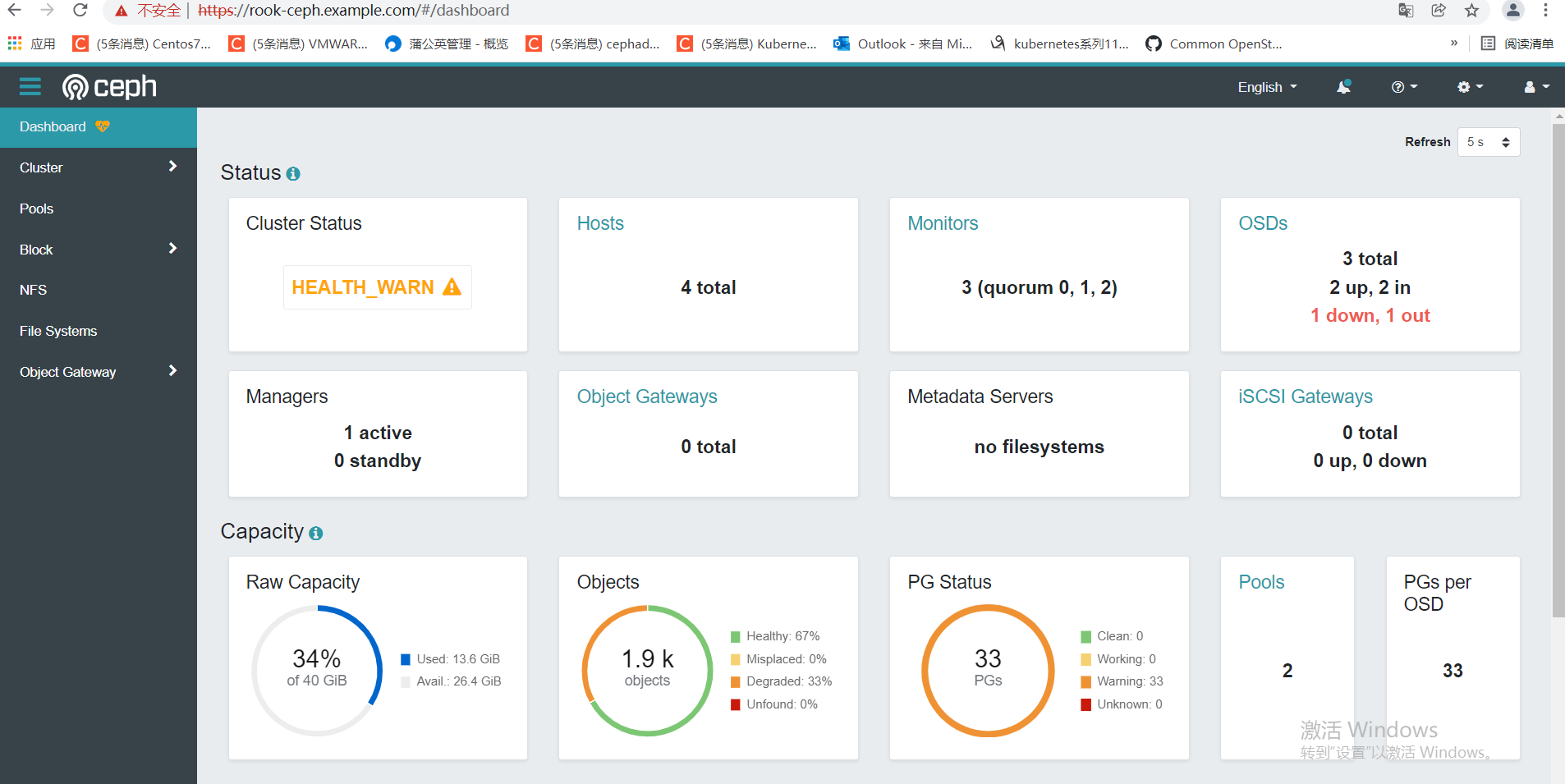
K8S + Ceph + Jenkins continues to integrate
background: These two days have nothing to do, think about building a continuous integration system, using 8 virtual errands, two of which do F5 soft load balancing (Haproxy + Keepalive), two do K8S c...