ORCAD CAPTURE How to perform DRC check, and DRC rule settings
tags: OrCAD Capture
Determined version
The version of Cadence I use is 16.6, you want to see your own Orcad Capture version, you can view the desktop icon, "Right" → Properties ".

2. Enter the DRC setting interface
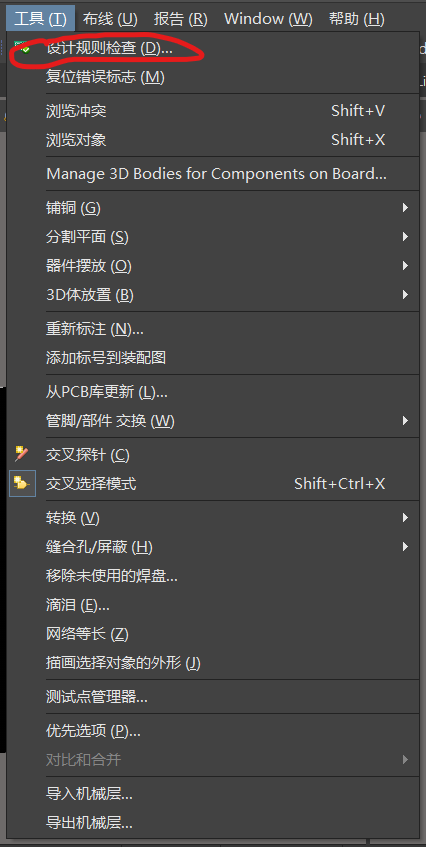
As shown below, select "DSN → Tools → Design Rules Check"


3. Perform DRC rule settings
After the second step of the above, it entered the DRC rule setting interface, mainly four categories for settings. As shown below, DESIGN Rules Options, Electrrriacl Rulesa, Rhysical Rules, ERC Matrix. The specific rule settings within each category are shown below.
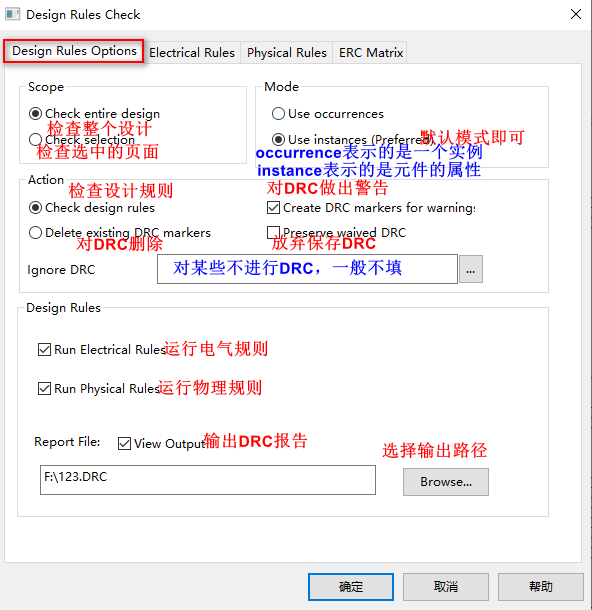 Design Rules Options Design Rules Options
|
 Electrriacl Rulesa Electrriacl Rulesa
|
 Rhysical Rules Rhysical Rules
|
 ERC Matrix ERC Matrix
|
4. View the result, modify
The third step is set to "OK", and then the software will automatically perform DRC check, and the check will be displayed below, including various warnings and errors. At the same time, a DRC report for a .drc file is automatically opened, and its contents and information columns are the same. And then analyze improvement.
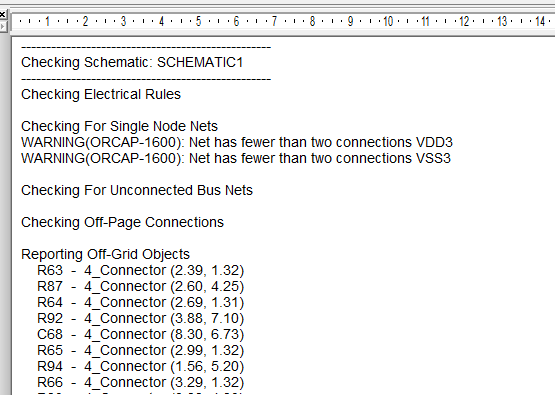 Figure 1 Figure 1
|
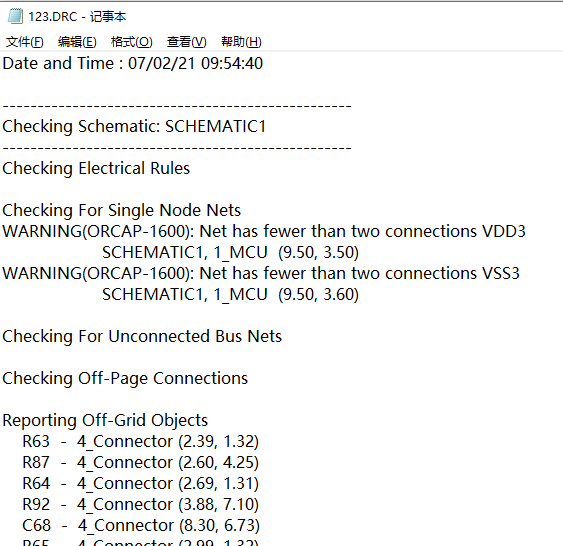 Figure 2 Figure 2
|
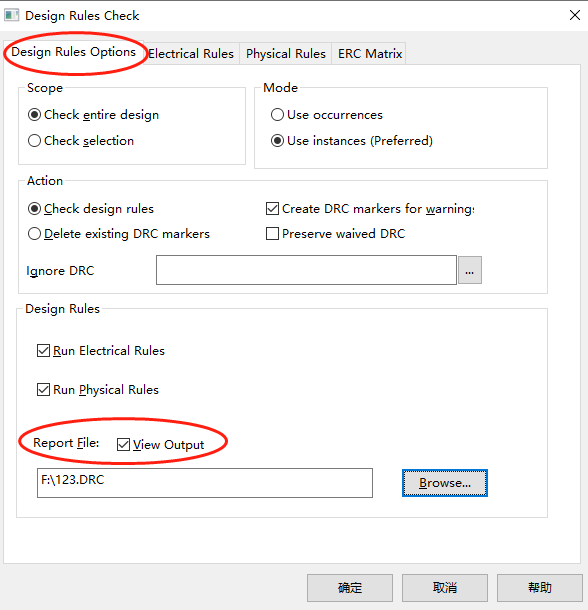
If the DRC check does not automatically open a .drc file, it is in the rule settings, the Design Rules Options-Report file-view output needs to be checked.
Intelligent Recommendation
AD20-DRC check
Click on the options in the red circle below: will appear: The first red circle can be unchecked (you can not create a report file), the second red circle is slightly larger. The next step is: In the ...

Schematic DRC check in ORCAD16.6 (on)
When making the schematic, I almost made a fatal problem. It was supposed to be the net of the same network, but the net names on both sides were inconsistent. Fortunately, the boss found it, or it wa...
How to set DRC into negligible DRC (WAIVDE DRC) in Allegro
How to set DRC into negligible DRC (WAIVDE DRC) in Allegro Problem Description: When we have a DRC when we draw the schematic, the DRC does not affect the performance of the PCB. For example, we want ...
Altium Designer DRC rule error
DRC full name design rule check design rule check Reasons for Un-Routed Net ConStraint error reporting Check to see if there is an open pathThis error is fatal Reasons for Silk To Solder Mask Clearanc...
cadence SPB17.4 - Details of orcad DRC inspection
cadence SPB17.4 - Details of orcad DRC inspection Preface Yesterday, the schematic gallery components were updated to the drawings. First correct the CIS library, and then try to manually place compon...
More Recommendation

Schematic DRC check in ORCAD16.6 (below)
Connect to the DRC check of the schematic in ORCAD16.6 (on) I talked about electrical rules last time, and then I will talk about physical rules. Refer to http://blog.sina.com.cn/s/blog_e0ae98f10101fh...
Cadence SPB17.4 -Allegro DRC check
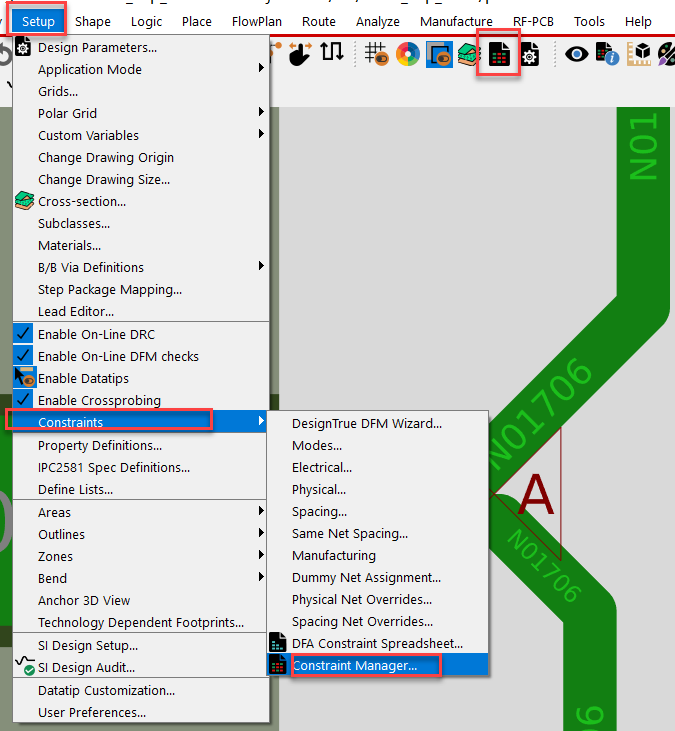
Cadence SPB17.4 -Allegro DRC check Foreword After looking at the Allegro wiring, DRC's information. I can't find a detailed information (what rules to check? How to jump to the specific DRC report?) n...
Solution to Unplated multi-layer pad(s) detected warning during DRC rule check
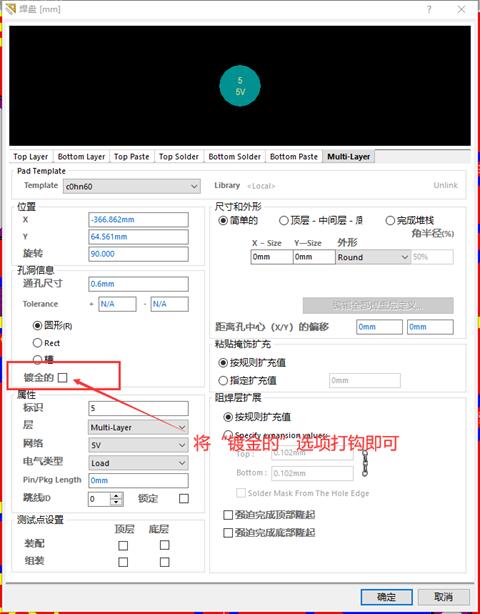
Write a custom catalog title here Unplated multi-layer pad(s) detected warning during DRC rule check the reason: solve: Unplated multi-layer pad(s) detected warning during DRC rule check the reason: T...
Altium is not connected to the network DRC can not check the problem
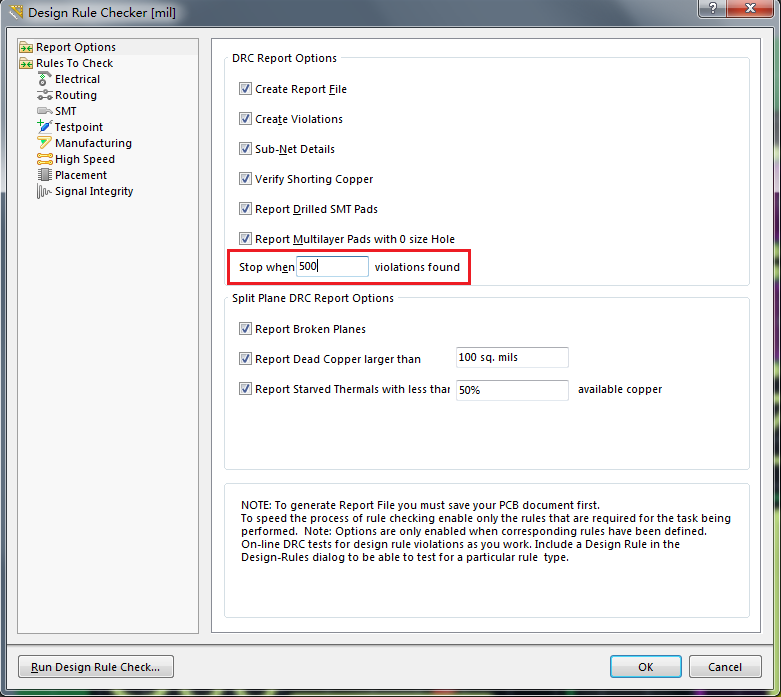
Altium is not connected to the network DRC can not check the problem I recently performed hardware design under Altium software, and found that there is clearly a network connected, but DRC could not ...
Cadence Allegro PCB 17.4 DRC error check
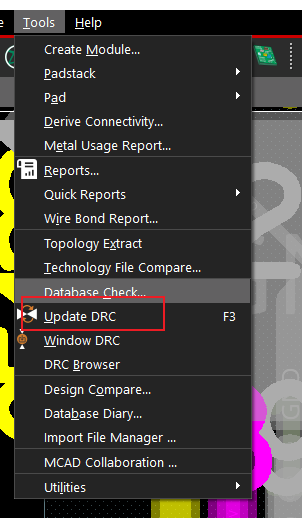
DRC error check how many errors: Click Update DRC in Tools, as shown below: You can know the number of errors in the command bar, as shown in the following figure, there are 12 errors: Location of the...