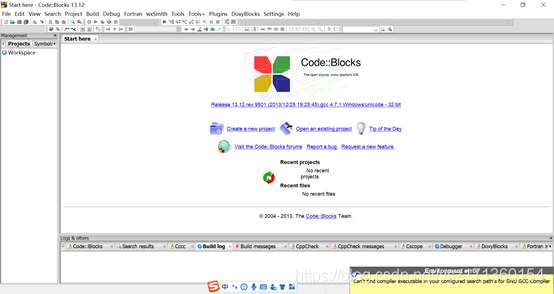
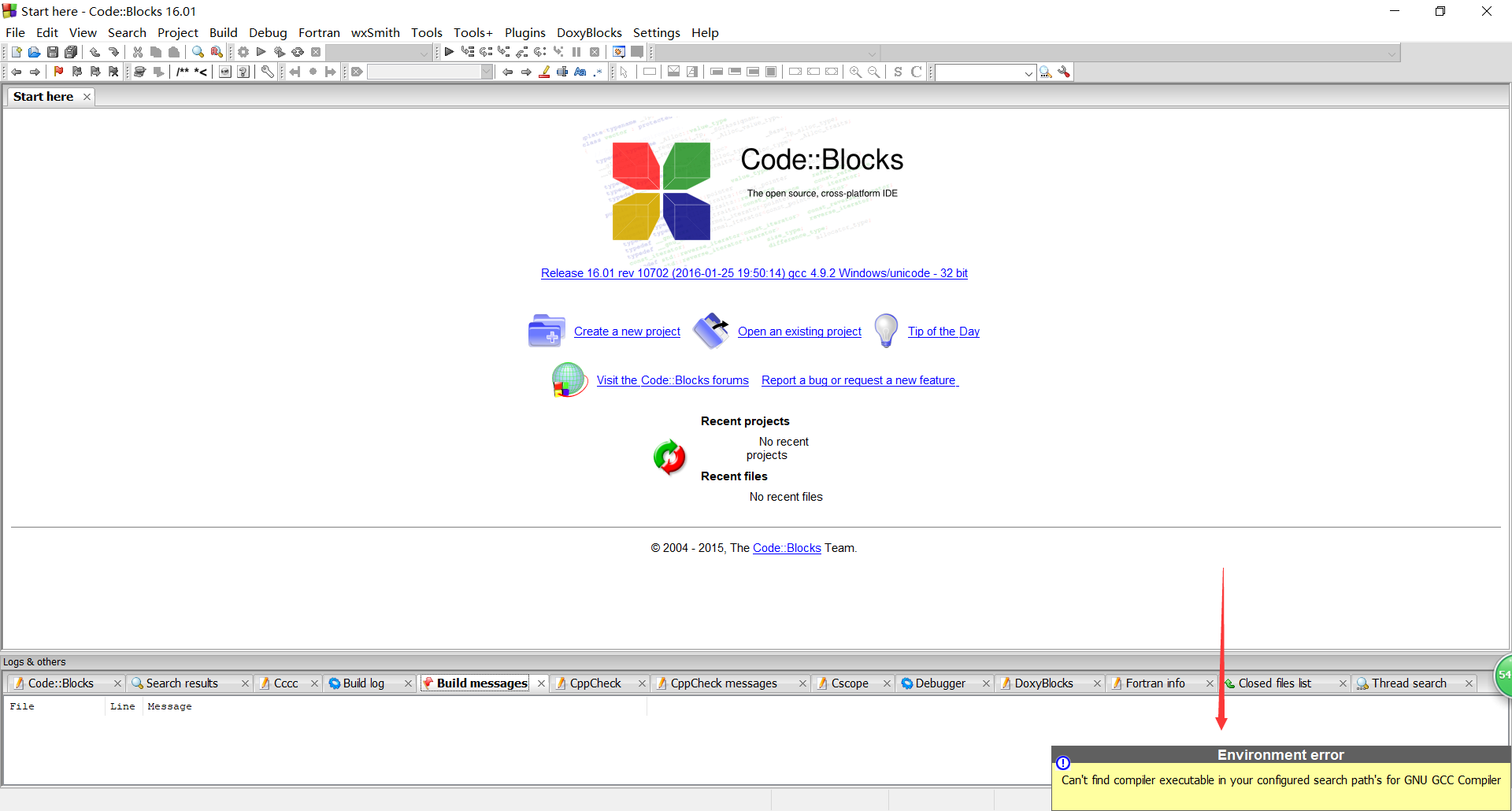
codeblocks cannot find the compiler
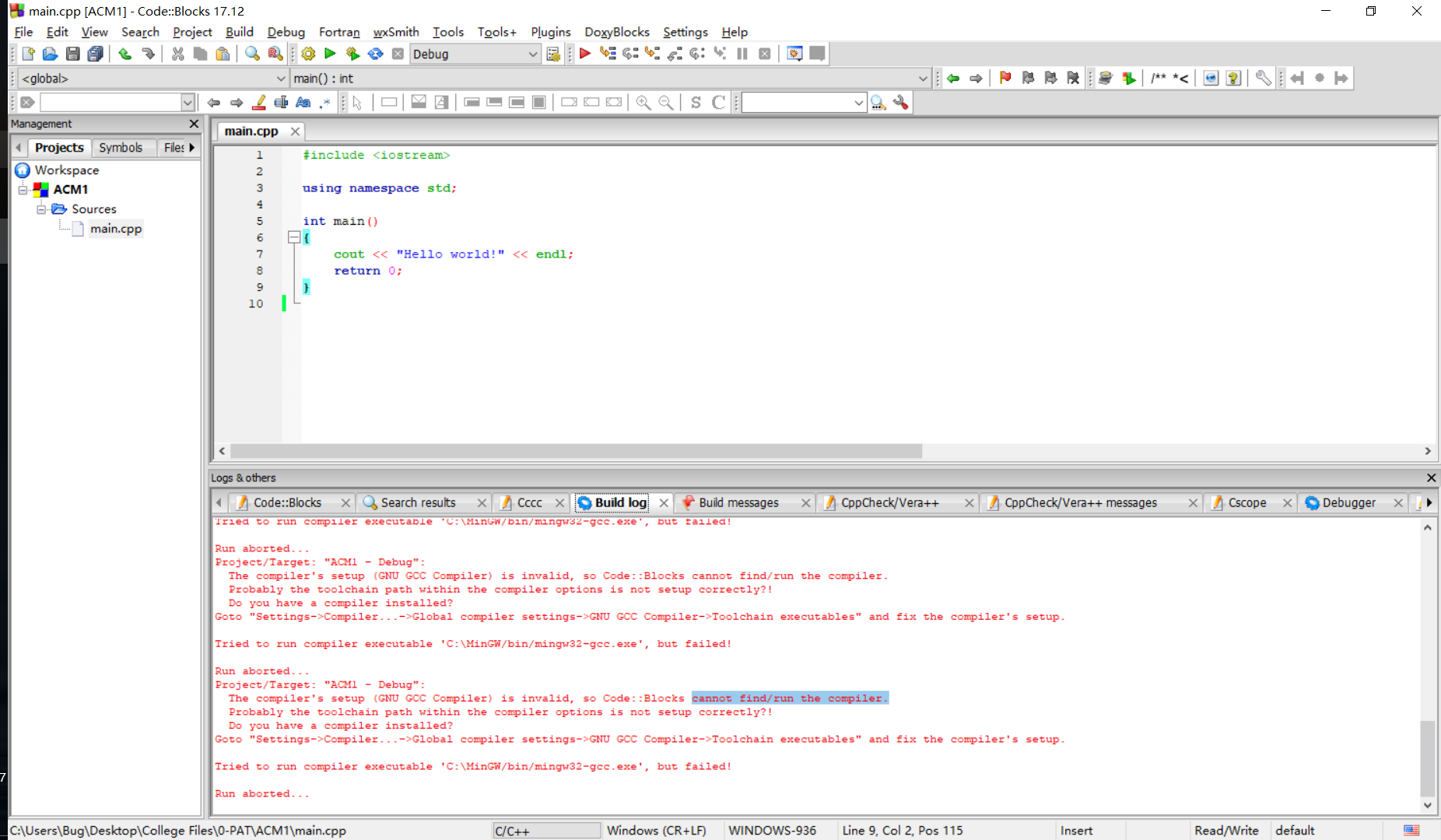
"HelloWorld - Debug": The compiler's setup (GNUGCC Compiler) is invalid, so Code::Blocks cannot find/run the compiler.
Probably the toolchain path within the compiler optionsis not setup correctly?! (Do you have a compiler installed?)
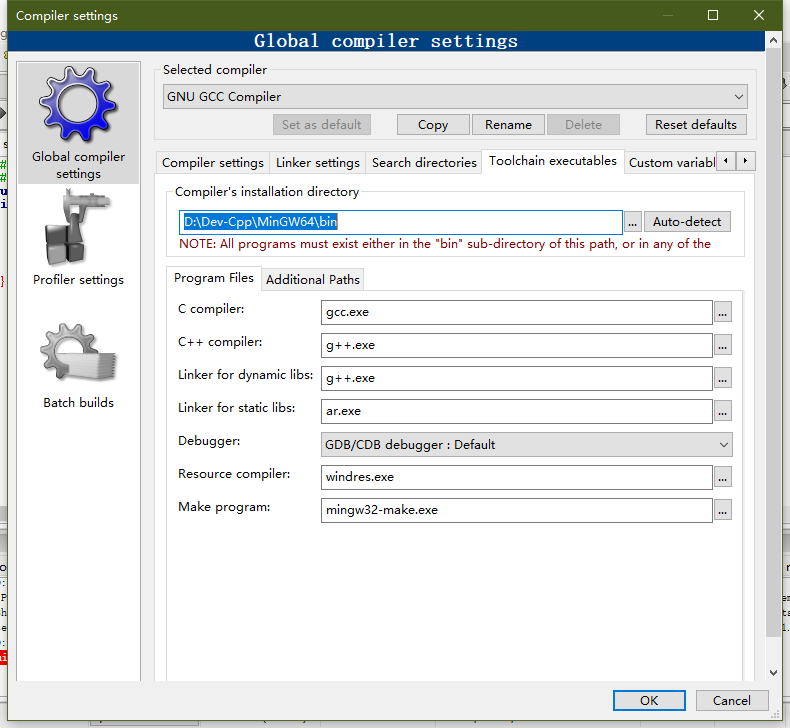
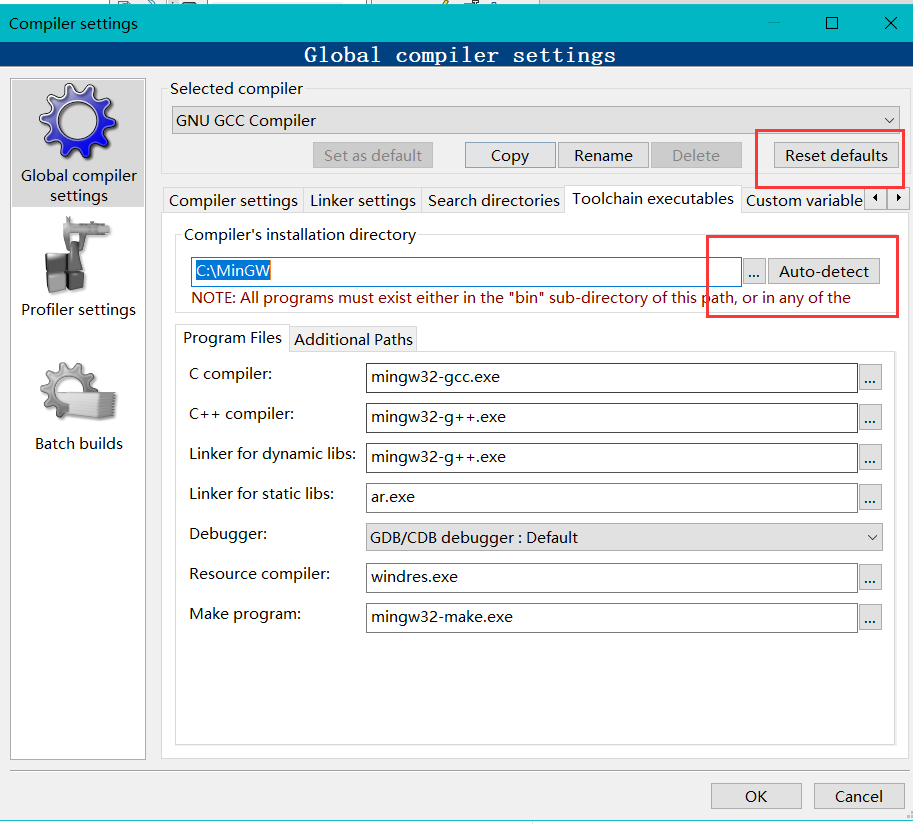
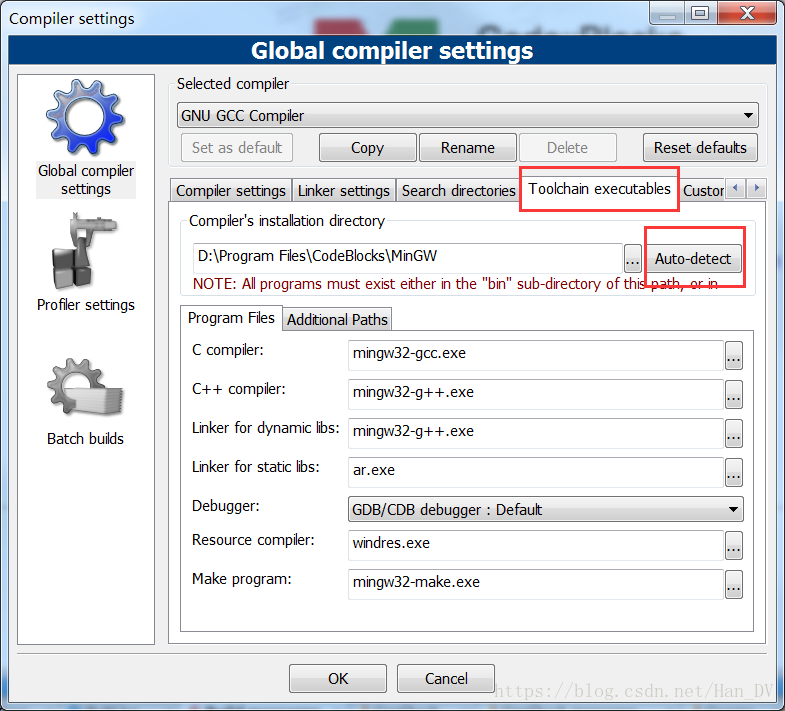
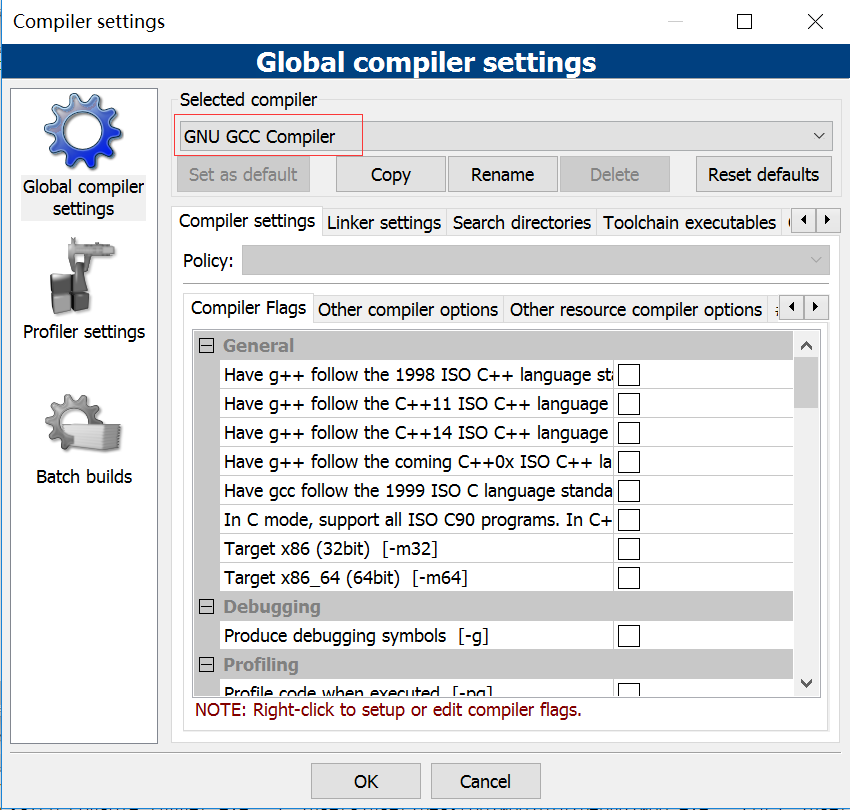
Goto "Settings->Compiler...->Global compilersettings->GNU GCC Compiler->Toolchain executables" and fix thecompiler's setup.
Skipping...
Nothing to be done (all items are up-to-date).
Target uses an invalid compiler; run abortedProbably cannot find the compiler,
Solution, install MINGW (take win10 64 bit as an example)
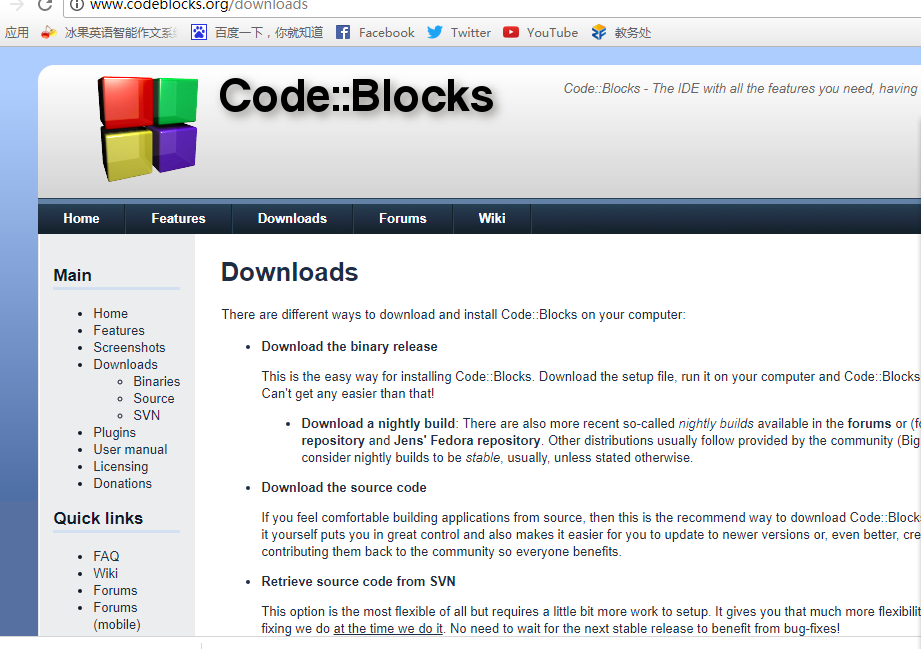
MINGW64 download
No need to install directlyConfigure environment variables directly, My Computer -> Right-click Properties -> Advanced Settings -> Environment Variables ->
Find the path and add E:\CodeBlocks\MinGW64\bin (see your file path)

Then determine
Verify whether the environment is successfully added win+r Enter cmd and enter, enter gcc -v and enter

Open codeblocks to set


End
Intelligent Recommendation

When codeblocks is running, Can't find compiler executabl...
codeblocks, resulting in compilation problems, that is, the compiler path is not configured First make sure you have installed a compiler yourself, I have installed Dev-C before, all have compilers It...
About codeblocks can't find compiler solution
With regard to the problem that codeblocks cannot find the compiler, let me introduce the solution: 1. First make sure that your codeblocks is the version with its own compiler, you can v...

Download, install and solve codeblocks can’t find the compiler
Code::Blocks is an open source full-featured cross-platform C/C++ integrated development environment. It is very comfortable to use codeBlocks to write C/C++ code to solve ACM related problems. This a...
codeblocks cannot find the compilation path_problem solving
Before reinstalling the system, the codeblocks did not come back. When I wanted to download again recently, because the official website was slow to load, I went to find someone else had downloaded it...
Compiler problem occurs when installing codeblocks 20.3, and the program cannot be run
1. Open CodeBlocks20.3, a compiler problem will appear in the lower right corner, as shown in the figure: CodeBlocks cannot run the code at this time. The reason is that we changed the installation di...
More Recommendation
Codeblocks can't find the compiler, what should I do?
codeblocks Ca n’t find compiler executable in your configured search path ’s for GNU GCC Compiler ),How to do? background Today, when using codeblocks, there was a problem, maybe I have be...
CodeBlocks error analysis: can't find the compiler / th_en_US.idx' not found! Prompt
Can't find the compiler solution A new CodeBlocks is installed, the program cannot be run, and the error is as follows: checked the reason, as shown below: Check if you downloaded it wrong. I download...
CodeBlocks resolved configured compiler compiler path still can not find the problem (is included with the downloaded version of the compiler)
Today just finished installing CodeBlocks, but found it impossible to compile the source code to the bottom right corner: I downloaded the WIN10 64-bit version comes with the compiler. Custom installa...
When Codeblocks install Can not find compiler executable in your configured search path's for GNU GCC Compiler.
Installation Codeblocks: After prompted to download and install computer housekeeper Can't find compiler executable in your configured search path's for GNU GCC Compiler. Possible Causes: ...
codeblocks-16.01mingw-setup installation still cant find compiler executable for GNU GCC Compiler
Ready to write C++ programs, so install CodeBlocks. There are several versions on the official website: In the beginning, codeblocks-16.01-setup.exe directly under the official website (simple and rud...