Convert images to 3D images in WPF and rotate them
The time stolen by the time is always precious that cannot be seen under our eyes.
First of all, let's take a look at the initial running effect of the source code, whether it is what you need.
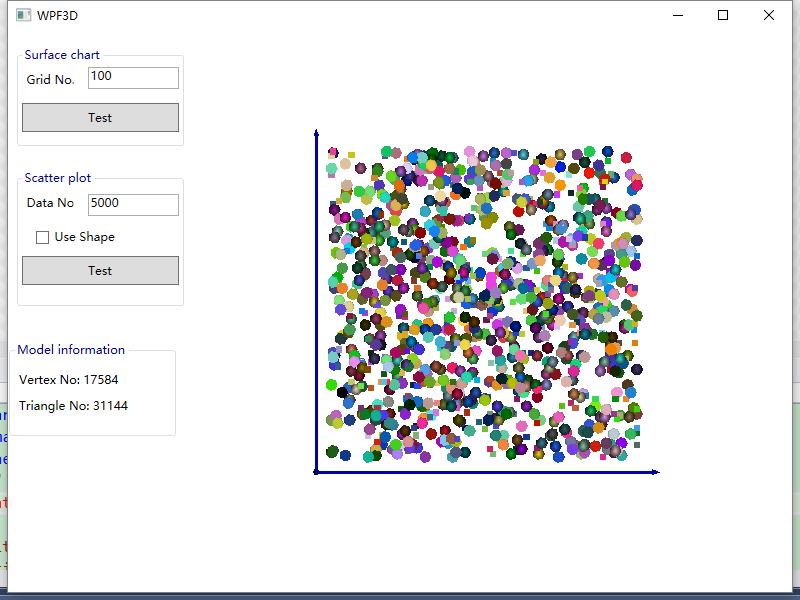
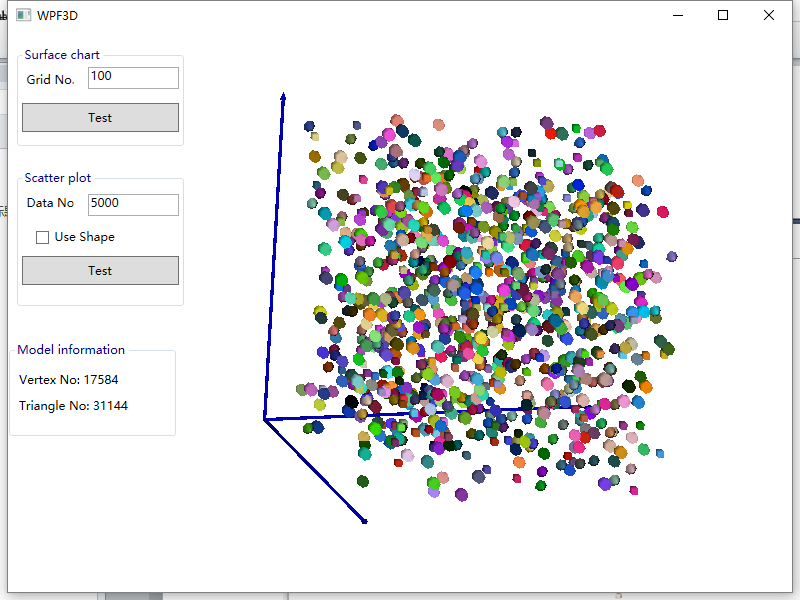
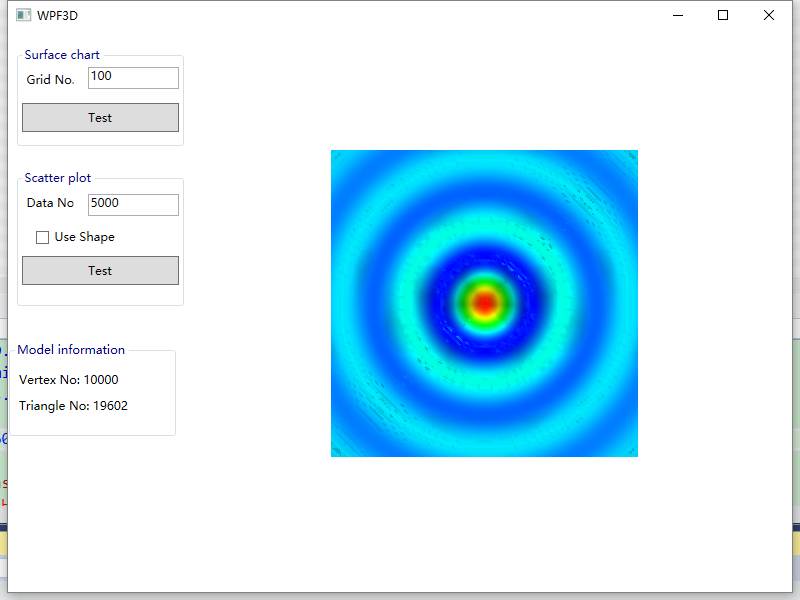

Here, the three-dimensional surface is the Z-axis data generated by the function. Of course, we can also use the color of the image as the Z-axis.
Preparation, VS2008 and above, the blogger is using VS2017, need to upgrade the project.
Thanks to: Jianzhong Zhang
problem:
1, using the color of the picture as the third axis (Z axis)
Solutions:
1.1 View the Z-axis data generation method in the source code
1.2 Read the image in and convert it to an RGB array
1.3 Replace the image RGB array with the original Z-axis data
Find the code in Window1:

1.1 Red indicates that the function is assigned a value to the Z axis.
// ***************************** Convert images to color arrays*************** ************

        public static System.Drawing.Color[,] img2color(String imgfile)

        {

            System.Drawing.Bitmap img = new System.Drawing.Bitmap(imgfile);

            System.Drawing.Color[,] allcolor = new System.Drawing.Color[img.Height, img.Width];

            for (int h = 0; h < img.Height; h++)

                for (int w = 0; w < img.Width; w++)

                {

                    allcolor[h, w] = img.GetPixel(w, h);

                }

            GC.Collect();

            return allcolor;

}

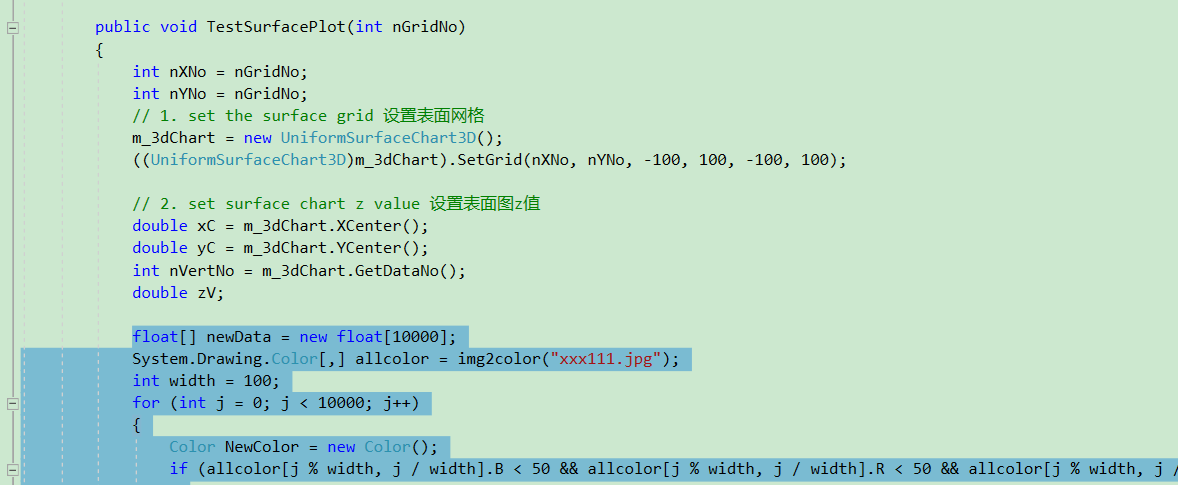
Put the following code in the TestSurffacePlot method:
float[] newData = new float[10000];
            System.Drawing.Color[,] allcolor = img2color("xxx111.jpg");
            int width = 100;
            for (int j = 0; j < 10000; j++)
            {
                Color NewColor = new Color();
                if (allcolor[j % width, j / width].B < 50 && allcolor[j % width, j / width].R < 50 && allcolor[j % width, j / width].G < 50)
                {
                    NewColor.A = 255;
                    NewColor.B = 255;
                    NewColor.R = 0;
                    NewColor.G = 255;
                }
                else {
                    NewColor.A = allcolor[j % width, j / width].A;
                    NewColor.R = allcolor[j % width, j / width].R;
                    NewColor.G = allcolor[j % width, j / width].G;
                    NewColor.B = allcolor[j % width, j / width].B;
                }
                m_3dChart[j].color = NewColor;
        }
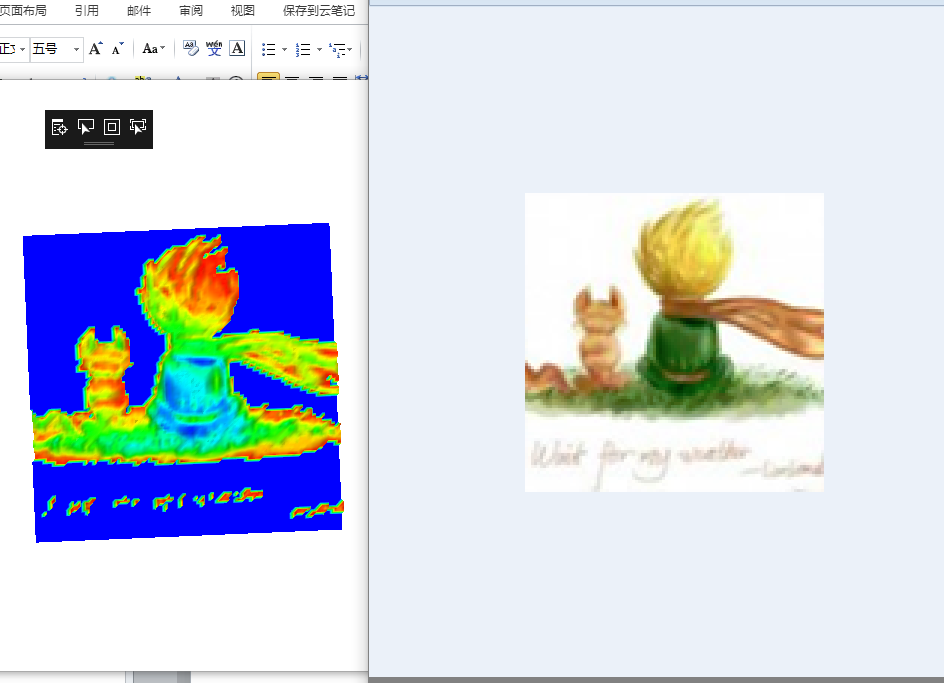
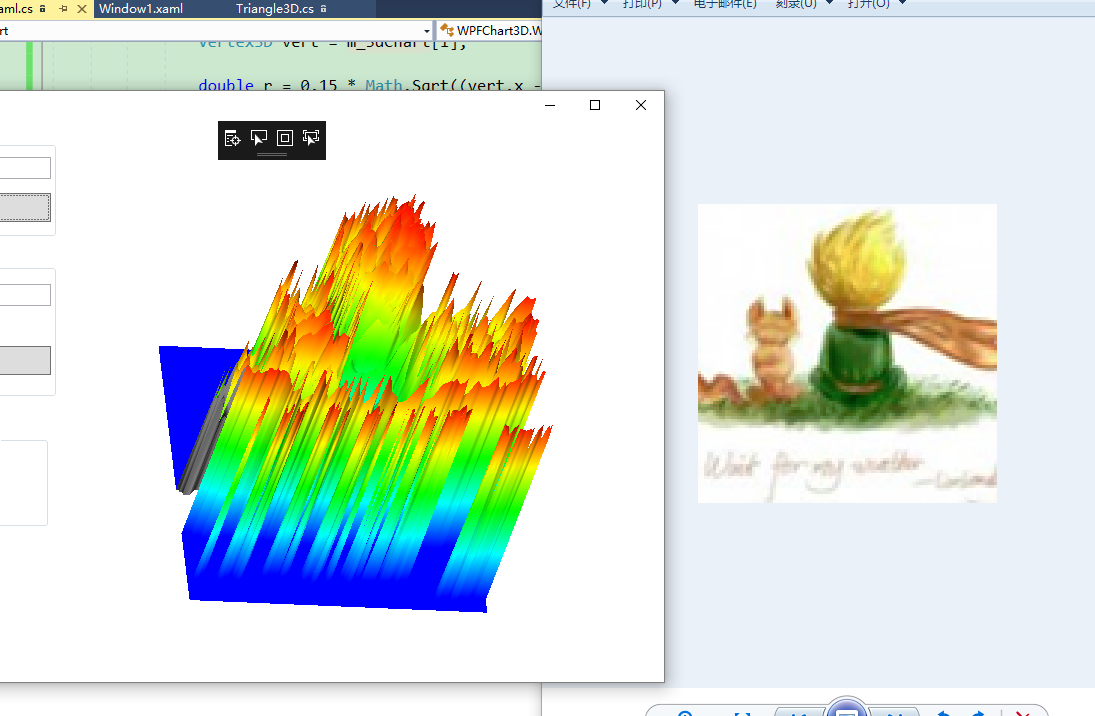
You're done.
Intelligent Recommendation

Use PCA to rotate images
1. Introduction to PCA PCA is a commonly used dimensionality reduction technology that expresses the original data through low-dimensional feature vectors. The general method of using PCA for dimensio...

Capture Hikvision IPCamera images and convert them into images that can be processed by OpenCV (1)
Hikvision IPCamera image capture Capture Hikvision IPCamera images and convert them into IplImage images that can be processed by OpenCV (1) Capture Hikvision IPCamera images and convert them into Ipl...

OpenCV loading images, convert images, and save images
The function of the cvtcolor () function is to change the image from a color space to another color space, three parameters The first parameter represents the source image The second parameter represe...

Use opencv and pcl to convert 2D images to 3D point clouds
This article is actually reproduced from But I made a small modification. The program comments are clear enough, but you can also refer to the original text for more explanations. Someone always as...

WPF adds images and references
Find Resources.resx Add an existing file Others such as new images can draw their own pictures, a bit powerful effect: Build operation Select Resource->Regenerate Solution Setting to sum up: As an ...
More Recommendation

Add images to TabItem in WPF
When using the tabcontrol in wpf, add an image to the tabitem, but the native tabitem does not support adding images. Just set it manually, use the template as follows: The final result is as follows...

Upload WPF images to the client
Upload WPF images to the client WPF image upload is implemented by C# code. It is stored in the project by converting the file stream into a string (path). The following is a simple example. First, I ...

Play GIF images in WPF
Play GIF images in WPF Article directory Play GIF images in WPF 1. Install the WpfAnimatedGif Nuget package 2. Use in the program 3. Source code 4. WpfAnimatedGif GitHub source code 1. Install the Wpf...

Quote for resource images in WPF
In WPF, in order to reference resource pictures, such as loading.gif, you can use the URI to locate. such as: <Image Source="pack://application:,,,/Resources/loading.gif"/> You can als...