[Vscode plugin] Code Runner Warning: Code Language Not Supported or Defined.
tags: vscode javascript
VSCode Tips when performing Run Code: Code Language Not Supported or Defined.
Code language does not support or undefined

Solution
method one:
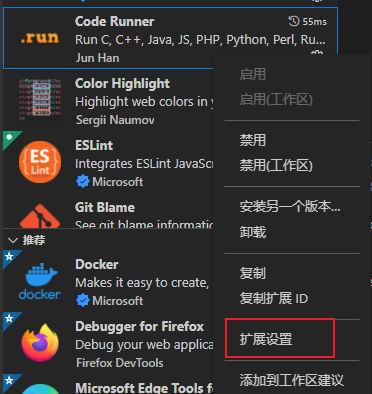
Click Right click on the plugin to select the extension settings
Find Code-Runner.defaultLanguage, fill in JavaScript

Method Two:
Or directly edit settings files
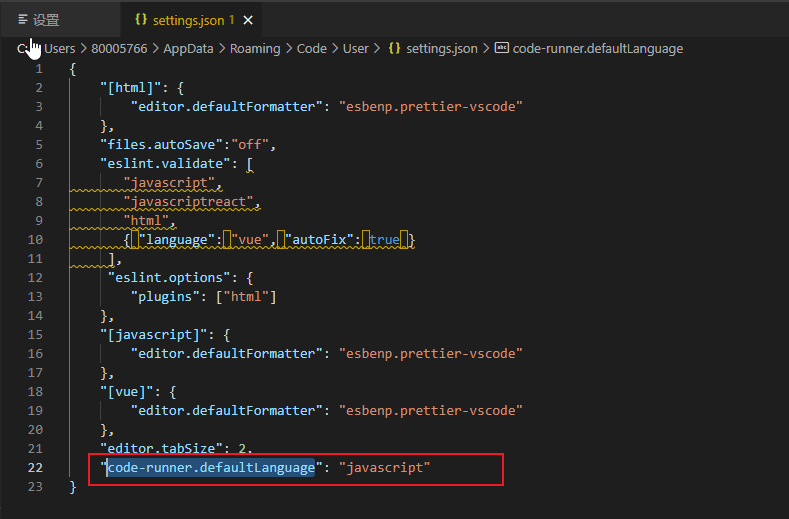
"code-runner.defaultLanguage": "javascript"
New code-runner.defaultLanguage configuration properties
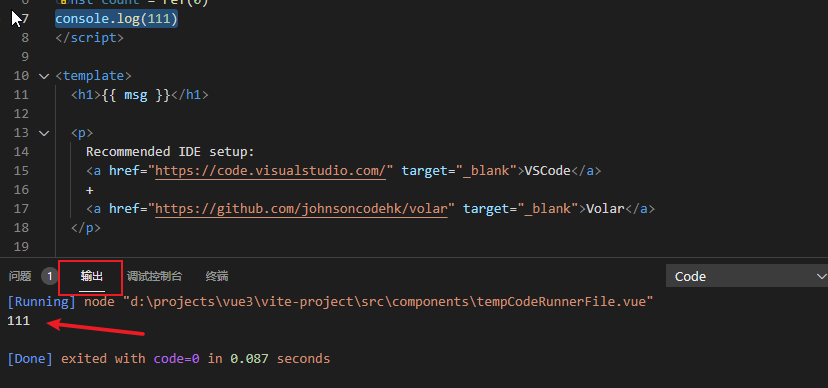
After configuring Run Code, you can at the terminal.
Open Terminal Panel Shortcut Ctrl + ~
The output interface sees the execution result
If you help you, please help your point, haha ~ ღ ('· ᴗ · `) is more
Intelligent Recommendation
vscode code runner configuration
First explain, vscode provides us with two setting methods: User Settings (user settings): global settings, will work for any running VS Code. Workspace Settings (Project Settings): Only the settings ...
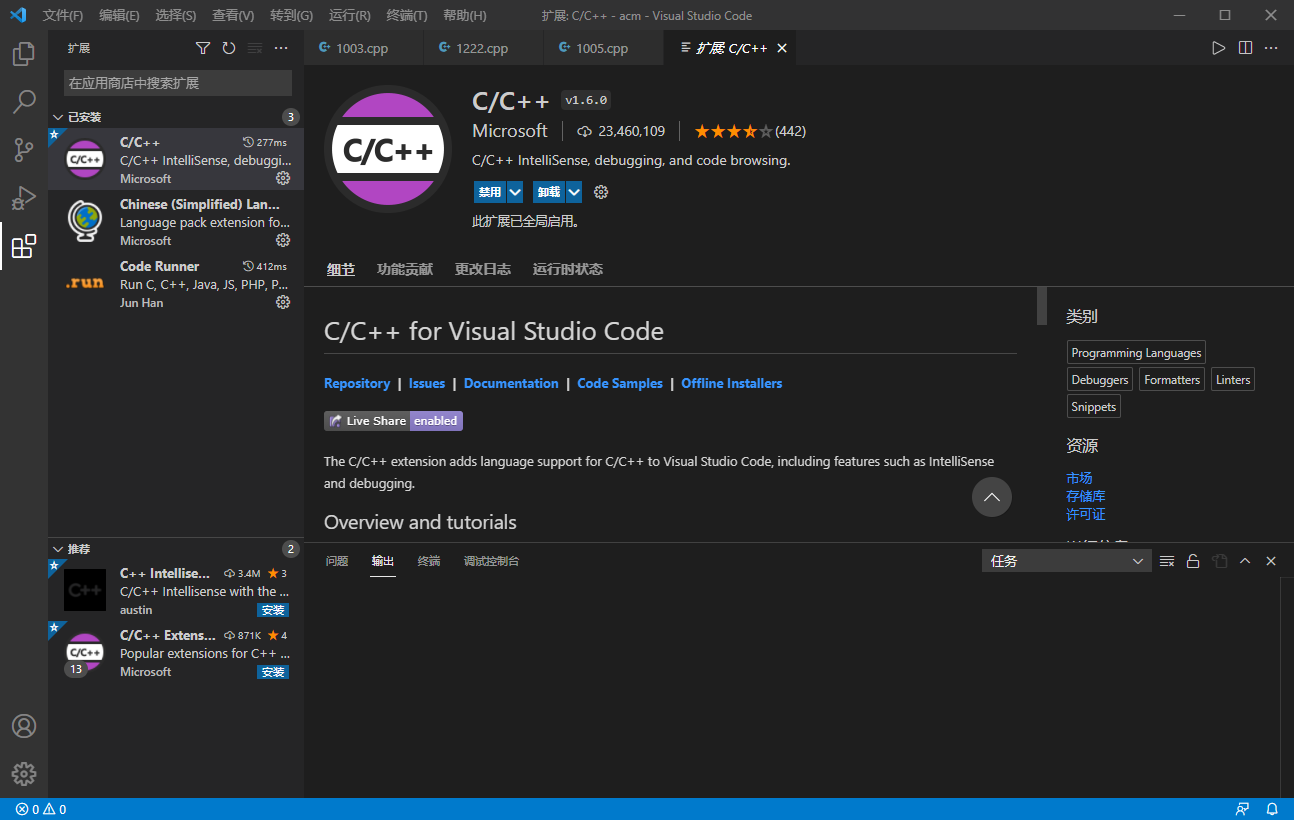
code-runner configuration vscode
code-runner configuration vscode Freshman with many courses Various IDEs and editors that require downloading. There are many types of compilers. vscode + code-runner solves all troubles C, C++, Java,...
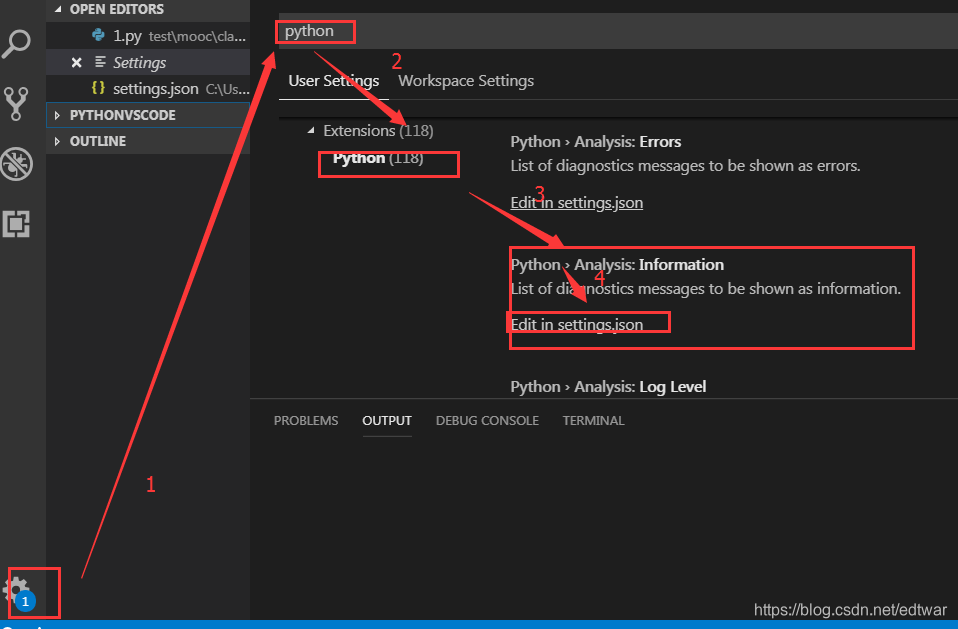
VScode python uses the Code Runner plugin to garble problems
My solution: Go to the settings screen pick one of two: Add "code-runner.runInTerminal" to the parentheses: true (in the terminal output), Or create a new code-runner.executorMap (in OUTPUT ...
VSCode plugin code runner executes PHP, JavaScript, Python
Documentation:https://github.com/formulahendry/vscode-code-runner Common settings hot key Run shortcut key changed to: control + r Test with the following files can be executed smoothly demo.js demo.p...

vscode modifies the default compiler used by the code runner plugin
The principle of the code runner is to automatically help you enter the instructions to switch paths and compile source code and run the compiled program in the console. The compilation instructions a...
More Recommendation
mac vscode code-runner invalid
1, into the ~ / .vscode / extensions directory 2, Open Directory formulahendry.code-runner-0.9.10 / out / src / codeManager.js file 3, the code following comments 4, restart vscode 5, code-runner norm...
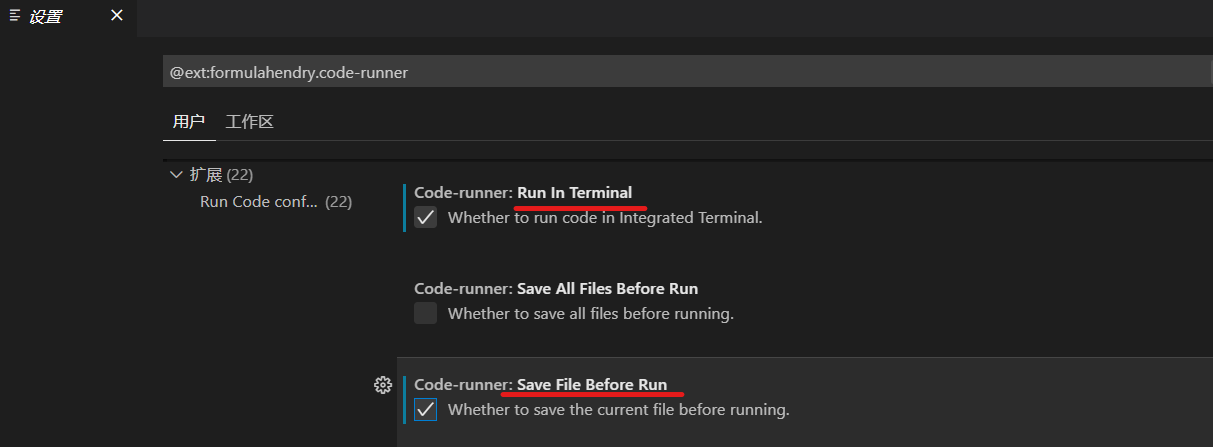
[Record] Code runner configuration in vscode
After reinstalling vscode, I frequently reported errors. After going around a lot of twists and turns, I found out that the coderunner is not configured, so record it. inExpandInstallcoder runnerPlug-...
vscode code-runner runs no effect
Online of these mixed eight, see how I simply operate. Focus ...
VScode Code-Runner run error
problem Use in vscodeCode Runner Direct execution JS script is wrong ‘code-runner.run’ not found problem The reason for this problem is caused by micromatch. Solution 1. First find the ext...
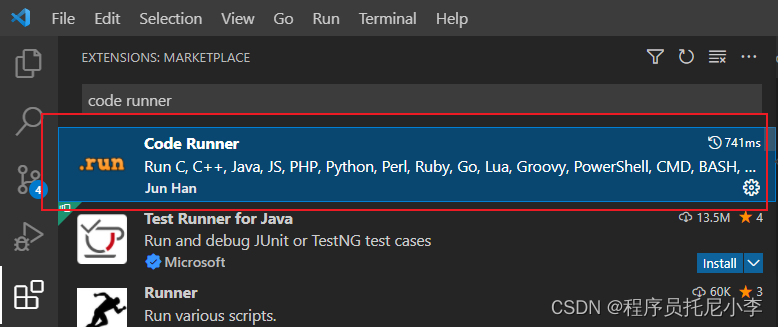
VSCode plug -in Code Runner for C ++
Articles directory Foreword 1. Installation Second, use 1. Configuration Mac/Linux Windows 2. Use Summarize Foreword I mainly engage in C ++ development, so when writing a technical blog, I will inevi...