uefi edk2 socket implementation
There is a file called socket.c in edk2, which implements socket
    //
    //  Initialize the socket protocol
    //
    pSocket->Signature = SOCKET_SIGNATURE;
    pSocket->SocketProtocol.pfnAccept = EslSocketAccept;
    pSocket->SocketProtocol.pfnBind = EslSocketBind;
    pSocket->SocketProtocol.pfnClosePoll = EslSocketClosePoll;
    pSocket->SocketProtocol.pfnCloseStart = EslSocketCloseStart;
    pSocket->SocketProtocol.pfnConnect = EslSocketConnect;
    pSocket->SocketProtocol.pfnGetLocal = EslSocketGetLocalAddress;
    pSocket->SocketProtocol.pfnGetPeer = EslSocketGetPeerAddress;
    pSocket->SocketProtocol.pfnListen = EslSocketListen;
    pSocket->SocketProtocol.pfnOptionGet = EslSocketOptionGet;
    pSocket->SocketProtocol.pfnOptionSet = EslSocketOptionSet;
    pSocket->SocketProtocol.pfnPoll = EslSocketPoll;
    pSocket->SocketProtocol.pfnReceive = EslSocketReceive;
    pSocket->SocketProtocol.pfnShutdown = EslSocketShutdown;
    pSocket->SocketProtocol.pfnSocket = EslSocket;
    pSocket->SocketProtocol.pfnTransmit = EslSocketTransmit;

    pSocket->MaxRxBuf = MAX_RX_DATA;
    pSocket->MaxTxBuf = MAX_TX_DATA;

    //
    //  Install the socket protocol on the specified handle
    //
    Status = gBS->InstallMultipleProtocolInterfaces (
                    pChildHandle,
                    &gEfiSocketProtocolGuid,
                    &pSocket->SocketProtocol,
                    NULL
);Intelligent Recommendation
UEFI development and debugging---application module/library module/driver module in edk2
Application Module Application modules include standard application modules, shell application modules, and main application modules Standard application module It is the basis of all other applicatio...
UEFI learning and development (1) Ubuntu18.04 build EDK2 compilation environment
UEFI development is mostly carried out under windos, but for those who are used to compiling with gcc, I still want to develop and debug uefi in the Ubuntu environment. Let’s introduce how to bu...

Win10 EDK2 development environment settings and UEFI simulator startup
The company asked us to set our own study plan. I chose to study UEFI, which is a bit of a connection with my job. I bought the book "UEFI Principles and Programming", but found that the con...
UEFI development learning 1 - Ubuntu18.04 construction EDK2 environment
Ubuntu18.04 builds an EDK2 environment Reference: Dai Zhenghua "UEFI principle and programming",Official document EDK2 version: udk2017 Ubuntu is installed using VMware. Note: Use GCC5 Descr...
UEFI Development Exploration 97 -EDK2 simulator builds a network environment
(Please keep-> Author: Luo Bing) EDK2 simulator build a network environment 1 Build an EDK2 development environment 1) Tool installation 2) Download code library 3) Update sub -module 4) Compilatio...
More Recommendation
UEFI Development EDK2 environment Construction Ubuntu-linux (detailed)
UEFI Development EDK2 Environment Construction (Ubuntu -Linux X86_64) What is UEFI? Selection of the development system environment -linux text Establishing tools for installation Come again 1. Get ED...
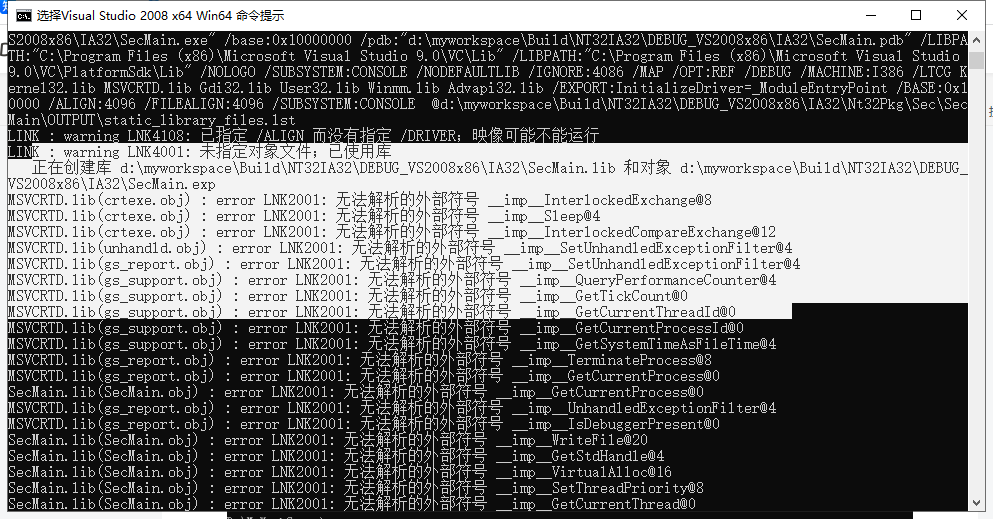
UEFI edk2>edksetup.bat --nt32, build, unresolved symbol solution
The conclusion is put first:Replace the VS command line tool for X64 or X32。 Problem description: Creating library d:\myworkspace\Build\NT32IA32\DEBUG_VS2008x86\IA32\SecMain.lib and object d:\myworksp...
UEFI Development and Exploration 62-Environmental Construction 4 (summary of various versions of EDK2)
(Keep -> Author: Luo Bing) When developing UEFI code, at least one-third of the time, studying the construction of various compilation environments. From Windows to Linux, x86 architecture to Arm a...
Windows7 UEFI development EDK2 environment built (VS2013 + UDK2015 + IASL + PATCH + OPENSSL)
Text catalog First, install development tools Second, the installation link and installation process 2.1、VS2013 2.2、UDK2015 2.3、IASL 2.4、patch 2.5、Openssl Third, configure the EDK2 development environ...

UEFI development process to build a 1-edk2 development environment and run in a virtual machine QEMU firmware OVMF
First, development tools, ready (The following is a development environment to build section) 1, download Visual Studio, open Visual Studio Installer, select Comunity version, select workloads such as...