Use python to crawl the cover picture of Huya anchor live broadcast (scrapy)
tags: python
Purpose: Use Scrapy framework to crawl the cover image of Huya anchor live broadcast
Scrapy (install the Scrapy framework through pip pip install Scrapy) and Python3.x installation tutorial can find the tutorial to install by yourself, here by default it has been successfully configured in the Windows environment.
1. Create a new project (scrapy startproject)
Before starting crawling, a new Scrapy project must be created. Win+R open the cmd command window and run the following command:
cd desktop
scrapy startproject huya
At this point, the huya project folder has been created on the desktop, and the files in the folder are explained as follows:
scrapy.cfg: project configuration file
huya/: The Python module of the project, the code will be quoted from here
huya/items.py: the target file of the project
huya/pipelines.py: the pipeline file of the project
huya/settings.py: project settings file
huya/spiders/: Store crawler code directory
Then, enter the huya/spiders/ directory, and enter the cmd command as follows:
cd huya
cd huya
cd spiders
Enter the command in the current directory, the file huyaspider.py will be created in the huya/spiders/ directory, and the crawling domain range will be specified: huya.com
scrapy genspider huyaspider "huya.com"
2. Code section
1)items.py
Open the file items.py in the huya/huya/ directory, the code is as follows:
# -*- coding: utf-8 -*-
import scrapy

class HuyaItem(scrapy.Item):
    # define the fields for your item here like:
    # name = scrapy.Field()
    # Room theme
    nickname = scrapy.Field()
    # Link
    imagelink = scrapy.Field()
    # Storage path
    imagePath = scrapy.Field()
2)huyaspider.py
Open the file huyaspider.py in the huya/huya/spiders/ directory and modify the code as follows:
# -*- coding: utf-8 -*-
import scrapy
from huya.items import HuyaItem

class HuyaspiderSpider(scrapy.Spider):
    name = 'huyaspider'
    allowed_domains = ['huya.com']
    start_urls = ['https://www.huya.com/g/2168']

    def parse(self, response):
        # Match all root node list collections through scrapy's own xpath
        image_list = response.xpath('//div[@class="box-bd"]/ul/li')


        for img_each in image_list:
            huyaItem=HuyaItem()
            huyaItem["nickname"] = img_each.xpath("./a/img[@class='pic']/@title").extract()[0]
            huyaItem["imagelink"] = img_each.xpath("./a/img[@class='pic']/@data-original").extract()[0]
            yield huyaItem
3)pipelines.py
Open the file pipelines.py in the huya/huya/ directory and modify the code as follows:
# -*- coding: utf-8 -*-

# Define your item pipelines here
#
# Don't forget to add your pipeline to the ITEM_PIPELINES setting
# See: https://docs.scrapy.org/en/latest/topics/item-pipeline.html
import scrapy
from scrapy.utils.project import get_project_settings
from scrapy.pipelines.images import ImagesPipeline
import os

class HuyaPipeline(ImagesPipeline):
    # def process_item(self, item, spider):
    #     return item
    # Get the variable value set in the settings file
    IMAGES_STORE = get_project_settings().get("IMAGES_STORE")
    headers = get_project_settings().get("DEFAULT_REQUEST_HEADERS")

    def get_media_requests(self, item, info):
        image_url = item["imagelink"]
        # headers is the request header is mainly anti-crawler
        yield scrapy.Request(image_url, headers=self.headers)

    def item_completed(self, result, item, info):
        image_path = [x["path"] for ok, x in result if ok]
        # # Create a directory if the directory does not exist
        if os.path.exists(self.IMAGES_STORE) == False:
            os.mkdir(self.image_path)
        os.rename(self.IMAGES_STORE + "/" + image_path[0], self.IMAGES_STORE + "/" + item["nickname"] + ".jpg")
        item["imagePath"] = self.IMAGES_STORE + "/" + item["nickname"]
        return item
3)setting.py
Open the file setting.py in the huya/huya/ directory,Add tocode show as below:
IMAGES_STORE = "C:/Users/**Username**/Desktop/huya/Images"
Open the file setting.py in the huya/huya/ directory,modifycode show as below:
# Obey robots.txt rules
ROBOTSTXT_OBEY = False

# Override the default request headers:
DEFAULT_REQUEST_HEADERS = {
   'User-Agent' : 'Mozilla/5.0 (compatible; MSIE 9.0; Windows NT 6.1; Trident/5.0;',
   'Accept': 'text/html,application/xhtml+xml,application/xml;q=0.9,*/*;q=0.8',
   #'Accept-Language': 'en',
}
# Configure item pipelines
# See https://docs.scrapy.org/en/latest/topics/item-pipeline.html
ITEM_PIPELINES = {
   'huya.pipelines.HuyaPipeline': 300,
}
3. Crawl data
cmd command window:
scrapy crawl huyaspider
Start pycharm, create a start_huya.py file in the huya/ directory, and add the code as follows:
#!/usr/bin/env python
# -*- coding:utf-8 -*-

from scrapy import cmdline
cmdline.execute("scrapy crawl huyaspider".split())

4. Results

Intelligent Recommendation
Using selenium to send barrage in Huya live broadcast
from selenium import webdriver Simulate the browser and visit Huya To send the barrage, we need to place the cursor in the input box The input box has an id value: pub_msg_input We can locate the inpu...
[Python] Huya Live Reptile Project
Huya Live Reptile Project: Operation result: (intercepted part) ...
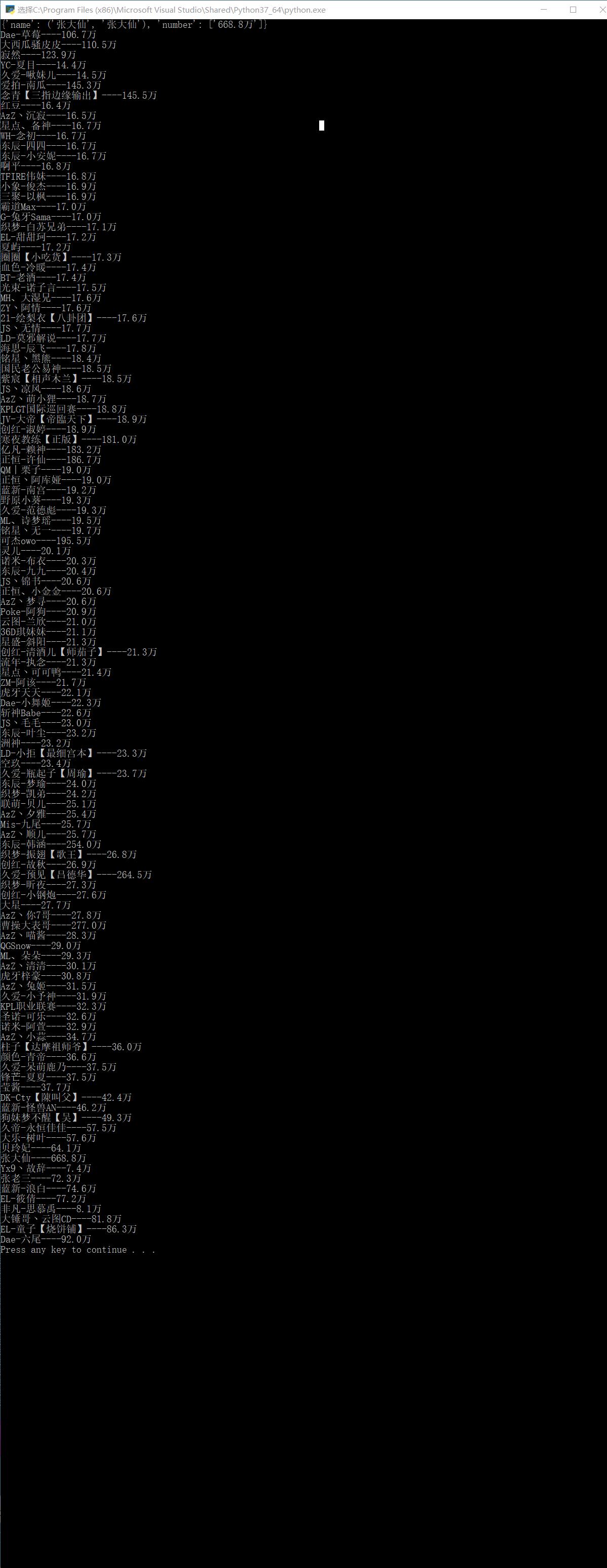
Python3 simple crawler project to crawl the name of Huya anchor Popularity
Code Crawled HTML reference result...

Python: use scrapy to crawl pictures
Python: Use scrapy to crawl pictures, the crawled pictures are welfare pictures, and the program has detailed comments, so there are no more code words 1. Create a project 2. Create your own spider fi...
Python crawler crawls female anchor pictures of major live broadcast platforms
aims: Photos of sisters from major webcasting platforms ~~~~(Betta fish, Panda, Huya, National People, Battle Flag, etc.) Python crawler entry level! Required modules: re, urllib, os are all python bu...
More Recommendation
scrapy test to crawl part of Huya data (two storage methods)
step 1: Step 2: Step 3: Go to setting to make relevant settings Step 4: Perform data analysis 4.1: Persistent storage based on terminal commands 4.2: Pipe-based persistent storage Step 5: Set i...
Crawl Huya III: Get all live broadcasts through json data
Why does the dynamic ajax page have multiple pages on the same page? It is because when you click on another page, the server returns a string of json strings. js executes the json parameters to achie...
Huya live broadcast won the "2018 Public Welfare Communication Award"
BEIJING, January 15th, on the 14th, the 8th China Public Welfare Festival with the theme of “Public Welfare Creates Good” was held in Beijing. Tiger Tooth Live won the 2018 Public Welfare ...

What is the most uncomfortable thing about watching Huya Miss live broadcast?
This article is aboutWhat is the most uncomfortable thing about watching Huya Miss live broadcast?[IT168 Comment] As a well-deserved "e-sports sister" among the female anchors of "LOL&q...