Ubantu16.04 solves the error: OSError: `pydot` failed to call GraphViz
- The error is as follows:
'  `pydot` failed to call GraphViz. '
OSError: `pydot` failed to call GraphViz. Please install GraphViz (https://www.graphviz.org/)  and ensure that its executables are in the $PATH.
- Download the file graphviz_2.38.0-12ubuntu2_amd64.deb URL:https://packages.ubuntu.com/xenial/amd64/graphviz/download
In the corresponding download folder, open the terminal and execute the commands in sequence:
- 1:sudo dpkg -i graphviz_2.38.0-12ubuntu2_amd64.deb
- 2: General step 1 will have a dependency error, execute the command sudo apt-get install -f
- 3: Re-execute the command: sudo dpkg -i graphviz_2.38.0-12ubuntu2_amd64.deb
The installation is successful!
Intelligent Recommendation
OSError: `pydot` failed to call GraphViz.Please install GraphViz (https://www.graphviz.org/) and ens
Summary OSError: pydot failed to call GraphViz.Please install GraphViz (https://www.graphviz.org/) and ensure that its executables are in the $PATH. surroundings Ubuntu 16 solve Install graphviz...
Oserror: `Pydot` Failed to call graphviz.please install graphviz the most stupid solution
#OSError: pydot Failed to call graphviz.please install graphviz (https://www.graphviz.org/) And Ensure That ITS Executables Are in The $ PATH. Most Stupid Solution Busy for a night, try to paint the m...
OSError: `pydot` failed to call GraphViz.Please install GraphViz (https://www.graphviz.org/) an
first: pip install graphviz pip install pydot pip install pydot-ng Download Graphviz-2.38.MSI and store to C: \ Program Files (X86) \ Graphviz2.38 :https://graphviz.gitlab.io/_pages/Download/Down...
OSError: `pydot` failed to call GraphViz.Please install GraphViz (https://www.graphviz.org/) and ..
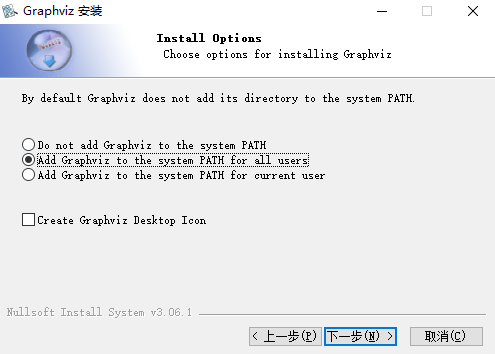
Solution: pip install pydot pip install graphviz Call itDownload | GraphvizDownload and install, you can manually add PATH, or you can choose during the installation process, as shown in t...
OSError: `pydot` failed to call GraphViz.Please install GraphViz, GraphViz and pydot installation issues
I reported a mistake in running keras' 'plot_model` phase today. My entire program is run in pycharm in an anaconda environment. Method one: according toThis solution Install the graphviz package and ...
More Recommendation
‘`pydot` failed to call GraphViz.‘
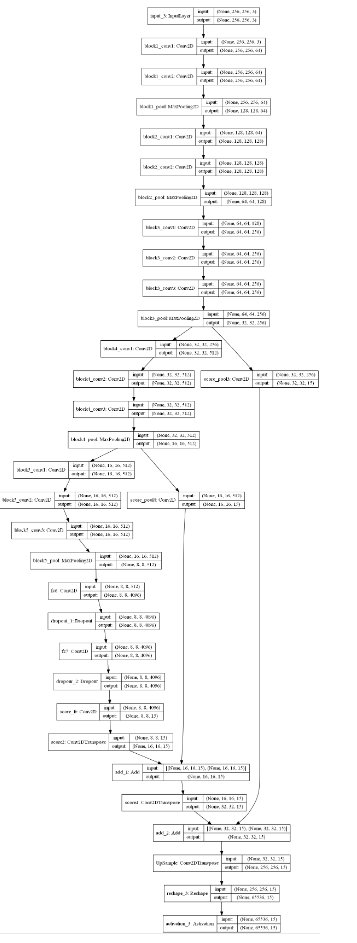
I wrote a fcn network structure and prepared to draw the network structure, but it reported an error:'`pydot` failed to call GraphViz.' I remember that I installed GraphViz and took a lot of effort. W...
Installation of Pydot and Graphviz (pydot failed to call graphviz)
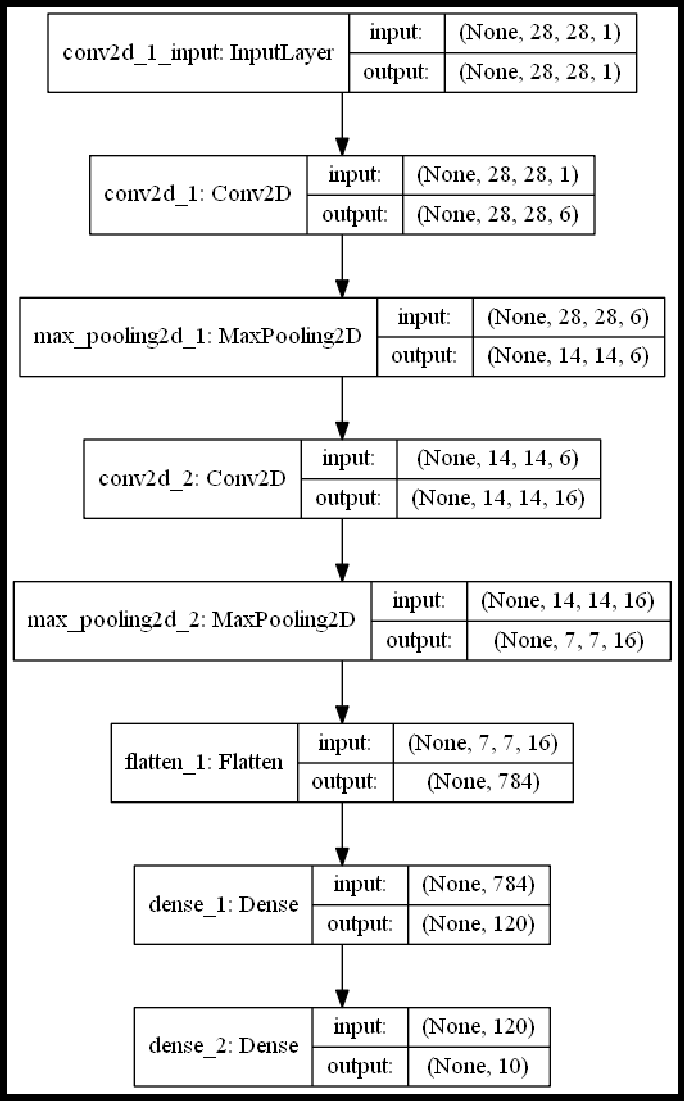
Pydot and Graphviz installation (Platform and environment: win10, Anaconda, pycharm) step1. Install graphviz package pip install graphviz or conda install graphviz step2. Install Graphviz software Go ...
Solve pydot failed to call GraphViz
When using the polt_model method of keras.utils, I get the following error: '`pydot` failed to call GraphViz.' OSError: `pydot` failed to call GraphViz.Please install GraphViz (https://www.graph...
'pydot' failed to call GraphViz solution
Reason: Since pydot has stopped development, python3.5 and above cannot be used 1. First uninstall the installed pydot: pip uninstall pydot 2. Install pydotplus pip install pydotplus 3. Then find util...

TroubleShooting:OSError: pydot failed to call GraphViz.Please install GraphViz......
Recently, a function plot_model() was used when building CNN using Keras. This function needs to use SVG to save the network structure in .png format, but an error prompt appears at runtime: OSError:p...