MapView uses dialog themes to darker the outlook color.
tags: Android buried pit android Dialog MapView
problem found
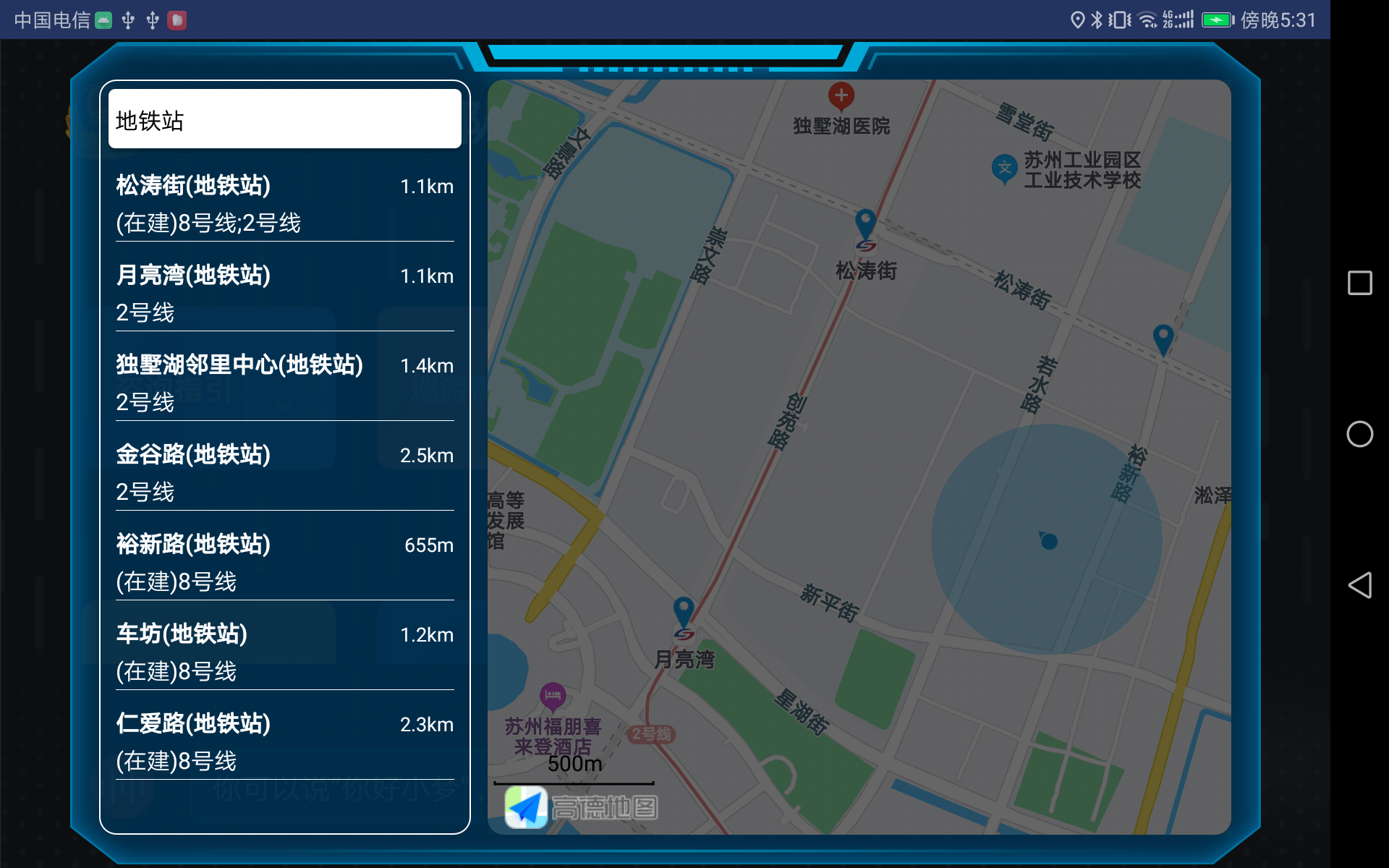
Let's talk about this demand recently. You need to make a simple POI search in the pop -up window, but when I finish the code, I found that the style of the Gaode map is dark, as if it was covered with a layer of layer The shadow, the effect is as shown below:
Solve the problem
After so many years, Gaode has never encountered such problems. What is confused is that the small icons below Gaode have not darken. It should not be a problem of prospect. So I changed the dialog style to a transparent color
<item name="android:windowBackground">@android:color/transparent</item>
It was still strange to find that it was still not possible, so I changed the Dialog to the Activity of the Dialog style. I thought it would be okay. The result was still not. I can basically be a style problem here. With an attitude of never giving up, I went online and searched for some discovery of the attributes of the Dialog background color.
<item name="android:backgroundDimEnabled">false</item>
After adding it, I found that it is really normal. I have also been convinced that I have never seen Dialog and this attribute after using it for so many years. The effect after normal
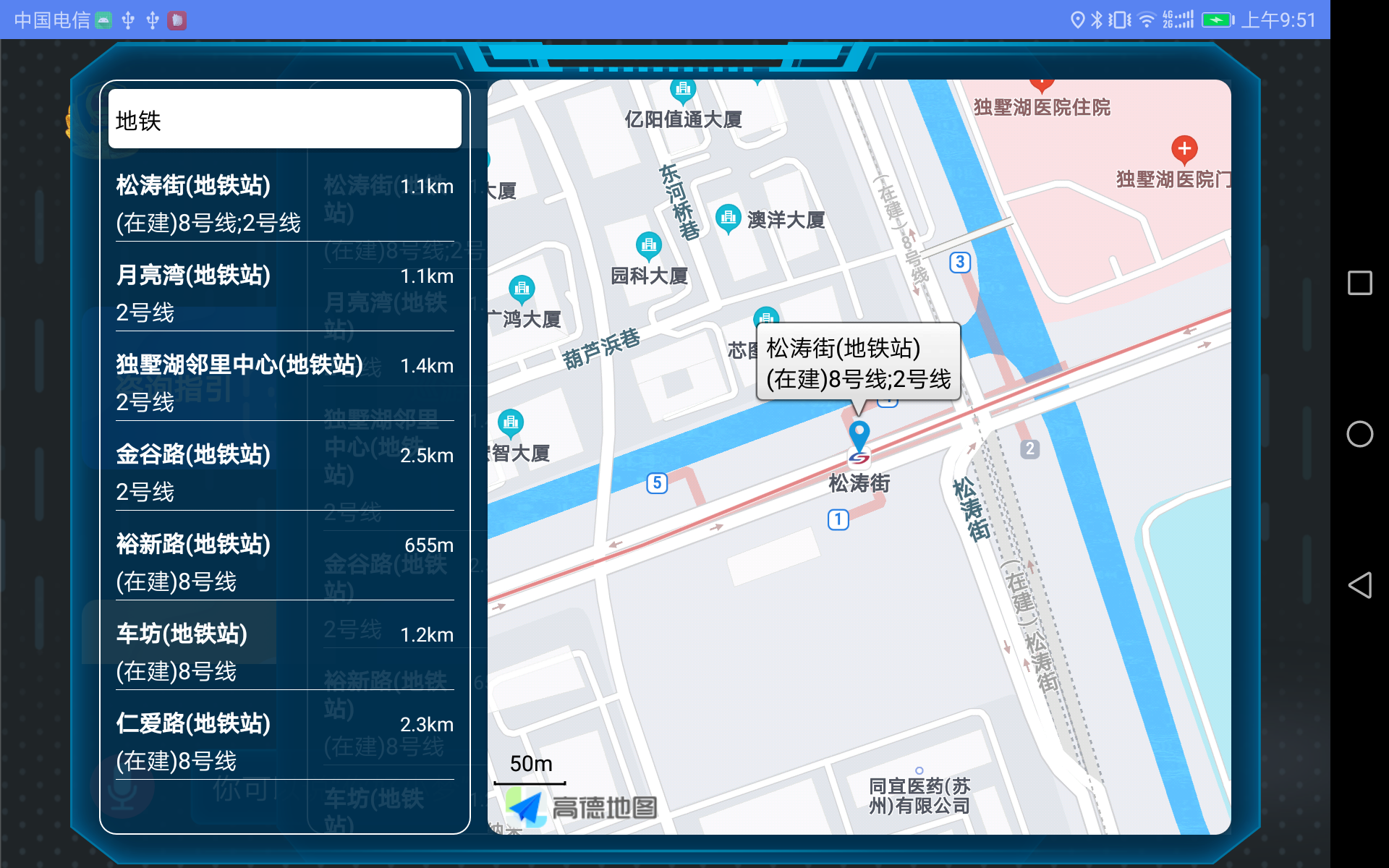
A attribute wasted a lot of kung fu, and the pits that this time were recorded were also provided to friends who encountered the same problem. Below is the complete dialog style, just change it!
 <style name="DialogTheme" parent="android:style/Theme.Dialog">
        <item name="android:windowBackground">@android:color/transparent</item>
        <item name="android:backgroundDimEnabled">false</item>
        <item name="android:windowNoTitle">true</item>
        <item name="android:windowIsFloating">true</item>
        <item name="android:windowContentOverlay">@null</item>
        <item name="android:scrollHorizontally">true</item>
        <item name="android:windowSoftInputMode">adjustResize</item>
    </style>
Intelligent Recommendation

When the Android EditText gets focus, the border color becomes darker.
The first step: For a better comparison, prepare two identical EditText (when the Activity starts, the focus will be on the first EditText, if you don't want this, you only need to write an EditText w...

Solve the problem of darker color after setting png background filter in IE8
Requirements: A payroll display interface, need to be watermarked Implementation method: float a DIV above the salary bar, set the DIV background to the watermark image of png, and set the tran...
Get darker or lighter colors based on known color values in Android
Color.colorToHSVThe method isConvert the ARGB color to its HSV components. HSV is a color model, hsv[0] is the hue (Hue), the value range is 0 to 360; hsv[1] is the saturation (Saturation), the value ...
Vue-Rippler plug-in number of clicks will make the button color darker
Find Because the plug -in uses document.queryselectorall ("[[ripple]") to obtain elements, So every time the mount hook function in the component will create an event through the AddeventLis...
Get themes based on color pictures
Palette Introduced use Take colored API Use in conjunction with Glide ...
More Recommendation
Sublime_text change themes, background color
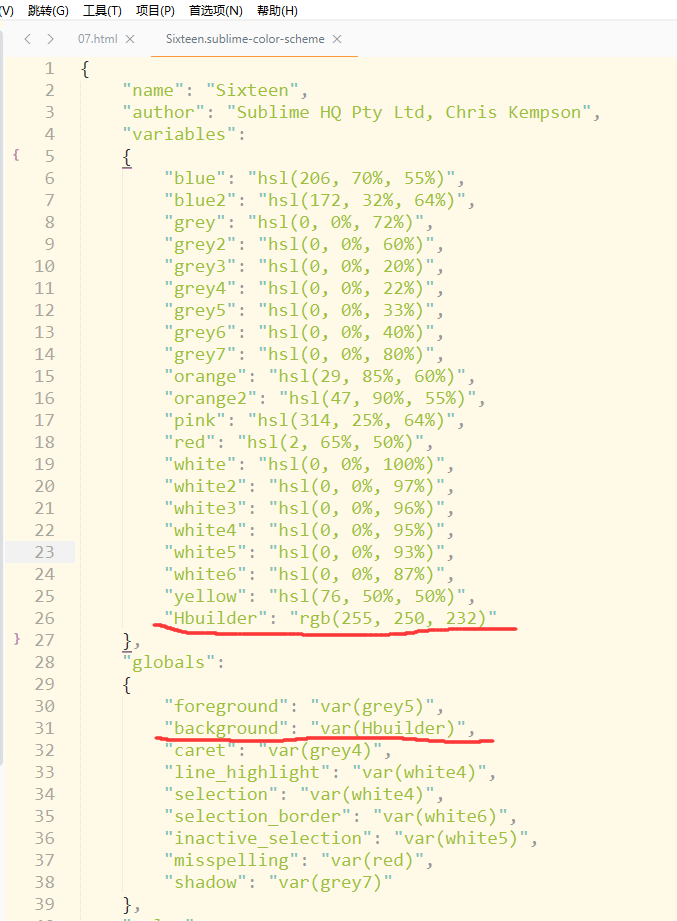
Set background color eye As a beginner properly properly, we are used to HbuilderX of eye color, and then on sublime_text, found that it is not like the tone of sublime_text, so the Internet to collec...

Visual Studio themes and color schemes
Personalized developers always like to use the themes and color schemes they belong to. They can see the personality of the developer. Changing them can alleviate aesthetic fatigue. In short, ch...
React uses the Antd Modal dialog box to change the color of the mask to deepen
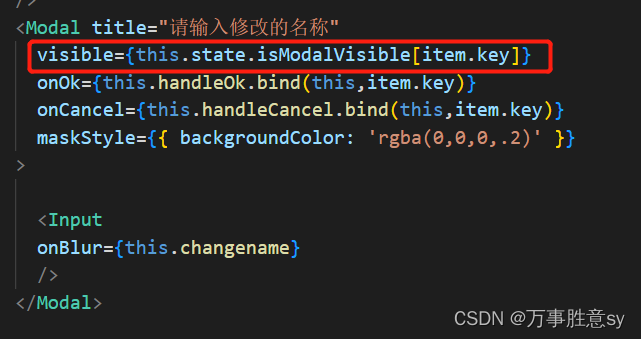
The reason is that we have called the dialog box many times You can use a simple and rude method but only cure the standard and the root cause. The second is to define IsmodalVisible as an array, and ...
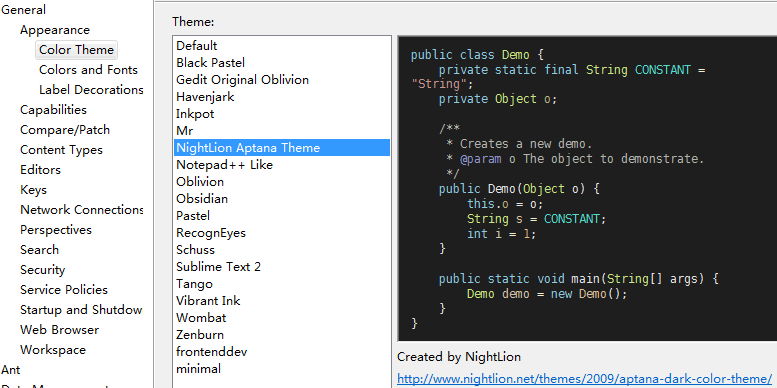
Eclipse color themes plugins: Eclipse Color Theme
2019 Unicorn Enterprises heavily recruiting engineers Python standard >>> August 20, 2011 byLeyond ReleasedJava Leave a Comment A very commendable eclipse plugin, you can easily achiev...

Android uses attribute animation to make PopupWindow background gradually darker
Today, let’s briefly talk about how android uses attribute animation to realize that the background gradually darkens after PopupWindow pops up. Yesterday, I remembered that I talked about how t...